Why Is My Wi-Fi So Slow on My PC? A Cheap Adapter Often Fixes It
If your phone is fast but your PC is slow, the PC's Wi-Fi is the weak link. Rule out the easy causes, then a USB Wi-Fi 6 adapter often fixes it.
By Jamilur Rahman Updated November 5, 2026 · 8 min read
- Time
- 30 min
- Cost
- $20-$50
- Difficulty
- Easy
In this guide
- Quick answer
- Free vs. permanent fix
- What you'll need
- Why it happens
- Try this first (free)
- When free fixes aren't enough
- Buy the fix
- Wi-Fi keeps disconnecting or dropping on your PC or phone? Start here
- Wi-Fi not showing up, or a laptop not connecting? How to fix Wi-Fi on a PC
- Why do routers go bad, and how do you know yours has?
- What to skip
- FAQ
- Related problems
Quick answer
Why is my Wi-Fi so slow on my PC? Often the router is fine and the PC is the weak link, with an older or weak Wi-Fi card, a bad driver or a power-saving setting that keeps dropping the link. Restart the gear, test a phone beside the PC and update the driver. If the PC is still slow, a USB Wi-Fi 6 adapter replaces the weak card for a modest price.
Free fix vs. permanent fix
Restart, test and update
- Restart the PC, modem and router
- Compare a speed test on your phone and on the PC, side by side
- Update the Wi-Fi driver and turn off adapter power saving
- Move closer, or plug in an Ethernet cable if you can
How long it lasts: It fixes glitches and bad drivers. A weak or old adapter stays weak, so the slowness returns.
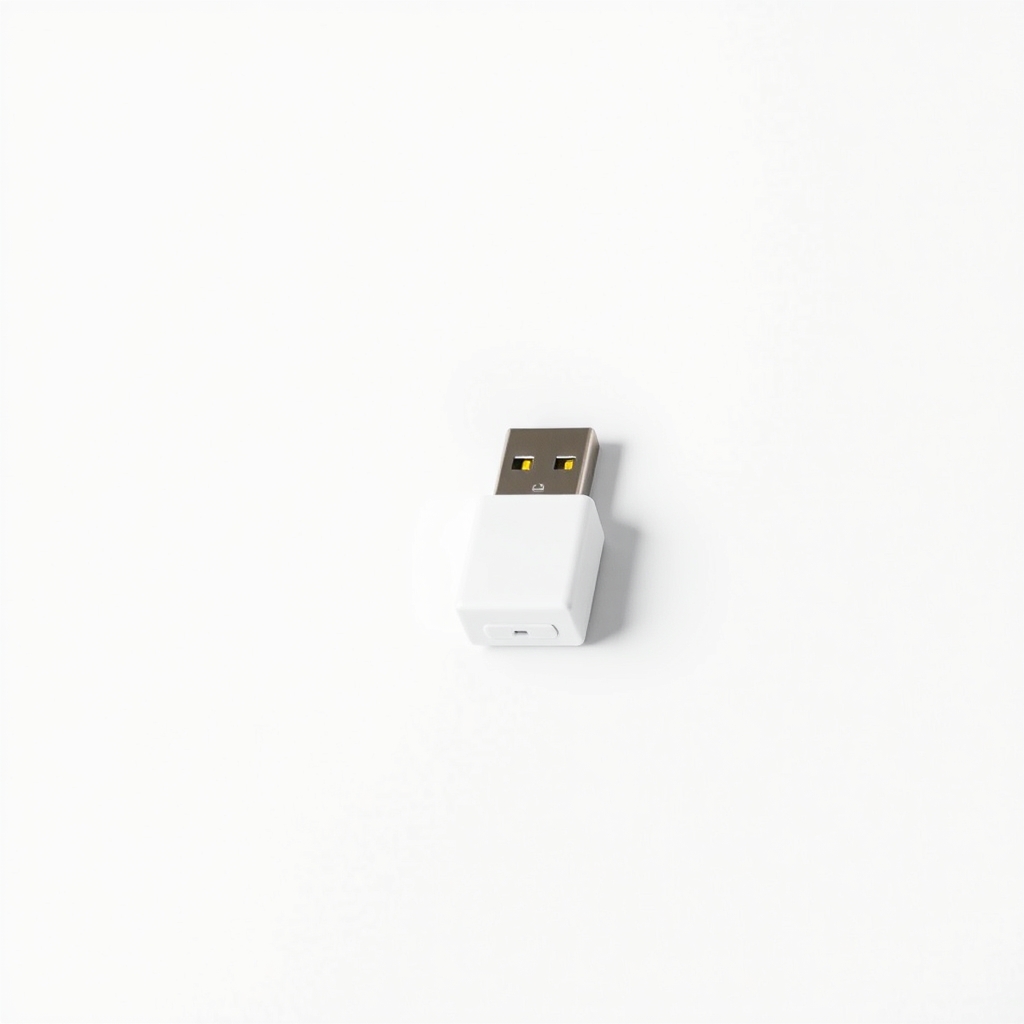
A USB Wi-Fi 6 adapter
Many older PCs have a slow 2.4 GHz-only card or a small antenna inside a metal case. A USB adapter with 5 GHz and an outside antenna gets a stronger link to the same router. It helps most when the phone is fast and the PC is slow.
What to get: USB Wi-Fi 6 adapter
How long it lasts: Years. It replaces the PC's weak card with a faster, more stable one.
As an Amazon Associate I earn from qualifying purchases.
What you'll need
-
Ethernet cable
To test and to bypass Wi-Fi if the PC is near the router
You have it -
A phone for a speed test
Compare it with the PC from the same spot
You have it - Our pick Illustration
USB Wi-Fi 6 adapter
Use a USB 3 port, with a short extension cable if you can
- Illustration
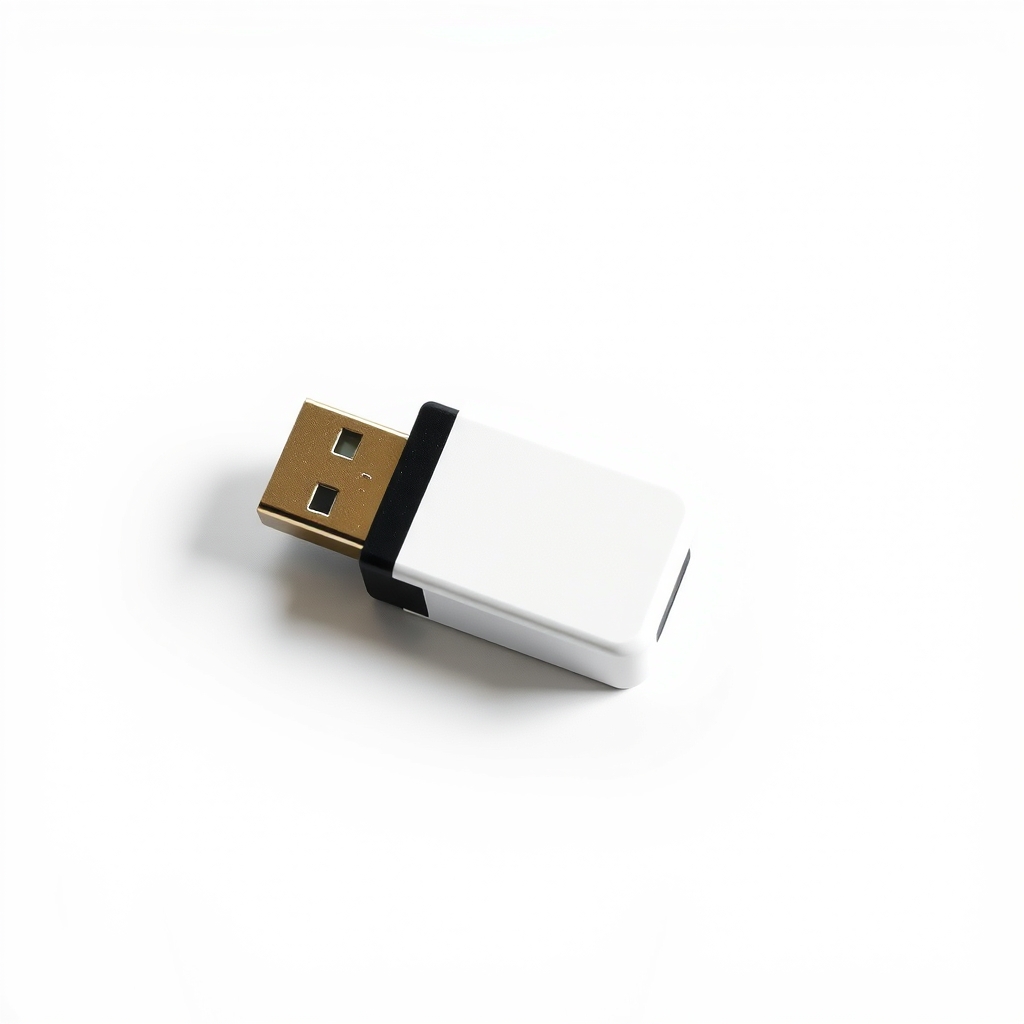
USB Wi-Fi 5 adapter
A cheaper step up for older routers
- Illustration
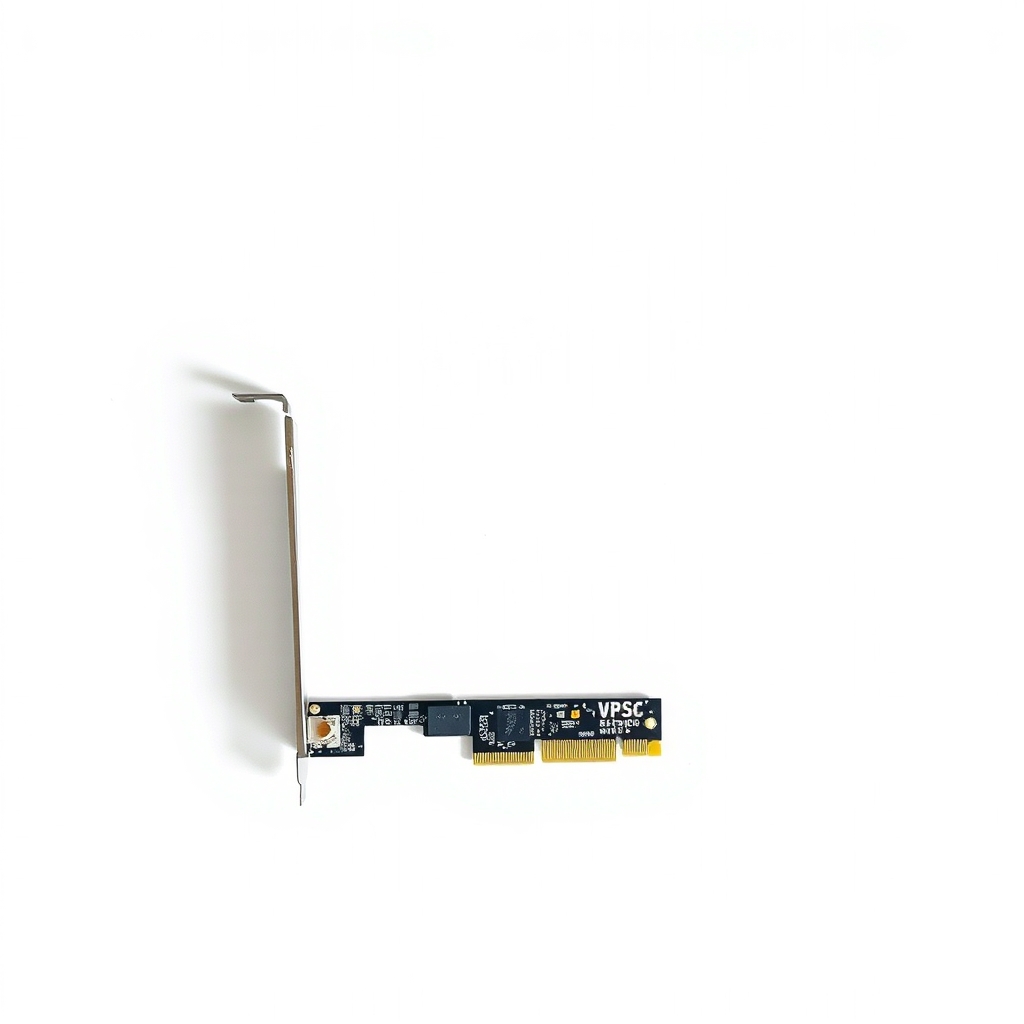
PCIe Wi-Fi 6 card
Desktop only, if you are comfortable opening the case
Why it happens
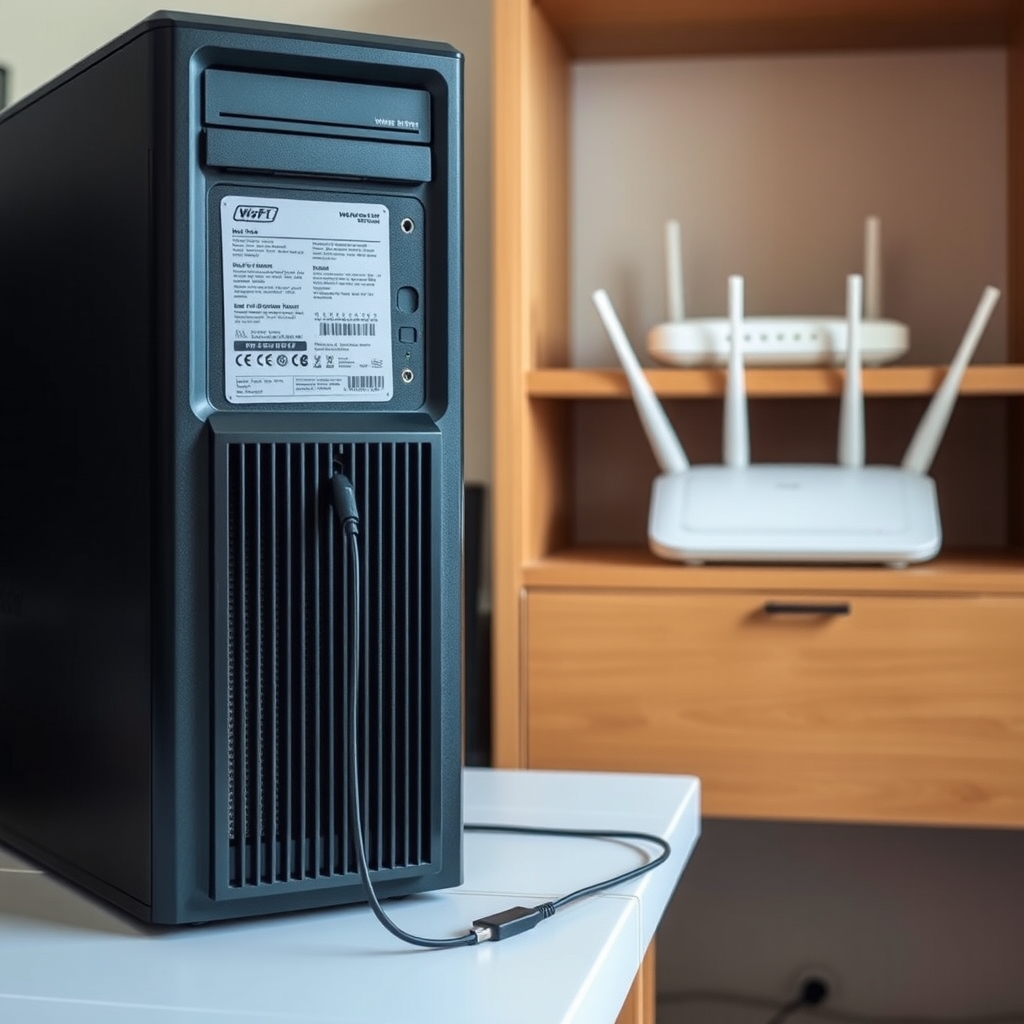
An old or weak Wi-Fi card in the PC
Older cards use slower standards, lack 5 GHz or have tiny antennas. They struggle with distance and walls even when other devices are fine.
A driver or power-saving setting
Windows can switch the adapter off to save power. An outdated driver causes drops and slow speeds, especially after an update.
Distance, walls and interference
Walls and floors weaken the signal. Microwaves, Bluetooth and neighbors' networks crowd the 2.4 GHz band.
Try this first (free)
Do these in order, starting with the simplest.
-
Restart everything
Restart the PC. Then unplug the modem and router for 30 seconds, plug the modem in first and wait a few minutes for the router.
-
Test the PC against a phone
Tool used: A phone for a speed testRun a speed test on your phone next to the PC, then on the PC. A fast phone and a slow PC point to the PC. If both are slow, the router or the internet plan is the cause.
-
Run a cable test
Tool used: Ethernet cablePlug the PC into the router with Ethernet and test again. A fast wired result means the internet is fine, and the Wi-Fi link is the problem.
-
Update the driver and turn off power saving
In Device Manager, open Network adapters, right-click your Wi-Fi adapter and choose Update driver. Then open Properties, go to Power Management and untick Allow the computer to turn off this device to save power.
-
Move to the 5 GHz network
Connect to the router's 5 GHz network, which is often labeled 5G. It is faster and less crowded, though its range is shorter.
-
Add a USB Wi-Fi 6 adapter
Tool used: USB Wi-Fi 6 adapterIf the PC is still slow, plug in the adapter and install its driver. Use a USB 3 port, ideally on a short extension cable, since USB 3 can interfere with a Wi-Fi radio right at the port.
IllustrationCheck price on AmazonTool for this step
USB Wi-Fi 6 adapter · Use a USB 3 port, with a short extension cable if you can
When free fixes aren't enough
If the restart, the driver update and the 5 GHz network leave the PC slow while a phone beside it is fast, the PC's own Wi-Fi hardware is the limit, and software cannot raise it. A modern adapter fixes that. It will not help if the Ethernet test is slow too. Then the problem is the router or the internet service, and you should call your provider or consider a new router.
Buy the fix
Still stuck after the free fixes? These are the products we would look at.
| Pick | Product | Fixes | Who it's for | Buy |
|---|---|---|---|---|
| Best pick | USB Wi-Fi 6 adapter | a weak or old Wi-Fi card that makes the PC slow while other devices are fast | Anyone whose desktop or laptop is slow or drops while the phone beside it is fine. | Check price |
| Budget pick | USB Wi-Fi 5 adapter | a PC with no Wi-Fi or a very old card, on a router that is not Wi-Fi 6 | Someone with an older router or a smaller budget who just needs a dependable 5 GHz link. | Check price |
| Upgrade pick | PCIe Wi-Fi 6 card for a desktop | weak Wi-Fi on a desktop where an internal card gives the best signal | Desktop owners with a free PCIe slot who are comfortable opening the case. | Check price |
USB Wi-Fi 6 adapter
Fixes: a weak or old Wi-Fi card that makes the PC slow while other devices are fast
Look for: Wi-Fi 6 with dual-band 2.4 GHz and 5 GHz; A USB 3.0 interface, plus a cradle or extension cable; A Windows 10 and 11 driver, and external antennas.
- Who it's for
- Anyone whose desktop or laptop is slow or drops while the phone beside it is fine.
- Honest downside
- The Ethernet test is slow too. The problem is the router or your internet service, not the PC.
USB Wi-Fi 5 adapter
Fixes: a PC with no Wi-Fi or a very old card, on a router that is not Wi-Fi 6
Look for: Dual-band 2.4 GHz and 5 GHz; A USB 3.0 interface; A Windows driver listed for your version.
- Who it's for
- Someone with an older router or a smaller budget who just needs a dependable 5 GHz link.
- Honest downside
- Your router supports Wi-Fi 6 and you want its full speed. Pick the Wi-Fi 6 adapter.
PCIe Wi-Fi 6 card for a desktop
Fixes: weak Wi-Fi on a desktop where an internal card gives the best signal
Look for: Wi-Fi 6 and Bluetooth in one card; External antennas on a cable you can place on the desk; Drivers for your version of Windows.
- Who it's for
- Desktop owners with a free PCIe slot who are comfortable opening the case.
- Honest downside
- You use a laptop, or you are not sure you can open the PC case safely.
As an Amazon Associate I earn from qualifying purchases. We don't show prices because they change, so use the button to see today's price.
How we picked: How we picked: this page is based on router and Wi-Fi adapter maker support guides, Windows network troubleshooting steps, and the problems and fixes owners report in reviews. We do not test products by hand.
Wi-Fi keeps disconnecting or dropping on your PC or phone? Start here
If your Wi-Fi keeps disconnecting and reconnecting, going in and out, cutting out or turning off on the PC, check whether your phone drops too. If only the PC does, turn off the adapter's power saving and update the driver, as in the free steps above. This is the usual fix for Windows 11 and for laptops or desktops that keep dropping Wi-Fi. If your phone drops as well, the router or the internet service is at fault. Restart the router and update its firmware.
Wi-Fi not showing up, or a laptop not connecting? How to fix Wi-Fi on a PC
If Wi-Fi is not showing up on Windows 11, or your laptop is not showing the Wi-Fi option, switch off Airplane mode, press the laptop's Wi-Fi key and open Settings, Network and internet. Then check Device Manager. If the adapter is missing, restart, update the driver or run Network reset from the advanced network settings. A desktop with no adapter at all needs one, and a USB adapter is the easy fix.
Why do routers go bad, and how do you know yours has?
Routers wear out from heat, dust, power surges and old firmware. Signs of a bad router are drops on every device, frequent reboots, a case that runs hot and slow speeds even on Ethernet. A router many years old may also lack newer Wi-Fi standards, so it holds back fast devices.
What to skip
Signal boosters and Wi-Fi stickers
Stick-on signal boosters and so-called Wi-Fi enhancers do nothing for a weak PC card. Skip them and fix the real link: a modern adapter, a closer router or a cable.
Frequently asked questions
Why is my Wi-Fi so slow all of a sudden?
How do I fix slow Wi-Fi speed on my PC?
Why does my Wi-Fi suck, and why is it so bad when I pay for fast internet?
How do I stop Wi-Fi interference?
Why does my router keep disconnecting, going out or losing the internet connection?
Related problems
 Free fix inside
Home Office & Cables · Wifi
How to Get Rid of Wi-Fi Dead Zones: Mesh vs. Extender
Read the fix Free fix inside
Home Office & Cables · Video Calls
Why Do My Zoom Calls Keep Freezing? Plug In Instead of Using Wi-Fi
Read the fix Free fix inside
Home Office & Cables · Wifi
Wi-Fi Too Weak for PS5? Run a Cable and Skip the Lag
Read the fix Free fix inside
Home Office & Cables · Router
How to Stop a Router From Overheating: Airflow and Placement Fixes
Read the fixAs an Amazon Associate I earn from qualifying purchases. Affiliate disclosure