Wi-Fi Too Weak for PS5? Run a Cable and Skip the Lag
Weak Wi-Fi causes PS5 lag, slow downloads and dropped matches. Try the free fixes first, then run a long flat Ethernet cable so the signal stops mattering.
By Jamilur Rahman Updated November 5, 2026 · 7 min read
- Time
- 30 min
- Cost
- Under $20
- Difficulty
- Easy
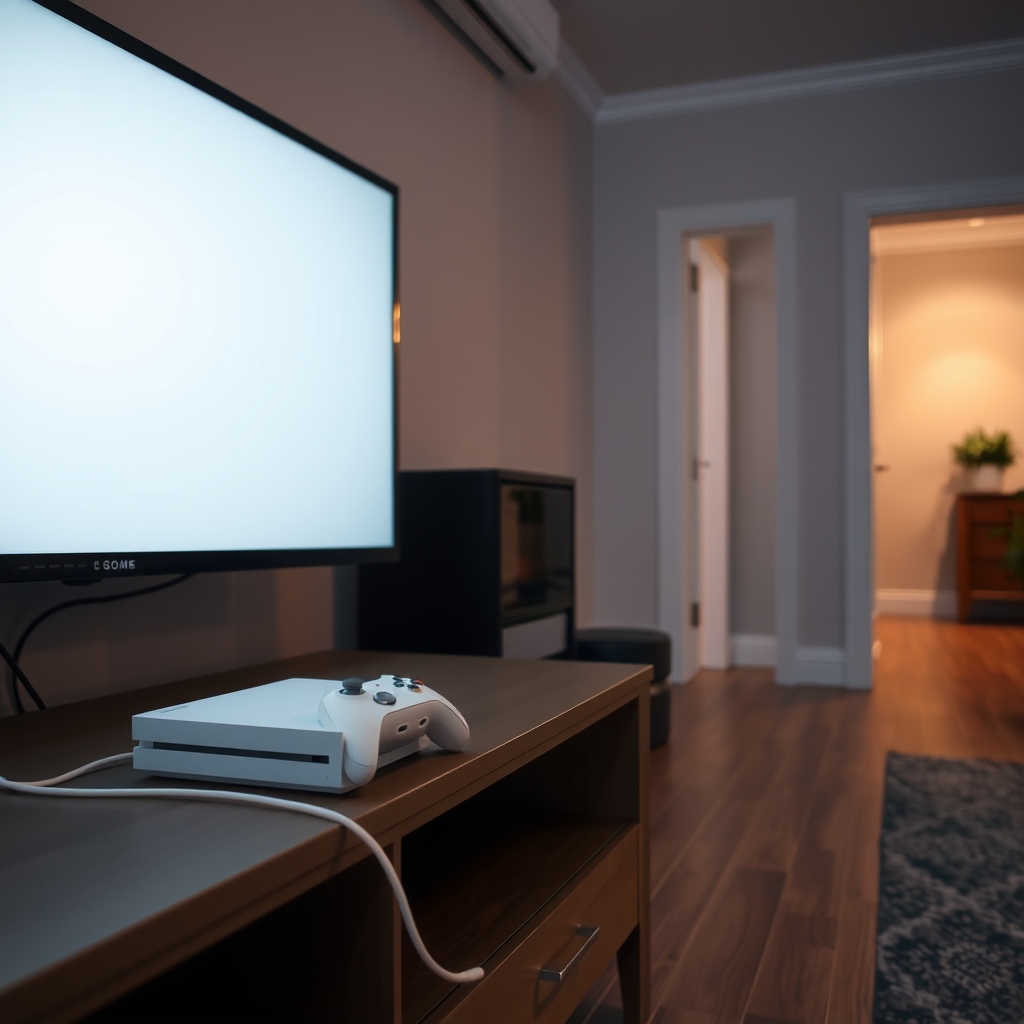
In this guide
Quick answer
A PS5 lags on Wi-Fi because walls, distance and other devices weaken the signal, and online games punish dropped packets more than a slow download does. Move the console or router closer and switch to the 5 GHz network first. If the lag keeps coming back, run a long flat Ethernet cable from the router to the console. A cable ignores walls, and a flat one slips under doors and along baseboards.
Free fix vs. permanent fix
Move it, switch to 5 GHz, restart
- Run Test Internet Connection on the console
- Move the router or console closer, with fewer walls between them
- Join your router's 5 GHz network instead of 2.4 GHz
- Restart the router, then the console
How long it lasts: Works when the console is one room from the router. Behind two walls or a floor away, the lag usually returns at busy hours.
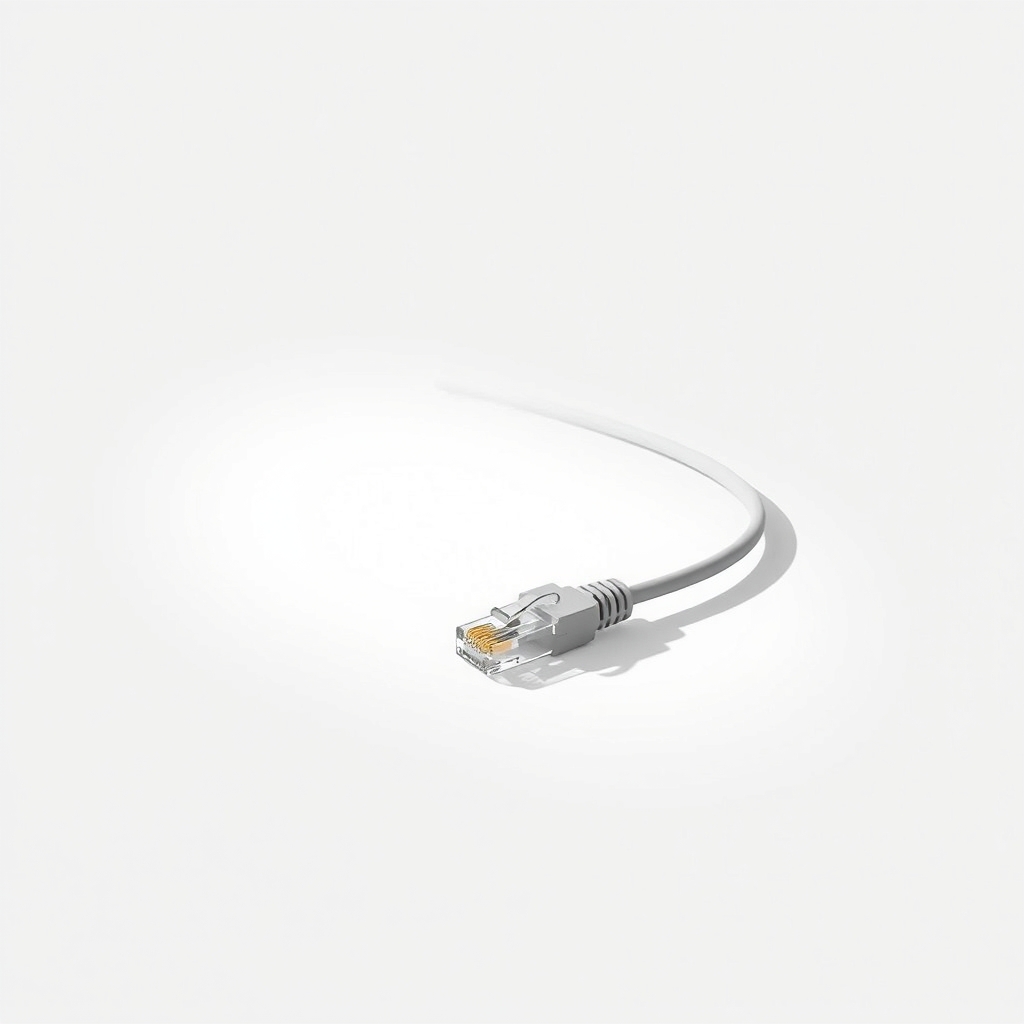
A long flat Ethernet cable
Wi-Fi weakens through walls and floors, and it shares the air with every phone and laptop in the house. A cable gives the PS5 its own direct line to the router. Flat Ethernet is thin enough to run under doors and along baseboards, so you do not drill anything.
What to get: Long flat Cat 6 Ethernet cable
How long it lasts: Years. A cable has no signal to lose, so it stays steady at any hour.
As an Amazon Associate I earn from qualifying purchases.
What you'll need
-
Tape measure or string
Measures the route along the walls, not the straight line
You have it - Our pick Illustration
Long flat Ethernet cable
Goes from a router LAN port to the back of the console
- Illustration
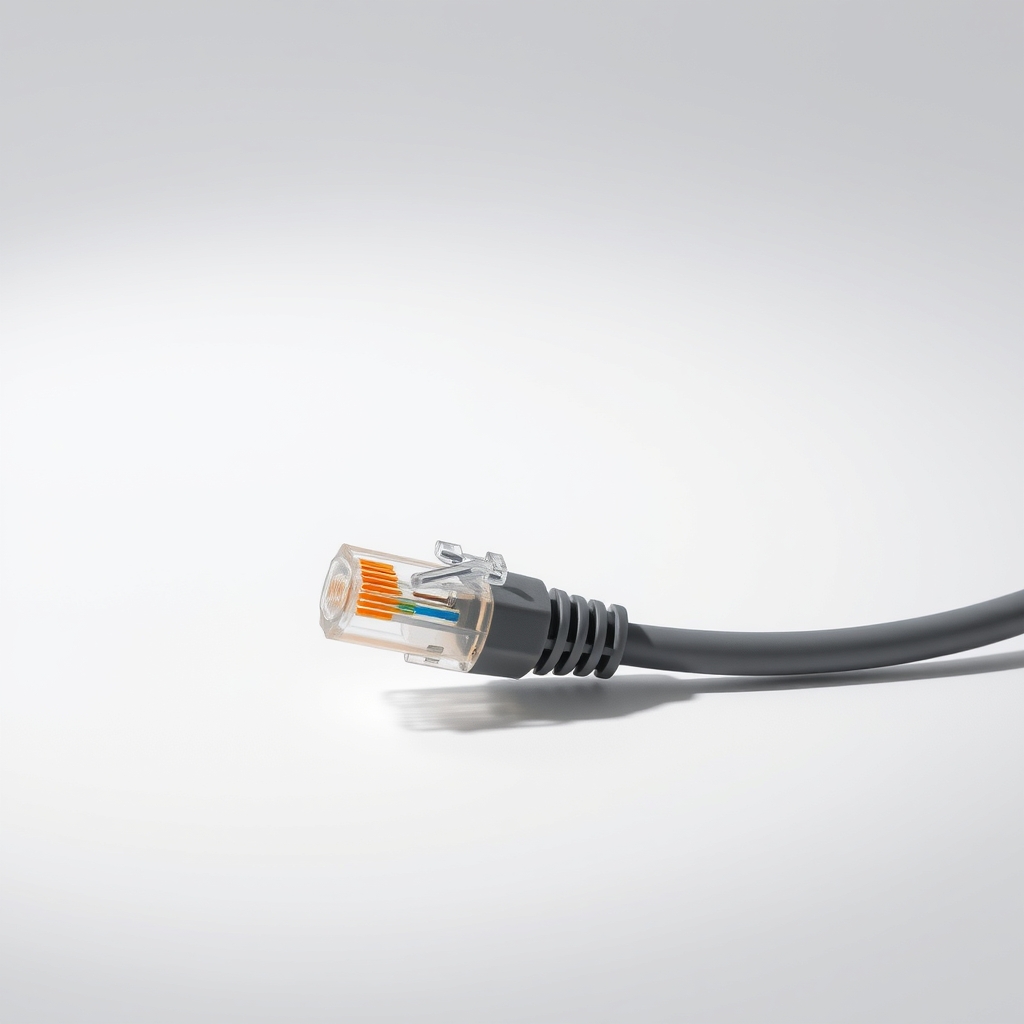
Round Ethernet cable
Fine when the router is close and the cable stays hidden
- Illustration

Adhesive cable clips
Hold the cable along the baseboard so nobody trips on it
- Illustration
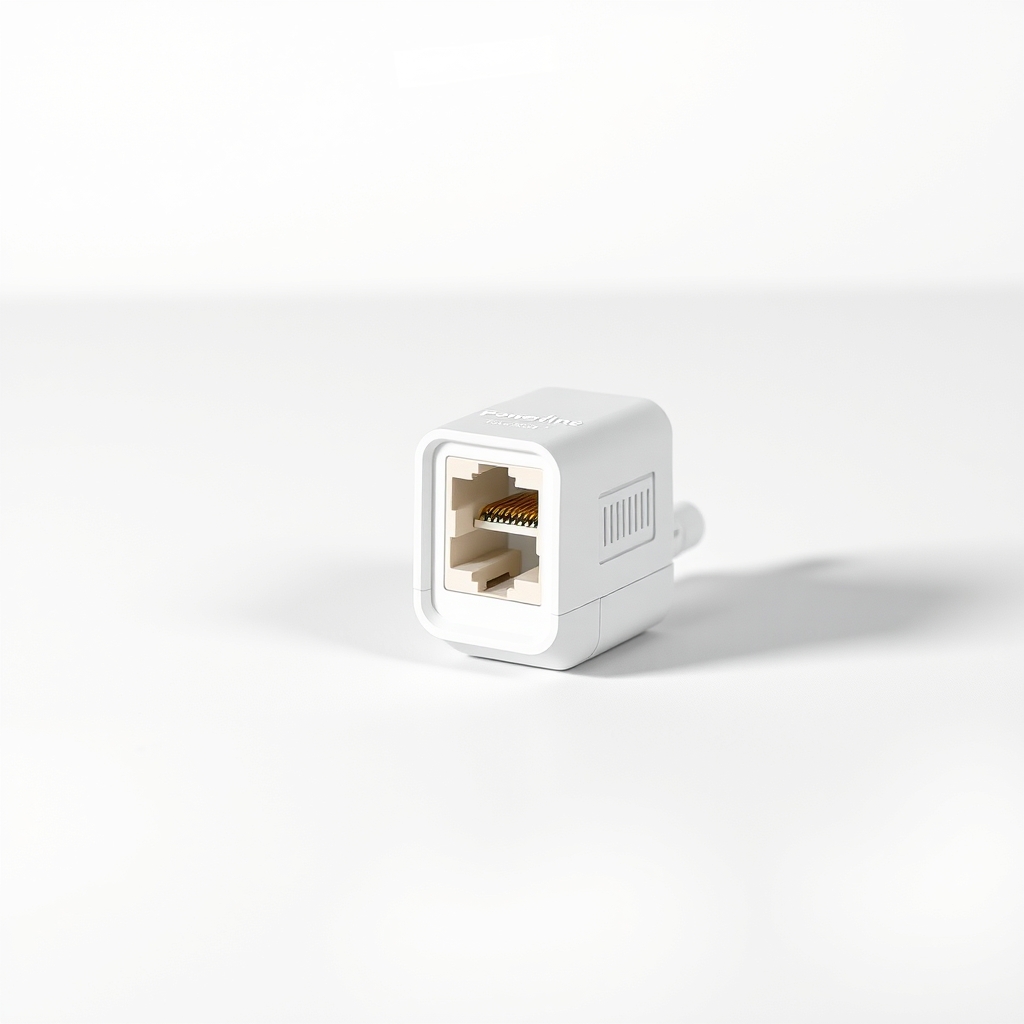
Powerline Ethernet adapter kit
Only when a cable cannot reach the router
Why it happens
Distance and walls
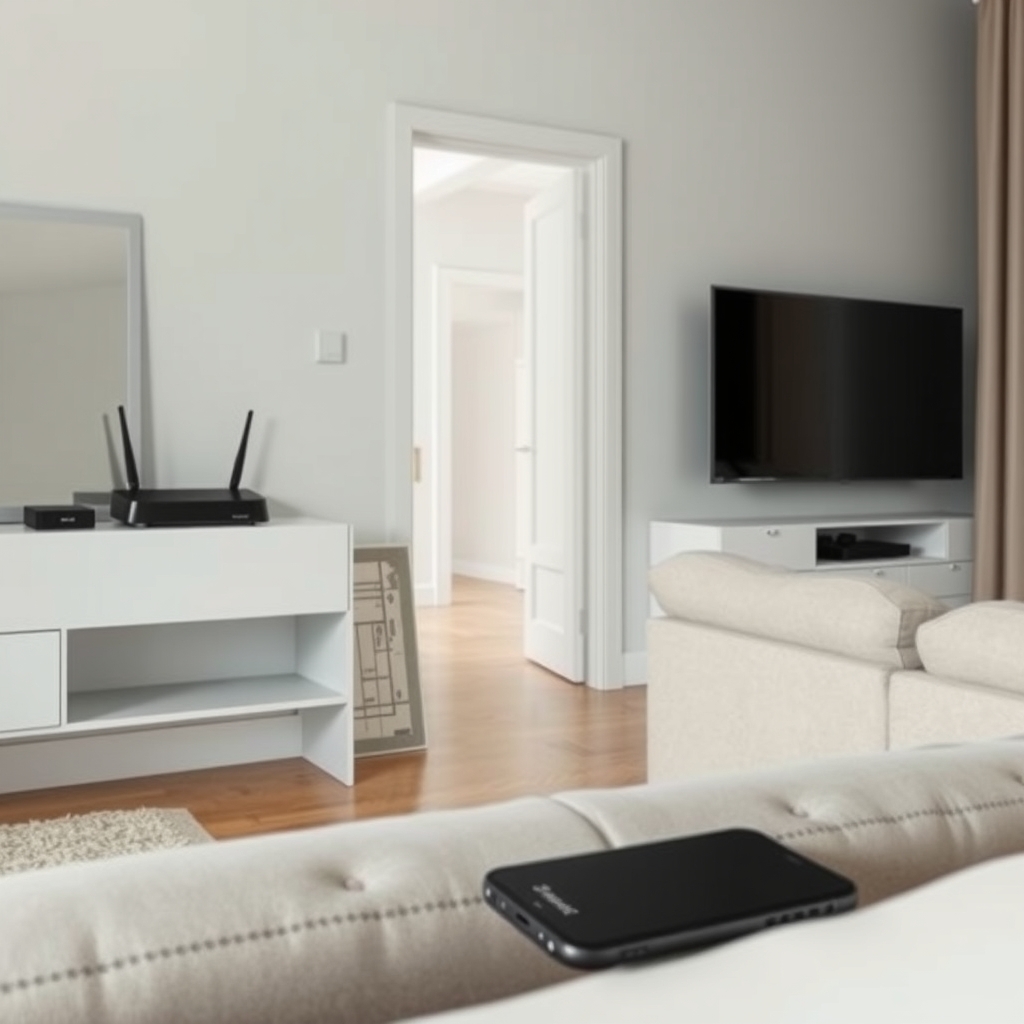
Wi-Fi gets weaker through every wall and floor. Brick, concrete and tile block it most. The router often sits by the front door or in a hallway, and the PS5 sits behind the TV.
A crowded 2.4 GHz band
The 2.4 GHz band reaches farther but runs slower, and it is shared with neighbors' routers, microwaves and Bluetooth gadgets. The 5 GHz band is faster up close but gives up range.
The console is boxed in
A closed cabinet, a metal shelf or a big TV right in front of the console weakens the signal. The console also needs open space around its vents.
Everyone else on the network
Streaming, video calls and downloads share the same router. Online games need steady timing, so a spike from another device shows up as lag.
Try this first (free)
Do these in order, starting with the simplest.
-
Run the connection test
Go to Settings, Network, Connection Status, Test Internet Connection. Note the download speed and any step that fails. Run it again after each change below to see what helped.
-
Move the console or router closer
Even a few feet and one fewer wall helps. Put the router out in the open on a shelf, not behind the TV or inside a cabinet.
-
Use the 5 GHz network
If your router shows two Wi-Fi names, join the one marked 5G. It is faster at close range. If both bands share one name, look for a band setting in your router's app or settings page.
-
Restart in the right order
Turn the console fully off. Unplug the router for 30 seconds, plug it back in and wait until its lights settle. Then turn the console on and run the test again.
-
Measure the cable route
Tool used: Tape measure or stringIf lag still returns, measure the route along the baseboard and around doorframes, then add about 10 percent. That is the cable length to buy.
-
Plug in and test again
Tool used: Long flat Ethernet cableConnect the cable from a LAN port on the router to the LAN port on the back of the console. Keep it along the baseboard with clips. The console should switch to wired by itself. If it does not, choose the wired option in network setup, then run the test again.
IllustrationCheck price on AmazonTool for this step
Long flat Ethernet cable · Goes from a router LAN port to the back of the console
When free fixes aren't enough
If the free steps only help at certain times, or the test shows a decent speed but games still stutter, the signal is the problem, not your internet plan. A cable fixes that part. Plug-in Wi-Fi extenders repeat the same weak signal and can add delay, so they are a poor fix for gaming. If a cable truly cannot reach, a powerline adapter is the next step. If the wired test is also slow, the cause is your plan or the line outside, so call your provider.
Buy the fix
Still stuck after the free fixes? These are the products we would look at.
| Pick | Product | Fixes | Who it's for | Buy |
|---|---|---|---|---|
| Best pick | Long flat Cat 6 Ethernet cable | Wi-Fi lag, dropouts and slow downloads caused by a weak signal | Anyone whose console sits a room or more from the router and who can run a cable along a wall. | Check price |
| Budget pick | Round Cat 6 Ethernet cable | the same lag on a short route | A console in the same room as the router, or one wall away, where the cable stays behind furniture. | Check price |
| Upgrade pick | Powerline Ethernet adapter kit | a console too far from the router, or on another floor, to cable directly | Homes where running a cable is not practical but both outlets are on the same wiring. | Check price |
Long flat Cat 6 Ethernet cable
Fixes: Wi-Fi lag, dropouts and slow downloads caused by a weak signal
Look for: Cat 5e or Cat 6 rating, which is more than the console's port needs; Length at least 10 percent more than your measured route; Flat and thin enough to sit under a door; Snug plugs with latch clips that do not snap off.
- Who it's for
- Anyone whose console sits a room or more from the router and who can run a cable along a wall.
- Honest downside
- The router is on another floor, or the only route crosses a walkway you cannot cover. Look at the powerline kit.
Round Cat 6 Ethernet cable
Fixes: the same lag on a short route
Look for: Cat 5e or Cat 6 rating; A length that matches your route, with a little spare; Molded plugs with intact latch clips.
- Who it's for
- A console in the same room as the router, or one wall away, where the cable stays behind furniture.
- Honest downside
- The cable must cross a doorway. A round cable does not sit flat and can be a trip hazard.
Powerline Ethernet adapter kit
Fixes: a console too far from the router, or on another floor, to cable directly
Look for: A Gigabit Ethernet port on each adapter; Two adapters in the box, one for the router and one for the console; A pass-through outlet so you do not lose a plug.
- Who it's for
- Homes where running a cable is not practical but both outlets are on the same wiring.
- Honest downside
- You would plug it into a power strip or surge protector, or the house wiring is very old. Speed can drop a lot.
As an Amazon Associate I earn from qualifying purchases. We don't show prices because they change, so use the button to see today's price.
How we picked: How we picked: this page is based on console network setup guidance, router and Ethernet cable standards, and what people report in reviews of flat Ethernet cables. We do not test products by hand.
Run the cable without damaging anything
- Route it along the baseboard and corners, not across the middle of the floor.
- Use adhesive clips every couple of feet. Never staple through the cable.
- Cross a doorway under the door or along the hinge edge, where a flat cable is nearly invisible and nobody steps on it.
- If a short stretch has to cross open floor, cover it with a cord cover.
What to skip
Cat 8 gaming cables and Wi-Fi extenders
The PS5's Ethernet port tops out at Gigabit speed, which Cat 5e or Cat 6 already handles over home distances. A pricey Cat 8 cable adds nothing for it. A plug-in Wi-Fi extender rebroadcasts the same weak signal, so it rarely fixes gaming lag.
Frequently asked questions
Does a wired connection really reduce PS5 lag?
How do I fix Wi-Fi on a PS5 without buying anything?
How long a flat Ethernet cable do I need?
Is a flat cable as good as a round one?
Related problems
As an Amazon Associate I earn from qualifying purchases. Affiliate disclosure