How to Stop a Router From Overheating: Airflow and Placement Fixes
A hot router slows down, drops Wi-Fi and reboots itself. Give it open air, clean its vents and check the power adapter, then add a stand if it still runs hot.
By Jamilur Rahman Updated November 5, 2026 · 7 min read
- Time
- 15 min
- Cost
- Under $20
- Difficulty
- Easy
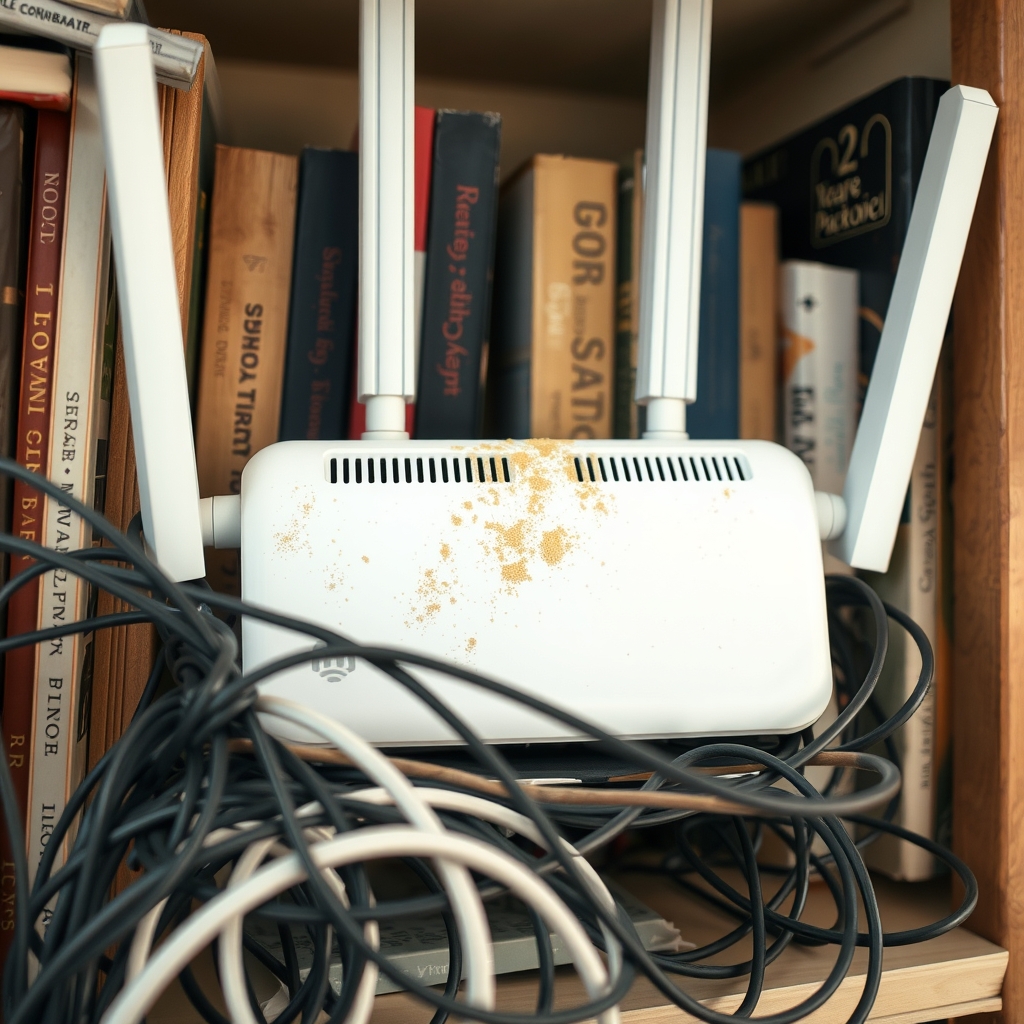
In this guide
Quick answer
To stop a router from overheating, give it open air: move it out of cabinets and off the top of the modem, leave a few inches clear on every side, and clean the dust from its vents. Check that the power adapter is not running hot too. If the router must stay in a warm spot, a cooling stand lifts it for airflow so heat does not build up. A router that keeps shutting off may have a heat problem, a bad adapter or aging hardware.
Free fix vs. permanent fix
Move it, clear it, dust it
- Move the router to an open shelf, not a closed cabinet
- Unstack it from the modem, cable box and game console
- Unplug it and clear vent dust with a soft brush
- Keep it out of direct sun and away from heating vents
How long it lasts: As long as the new spot stays cool and you wipe the vents a couple of times a year.
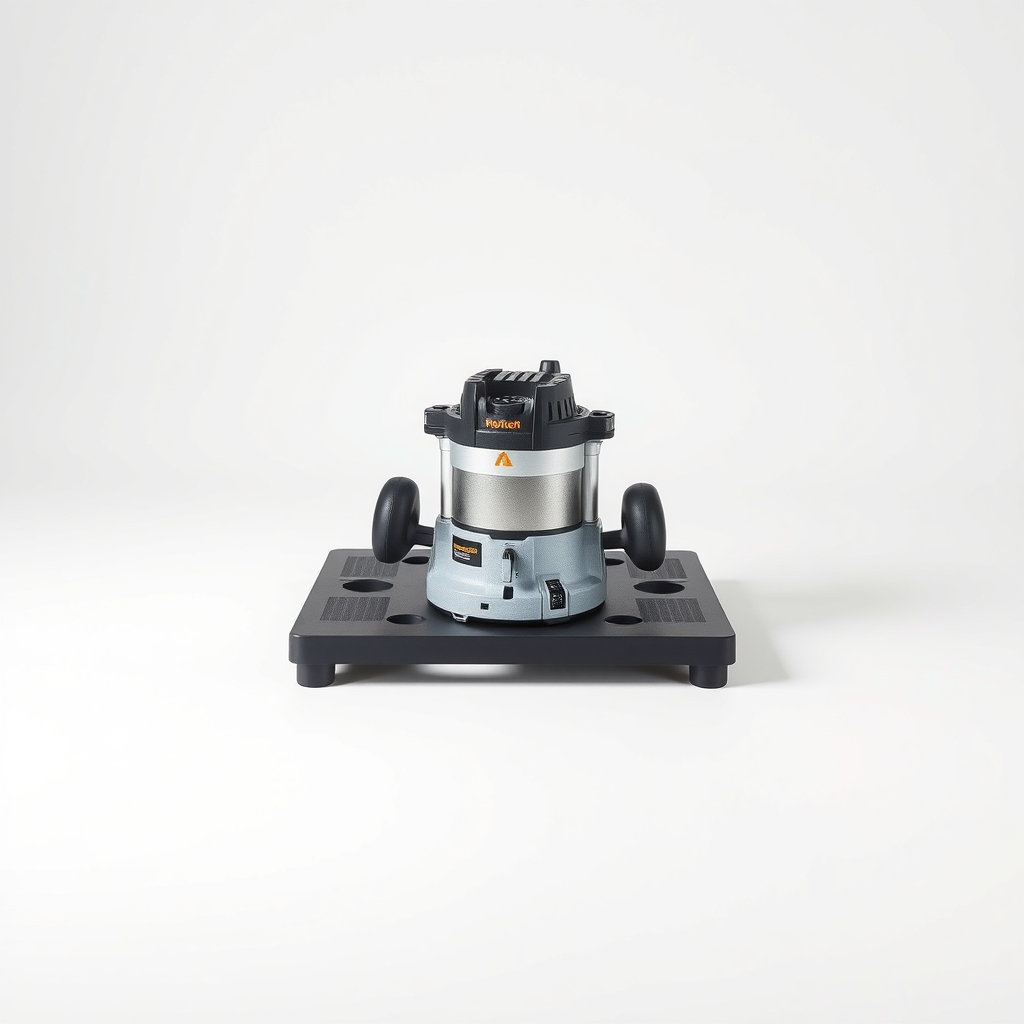
A router cooling stand
Some routers have nowhere good to go: a crowded media shelf, a warm closet or a desk corner next to the only cable jack. A stand raises the router so air can flow under it, and some add a small fan. It fixes the airflow problem when you cannot change the room.
What to get: Router cooling stand
How long it lasts: For as long as the router sits on it. It keeps air moving under and around the case.
As an Amazon Associate I earn from qualifying purchases.
What you'll need
-
Soft dry brush
A clean paintbrush or makeup brush works
You have it -
Router manual or label
Shows the power rating and whether it stands up or lies flat
You have it - Illustration
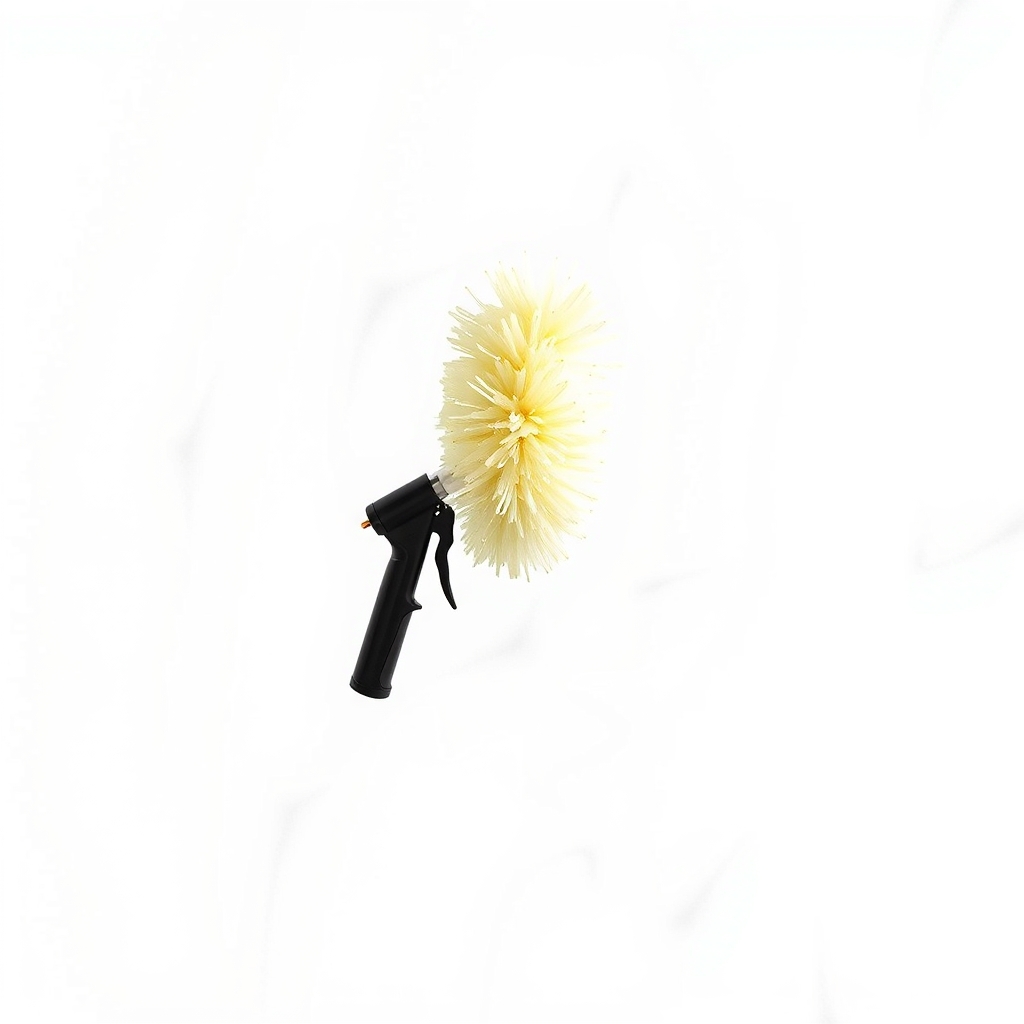
Compressed air duster
Short bursts only, router unplugged, can held upright
- Our pick Illustration
Router cooling stand
For a router stuck in a warm or crowded spot
- Illustration
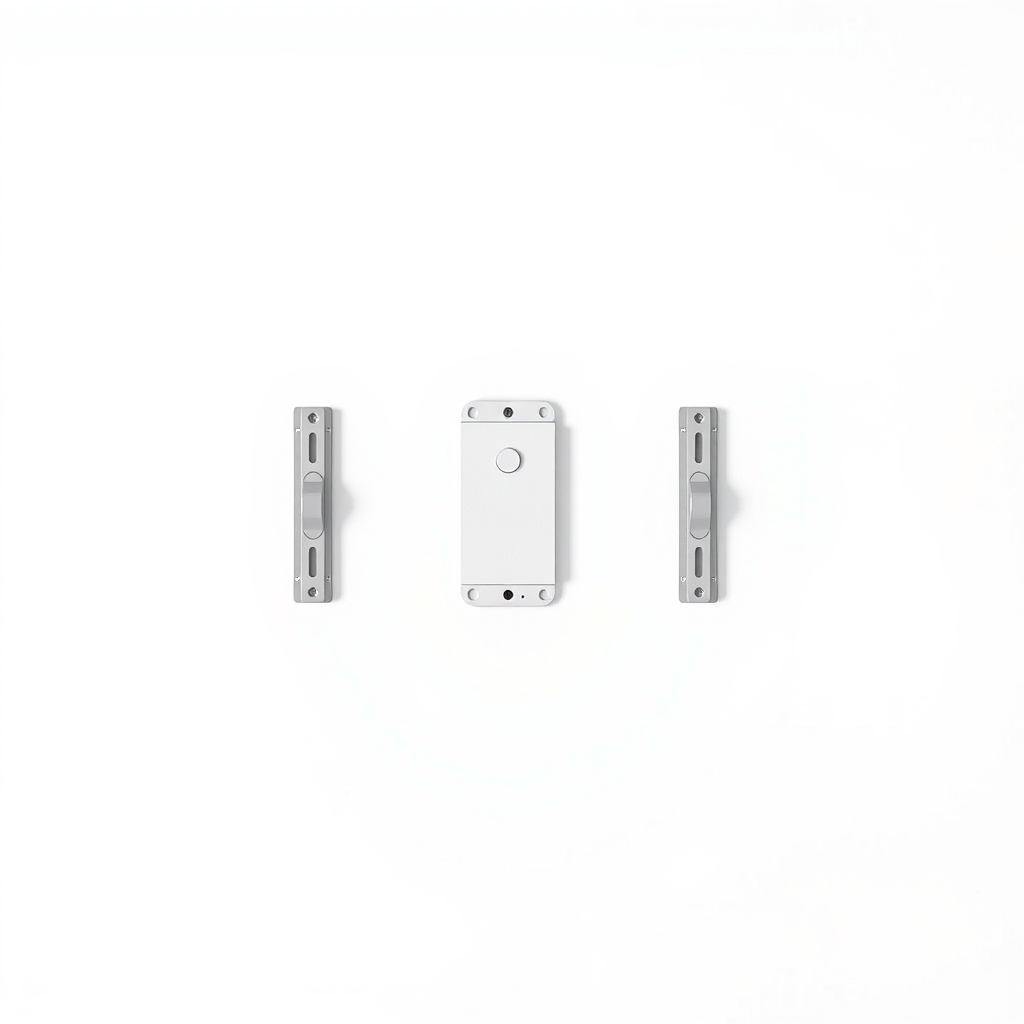
Router wall mount bracket
Gets it off a full shelf and into open air
Why it happens
Tight spots with no airflow
Most routers cool through vent slots with no fan. Inside a cabinet, behind a TV or between books, heat builds up and has nowhere to go.
Stacked on other warm gear
A router on top of a modem, cable box or game console absorbs their heat on top of its own.
Vents clogged with dust
A year or two of dust blocks the slots and works like a blanket over the circuit board.
Sun and room heat
A windowsill, a garage, an attic or a spot next to a heating vent can push the router past the temperature the maker designed it for.
A weak power adapter or aging hardware
A failing adapter can run hot and cause resets. Routers that are five or six years old also tend to run warmer and crash more.
Try this first (free)
Do these in order, starting with the simplest.
-
Check how hot it really is
Warm to the touch is normal. If you cannot rest a hand on the case for several seconds, or the power adapter is too hot to hold, act now. If you smell burning plastic or see melted or swollen plastic, unplug it and stop using it.
-
Unplug it and clean the vents
Tool used: Soft dry brushWith the power off, brush the vent slots and the seams. If you use compressed air, give short bursts from a few inches away with the can held upright.
-
Move it into open air
Tool used: Router manual or labelPut it on an open shelf or desk, ideally high and central, with 3 to 4 inches clear on each side. Do not stack it on the modem or put books on top. Many routers are made to sit flat or stand upright, so check which one yours is.
-
Check the power adapter
Use the adapter that came with the router. If you swapped it, match the volts and amps on the router label. A warm adapter is fine, and a hot, cracked or buzzing one needs replacing with the maker's part.
-
Lift it if the spot cannot change
Tool used: Router cooling standIf the only outlet and cable jack are in a warm nook, raise the router on a stand so air reaches the bottom vents, or mount it on the wall. Then watch it for a few days.
IllustrationCheck price on AmazonTool for this step
Router cooling stand · For a router stuck in a warm or crowded spot
When free fixes aren't enough
If the router is in open air, the vents are clean and it still runs too hot to hold or keeps rebooting, the hardware may be wearing out. Many routers are replaced after about five years, and a new one often fixes the heat and the dropouts together. If it runs fine in open air but your only spot is a warm cabinet or crowded shelf, a stand is a cheap fix. Unplug it at once if you see melted plastic, a swollen case or sparks, or if the adapter smells of burning.
Buy the fix
Still stuck after the free fixes? These are the products we would look at.
| Pick | Product | Fixes | Who it's for | Buy |
|---|---|---|---|---|
| Best pick | Router cooling stand | heat building up in a tight or warm spot | Someone who cannot move the router out of a media shelf or closet because the cable jack is there. | Check price |
| Budget pick | Router wall mount bracket | a router with no open shelf space | Anyone comfortable with a few screws whose shelf is full. | Check price |
Router cooling stand
Fixes: heat building up in a tight or warm spot
Look for: An open frame so air flows under and around the router; A size and weight rating that suits your router; A stable base that will not tip, with gaps for cables; A quiet fan only if the spot is warm.
- Who it's for
- Someone who cannot move the router out of a media shelf or closet because the cable jack is there.
- Honest downside
- The router already runs cool in open air, since moving it costs nothing. Skip fan models if you will hear the fan in a quiet bedroom or office.
Router wall mount bracket
Fixes: a router with no open shelf space
Look for: A weight rating that holds your router and its cables; Vent slots left uncovered; Screws and wall anchors included; Support for the way your router should sit, flat or upright.
- Who it's for
- Anyone comfortable with a few screws whose shelf is full.
- Honest downside
- You cannot make holes in the wall, or your router is made to lie flat.
As an Amazon Associate I earn from qualifying purchases. We don't show prices because they change, so use the button to see today's price.
How we picked: How we picked: this page is based on router maker manuals and support pages, general electronics care advice, and the problems and fixes people report in reviews of router stands and brackets. We do not test products by hand.
Router keeps turning off or restarting itself? Sort heat from other causes
- Hot case, then a restart: heat. Move it and clean the vents.
- Restarts when you touch the cord: a loose cord or a failing adapter.
- Restarts at the same time each day: a scheduled reboot or a firmware setting.
- Restarts when the lights flicker: a power problem. A different outlet, or a small battery backup, may help.
The best place for a router
Put it high and in the middle of the home, out in the open. Keep it away from microwaves, cordless phone bases and thick walls. A better spot cools the router and improves the signal at the same time.
What to skip
Decorative boxes and DIY fans
Boxes and covers made to hide the router trap heat unless they are open on the top and sides. Taping a loose fan to the case rarely helps and pulls in dust. Fix the airflow instead.
Frequently asked questions
Why does my router keep turning off?
Why does my router keep restarting itself?
How hot is too hot for a router?
Is it OK to put a router in a cabinet?
Related problems
 Free fix inside
Home Office & Cables · Wifi
How to Get Rid of Wi-Fi Dead Zones: Mesh vs. Extender
Read the fix Free fix inside
Home Office & Cables · Router
Router Not Connecting to Modem? Swap the Ethernet Cable First
Read the fix Free fix inside
Home Office & Cables · Router
Router Not Working After a Power Outage? Reset It, Then Add a Backup
Read the fix Free fix inside
Home Office & Cables · Wifi
Why Is My Wi-Fi So Slow on My PC? A Cheap Adapter Often Fixes It
Read the fixAs an Amazon Associate I earn from qualifying purchases. Affiliate disclosure