Router Not Connecting to Modem? Swap the Ethernet Cable First
No internet through the router usually means a bad cable, the wrong port or a modem that needs a restart. Fix it in order, with a new Cat6 cable last.
By Jamilur Rahman Updated November 5, 2026 · 6 min read
- Time
- 15 min
- Cost
- Under $20
- Difficulty
- Easy
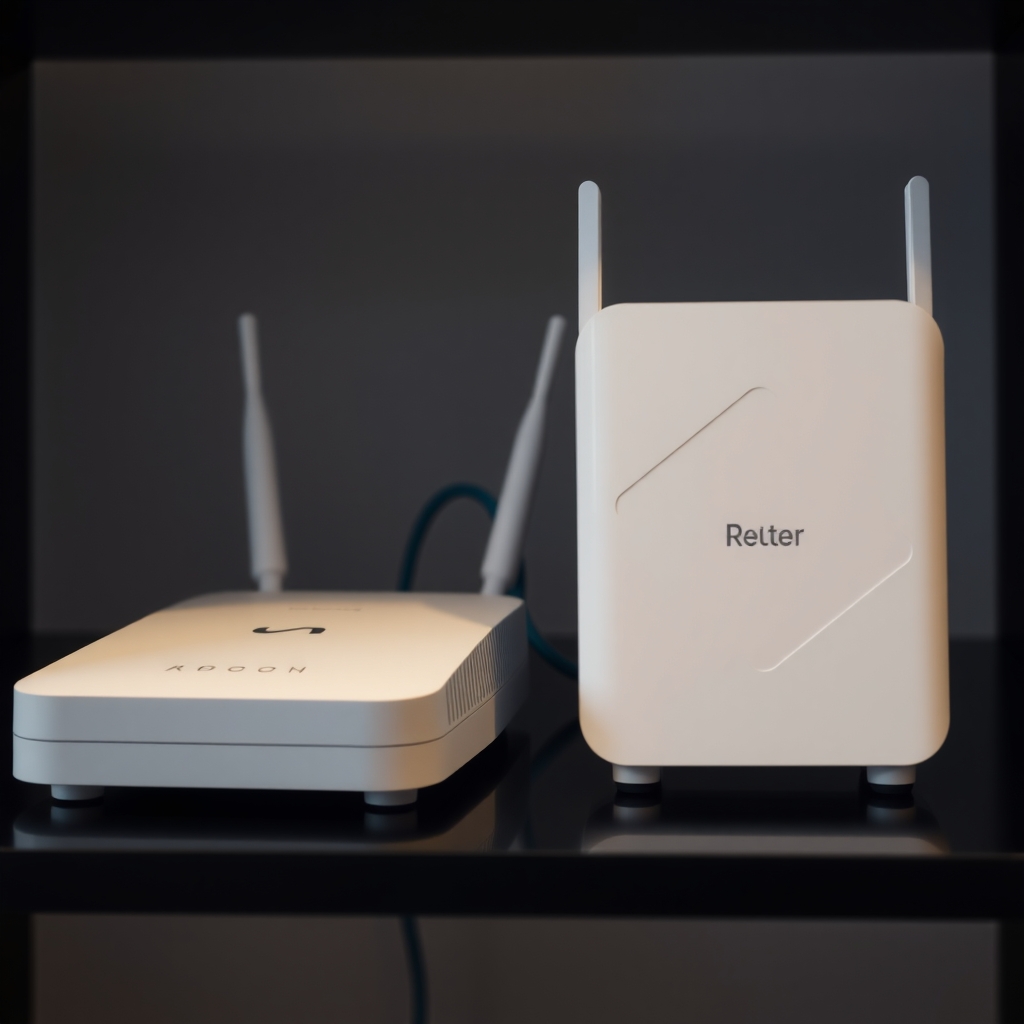
In this guide
Quick answer
If your router is not connecting to the modem, the cause is usually the cable, the port or a modem that needs a restart. Plug the modem cable into the router's Internet (WAN) port, power-cycle both devices in the right order and test with a different cable. If a new Ethernet cable brings the connection back, a short Cat6 cable is the cheap fix that lasts.
Free fix vs. permanent fix
Reseat, restart in order and test a cable
- Check the cable is in the router's Internet or WAN port
- Unplug both, wait 60 seconds, then power the modem first
- Connect a laptop straight to the modem to test it
- Try any spare Ethernet cable you own
How long it lasts: A loose plug or a stuck modem is fixed for good. A damaged cable can fail again.
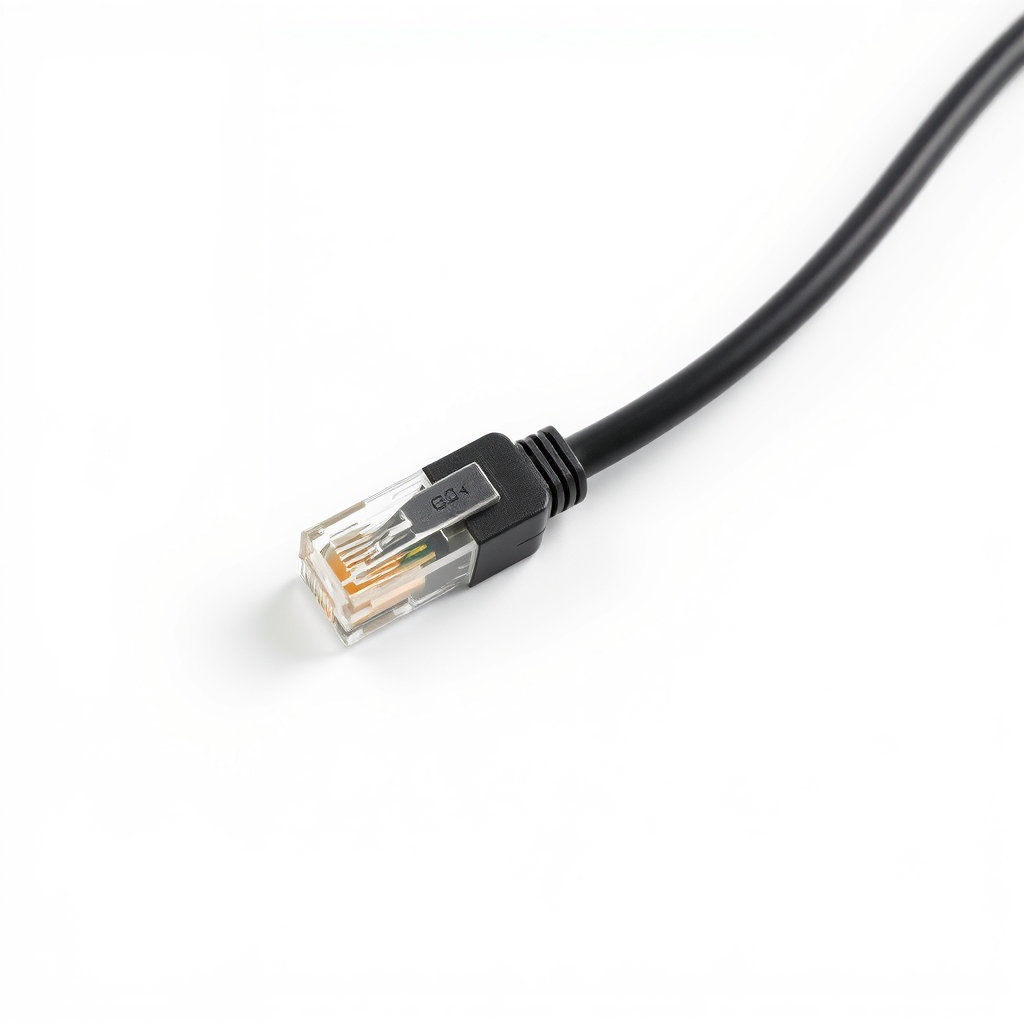
A new Cat6 Ethernet cable
The short cable between modem and router is the most handled link in the network. A kink, a cracked clip or broken wires drops the connection and looks like the router has failed. A new cable takes that cause away.
What to get: Cat6 Ethernet patch cable
How long it lasts: Years. A solid cable with good connectors does not wiggle loose or drop the link.
As an Amazon Associate I earn from qualifying purchases.
What you'll need
-
Spare Ethernet cable
Any cable you own works for a test
Free -
Laptop with an Ethernet port or adapter
To plug straight into the modem and test it
You have it - Our pick Illustration
Cat6 Ethernet cable
Short, with snagless ends that protect the clip
- Illustration
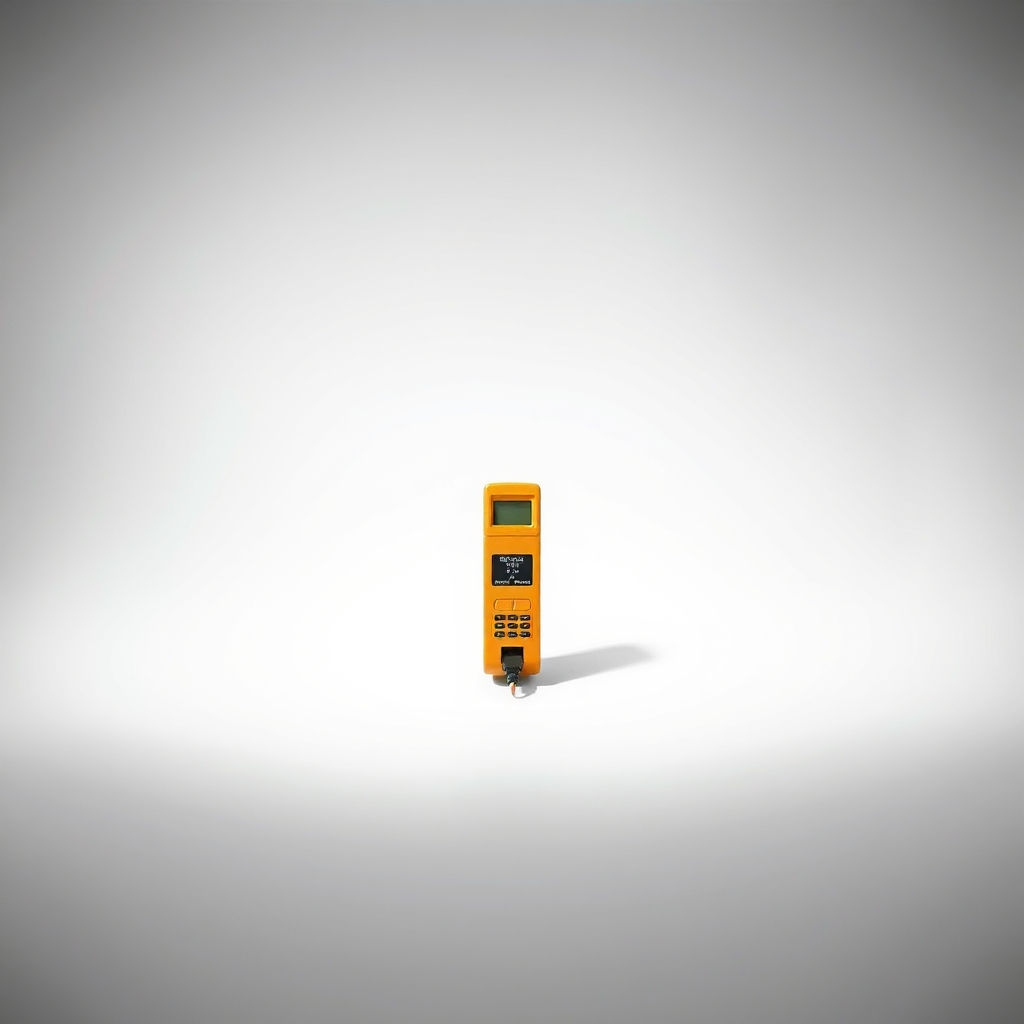
Ethernet cable tester
Shows which cable has a broken wire
Why it happens
The cable is in the wrong port
The modem must connect to the router's Internet or WAN port, usually set apart by color or a label. A LAN port will not pass the internet.
A bad or loose Ethernet cable
A kinked cable, a broken clip or damaged wires give a weak or dropped link. Watch for link lights at both ends.
The modem needs a restart
Modems can hang after an outage or hold on to the ID of the old router. A power cycle clears it when done in the right order.
An internet outage
If the modem's online light is off or blinking, your provider has an outage or the line is not signed in. The router is not at fault.
Router settings or old firmware
A wrong connection type, or a glitch in an out-of-date router, can block the link even with a good cable.
Try this first (free)
Do these in order, starting with the simplest.
-
Check the lights
The modem's Online or Internet light should be solid. If it blinks or is off, the problem is with the line or your provider. On the router, the Internet or WAN light should be on.
-
Check the port
Make sure the modem cable is in the router's Internet or WAN port, not a LAN port. Push both ends in until the clips click.
-
Restart in order
Unplug both devices and wait 60 seconds. Plug in the modem and wait until its Online light is solid, which can take two to five minutes. Then plug in the router and wait for its Internet light.
-
Test the modem alone
Tool used: Laptop with an Ethernet port or adapterPlug a laptop straight into the modem with the same cable. If the internet works, the modem is fine and the cable or router is at fault. If not, the cable or the modem is the problem.
-
Swap the cable
Tool used: Spare Ethernet cableReplace the modem-to-router cable with a spare and check the link lights. If the lights come on, the old cable was bad.
-
Reset the router as a last step
Before a factory reset, find your provider's login details, because some need a username and password. A reset wipes the Wi-Fi name, password and settings.
When free fixes aren't enough
If the spare cable fixes it, the old cable was the problem. A fresh Cat6 patch cable in a short length is the clean replacement, since a cable with worn ends fails often. If link lights stay off with two good cables and both ports, the router may have a failed WAN port or need new firmware. If the modem's Online light never turns solid even when connected straight to a laptop, call your provider, because the line or modem needs their attention. Do not open the modem.
Buy the fix
Still stuck after the free fixes? These are the products we would look at.
| Pick | Product | Fixes | Who it's for | Buy |
|---|---|---|---|---|
| Best pick | Cat6 Ethernet patch cable | a dropped or flaky link between the modem and the router | Anyone whose cable is old, bent or has a broken clip, or who needs a spare. | Check price |
| Upgrade pick | Ethernet cable tester | guessing which of several cables is faulty | Anyone with several cables or wall runs who keeps chasing the same fault. | Check price |
Cat6 Ethernet patch cable
Fixes: a dropped or flaky link between the modem and the router
Look for: Pure copper conductors, not copper-clad aluminum; A short length, about 3 to 6 feet; Snagless boots that protect the clip; A Cat6 or Cat6a marking.
- Who it's for
- Anyone whose cable is old, bent or has a broken clip, or who needs a spare.
- Honest downside
- A spare cable already works but the lights stay off. The fault is then in the modem, router or line.
Ethernet cable tester
Fixes: guessing which of several cables is faulty
Look for: Tests all eight wires with indicator lights; Takes standard RJ45 ends; Battery included.
- Who it's for
- Anyone with several cables or wall runs who keeps chasing the same fault.
- Honest downside
- You have just one cable and a spare to swap in. The swap is a faster test.
As an Amazon Associate I earn from qualifying purchases. We don't show prices because they change, so use the button to see today's price.
How we picked: How we picked: this page is based on setup and troubleshooting guides from router and modem makers, cable standards for Ethernet, and what owners report in reviews of patch cables. We do not test products by hand.
Router not working but the modem is fine
Plug a laptop into the modem with the same cable. If the internet works there, the modem is fine. The fault is the cable, the router's Internet port or the router's settings. Try a second cable first, since it costs the least. Then restart the router alone, and check for firmware updates.
Cat5e or Cat6 for this job?
For a short run between modem and router, Cat5e carries gigabit speeds and is enough. Cat6 costs about the same and gives more headroom for faster plans, so it is a safe default. Avoid cables that do not say whether the wire is copper.
What to skip
Resetting or replacing the router first
A factory reset wipes your Wi-Fi name, password and settings, and a new router will not help if the cable or modem is at fault. Check the cable, port and restart order before you spend money.
Frequently asked questions
Why does my router say no internet?
Why is my router not connecting to the internet when the modem is on?
How do I fix a router with no internet connection?
Why is my router not getting internet from the modem after I changed routers?
Related problems
 Free fix inside
Home Office & Cables · Router
Router Not Working After a Power Outage? Reset It, Then Add a Backup
Read the fix Free fix inside
Home Office & Cables · Router
How to Stop a Router From Overheating: Airflow and Placement Fixes
Read the fix Free fix inside
Home Office & Cables · Wifi
How to Get Rid of Wi-Fi Dead Zones: Mesh vs. Extender
Read the fix Free fix inside
Home Office & Cables · Wifi
Wi-Fi Too Weak for PS5? Run a Cable and Skip the Lag
Read the fixAs an Amazon Associate I earn from qualifying purchases. Affiliate disclosure