Router Not Working After a Power Outage? Reset It, Then Add a Backup
After a power cut, the modem and router often restart out of sync. Power-cycle them in order, then add a mini UPS so the next outage does not take Wi-Fi down.
By Jamilur Rahman Updated November 5, 2026 · 6 min read
- Time
- 10 min
- Cost
- $20-$50
- Difficulty
- Easy
In this guide
Quick answer
If your router is not working after a power outage, unplug the modem and router for 30 seconds, plug the modem in first and wait for its lights to settle, then plug in the router. Outages often leave the two devices out of sync, and a restart in the right order fixes it for most people. A mini UPS battery backup keeps both on through the next outage.
Free fix vs. permanent fix
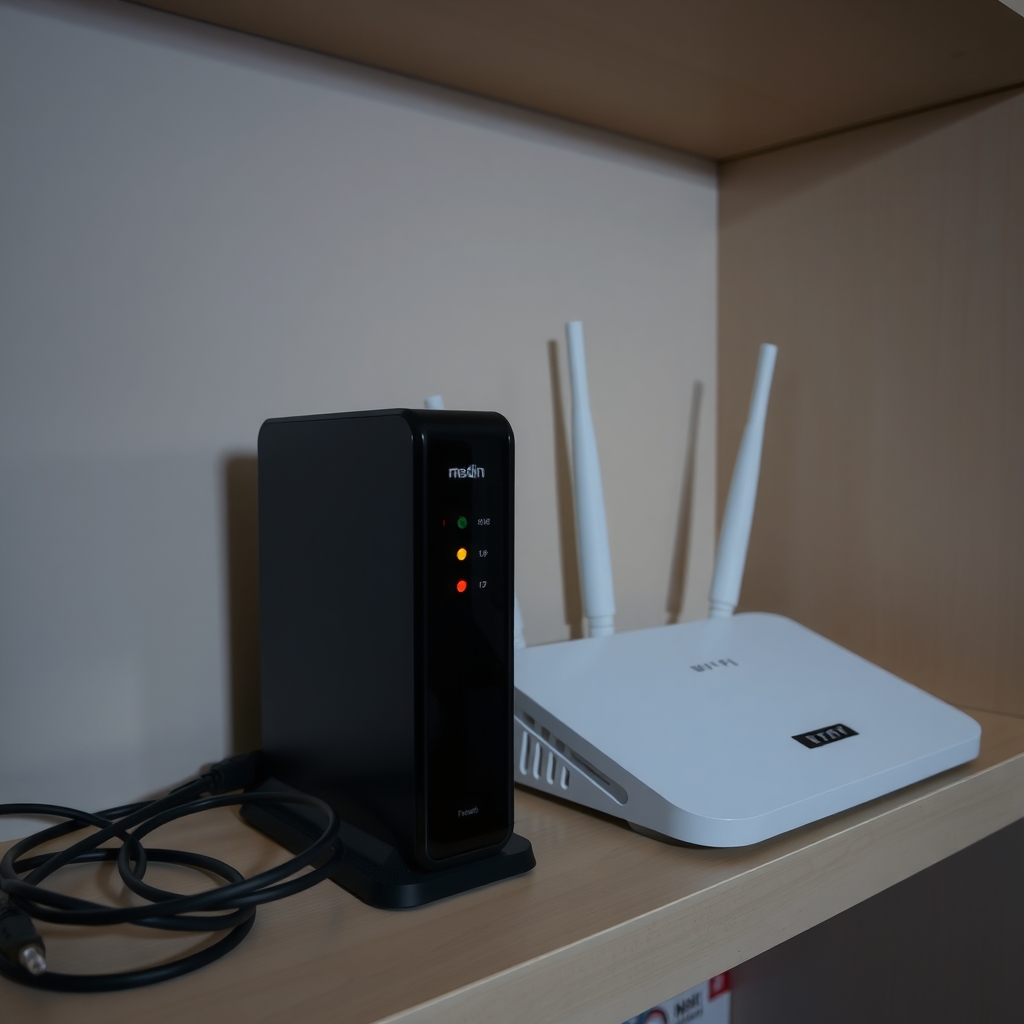
Restart in order: modem, then router
- Unplug the modem, router and any fiber box for 30 seconds
- Plug the modem in first and wait for steady lights
- Then plug in the router and wait two minutes
- Check your provider's outage page on your phone's data
How long it lasts: Gets you back online today. It will not stop the next outage from knocking you offline.
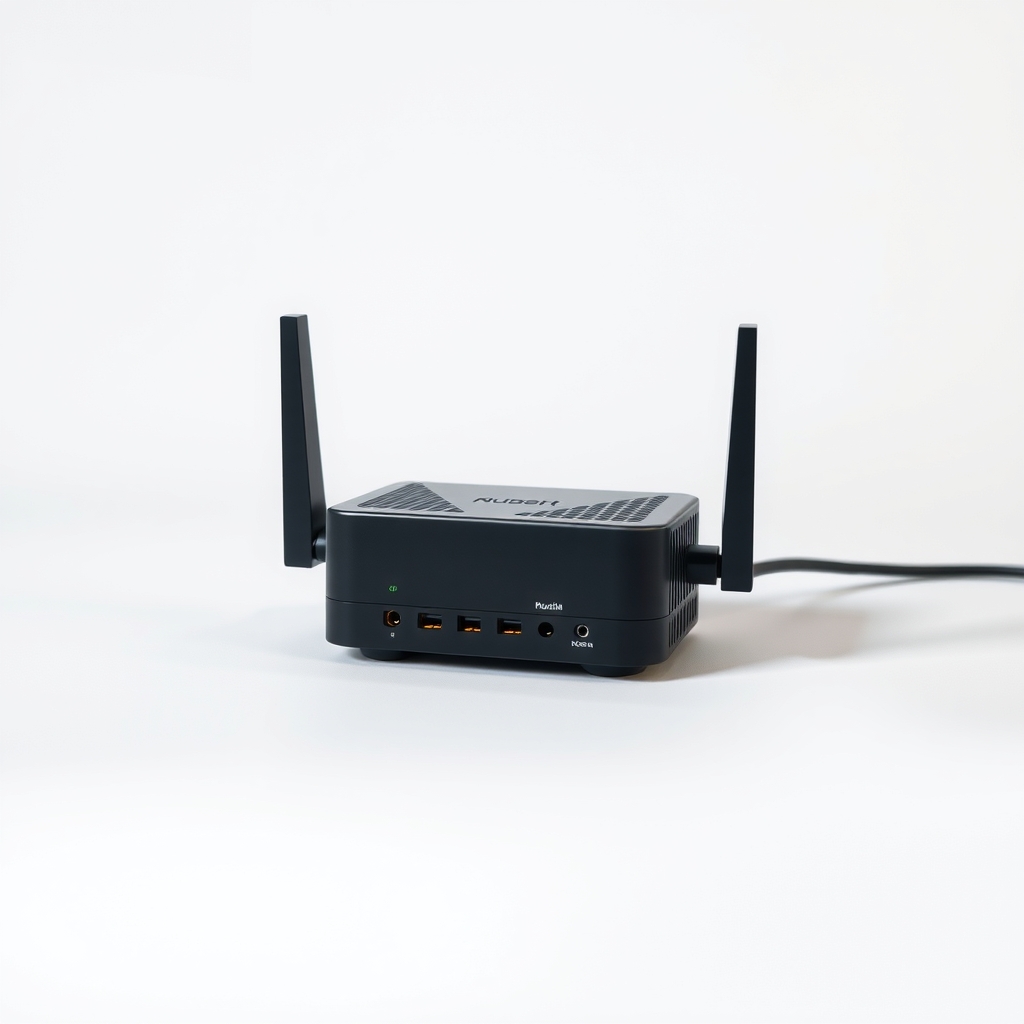
A mini UPS battery backup for the modem and router
The usual trigger is the power cut itself. A mini UPS sits between the wall and your router and switches to its battery the instant power drops, so nothing restarts and the connection stays up. Check the listing for runtime, since it depends on battery size.
What to get: Mini UPS for a modem and router
How long it lasts: Years. The battery keeps both devices running through short outages, often for a few hours.
As an Amazon Associate I earn from qualifying purchases.
What you'll need
-
Phone with mobile data
Check the outage page and use it as a hotspot while you wait
You have it -
Ethernet cable
Plug a laptop straight into the router to test
You have it -
Paper clip
For pressing a recessed reset button, as a last resort
You have it - Illustration
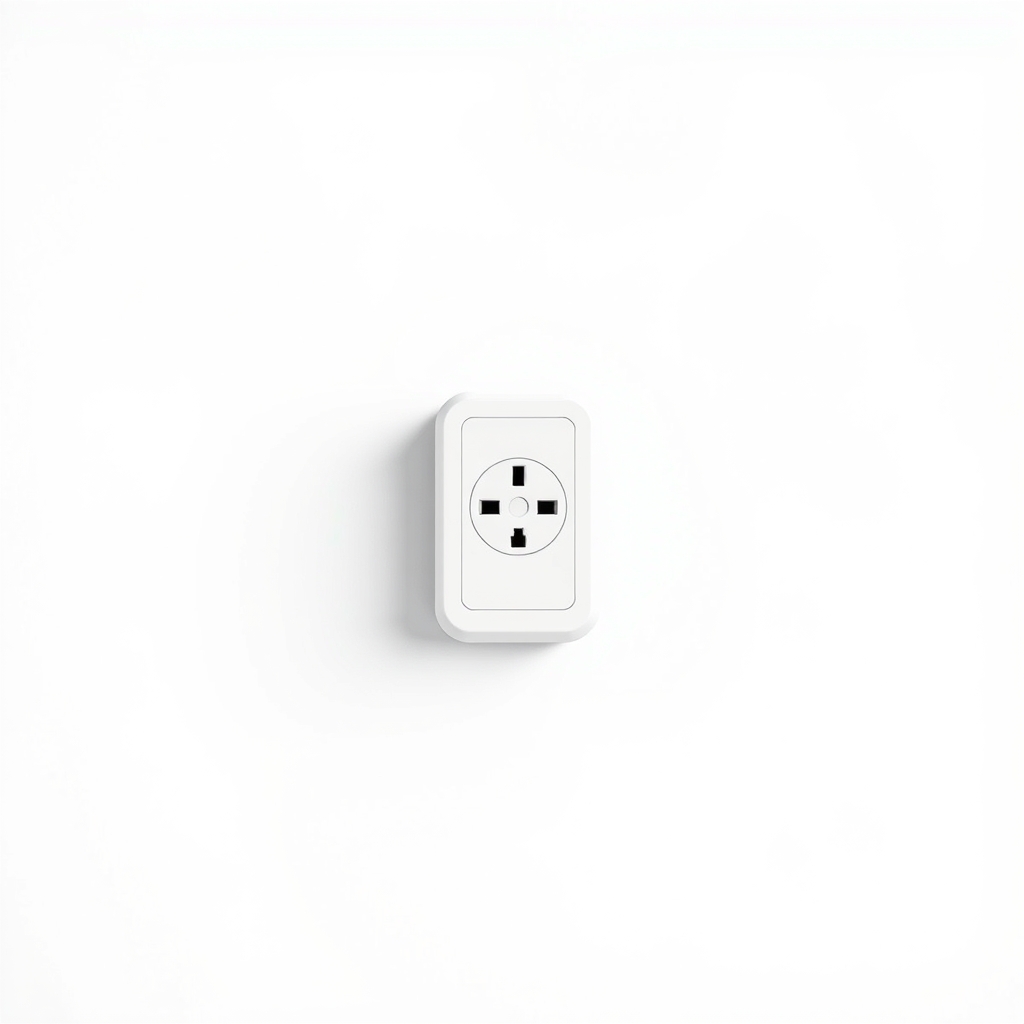
Surge protector
Protects the gear from the spike when power returns
- Our pick Illustration
Mini UPS for modem and router
Match the voltage on your adapters
- Illustration
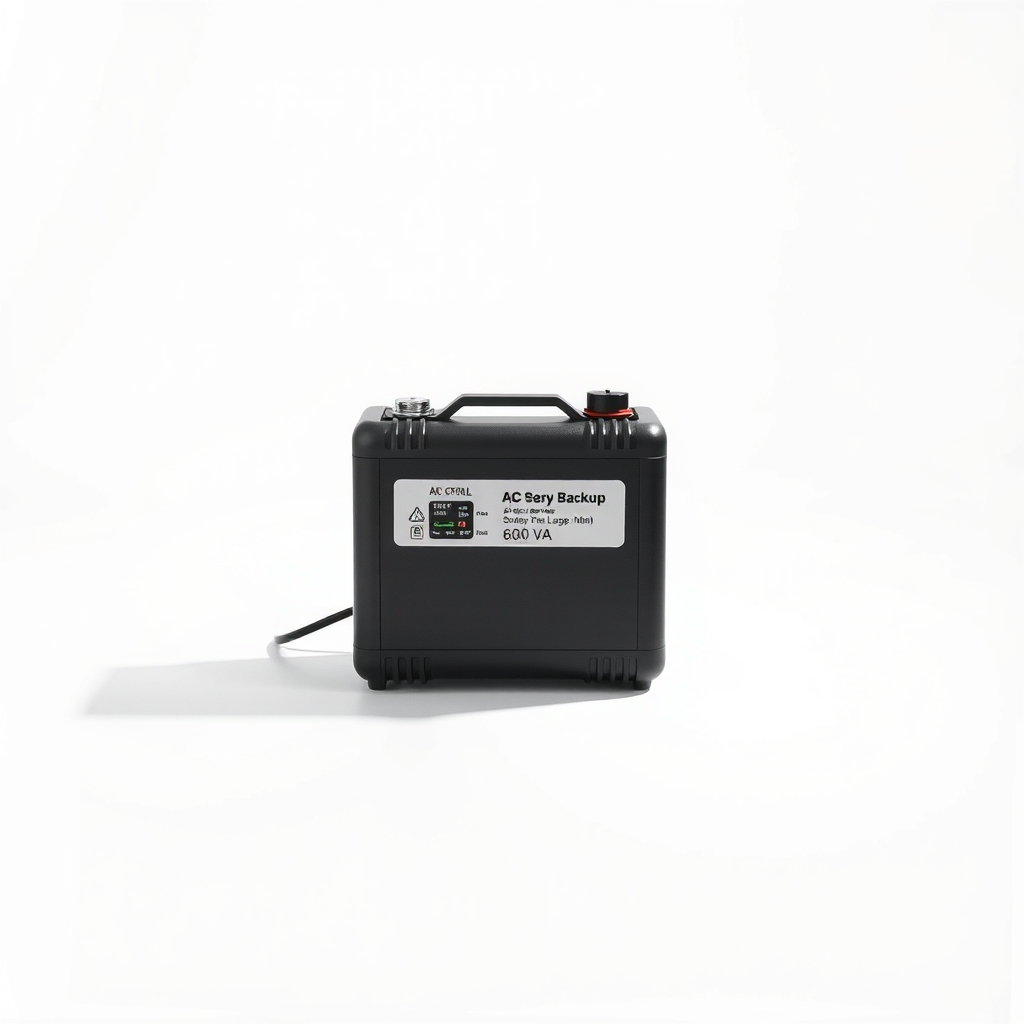
Small AC battery backup
For gear on AC adapters or more devices
Why it happens
Modem and router out of sync
When power returns, both boot at once. The router may ask the modem for an address before the modem has linked to your provider, and then it stalls.
Your provider is still down
A power cut can knock out neighborhood equipment, such as cable amplifiers or a street cabinet, long after your own lights come back.
A tripped outlet or surge protector
A GFCI outlet, power strip or surge protector can trip during an outage and stay off. Dead lights on every device point to power, not Wi-Fi.
A damaged adapter or device
A surge as power returns can fry a router's adapter or the router itself. Dead or flickering lights are the sign.
Try this first (free)
Do these in order, starting with the simplest.
-
Check the power first
Make sure the outlet, surge protector and any GFCI outlet have power. A GFCI has a Reset button, often in a bathroom or garage. Try a lamp in the same outlet.
-
Check whether the outage is wider
Tool used: Phone with mobile dataUse mobile data to open your provider's outage page or app. If your area shows an outage, wait for the provider to fix it.
-
Unplug the modem and router
Unplug both, plus any fiber box on the wall, and wait a full 30 seconds. This clears their memory so they start fresh.
-
Plug in the modem first
Wait until its internet or online light stops blinking and stays steady. That can take two to five minutes, and up to ten on some cable modems.
-
Plug in the router and test by cable
Tool used: Ethernet cableWait two minutes, then connect a laptop with an Ethernet cable. If the internet works over the cable but not on Wi-Fi, the router's wireless needs a restart.
-
Factory reset only as a last step
Tool used: Paper clipHold the recessed reset button with a paper clip for about 10 seconds. This wipes your Wi-Fi name, password and any provider login, so have them ready first.
When free fixes aren't enough
If no lights come on, the adapter or router may be damaged by a surge. Try another outlet, and never swap in an adapter with a different voltage, which can burn out the router. If the modem lights stay red or blinking after ten minutes and neighbors are offline too, call your provider. A mini UPS stops the problem at the source for short outages. It will not help if the provider's own equipment loses power.
Buy the fix
Still stuck after the free fixes? These are the products we would look at.
| Pick | Product | Fixes | Who it's for | Buy |
|---|---|---|---|---|
| Best pick | Mini UPS for a modem and router | Wi-Fi dropping every time the power cuts out | Anyone whose modem and router run on low-voltage adapters and who wants Wi-Fi through short outages. | Check price |
| Upgrade pick | Small AC battery backup, about 600 VA | outages for a larger setup, such as a PC, monitor or mesh nodes | Households with AC adapters or extra gear that also needs backup. | Check price |
Mini UPS for a modem and router
Fixes: Wi-Fi dropping every time the power cuts out
Look for: Output voltage that matches your adapters, often 5 V, 9 V or 12 V; Output current at or above the total on your adapter labels; True switchover with no break when power drops; Battery capacity that gives the runtime you want.
- Who it's for
- Anyone whose modem and router run on low-voltage adapters and who wants Wi-Fi through short outages.
- Honest downside
- Your devices use a connector or voltage the UPS does not offer. The wrong voltage can ruin a router, so read the labels first.
Small AC battery backup, about 600 VA
Fixes: outages for a larger setup, such as a PC, monitor or mesh nodes
Look for: Enough watts for the modem, router and any fiber box or switch; Battery-backed outlets, not only surge-only outlets; A replaceable battery.
- Who it's for
- Households with AC adapters or extra gear that also needs backup.
- Honest downside
- You only need the modem and router and they take low-voltage adapters. A mini UPS is smaller.
As an Amazon Associate I earn from qualifying purchases. We don't show prices because they change, so use the button to see today's price.
How we picked: How we picked: this page is based on router and modem manuals, internet provider restart guides, UPS buying guides and the problems and fixes people report in reviews. We do not test products by hand.
What to plug into the backup
- Modem: the box that connects to the cable or phone line.
- Router: the Wi-Fi box, or each mesh node if you want Wi-Fi in every room.
- Fiber box (ONT): the small box on the wall. It must stay powered, so include it or check for a built-in battery.
- Leave out: printers, monitors and desktops. They draw too much and drain the battery fast.
What to skip
What to skip
Skip factory-resetting the router every time. It wipes your settings and rarely fixes an outage problem. And skip plugging the router into an unprotected power strip, since the spike when power returns is a common way routers fail.
Frequently asked questions
Why is my Wi-Fi not working after a power outage?
How to fix a router after a power outage?
How long does it take to reconnect after an outage?
Will a UPS keep Wi-Fi on during an outage?
Related problems
 Free fix inside
Home Office & Cables · Router
Router Not Connecting to Modem? Swap the Ethernet Cable First
Read the fix Free fix inside
Home Office & Cables · Router
How to Stop a Router From Overheating: Airflow and Placement Fixes
Read the fix Free fix inside
Home Office & Cables · Wifi
How to Get Rid of Wi-Fi Dead Zones: Mesh vs. Extender
Read the fix Free fix inside
Home Office & Cables · Video Calls
Why Do My Zoom Calls Keep Freezing? Plug In Instead of Using Wi-Fi
Read the fixAs an Amazon Associate I earn from qualifying purchases. Affiliate disclosure