Why Do My Zoom Calls Keep Freezing? Plug In Instead of Using Wi-Fi
Tiny Wi-Fi dropouts freeze video calls even when speed looks fine. Fix the signal for free first, then plug in with a USB-C Ethernet adapter.
By Jamilur Rahman Updated November 5, 2026 · 7 min read
- Time
- 15 min
- Cost
- $20-$50
- Difficulty
- Easy
In this guide
Quick answer
Why do my Zoom calls keep freezing? Usually it is an unstable Wi-Fi connection, not slow internet: small dropouts and delays that a speed test does not show. Move closer to the router, close other apps and turn off HD video as quick fixes. For a call that stays smooth every time, plug the laptop into the router with a USB-C to Ethernet adapter and a cable.
Free fix vs. permanent fix
Strengthen the Wi-Fi and lighten the call
- Sit closer to the router, or within sight of it
- Pause downloads, backups and streaming on the network
- Turn off HD video and virtual backgrounds in Zoom
- Restart the router
How long it lasts: It helps on a good day. Wi-Fi still shares the air with neighbors, walls and your own devices, so the freezes tend to return.
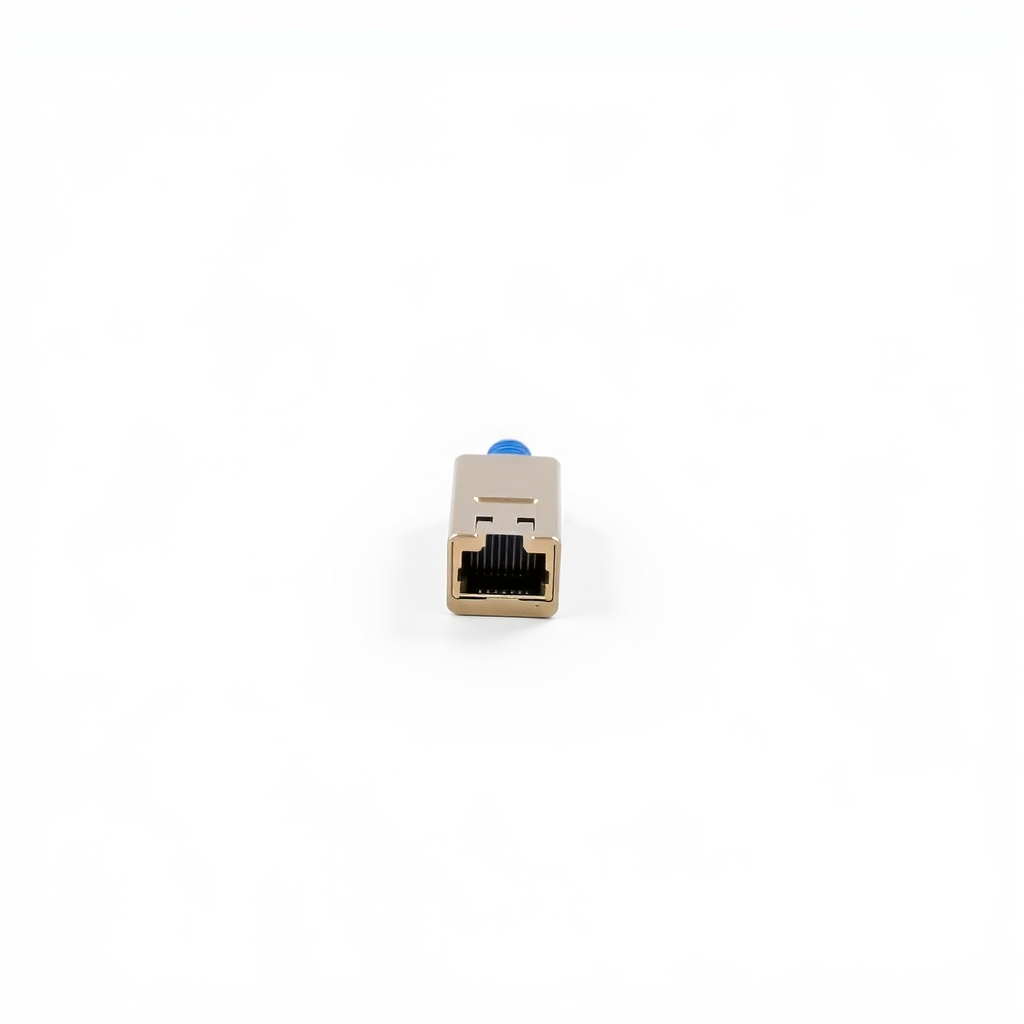
A USB-C to Ethernet adapter
A cable gives your laptop a steady link with steady delay and no interference from walls or neighbors. Video calls care about stability more than raw speed, so a plain wired connection often ends the freezing even when the Wi-Fi looks fast.
What to get: USB-C to Ethernet adapter
How long it lasts: Years. A wire does not drop out when someone microwaves lunch.
As an Amazon Associate I earn from qualifying purchases.
What you'll need
-
Online speed test
Run it twice to see how much the result changes
Free - Our pick Illustration
USB-C to Ethernet adapter
Choose a USB-A version if your laptop has no USB-C port
- Illustration
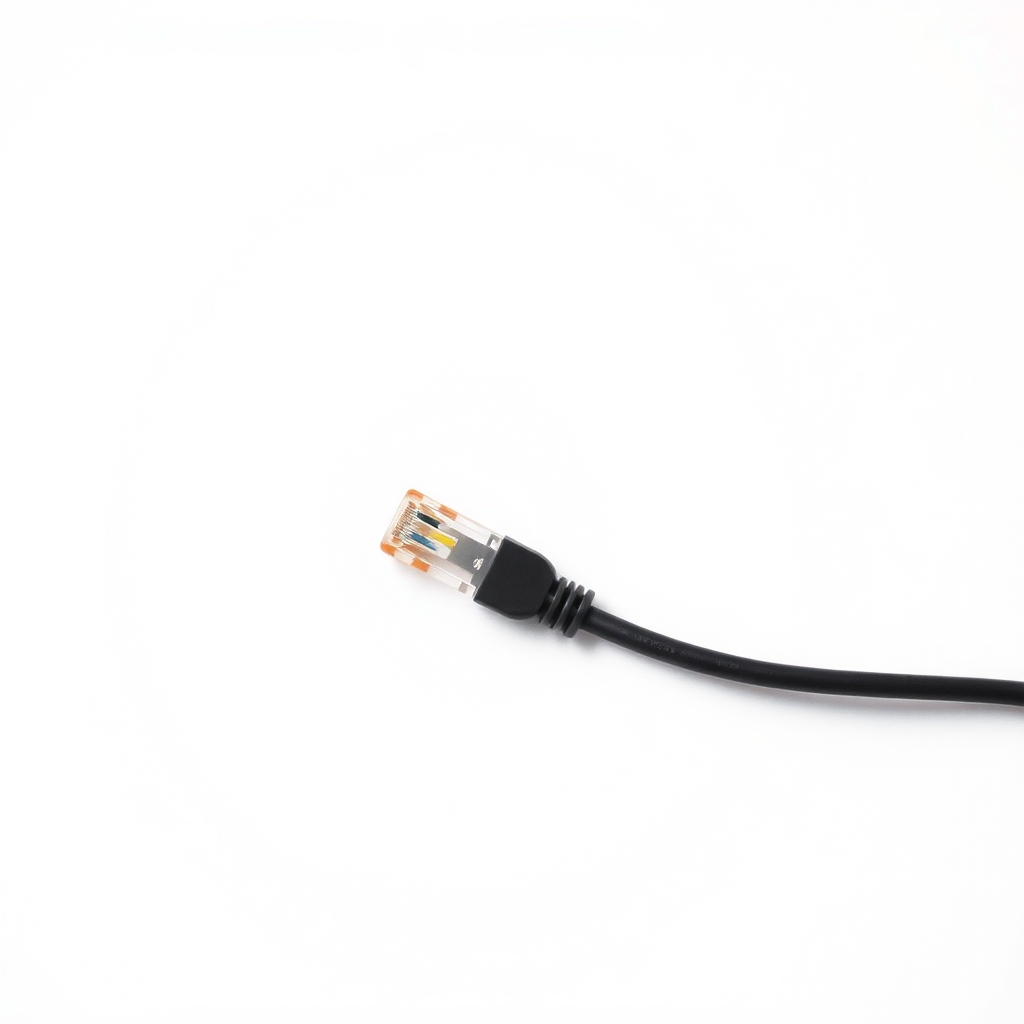
Ethernet cable
Measure the route from the router to your desk
- Illustration
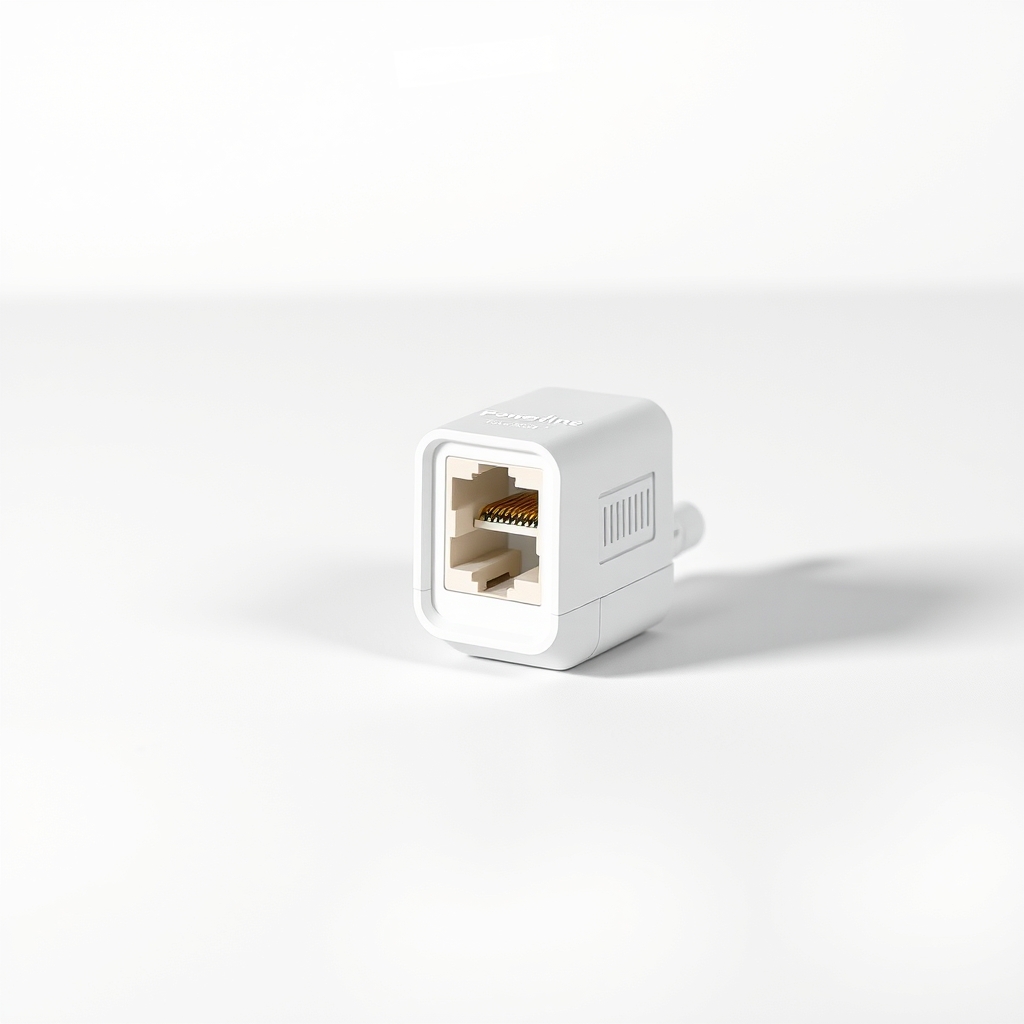
Powerline Ethernet kit
Only if the desk is too far from the router for a cable
Why it happens
Weak or crowded Wi-Fi
Distance, walls and neighbors' networks all weaken a wireless signal. When the laptop has to resend lost data, video freezes for a second or two.
Dropouts that a speed test hides
A video call needs a steady flow of small packets. A connection can show a fast speed test and still drop and delay packets, which looks like freezing.
Other things using the network
Cloud backups, game updates, streaming and other people's video calls compete for the same router. The call loses when the network is busy.
A router that needs a restart or an upgrade
A router that has run for months or uses a crowded 2.4 GHz band can lag. An older router may not handle many devices at once.
A laptop working too hard
Many browser tabs, HD video and a virtual background can use up the processor. The call stutters even when the network is fine.
Try this first (free)
Do these in order, starting with the simplest.
-
Look at connection quality, not just speed
Tool used: Online speed testRun a speed test, then check it again a minute later. Big swings point to unstable Wi-Fi. In a Zoom call, open Settings, then Statistics, and look for spikes or lost data.
-
Move closer, and try the 5 GHz network
Sit in the same room as the router if you can. If the router offers a 5 GHz network, join it. It is faster at short range, though it covers less distance.
-
Pause the bandwidth hogs
Stop cloud backups, large downloads and streaming during the call. Close browser tabs and apps you are not using.
-
Lighten Zoom itself
Turn off HD, touch-up filters and virtual backgrounds in Zoom's video settings. If it keeps freezing, switch your video off for the parts where you are only listening.
-
Restart the router
Unplug it for 30 seconds, plug it back in and wait a few minutes. It clears a build-up of errors and can help a router that has run for weeks.
-
Plug in with a cable
Tool used: USB-C to Ethernet adapterPut the adapter in your laptop, run the Ethernet cable to a LAN port on the router and turn Wi-Fi off on the laptop. Run the same call and compare.
IllustrationCheck price on AmazonTool for this step
USB-C to Ethernet adapter · Choose a USB-A version if your laptop has no USB-C port
When free fixes aren't enough
If the call still freezes after the free steps, or the freezes hit at the same times each day, the wireless link is the weak point and not Zoom. A wire is the lasting fix. If the router is too far from your desk to run a cable, a powerline kit sends the internet through the wall wiring. If other wired devices in the house also stall, the problem is your internet service. Check Zoom's status page too, and call your provider.
Buy the fix
Still stuck after the free fixes? These are the products we would look at.
| Pick | Product | Fixes | Who it's for | Buy |
|---|---|---|---|---|
| Best pick | USB-C to Ethernet adapter | freezing, dropping and choppy calls caused by weak or crowded Wi-Fi | Anyone with a laptop that has no Ethernet port and a desk within cable reach of the router. | Check price |
| Budget pick | Ethernet cable | needing a physical link between your laptop and the router | People who already have an adapter or an Ethernet port and just need the wire. | Check price |
| Upgrade pick | Powerline Ethernet adapter kit | a desk too far from the router for a cable run | People who work in a far room and want a wired link without drilling. | Check price |
USB-C to Ethernet adapter
Fixes: freezing, dropping and choppy calls caused by weak or crowded Wi-Fi
Look for: Gigabit (1000 Mbps) speed; A connector that matches your laptop, USB-C or USB-A; Plug-and-play support for your Windows or Mac, with no hunt for drivers; A solid build that does not wiggle in the port.
- Who it's for
- Anyone with a laptop that has no Ethernet port and a desk within cable reach of the router.
- Honest downside
- Your laptop already has an Ethernet port, so you only need a cable. Skip it too if your internet service itself is the problem, since a wire will not fix that.
Ethernet cable
Fixes: needing a physical link between your laptop and the router
Look for: Long enough for the route, with some slack; Cat 5e or Cat 6 rating; A flat design if it must run under a door or rug; Snagless plugs that click in firmly.
- Who it's for
- People who already have an adapter or an Ethernet port and just need the wire.
- Honest downside
- The router is too far to run a cable safely, or it would cross a walkway and become a trip hazard.
Powerline Ethernet adapter kit
Fixes: a desk too far from the router for a cable run
Look for: A kit with two adapters; Gigabit Ethernet ports; A pass-through outlet so you do not lose a socket.
- Who it's for
- People who work in a far room and want a wired link without drilling.
- Honest downside
- Your wiring is old or the outlets are on different circuits, which can slow it. A long cable is simpler. Plug these into a wall outlet, not a power strip.
As an Amazon Associate I earn from qualifying purchases. We don't show prices because they change, so use the button to see today's price.
How we picked: How we picked: this page is based on Zoom's own support articles, home networking guides and what owners report in reviews of USB Ethernet adapters. We do not test products by hand.
Is Wi-Fi the real problem?
- Better near the router: the call improves when you sit next to it, so it is the wireless link.
- Other wired devices run fine: a console or desktop on a cable has no trouble, so the internet itself is fine.
- Everything stalls: wired devices also freeze, so call your provider.
- Only Zoom freezes: check Zoom's status page and your laptop's processor use.
What to skip
Signal boosters you plug in on the far side
A cheap Wi-Fi extender often halves the speed and adds delay, which makes video calls worse. It can fix a dead spot for browsing and still leave calls choppy. For calls, a wire beats a booster.
Frequently asked questions
Why do my Zoom calls keep dropping?
Why does my Zoom call keep freezing even though my internet speed is fine?
Why does my Zoom call keep disconnecting?
Why is my Zoom call lagging?
Will Ethernet really stop Zoom freezing?
Related problems
 Free fix inside
Home Office & Cables · Wifi
Why Is My Wi-Fi So Slow on My PC? A Cheap Adapter Often Fixes It
Read the fix Free fix inside
Home Office & Cables · Video Calls
Why Does My Zoom Call Echo? The Quick Cause and the Headset Fix
Read the fix Free fix inside
Home Office & Cables · Wifi
Wi-Fi Too Weak for PS5? Run a Cable and Skip the Lag
Read the fix Free fix inside
Home Office & Cables · Video Calls
How to Fix Your Microphone on a Zoom Call: Cable, Port, or Mic
Read the fixAs an Amazon Associate I earn from qualifying purchases. Affiliate disclosure