Why Is My Laptop Fan So Loud? Dust Is the Usual Reason
Clogged vents and heavy background work make the fan spin hard. Cut the load and clear the dust with compressed air, and the roar usually drops.
By Jamilur Rahman Updated November 5, 2026 · 6 min read
- Time
- 15 min
- Cost
- Under $20
- Difficulty
- Easy
In this guide
Quick answer
Why is my laptop fan so loud? Usually dust has clogged the vents and the fan, so the laptop cannot shed heat and the fan runs flat out. Heavy apps and soft surfaces add to it. Shut down, brush and vacuum the outside of the vents, then blow out the dust with short bursts of compressed air while holding the fan still. If the fan still screams on a light task, it may be wearing out.
Free fix vs. permanent fix
Cut the load and clean the grille
- Close heavy apps and extra browser tabs
- Move the laptop to a hard, flat surface
- Brush and vacuum the outside of the vents with a soft brush
- Set the power mode to Balanced
How long it lasts: Weeks to months. A brush and a vacuum only reach the grille, and dust sitting behind it stays put.

A compressed air duster
A vacuum only reaches the outside grille. Dust sits on the fan blades and between the heatsink fins behind it. Short bursts of compressed air push it back out through the vents, so the fan can slow down.
What to get: Compressed air duster
How long it lasts: Each clean lasts months. Do it once or twice a year, and it takes about five minutes.
As an Amazon Associate I earn from qualifying purchases.
What you'll need
-
Soft brush
A clean paintbrush or soft toothbrush for the grille
You have it -
Cotton swab
Holds the fan blades still while you blow air
You have it - Our pick Illustration
Compressed air duster
Short bursts through the vents clear the dust
- Illustration
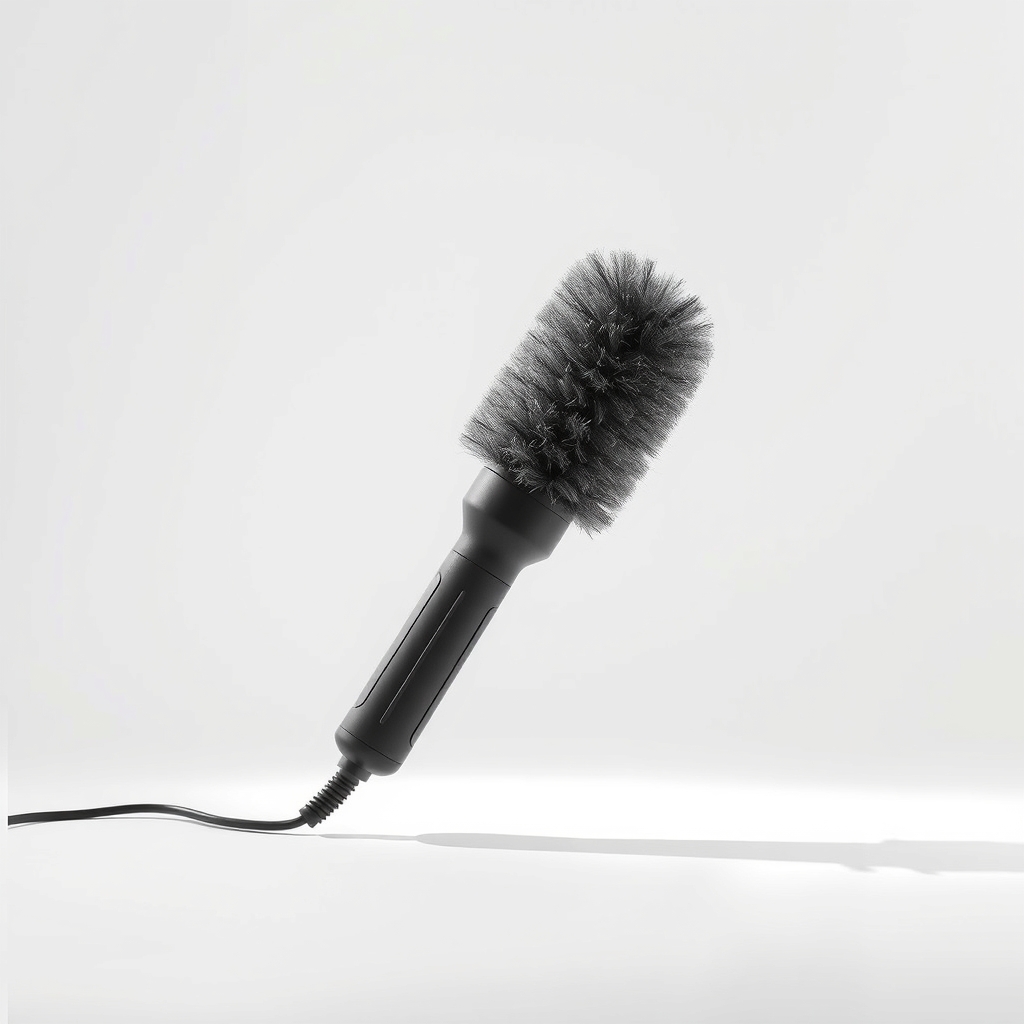
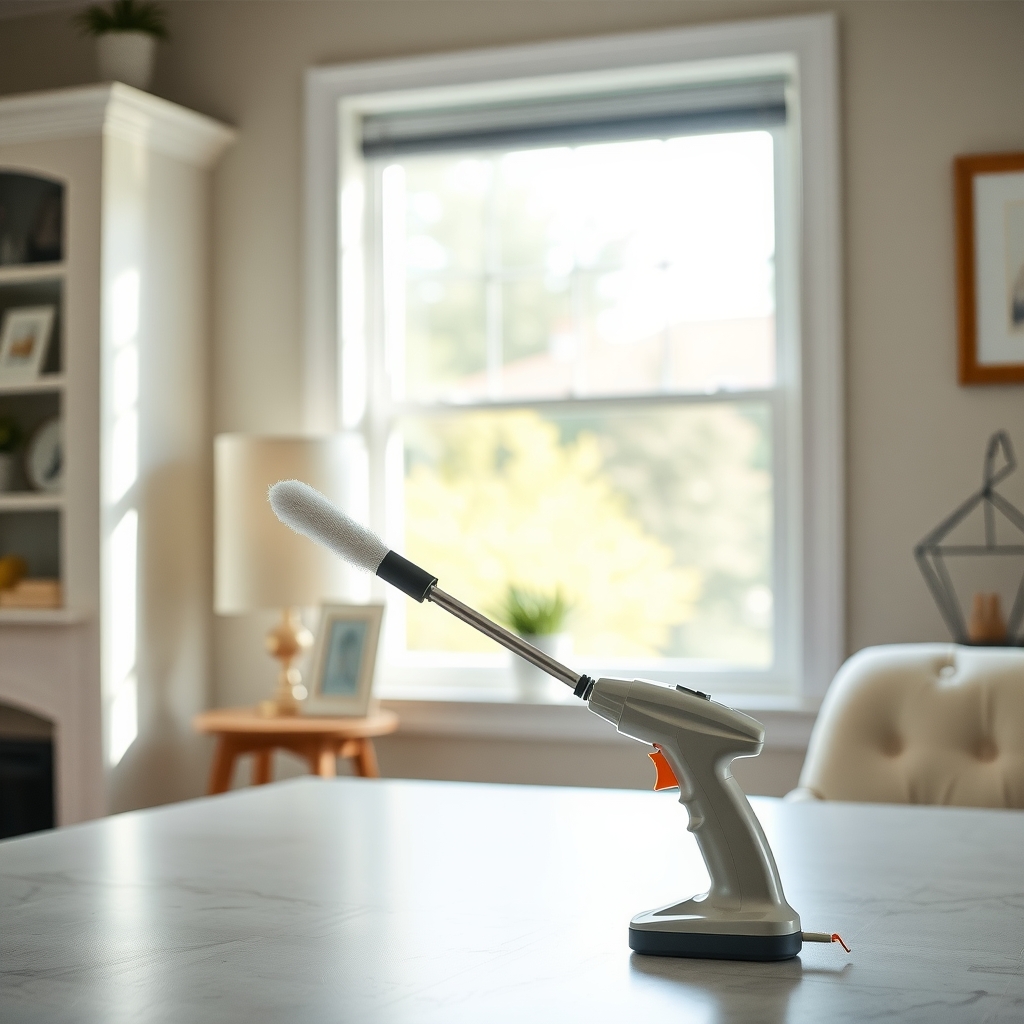
Electric air duster
A reusable blower for people who clean often
- Illustration
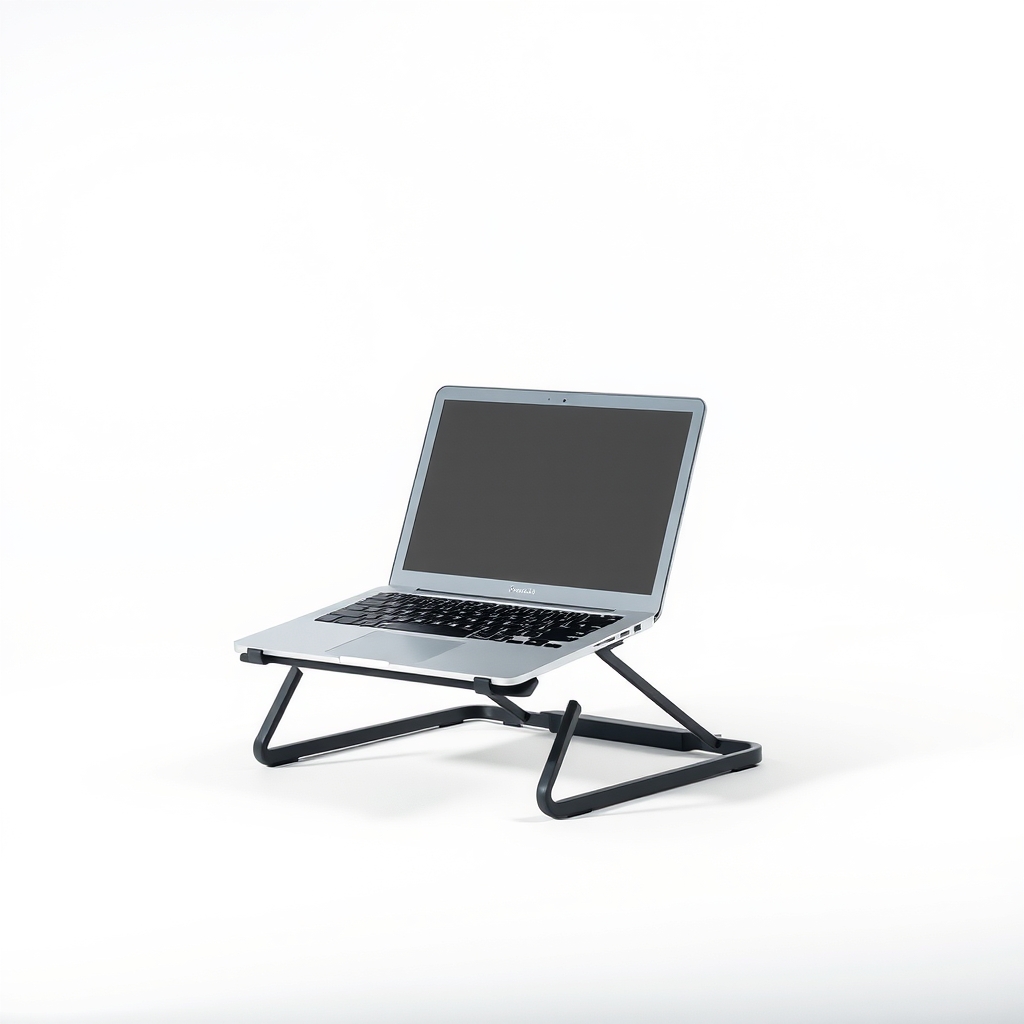
Laptop stand
Lifts the base for airflow on a desk
Why it happens
Dust in the vents and fan
Dust, hair and pet fur collect on the intake grille, the fan blades and the heatsink fins. The laptop heats up, and the fan spins faster to compensate.
Heavy apps and too many tabs
Video calls, games, large spreadsheets and a browser with dozens of tabs keep the processor busy. A busy processor makes heat, and the fan follows it.
Blocked air intake
Most laptops pull air in through the bottom. A bed, a couch or a lap blocks it, and the fan gets louder as the laptop warms up.
A warm room or direct sun
In a hot room the laptop cannot shed heat easily, so the fan runs faster for longer.
Old thermal paste or a worn fan
On laptops several years old, dried thermal paste and a worn bearing make fans louder. Grinding or rattling points to wear.
Try this first (free)
Do these in order, starting with the simplest.
-
Check what is working the processor
Open Task Manager on Windows or Activity Monitor on a Mac, sort by CPU and close what is heavy. A browser with many tabs or a background update can keep the fan loud.
-
Move it to a hard surface
Put the laptop on a desk or table, not a bed, couch or lap. Soft surfaces cover the bottom vents. Raise the back a little with a stand if you can.
-
Shut down and unplug
Power off, unplug the charger and wait a few minutes so the machine cools. Never clean a laptop that is on.
-
Brush and vacuum the outside of the vents
Tool used: Soft brushUse a soft brush to lift dust off the grille, and a vacuum on low suction held at the surface. Do not push the nozzle into the vents.
-
Blow out the dust in short bursts
Tool used: Compressed air dusterHold a cotton swab against a fan blade to keep it from spinning. Hold the can upright about 4 to 6 inches away and spray in bursts of one or two seconds through each vent.
IllustrationCheck price on AmazonTool for this step
Compressed air duster · Short bursts through the vents clear the dust
-
Set the power mode and update
Choose the Balanced power mode, install pending updates and restart. Updates often include fan and heat fixes.
When free fixes aren't enough
Vacuuming only cleans the surface. If the fan is still loud a day after you blow out the vents, dust may be packed in the heatsink fins, which can need the back panel removed. If the laptop is more than three or four years old, the cause may be dried thermal paste or a worn fan. A grinding, rattling or whining that never settles, even at idle, needs a repair shop. Stop using it and unplug it if it shuts down from heat, smells burnt or has a swollen, very hot case.
Buy the fix
Still stuck after the free fixes? These are the products we would look at.
| Pick | Product | Fixes | Who it's for | Buy |
|---|---|---|---|---|
| Best pick | Compressed air duster | dust packed behind the vents and on the fan blades | Anyone whose laptop fan gets loud under light work and has not been cleaned in a year. | Check price |
| Upgrade pick | Electric air duster | the same dust, without buying cans again | People who clean laptops, PCs and keyboards several times a year. | Check price |
Compressed air duster
Fixes: dust packed behind the vents and on the fan blades
Look for: A label that says safe for electronics; A thin straw nozzle for the vent slots; A can big enough to clean more than one device.
- Who it's for
- Anyone whose laptop fan gets loud under light work and has not been cleaned in a year.
- Honest downside
- The fan makes a grinding noise. Air will not repair a worn bearing.
Electric air duster
Fixes: the same dust, without buying cans again
Look for: A rechargeable battery or a USB charge; Adjustable speeds so you can go gentle on laptop fans; A narrow nozzle tip for the vent slots.
- Who it's for
- People who clean laptops, PCs and keyboards several times a year.
- Honest downside
- You only clean once a year. Cans cost less over that time, and a powerful blower can spin the fan too fast.
As an Amazon Associate I earn from qualifying purchases. We don't show prices because they change, so use the button to see today's price.
How we picked: How we picked: this page is based on cooling and cleaning guidance from laptop makers, safety advice on using compressed air near fans, and what owners report in reviews of air dusters. We do not test products by hand.
Which fan noise is it?
- A steady whoosh: dust or a heavy load. Clean the vents and close apps.
- A high whine: the fan running at top speed because the laptop is hot.
- Clicking or grinding: a worn or blocked fan. Get it checked.
- A rattle: a loose screw or a cable touching the blades. Stop and have it looked at.
What to skip
Full-force blasts and the household hair dryer
A hard blast can spin the fan far beyond its normal speed and damage the bearing, so hold the blades still. A hair dryer pushes heat into the case. Keep the can upright, because tilting it sprays cold liquid.
Frequently asked questions
Is a loud laptop fan bad?
How often should I clean my laptop vents?
Can I open the laptop to clean it?
Why is my laptop fan loud when I am doing nothing?
Related problems
 Free fix inside
Home Office & Cables · Laptop
Why Does My Laptop Get So Hot? Cool It Down and Keep It Cool
Read the fix Free fix inside
Home Office & Cables · Laptop
Why Is My Laptop So Slow? The SSD Upgrade Most People Skip
Read the fix Free fix inside
Home Office & Cables · Laptop
Why Does My Laptop Die So Fast? A Power Bank Buys You Hours
Read the fix Free fix inside
Home Office & Cables · Router
How to Stop a Router From Overheating: Airflow and Placement Fixes
Read the fixAs an Amazon Associate I earn from qualifying purchases. Affiliate disclosure