Why Does My Laptop Die So Fast? A Power Bank Buys You Hours
A bright screen, hungry apps and an aging battery drain a laptop fast. Check battery health and trim the drain, then add a USB-C power bank for all-day power.
By Jamilur Rahman Updated November 5, 2026 · 7 min read
- Time
- 15 min
- Cost
- $50-$150
- Difficulty
- Easy
In this guide
Quick answer
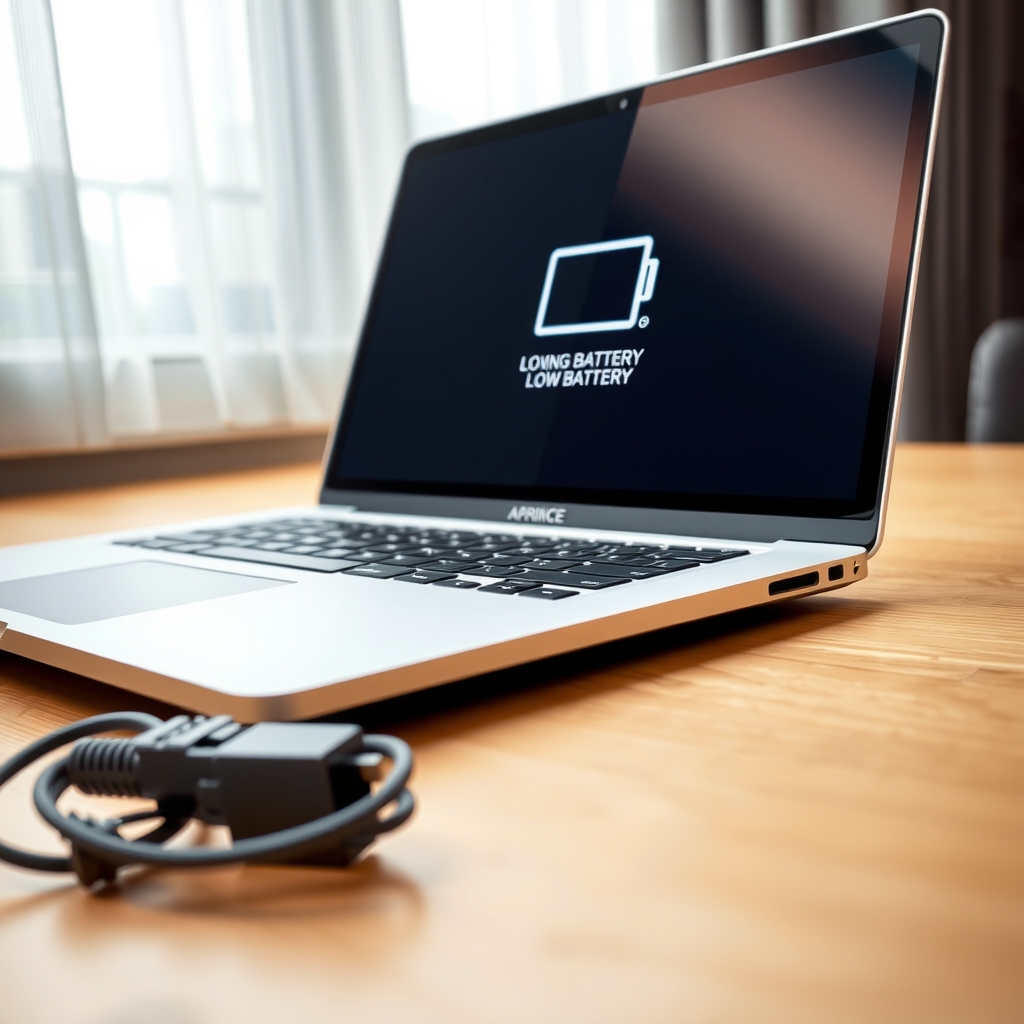
Why does my laptop die so fast? Usually a bright screen, hungry apps and a battery that has lost capacity with age. Check battery health, dim the screen and close background apps first. If the battery is healthy but you still cannot last a workday, a USB-C power bank that matches your laptop's wattage adds hours without hunting for an outlet.
Free fix vs. permanent fix
Cut the drain and check the battery
- Lower the screen brightness and turn off the keyboard backlight
- Close heavy apps and extra browser tabs
- Check battery health in system settings
- Turn on battery saver mode
How long it lasts: Often adds an hour or more. It cannot give back capacity a worn battery has already lost.
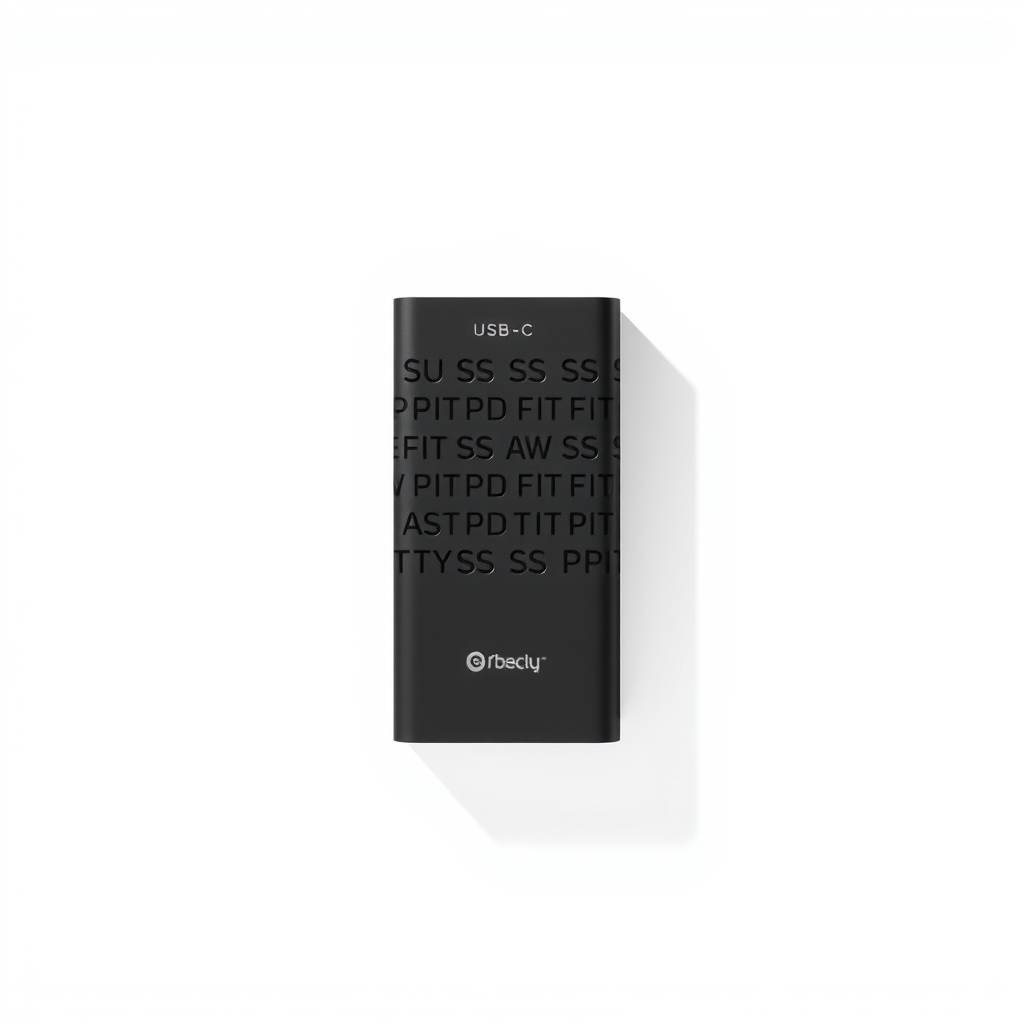
A USB-C power bank that matches your laptop's wattage
Settings can only trim the drain. A power bank adds energy, so a four-hour laptop becomes a full-day one. It is a workaround for an aging battery, and it also covers travel days and power cuts.
What to get: 65W USB-C Power Delivery power bank, about 20,000 mAh
How long it lasts: Years. It is a separate battery you recharge and carry, so it keeps working as the laptop battery ages.
As an Amazon Associate I earn from qualifying purchases.
What you'll need
-
Laptop charger
The label shows the wattage a power bank must match
You have it - Illustration
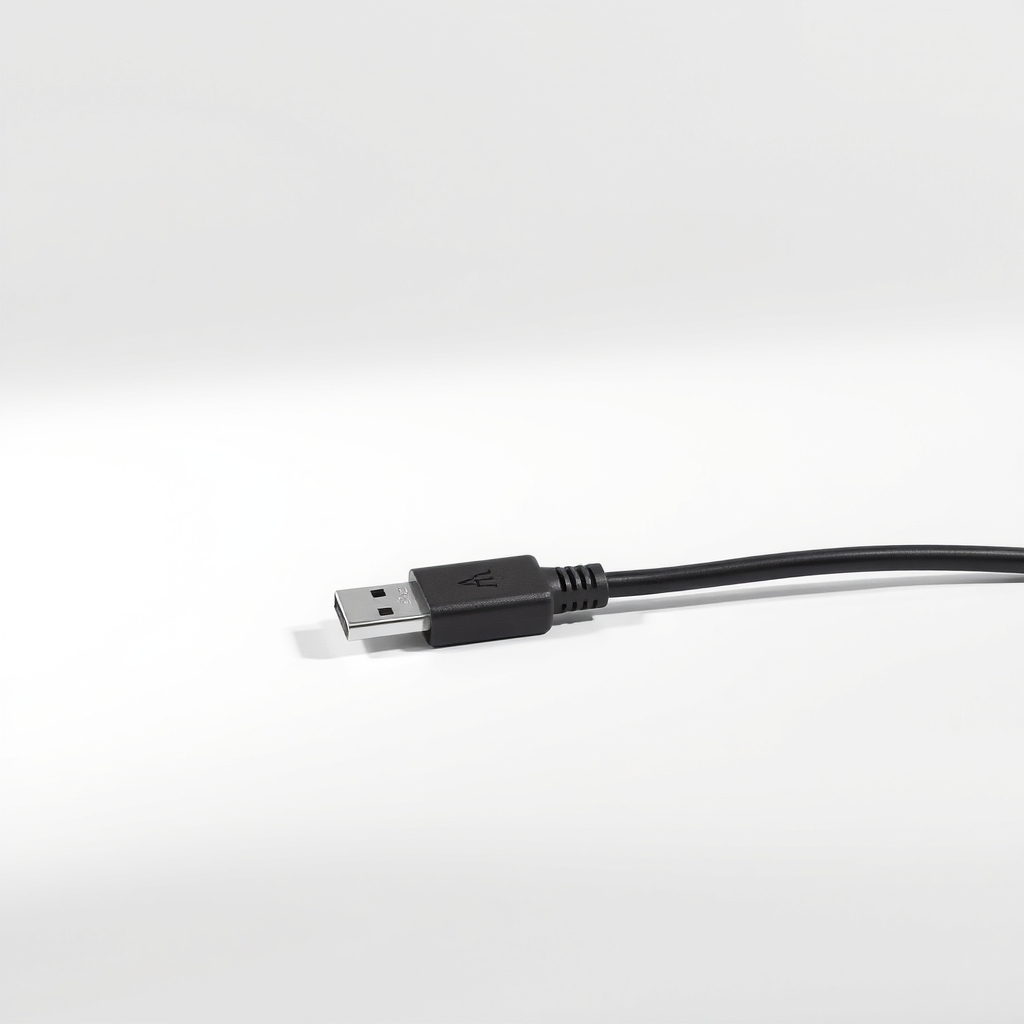
USB-C cable rated for your wattage
Charging above 60 W needs a cable rated for 100 W
- Our pick Illustration
65W USB-C power bank
The all-rounder for most USB-C laptops
- Illustration

45W USB-C power bank
For light laptops that charge at 45 W or less
- Illustration
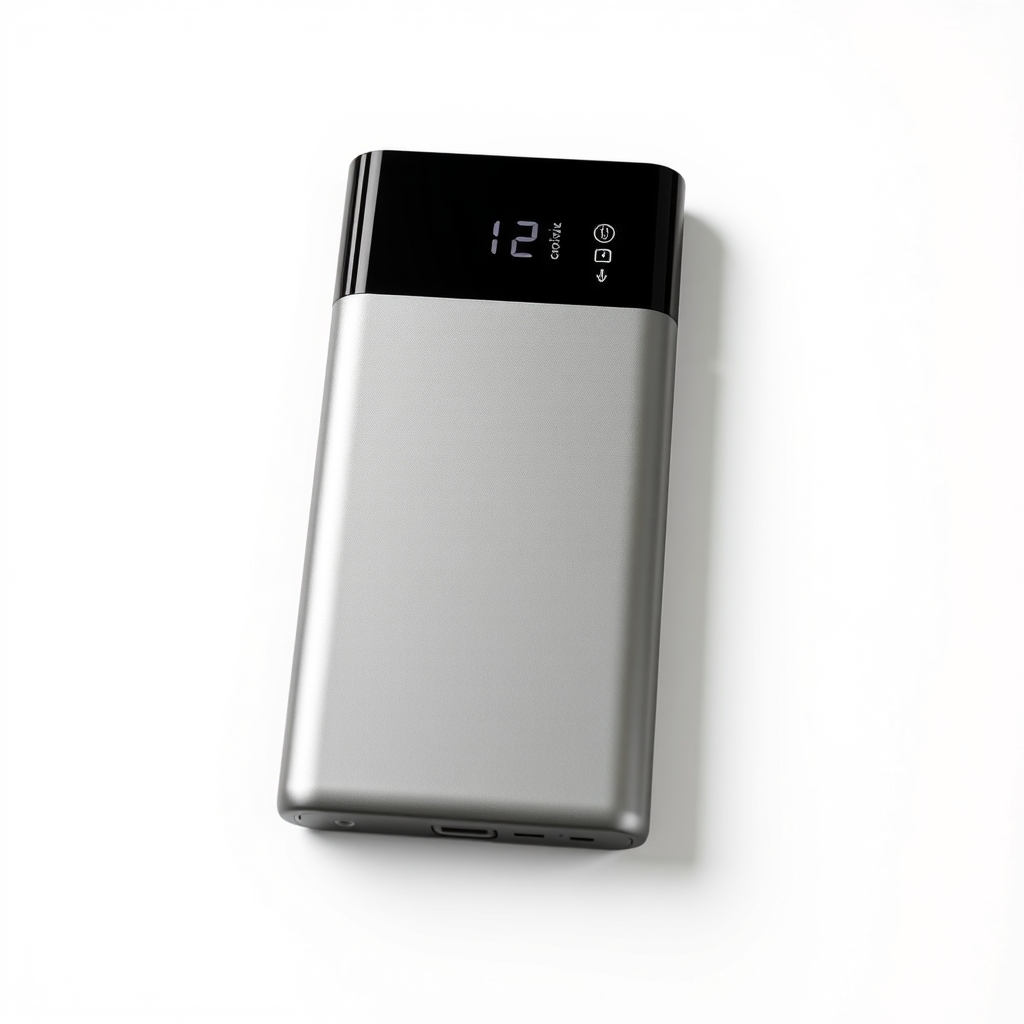
100W USB-C power bank
For power-hungry laptops and long travel days
Why it happens
A bright screen
The display is often the biggest drain. Brightness near the maximum can cut runtime sharply.
Background apps and many tabs
Video calls, cloud sync and dozens of browser tabs keep the processor busy and the fans running.
An aging battery
Batteries lose capacity with every charge cycle. After a few hundred cycles many hold noticeably less, and an older laptop may hold only 80 percent of its original charge.
Heat and plugged-in accessories
A hot laptop drains faster. USB drives, phone charging and Bluetooth devices all draw from the battery.
Try this first (free)
Do these in order, starting with the simplest.
-
Check battery health
On Windows, open Command Prompt and run powercfg /batteryreport. Open the report and compare design capacity with full charge capacity. On a Mac, open System Settings, Battery, and look at Battery Health. Around 80 percent or less means the battery is worn.
-
Dim the screen and turn on battery saver
Set brightness to about half, turn off the keyboard light, and switch on Battery Saver on Windows or Low Power Mode on a Mac.
-
Find the hungry apps
On Windows, open Settings, System, Power and battery, Battery usage. On a Mac, open Activity Monitor and click the Energy tab. Quit what you are not using and close extra tabs.
-
Unplug what you do not need
Disconnect USB drives, phone charging and Bluetooth devices you are not using. They draw from the laptop even when idle.
-
Read your charger's wattage
Tool used: Laptop chargerLook at the Output line on the label. A rating like 65 W, or 20 V and 3.25 A, tells you the wattage a power bank has to match.
-
Charge from a power bank on the go
Tool used: 65W USB-C power bankPlug the bank into the laptop's USB-C port with a cable rated for the wattage. Charge the bank fully the night before, then use it when the laptop drops to about 20 percent.
IllustrationCheck price on AmazonTool for this step
65W USB-C power bank · The all-rounder for most USB-C laptops
When free fixes aren't enough
If battery health shows about 80 percent or less, or the laptop shuts off at 30 percent or more, the battery is worn out. A swollen battery that lifts the case is a fire risk, so stop using it and take it to a repair shop. If the battery is healthy and you just need more time away from an outlet, a power bank adds real hours. It only works if your laptop charges over USB-C, since a barrel-plug laptop cannot use one.
Buy the fix
Still stuck after the free fixes? These are the products we would look at.
| Pick | Product | Fixes | Who it's for | Buy |
|---|---|---|---|---|
| Best pick | 65W USB-C Power Delivery power bank, about 20,000 mAh | a laptop that cannot last a day away from an outlet | Owners of 13 to 15 inch laptops that charge over USB-C with a 65 W charger. | Check price |
| Budget pick | 45W USB-C power bank, about 10,000 mAh | a few hours of lost runtime on a light laptop | Thin-and-light laptops and Chromebooks that charge at 45 W or less. | Check price |
| Upgrade pick | 100W USB-C power bank, about 25,000 mAh | the heavy-use or travel day that one battery cannot cover | Heavy users, frequent travelers and anyone with a power-hungry laptop. | Check price |
65W USB-C Power Delivery power bank, about 20,000 mAh
Fixes: a laptop that cannot last a day away from an outlet
Look for: Output at or above your charger's wattage; USB-C Power Delivery, listed for laptops; Capacity of roughly 20,000 mAh or more; Under 100 watt-hours if you will fly with it.
- Who it's for
- Owners of 13 to 15 inch laptops that charge over USB-C with a 65 W charger.
- Honest downside
- Your laptop charges only through a round barrel plug, or its charger is rated above 65 W.
45W USB-C power bank, about 10,000 mAh
Fixes: a few hours of lost runtime on a light laptop
Look for: Output at or above your charger's wattage; USB-C Power Delivery; A cable included or a USB-C port on both ends.
- Who it's for
- Thin-and-light laptops and Chromebooks that charge at 45 W or less.
- Honest downside
- Your charger says 60 W or more. A weaker bank will charge slowly or not at all while you work.
100W USB-C power bank, about 25,000 mAh
Fixes: the heavy-use or travel day that one battery cannot cover
Look for: 100 W output for laptops that need it over USB-C; Watt-hours printed on the unit, under 100 Wh if you fly; Two or more ports so a phone can charge too.
- Who it's for
- Heavy users, frequent travelers and anyone with a power-hungry laptop.
- Honest downside
- You only need an hour or two more. It is heavy and larger than you need.
As an Amazon Associate I earn from qualifying purchases. We don't show prices because they change, so use the button to see today's price.
How we picked: How we picked: this page is based on laptop maker battery guides, USB Power Delivery specifications, airline battery rules and the problems and fixes people report in reviews. We do not test products by hand.
mAh, Wh and the cable: how to read the numbers
- mAh is a battery rating at 3.7 volts. Multiply by 3.7 and divide by 1,000 for watt-hours.
- Wh is the real energy figure to compare. 20,000 mAh is about 74 Wh.
- Watts is how fast it charges. Match your laptop charger.
- Cable: anything above 60 W needs a cable rated for 100 W, or it will cap the charge.
What to skip
What to skip
Skip no-name power banks that list a huge mAh number but no wattage or Power Delivery label. They cannot charge a laptop. Also skip charging your laptop from a small phone-style bank: it cannot keep up and may only slow the drain.
Frequently asked questions
Can a power bank charge a laptop?
How many watt-hours do I need in a power bank?
Can I take a laptop power bank on a plane?
Should I replace the battery instead?
Related problems
 Free fix inside
Home Office & Cables · Laptop
Laptop Not Charging When Plugged In? Test the Charger First
Read the fix Free fix inside
Home Office & Cables · Laptop
Why Does My Laptop Get So Hot? Cool It Down and Keep It Cool
Read the fix Free fix inside
Home Office & Cables · Laptop
Why Is My Laptop Fan So Loud? Dust Is the Usual Reason
Read the fix Free fix inside
Home Office & Cables · Laptop
Why Is My Laptop So Slow? The SSD Upgrade Most People Skip
Read the fixAs an Amazon Associate I earn from qualifying purchases. Affiliate disclosure