Laptop Not Charging When Plugged In? Test the Charger First
Most laptops that will not charge have a worn charger or cable, not a dead battery. Test the cheap parts first, then replace the charger that fails.
By Jamilur Rahman Updated November 5, 2026 · 7 min read
- Time
- 20 min
- Cost
- $20-$50
- Difficulty
- Easy
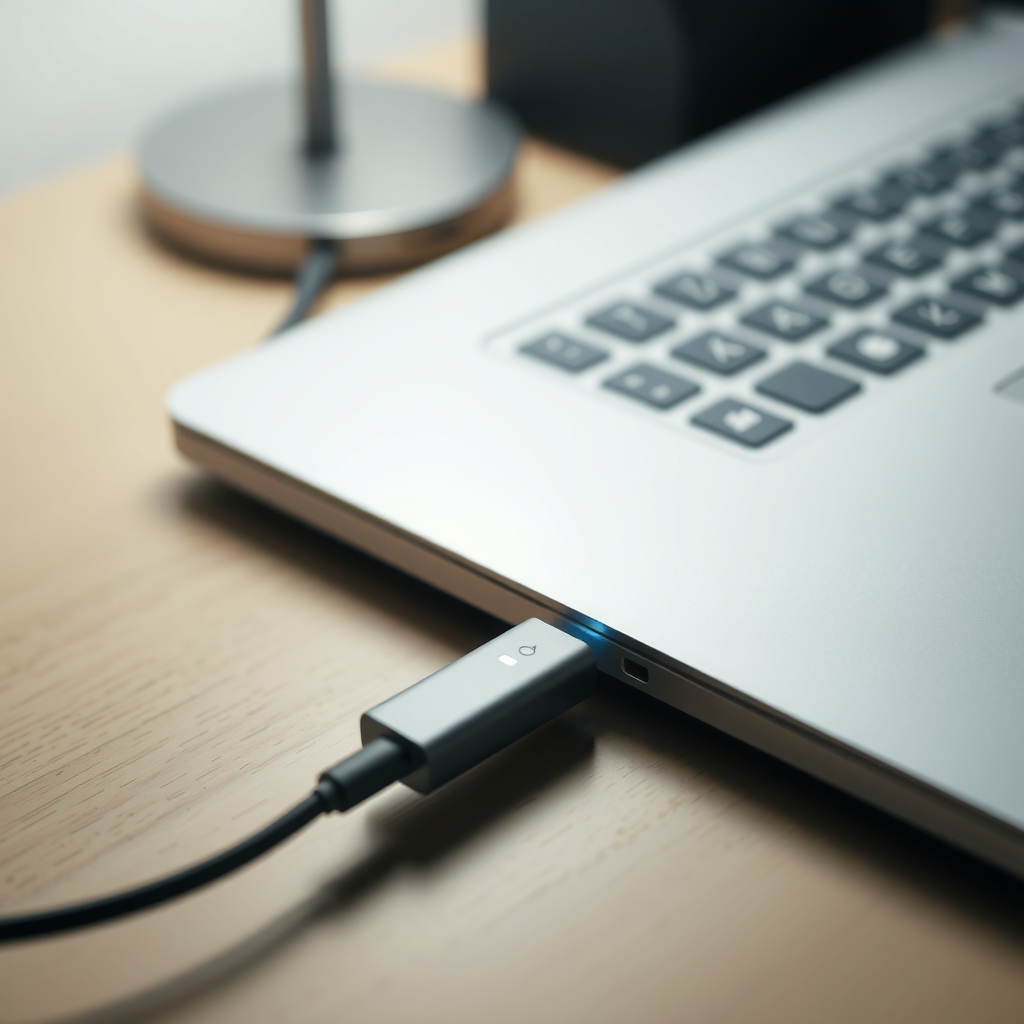
In this guide
Quick answer
A laptop that will not charge usually has a dead outlet, a worn charger or cable, a dirty charging port or a software glitch. Test the free things first, then try a known-good charger. If that charges the laptop, the old charger is finished, and the fix is a replacement that matches your laptop's wattage and connector.
Free fix vs. permanent fix
Test the outlet, charger and port
- Plug a lamp into the outlet to test it, and skip the power strip
- Check the charger light and the cable for kinks or splits
- Pick lint out of the port with a wooden toothpick
- Shut down, unplug and hold the power button for 30 seconds
How long it lasts: It fixes outlet, lint and software problems for good. It does nothing for a worn charger.
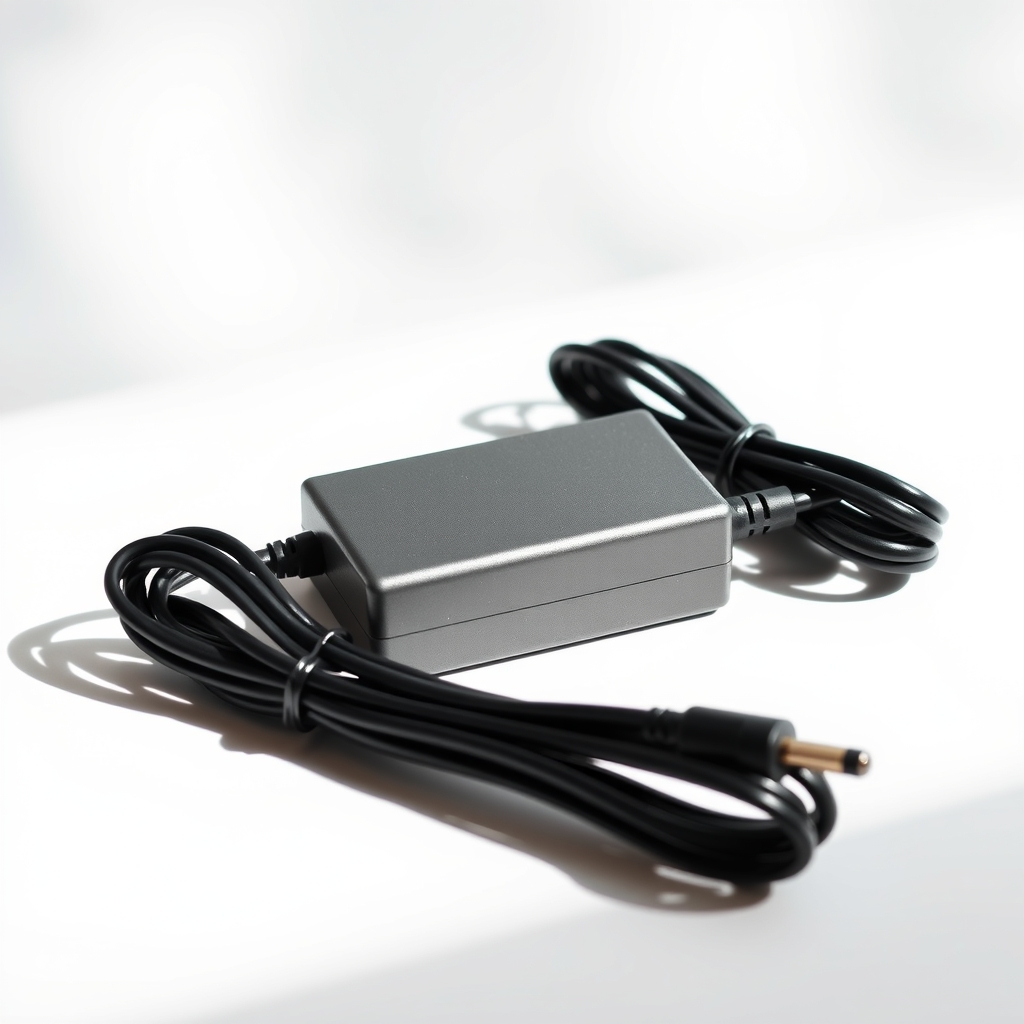
A replacement laptop charger that matches your model
Chargers wear out at the cable ends and inside the brick. Once a known-good charger works, the old one is the cause. A matched replacement restores charging, and a spare means a dead charger never stops your workday again.
What to get: Replacement laptop charger that matches your model
How long it lasts: Years, if you coil the cable loosely and do not yank it.
As an Amazon Associate I earn from qualifying purchases.
What you'll need
-
Lamp and a wall outlet
Confirms the outlet has power
You have it -
Wooden toothpick
Lifts lint from the port without scratching metal
You have it -
Known-good charger
Borrow one with the same connector and enough wattage
Free - Our pick Illustration
Replacement laptop charger
Match the model, wattage and connector
- Illustration
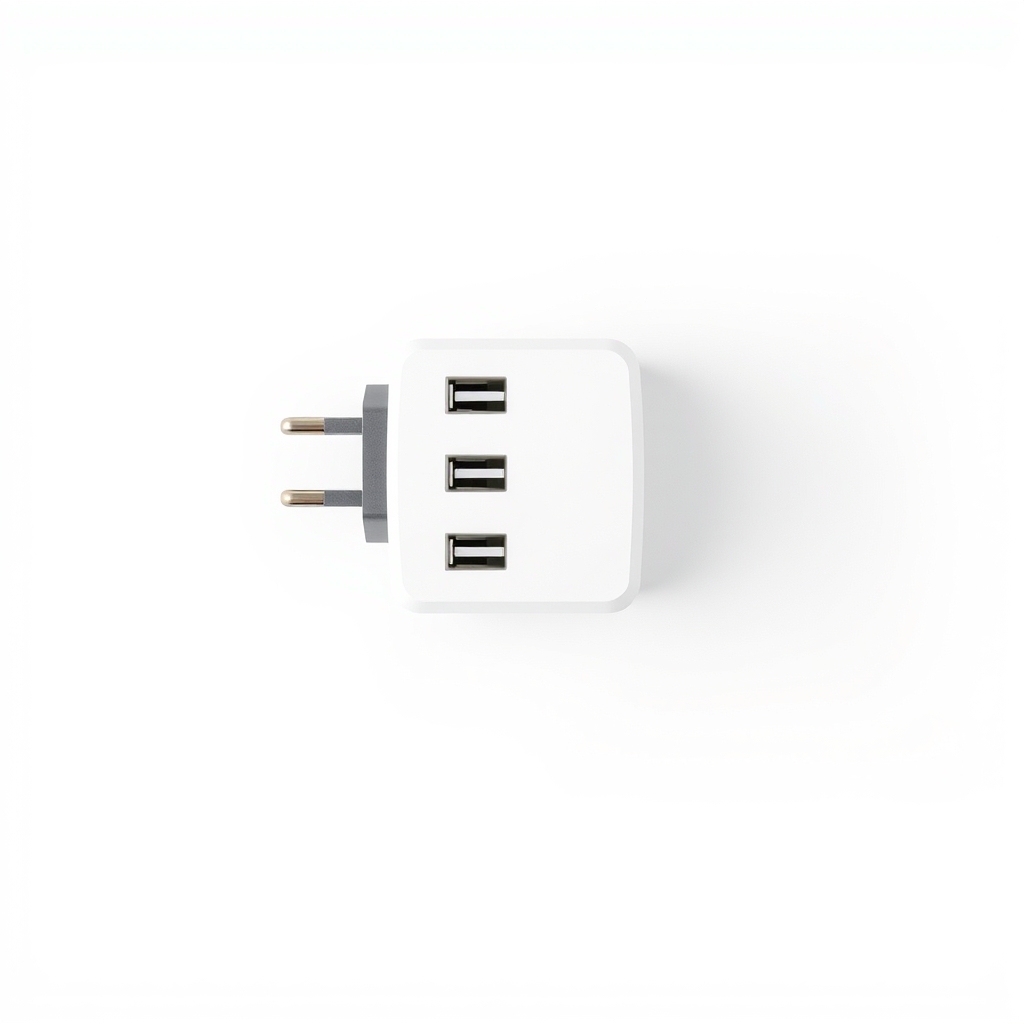
USB-C power delivery wall charger
A lower-cost option for USB-C laptops
Why it happens
A dead outlet or power strip
A tripped strip, a switched outlet or a loose plug can look like a dead charger. A lamp test takes ten seconds.
A worn charger or cable
Cables bend and break near the plug, and bricks fail inside. If the brick has no light, hums or runs hot, it is often the charger.
Lint or damage in the port
Pocket lint packs into USB-C ports. A bent pin or loose jack can make the laptop charge only when you hold the cable at an angle.
A software or battery glitch
A hung battery driver can make the laptop say 'plugged in, not charging.' A restart or a driver reinstall often clears it.
A charge limit or heat cutoff
Some laptops stop charging at 80 percent by design, or pause when hot. Check your battery settings and let the laptop cool.
Try this first (free)
Do these in order, starting with the simplest.
-
Test the outlet with a lamp
Tool used: Lamp and a wall outletPlug a lamp into the wall outlet. Then plug the charger straight into the wall, not into a power strip or a surge protector.
-
Look over the charger
Check for a light on the brick, feel for heat and run your fingers along the cable for kinks, splits or a frayed end. A charger should be warm at most. Stop using it if it is hot, buzzing, smells burnt or shows bare wire.
-
Clean the charging port
Tool used: Wooden toothpickShut the laptop down and unplug it. Scrape lint from the port with a wooden toothpick, then blow gently. Never use metal.
-
Reset the power state
Shut down, unplug, hold the power button for 30 seconds, then plug in again. On Windows, if it still says 'plugged in, not charging,' uninstall the battery driver in Device Manager and restart. On an Intel Mac, reset the SMC. On an Apple silicon Mac, a restart does it.
-
Try a known-good charger
Tool used: Known-good chargerBorrow a charger with the same connector and at least the same wattage from a friend or your office. If the laptop charges, your charger is dead.
-
Replace the charger that failed
Tool used: Replacement laptop chargerBuy a charger that lists your exact laptop model or part number. For a USB-C laptop, use a power delivery charger rated at your laptop's wattage or higher.
IllustrationCheck price on AmazonTool for this step
Replacement laptop charger · Match the model, wattage and connector
When free fixes aren't enough
If a known-good charger charges the laptop, the old charger is finished and no cleaning will revive it. A replacement is the real fix. If a good charger still does not charge it, the problem is the laptop: a worn charging port, a failed battery or the board. That needs a repair shop, not another charger. Stop charging and take it in if the case is swollen, the trackpad is lifting, it smells like burning or it is hot to touch. A swollen battery can catch fire.
Buy the fix
Still stuck after the free fixes? These are the products we would look at.
| Pick | Product | Fixes | Who it's for | Buy |
|---|---|---|---|---|
| Best pick | Replacement laptop charger that matches your model | a failed charger or cable that no longer powers the laptop | Anyone whose laptop charges with a borrowed, known-good charger. | Check price |
| Budget pick | USB-C power delivery wall charger | a dead charger on a USB-C laptop, often at a lower cost than the original | Owners of USB-C laptops that charge by PD. | Check price |
| Upgrade pick | 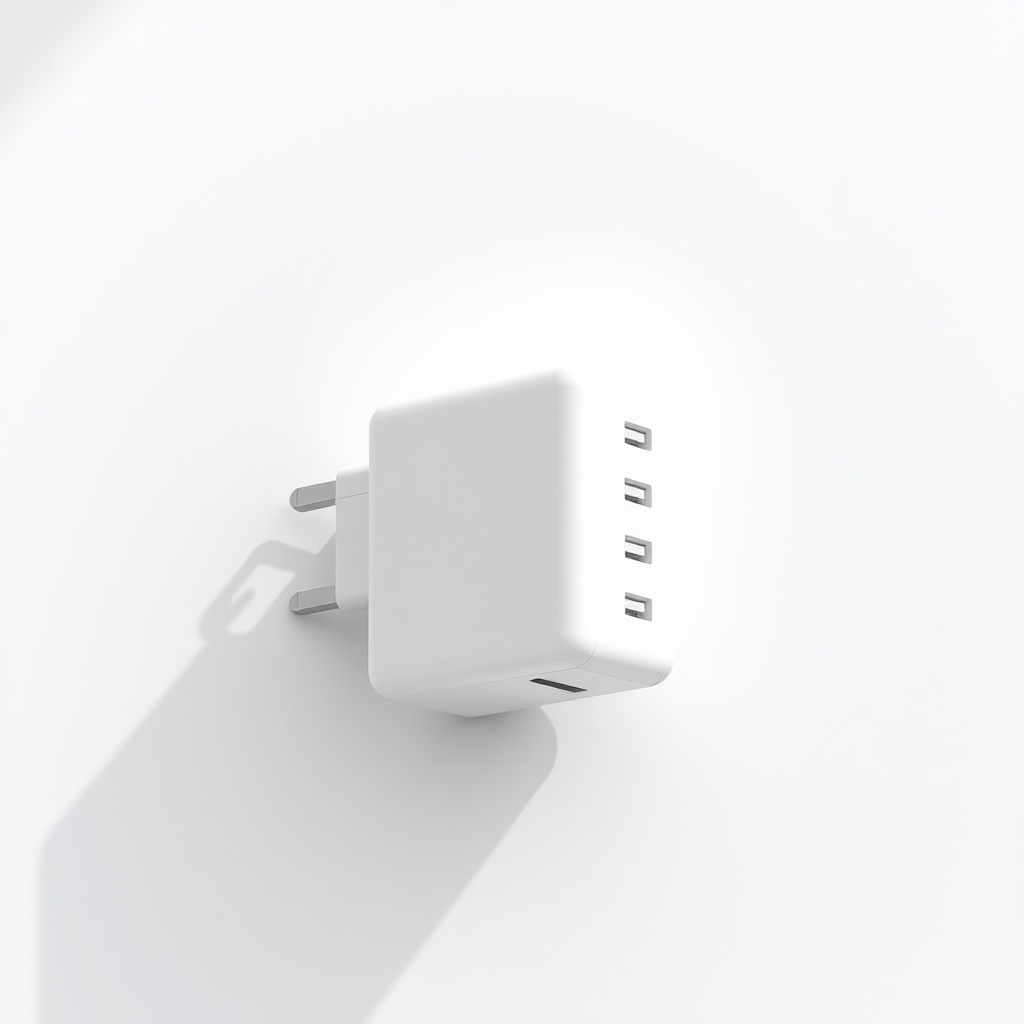 Multi-port GaN USB-C charger | carrying separate chargers for the laptop and other devices | People who travel or work away from the desk. | Check price |
Replacement laptop charger that matches your model
Fixes: a failed charger or cable that no longer powers the laptop
Look for: Your exact laptop model or part number in the listing; Wattage equal to or higher than the original, printed on the old brick; The right connector: USB-C or the same barrel size; A safety listing such as UL or ETL.
- Who it's for
- Anyone whose laptop charges with a borrowed, known-good charger.
- Honest downside
- A known-good charger fails too. That points to the laptop's port or battery.
USB-C power delivery wall charger
Fixes: a dead charger on a USB-C laptop, often at a lower cost than the original
Look for: Power Delivery (PD) support; A wattage at or above your laptop's; A USB-C cable rated for that wattage.
- Who it's for
- Owners of USB-C laptops that charge by PD.
- Honest downside
- Your laptop uses a round barrel plug, or needs more watts than the charger supplies.
Multi-port GaN USB-C charger
Fixes: carrying separate chargers for the laptop and other devices
Look for: Enough wattage to charge the laptop while other ports are in use; Two or more ports for phone and tablet; A small body that fits in a bag.
- Who it's for
- People who travel or work away from the desk.
- Honest downside
- Your laptop uses a barrel plug, or you need only one charger at a desk.
As an Amazon Associate I earn from qualifying purchases. We don't show prices because they change, so use the button to see today's price.
How we picked: How we picked: this page is based on laptop maker support articles, charger compatibility guides and the problems and fixes owners report in reviews. We do not test products by hand.
How to match the charger
- Wattage (W): printed on the label of the old brick. Match it or go higher.
- Voltage (V) and amps (A): for a barrel plug the voltage must match exactly, and the amps must be equal or higher.
- Connector: USB-C, or the barrel size and tip. Check your laptop's manual.
- Model number: a listing that names your exact laptop is the safest choice.
What to skip
No-name universal chargers with a pile of tips
Cheap universal chargers that list dozens of tips and no wattage or safety mark can supply the wrong voltage, run hot or damage the port. Skip any charger that does not list voltage, amps and a safety listing. And stop wiggling a loose cable to make it charge, since that wears the port.
Frequently asked questions
Why is my laptop not charging when it is plugged in?
How do I fix a laptop charging port?
Can I use a lower-wattage charger?
My laptop says plugged in, not charging. Is the battery dead?
Is it safe to charge a laptop with a damaged cable?
As an Amazon Associate I earn from qualifying purchases. Affiliate disclosure