Printer Printing Blank Pages? A Printhead Cleaning Kit Can Save It
Blank pages usually mean dried ink in the printhead or a cartridge problem. Check the basics, run the built-in clean, then try a cleaning kit.
By Jamilur Rahman Updated November 5, 2026 · 6 min read
- Time
- 30 min
- Cost
- Under $20
- Difficulty
- Medium
In this guide
Quick answer
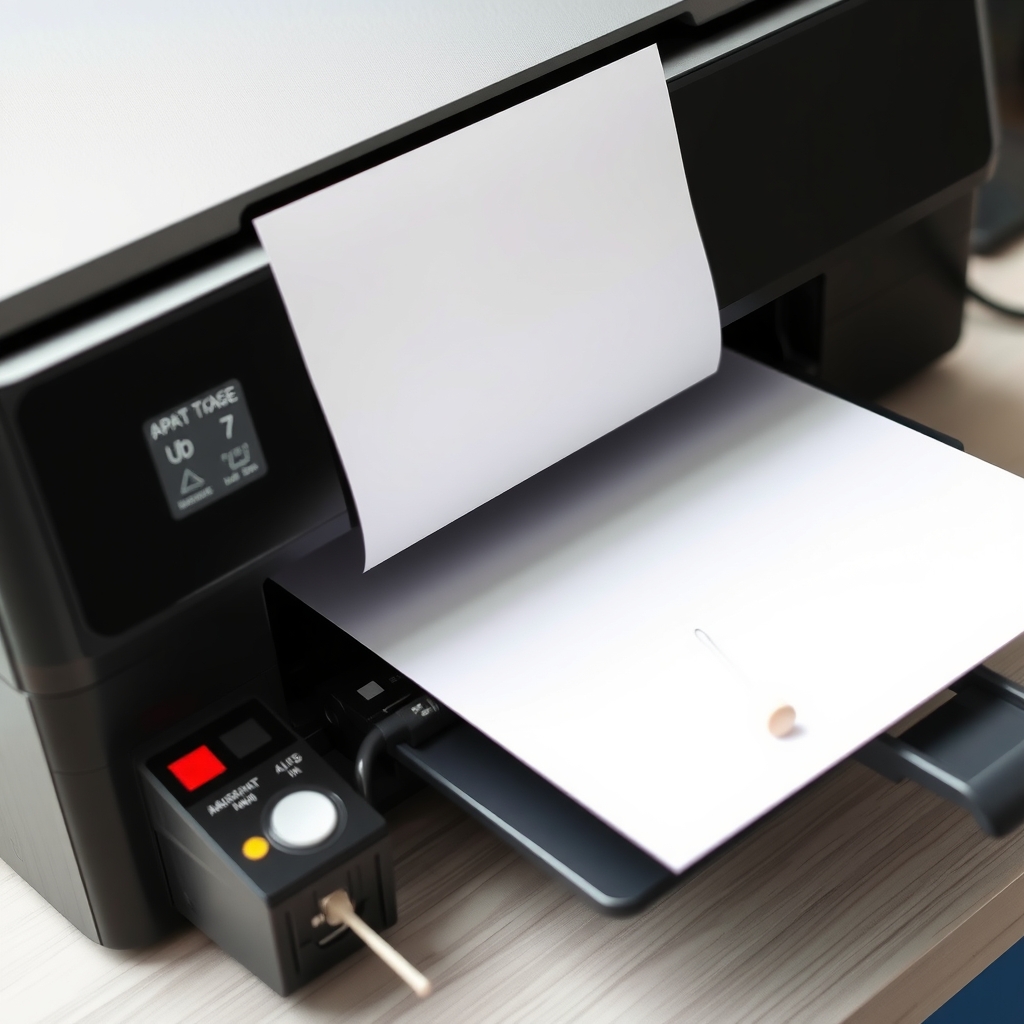
A printer that keeps printing blank pages usually has dried ink clogging the printhead, a cartridge that is empty or not seated, or protective tape still on a new cartridge. Check those, run the printer's own nozzle check and head cleaning, then use an inkjet printhead cleaning kit if lines are still missing. It dissolves dried ink that the built-in cycle cannot clear.
Free fix vs. permanent fix
Check, reseat and run the built-in clean
- Remove tape from new cartridges and click them in firmly
- Print the printer's own nozzle check pattern
- Run the head cleaning cycle two or three times
- Print a page every week so the ink never dries
How long it lasts: Works when the clog is fresh. Ink that has dried for months stays blocked.
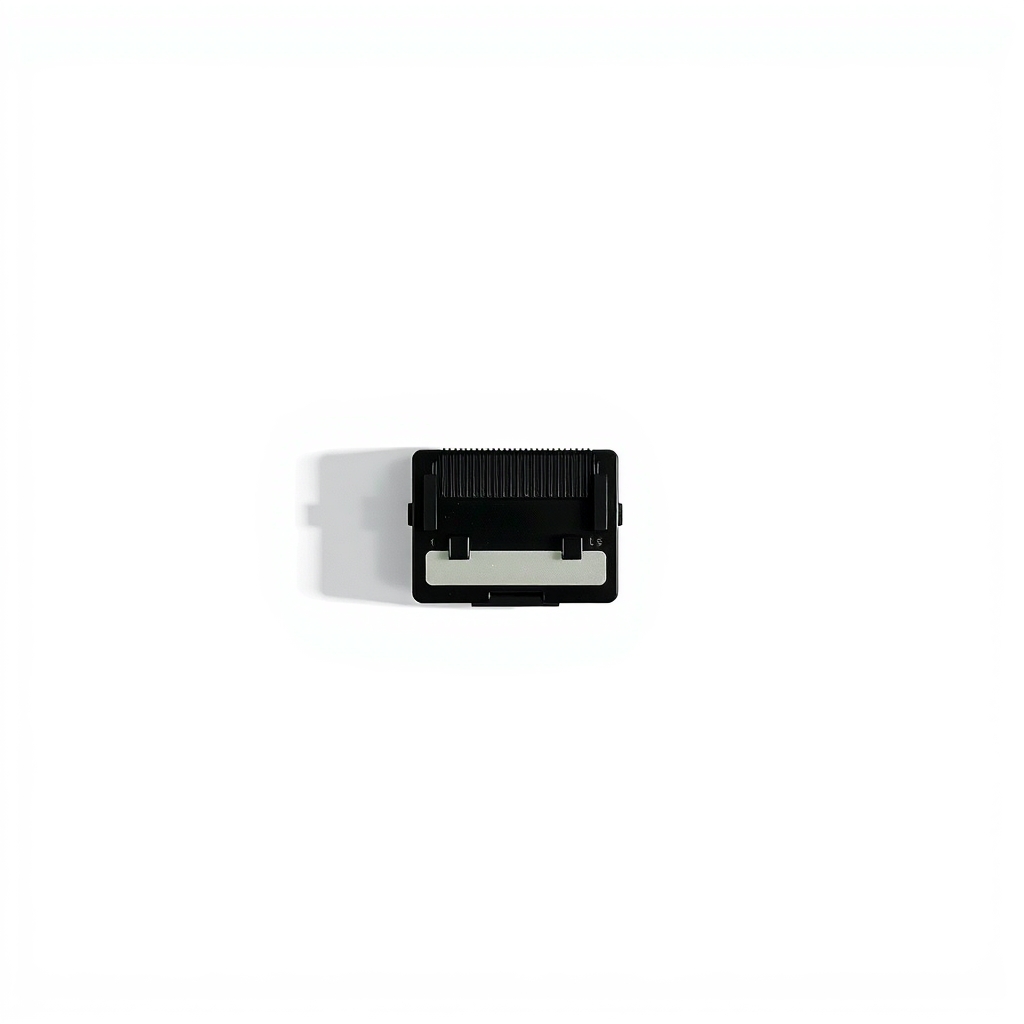
An inkjet printhead cleaning kit
The built-in clean pushes ink through the nozzles, and it wastes ink. When ink has dried into a plug, a cleaning solution dissolves it. A kit lets you soak or flush the clog instead of running cycle after cycle.
What to get: Inkjet printhead cleaning kit
How long it lasts: Until the nozzles dry out again. Printing weekly keeps them clear.
As an Amazon Associate I earn from qualifying purchases.
What you'll need
-
Printer nozzle check or test page
Built into the printer's menu or driver
Free - Illustration
Lint-free swabs
For the nozzle plate and cartridge contacts
- Our pick Illustration
Printhead cleaning kit
Check that it lists your printer brand and head type
- Illustration
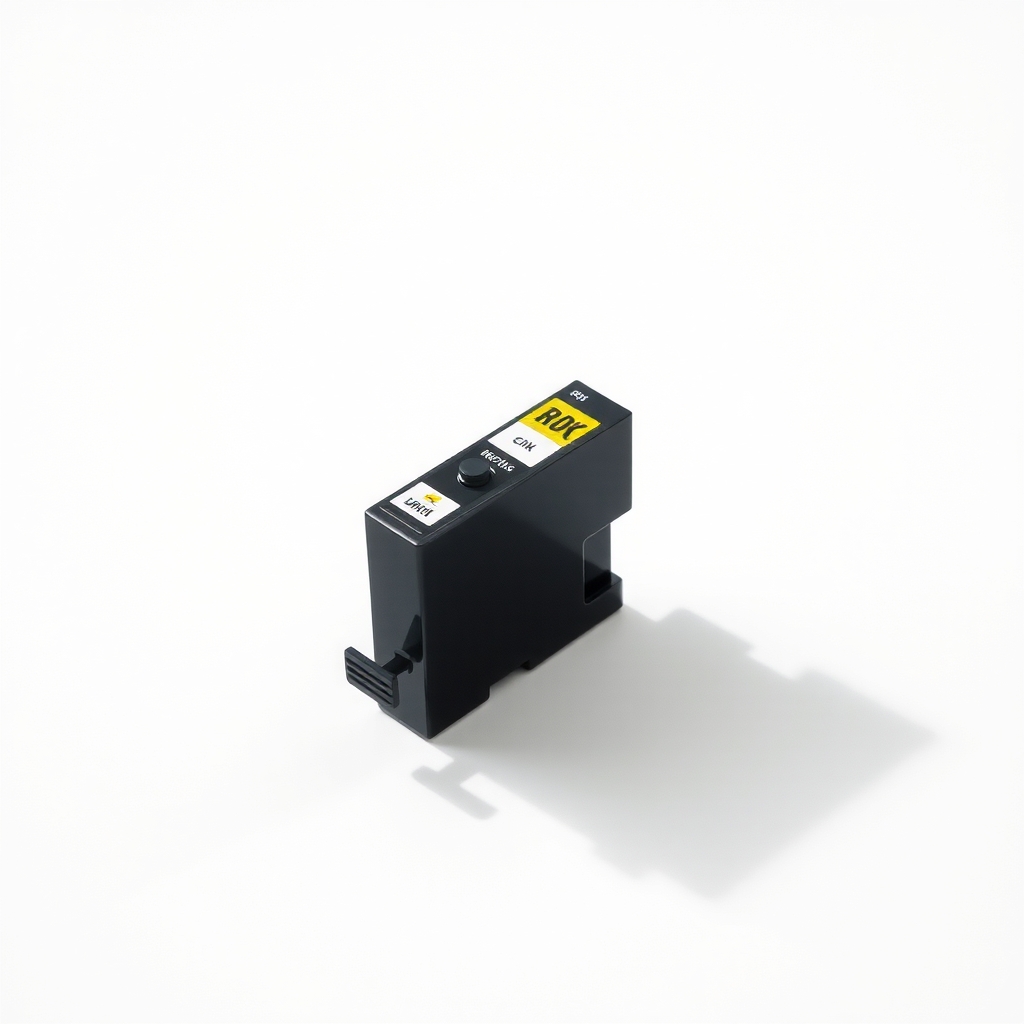
Replacement ink cartridges
Only if the ink is truly empty or the cartridge is faulty
Why it happens
Dried ink in the nozzles
Ink in the printhead dries when a printer sits unused, and plugged nozzles print nothing. Black pigment ink often clogs first, with color following.
Empty or low cartridges
An empty cartridge prints blank. Some printers read a cartridge as empty while a little ink remains, or reject non-matching chips.
Protective tape or a cartridge not seated
New cartridges ship with a tape or plug over the nozzles. Leave it on, or fail to click the cartridge in, and nothing prints.
Wrong settings or a file problem
A wrong paper size, an incorrect printer driver, or a document with blank pages can all give a blank sheet. A test page from the printer's own menu rules this out.
Switching it off at the wall
Cutting power at a strip or outlet stops the printer from capping the printhead, so ink dries faster. Use the printer's own power button.
Try this first (free)
Do these in order, starting with the simplest.
-
Print a test page from the printer's menu
Tool used: Printer nozzle check or test pageUse the printer's own test page or nozzle check, not a document. If it prints fine, the problem is the file or driver. If it is blank or has gaps, it is the printhead or the ink.
-
Check the ink and remove tape
Look at the ink levels. Take each cartridge out, peel off any tape or plastic over the nozzle and contacts, and click it back in.
-
Run the head cleaning cycle
Run it from the maintenance menu, then print the nozzle check again. Do it two or three times with a few minutes between, since each one uses ink.
-
Wipe the nozzle plate and contacts gently
Tool used: Lint-free swabsIf your cartridges have an exposed nozzle plate, blot it once with a lint-free swab barely dampened with distilled water, without pressing. Wipe copper contacts with a dry swab.
IllustrationCheck price on AmazonTool for this step
Lint-free swabs · For the nozzle plate and cartridge contacts
-
Use the cleaning kit for a stubborn clog
Tool used: Printhead cleaning kitFollow the kit's steps for your type of head. A typical method soaks the nozzle plate or flushes solution through it. Wait the stated time, wipe and reinstall.
IllustrationCheck price on AmazonTool for this step
Printhead cleaning kit · Check that it lists your printer brand and head type
-
Print weekly and power off the right way
Print one color page a week, and turn the printer off with its own power button so it caps the head.
When free fixes aren't enough
If the nozzle check still shows missing lines after a kit and several cleanings, the printhead may be dead, and on many home printers it cannot be replaced. Compare the cost of a new printhead or a new printer with a repair. Unplug the printer if ink leaks, it smokes, or you see sparks. Ink stains, so wear gloves and protect surfaces. On a laser printer, blank pages are more often a toner seal strip left in or a failed toner cartridge.
Buy the fix
Still stuck after the free fixes? These are the products we would look at.
| Pick | Product | Fixes | Who it's for | Buy |
|---|---|---|---|---|
| Best pick | Inkjet printhead cleaning kit | dried ink clogging nozzles, which causes blank pages and missing colors | Anyone whose built-in cleaning cycles have not fixed blank pages or banding. | Check price |
| Budget pick | Lint-free cleaning swabs | ink residue on nozzle plates and contacts after reseating | People with a light clog or dirty cartridge contacts. | Check price |
Inkjet printhead cleaning kit
Fixes: dried ink clogging nozzles, which causes blank pages and missing colors
Look for: Made for inkjet nozzles, with the brands it fits listed; Cleaning solution plus tools such as swabs or a syringe; Directions for removable heads and cartridge nozzle plates; No harsh solvents on the label.
- Who it's for
- Anyone whose built-in cleaning cycles have not fixed blank pages or banding.
- Honest downside
- Your printhead is built in and cannot be reached, you only need ink, or the printer is a laser.
Lint-free cleaning swabs
Fixes: ink residue on nozzle plates and contacts after reseating
Look for: Lint-free foam or microfiber tips; A sturdy handle; Gentle on nozzle plates and contacts.
- Who it's for
- People with a light clog or dirty cartridge contacts.
- Honest downside
- Missing lines persist after two wipes. Then use the full cleaning kit.
As an Amazon Associate I earn from qualifying purchases. We don't show prices because they change, so use the button to see today's price.
How we picked: How we picked: this page is based on inkjet printer manuals and support guides, cleaning kit directions, and the problems and fixes people report in reviews. We do not test products by hand.
Why does my printer print blank pages? Match the symptom to the fix
- Even the test page is blank: empty ink, tape left on, or a dead printhead.
- The test page prints but a document is blank: a file, driver or paper-size setting.
- Black is missing: clogged black nozzles. Clean the head.
- One color is missing or faded: that color's nozzles are clogged, or its cartridge is low.
What to skip
Running the cleaning cycle over and over
Each cycle pushes ink into the printer's waste pad. Four or five in a row waste ink, and some printers stop working when the pad fills. Do two or three, wait, and then step up to a cleaning kit.
Frequently asked questions
Why is my printer printing blank pages?
Printer not printing black: what should I check?
Printer not printing in color: how do I fix it?
How to stop printer ink from drying out?
Related problems
 Free fix inside
Home Office & Cables · Printer
Printer Not Connecting to Computer? A Fresh USB Cable Often Fixes It
Read the fix Free fix inside
Home Office & Cables · Printer
Printer Keeps Jamming? Clean the Rollers Before You Replace It
Read the fix Free fix inside
Home Office & Cables · Keyboard
Why Does My Keyboard Keep Disconnecting? Move the Receiver Closer
Read the fix Free fix inside
Home Office & Cables · Keyboard
Laptop Keyboard Not Working? An External Keyboard Keeps You Typing
Read the fixAs an Amazon Associate I earn from qualifying purchases. Affiliate disclosure