Printer Keeps Jamming? Clean the Rollers Before You Replace It
Most jams start with dirty pickup rollers or the wrong paper. Clear the path, clean the rollers, and your printer can feed again.
By Jamilur Rahman Updated November 5, 2026 · 6 min read
- Time
- 20 min
- Cost
- Under $20
- Difficulty
- Easy
In this guide
Quick answer
If your printer keeps jamming, the usual causes are dirty pickup rollers, damp or curled paper, or a torn scrap left in the path. Unplug it, pull the jam out gently, load fresh flat paper and wipe the rollers with a damp lint-free cloth. A printer roller cleaning kit restores grip when a plain wipe no longer does it.
Free fix vs. permanent fix
Clear, reload and wipe the rollers
- Unplug it and pull jammed paper out slowly along the paper path
- Check for torn scraps with a flashlight
- Load fresh, dry, flat paper below the fill line
- Wipe the pickup rollers with a damp lint-free cloth
How long it lasts: Weeks to months. Rollers that have gone slick or worn smooth start slipping again.
A printer roller cleaning kit
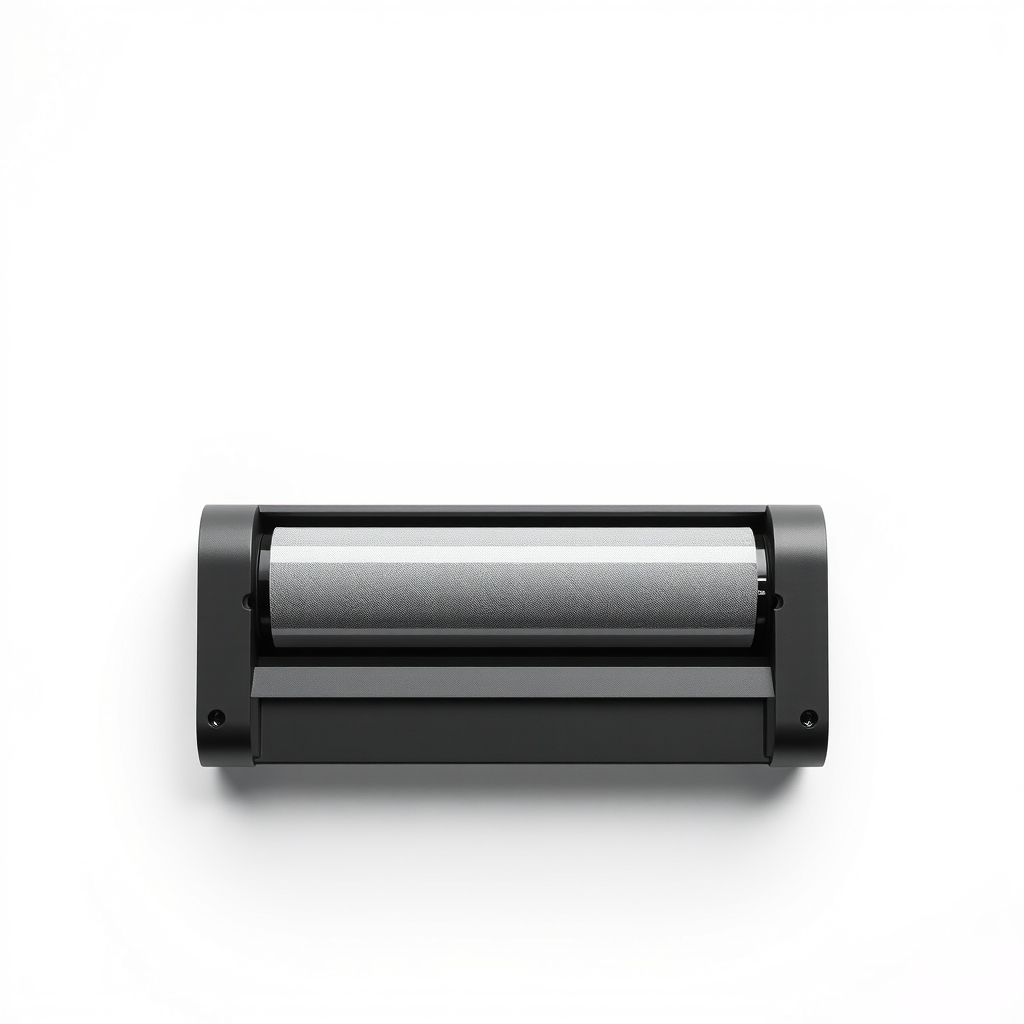
Rollers only grip paper when the rubber is clean. Paper dust, toner and ink build a slick film that a quick wipe does not fully remove. A roller cleaning kit is made for the job and restores grip. It cannot revive rollers that are worn or cracked, which is when a replacement roller kit or a new printer is next.
What to get: Printer roller cleaning kit
How long it lasts: Often months of steady feeding. It removes the paper dust and film that make rollers slip.
As an Amazon Associate I earn from qualifying purchases.
What you'll need
-
Flashlight or phone light
To spot torn scraps deep in the path
You have it -
Lint-free cloth and distilled water
A microfiber cloth works, as long as it leaves no fibers
You have it -
Fresh, dry paper
Plain paper in the weight your printer lists
You have it - Our pick Illustration
Printer roller cleaning kit
Pick one made for your printer type
- Illustration
Replacement pickup roller for your model
Only if the rollers are cracked or worn smooth
Why it happens
Dirty or glazed pickup rollers
Rubber rollers collect paper dust and toner or ink, then slip. The printer grabs two sheets, none, or one at a slant.
Damp, curled or wrong paper
Paper that sat in a humid room, is curled, or is too thick or thin for the tray jams more. Glossy and thin recycled sheets are common culprits.
An overfilled tray or loose guides
Stuffing the tray above the fill line, or guides set too loose or too tight, makes sheets feed crooked.
Torn scraps in the path
A jam pulled out in pieces leaves a scrap behind. The next sheet catches on it and jams again, often at the same spot.
Worn rollers or an aging printer
Old rubber hardens and polishes. No cleaning brings back the grip, and the jam rate rises with age.
Try this first (free)
Do these in order, starting with the simplest.
-
Power off, unplug and let it cool
Turn it off and unplug it. Laser printers have a hot fuser, so wait about 30 minutes before reaching inside.
-
Remove the jammed paper
Tool used: Flashlight or phone lightOpen every door and pull the sheet slowly in the direction of the paper path, using both hands so it does not tear. Shine a light inside for scraps.
-
Fan the paper and reload
Tool used: Fresh, dry paperUse fresh, dry paper. Fan it, tap the stack flat, load it below the fill line and set the guides snug to the edges. Match the paper type to the setting on the printer.
-
Wipe the pickup rollers
Tool used: Lint-free cloth and distilled waterWith the printer unplugged, dampen a lint-free cloth with distilled water, or whatever your manual says, and wipe each roller while turning it by hand. Let it dry for a few minutes.
-
Use the roller cleaner if wiping is not enough
Tool used: Printer roller cleaning kitFollow the kit's directions. Some use cleaning sheets run through the printer, and some use pads with a rubber-safe fluid. Heed your printer maker's warnings.
IllustrationCheck price on AmazonTool for this step
Printer roller cleaning kit · Pick one made for your printer type
-
Print a test page
Run a test page and a short job. If it jams again at the same spot, look there for a scrap.
When free fixes aren't enough
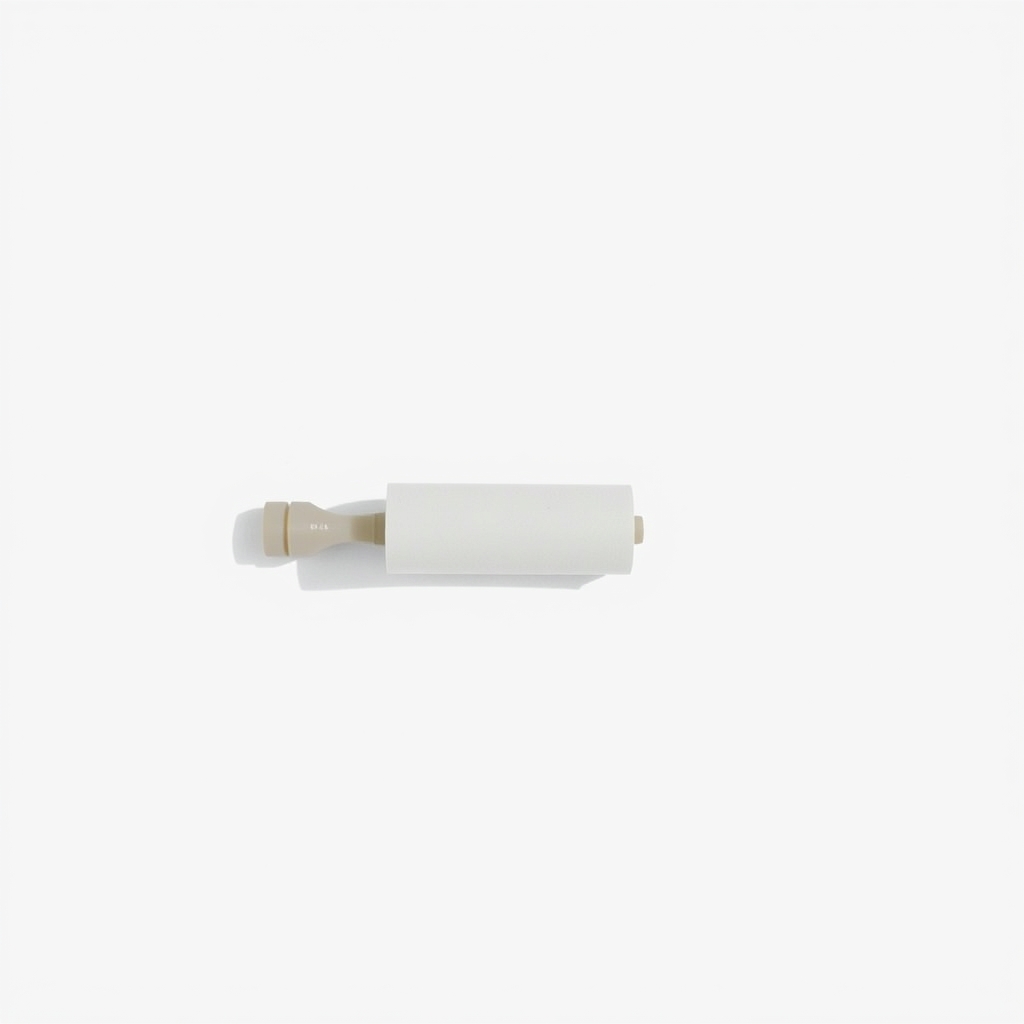
If the rollers look shiny, cracked or flat after cleaning, the printer keeps slipping and cleaning only buys time. A replacement pickup roller kit for your exact model is the next step, though on a cheap inkjet a new printer may cost about the same. Stop and call the maker or a repair shop if you hear grinding, smell burning, or the jam is deep in a laser printer near the fuser, which is very hot. Never force a stuck sheet.
Buy the fix
Still stuck after the free fixes? These are the products we would look at.
| Pick | Product | Fixes | Who it's for | Buy |
|---|---|---|---|---|
| Best pick | Printer roller cleaning kit | slick rollers that slip and cause misfeeds and jams | Anyone whose printer feeds crooked or double after a plain wipe-down. | Check price |
| Upgrade pick | Replacement pickup roller kit for your printer model | rollers worn smooth past what cleaning can restore | People with a good laser printer that is worth repairing. | Check price |
Printer roller cleaning kit
Fixes: slick rollers that slip and cause misfeeds and jams
Look for: Made for rubber paper-feed rollers; Lint-free pads or cleaning sheets included; A rubber-safe liquid, not harsh solvents; Clear steps for your printer type, inkjet or laser.
- Who it's for
- Anyone whose printer feeds crooked or double after a plain wipe-down.
- Honest downside
- The rollers are visibly cracked or flat. Then you need new rollers or a new printer.
Replacement pickup roller kit for your printer model
Fixes: rollers worn smooth past what cleaning can restore
Look for: Made for your exact model number; Includes the rollers or separation pad your printer uses; Clear installation steps.
- Who it's for
- People with a good laser printer that is worth repairing.
- Honest downside
- Your printer is a cheap inkjet that costs about as much new, or parts are not sold for it.
As an Amazon Associate I earn from qualifying purchases. We don't show prices because they change, so use the button to see today's price.
How we picked: How we picked: this page is based on printer manuals and support guides, roller cleaning kit directions, and the problems and fixes people report in reviews. We do not test products by hand.
Printer keeps jamming paper? Match the jam to the cause
- Nothing pulled in from the tray: dirty pickup rollers, or an overfilled tray.
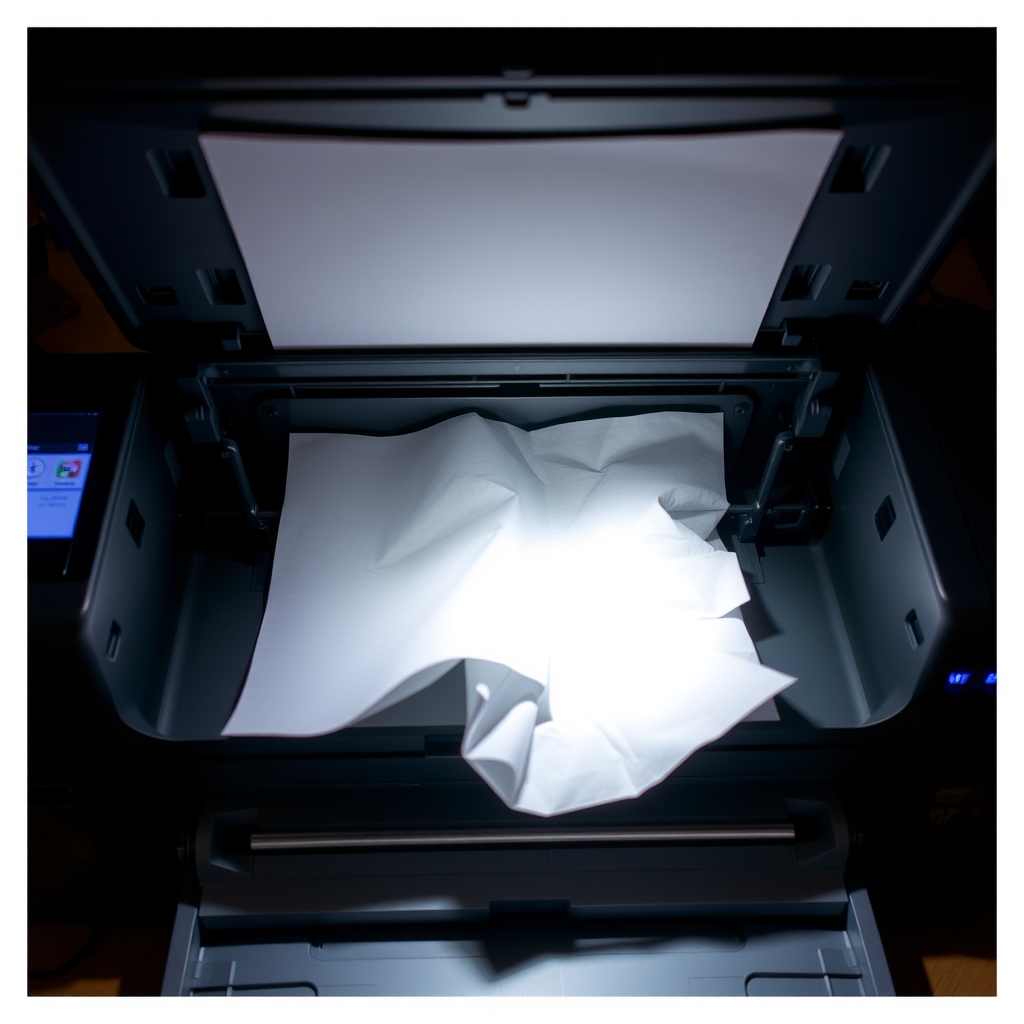
- A crumpled sheet mid-printer: a torn scrap or a dirty roller in the path.
- Two sheets at once: damp paper or a worn separation pad.
- A jam at the exit on a laser printer: near the fuser. Let it cool and be careful.
What to skip
Spraying rollers with oils, silicone or household sprays
Oils make the rubber slick, and solvent cleaners can melt or harden it. Both make jamming worse. Use water or a rubber-safe roller cleaner, and never spray directly into the printer.
Frequently asked questions
Why does my printer keep jamming?
How to fix a printer paper jam?
Why does my printer keep saying out of paper when it is full?
Can the wrong paper cause jams?
Related problems
 Free fix inside
Home Office & Cables · Printer
Printer Not Connecting to Computer? A Fresh USB Cable Often Fixes It
Read the fix Free fix inside
Home Office & Cables · Printer
Printer Printing Blank Pages? A Printhead Cleaning Kit Can Save It
Read the fix Free fix inside
Home Office & Cables · Keyboard
Why Does My Keyboard Keep Disconnecting? Move the Receiver Closer
Read the fix Free fix inside
Home Office & Cables · Keyboard
Keyboard Smells Bad? Deep-Clean It Without Taking It Apart
Read the fixAs an Amazon Associate I earn from qualifying purchases. Affiliate disclosure