Keyboard Smells Bad? Deep-Clean It Without Taking It Apart
Skin oil, sweat and crumbs build up between the keys. Clear them with a brush, air and alcohol wipes, no screwdriver needed.
By Jamilur Rahman Updated November 5, 2026 · 6 min read
- Time
- 20 min
- Cost
- Under $20
- Difficulty
- Easy
In this guide
Quick answer
If your keyboard smells bad, the cause is skin oil, sweat, spilled drinks and crumbs packed between and under the keys. Power it off, shake out the loose debris, sweep with a soft brush, blow out the gaps with compressed air and wipe each keycap with a cloth barely dampened with 70 percent isopropyl alcohol. A keyboard cleaning kit puts those tools in one box. If a laptop smells hot, burnt or chemical, stop and read the safety note below.
Free fix vs. permanent fix
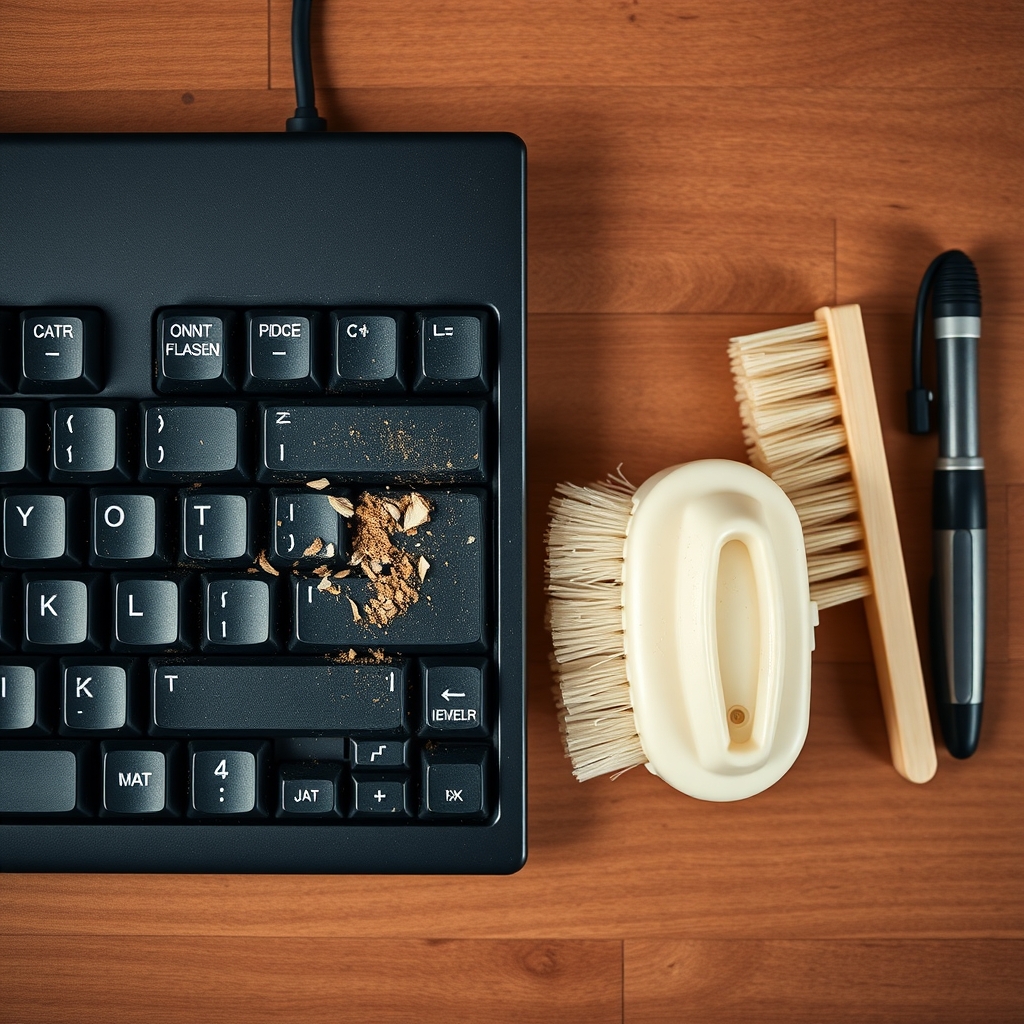
Brush, air and wipe the keycaps
- Power off and unplug, or shut the laptop down
- Tip it upside down and tap out the crumbs
- Sweep with a brush, then blow air at an angle
- Wipe each keycap with a barely damp alcohol cloth
How long it lasts: A few weeks to a couple of months, depending on how often you eat at the desk and how sweaty your hands get.
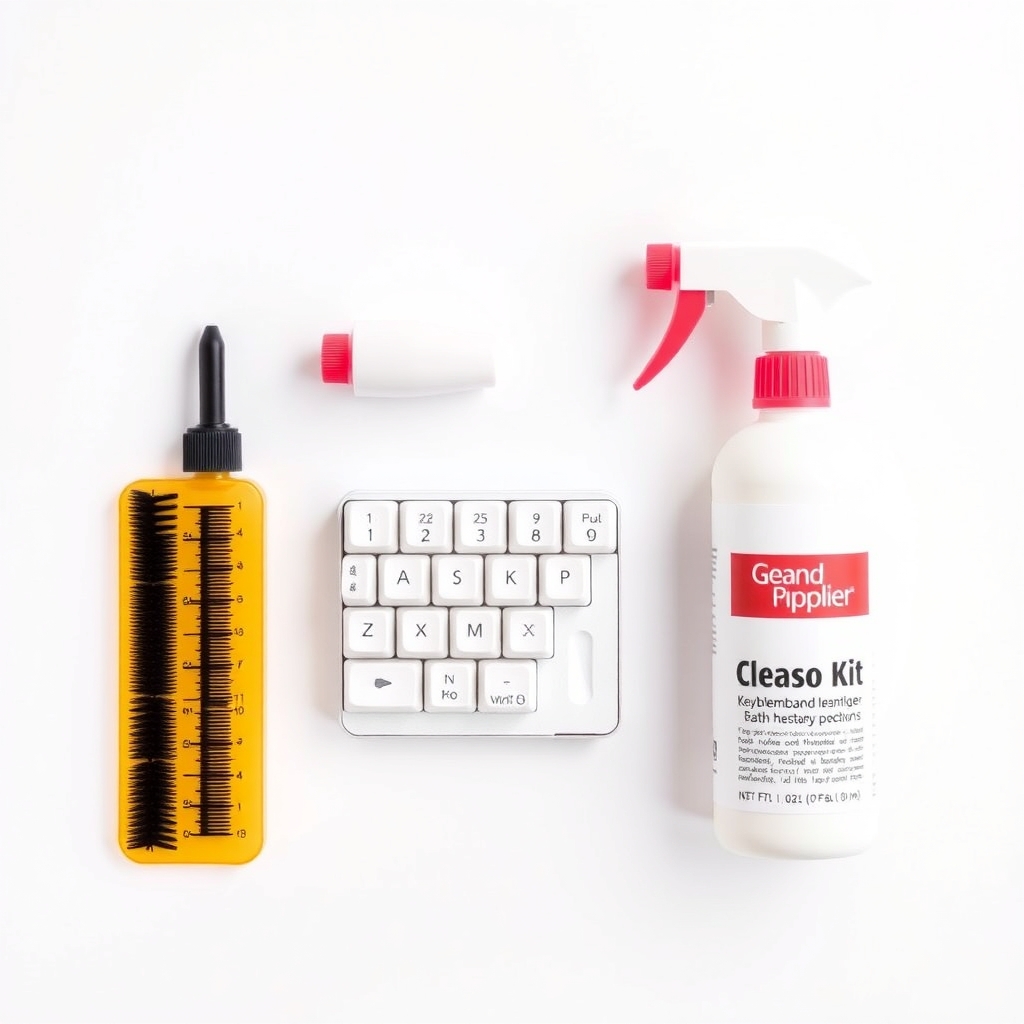
A keyboard cleaning kit
A kit gathers the small tools in one place: a soft brush for the gaps, a cleaning gel or swabs for the key edges and a microfiber cloth. With them on your desk, a two-minute pass every few weeks is easy to do, and the oil and crumbs never get a chance to turn into a smell.
What to get: Keyboard cleaning kit
How long it lasts: Reusable for years. A quick clean every month or two keeps the smell from building.
As an Amazon Associate I earn from qualifying purchases.
What you'll need
-
Lint-free or microfiber cloth
For wiping keycaps
You have it -
Cotton swabs
For the edges between the keys
You have it - Illustration
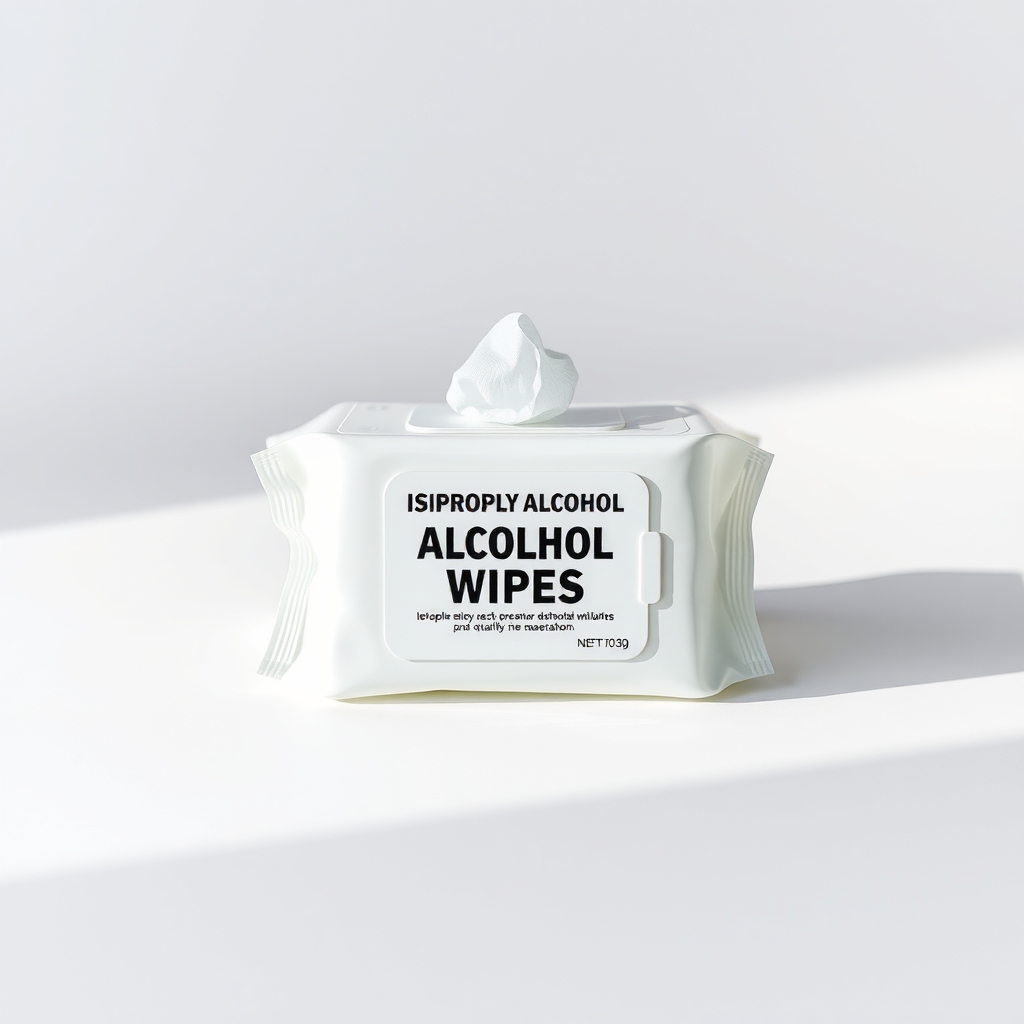
Isopropyl alcohol wipes (70%)
Barely damp, never wet; check your maker's care page
- Illustration
Compressed air duster
Blows crumbs and dust out from under the keys
- Our pick Illustration
Keyboard cleaning kit
Brush, gel, swabs and cloth together
Why it happens
Skin oil and sweat
Fingers leave oil and moisture on every key. Over months it works into the gaps and the surface of the keycaps, and starts to smell sour or stale.
Crumbs and spills
Food and sugary drinks fall between the keys. The sticky residue goes sour and sits where a wipe cannot reach.
Dust, hair and pet dander
Dust, hair and dander collect between keys and hold odors. A warm laptop bakes it in, which gives a hot-dust smell.
Smoke and perfume
A keyboard in a smoking or heavily scented room takes those smells into the plastic and the dust on it.
Try this first (free)
Do these in order, starting with the simplest.
-
1. Power it down
Unplug a USB keyboard, or turn off and unplug a laptop. Never clean a keyboard that is powered on.
-
2. Tip out the loose debris
Hold the keyboard upside down over a towel, tilt it and tap the back gently. Do not shake a laptop hard.
-
3. Brush between the keys
Tool used: Keyboard cleaning kitSweep the gaps with a soft brush, working from the center outward, so dust falls out instead of going deeper. A cleaning gel can lift what is left.
IllustrationCheck price on AmazonTool for this step
Keyboard cleaning kit · Brush, gel, swabs and cloth together
-
4. Blow air at an angle
Tool used: Compressed air dusterHold the can upright and fire short bursts across the keys at an angle, never straight down. Repeat from each side.
IllustrationCheck price on AmazonTool for this step
Compressed air duster · Blows crumbs and dust out from under the keys
-
5. Wipe every keycap
Tool used: Isopropyl alcohol wipes (70%)Dampen a wipe or cloth with a little 70 percent isopropyl alcohol so it is barely damp, then wipe each key. Use a swab for the edges. Let the keyboard dry for at least 10 to 15 minutes before you power it back on.
IllustrationCheck price on AmazonTool for this step
Isopropyl alcohol wipes (70%) · Barely damp, never wet; check your maker's care page
When free fixes aren't enough
If the smell stays after a full clean, a spill probably reached under the keys, where you cannot get without opening the keyboard. On a desktop keyboard with removable keycaps, you can pull the keycaps and wash them. On a laptop, never pry the keys off. Get it serviced. A cheap external keyboard can replace a ruined one. If a laptop smells hot, burnt or chemical, or its case is swelling or the trackpad is lifting, power it off, unplug it and have a technician check it. A swollen battery is a fire risk, so do not keep charging it.
Buy the fix
Still stuck after the free fixes? These are the products we would look at.
| Pick | Product | Fixes | Who it's for | Buy |
|---|---|---|---|---|
| Best pick | Keyboard cleaning kit | dust, crumbs and oil that make a keyboard smell | Anyone who eats at the desk or wants a simple monthly clean. | Check price |
| Budget pick | Isopropyl alcohol wipes, 70 percent | skin oil and sweat smell on the keycaps | Someone who just needs the keycaps wiped. | Check price |
Keyboard cleaning kit
Fixes: dust, crumbs and oil that make a keyboard smell
Look for: A soft brush with a slim head; Reusable cleaning gel or swabs that fit between keys; A microfiber cloth.
- Who it's for
- Anyone who eats at the desk or wants a simple monthly clean.
- Honest downside
- You only need one wipe now. A barely damp alcohol wipe and a soft brush you already own do the job. Do not use a gel on a keyboard that is sticky or wet.
Isopropyl alcohol wipes, 70 percent
Fixes: skin oil and sweat smell on the keycaps
Look for: 70 percent isopropyl alcohol; Individually wrapped or a resealable pack; Lint-free.
- Who it's for
- Someone who just needs the keycaps wiped.
- Honest downside
- Your maker's care page warns against alcohol on printed or coated keys. Check it first.
As an Amazon Associate I earn from qualifying purchases. We don't show prices because they change, so use the button to see today's price.
How we picked: How we picked: this page is based on keyboard and laptop care pages from device makers, general electronics-cleaning guidance and what owners report in reviews of cleaning kits. We do not test products by hand.
A laptop that smells hot or burnt is not a cleaning job
Oil and crumbs smell sour or stale. A hot, burnt, fishy or sweet chemical smell, a case that bulges or a keyboard that lifts is different, and a failing battery or part can cause it. Power the laptop off, unplug it and keep it off soft surfaces. Take it to a technician rather than cleaning it.
What to skip
Spraying liquid on the keys, and bleach or vinegar
Liquid sprayed onto a keyboard runs into the switches and circuit board, so it can ruin a keyboard that only smelled. Bleach and harsh sprays also strip the printing off the keys. Dampen the cloth, never the keyboard.
Frequently asked questions
Why does my keyboard smell bad?
Why does my laptop keyboard smell bad, and is it safe to clean?
Why does my MacBook keyboard smell?
How often should I clean my keyboard so it stops smelling?
Related problems
 Free fix inside
Home Office & Cables · Keyboard
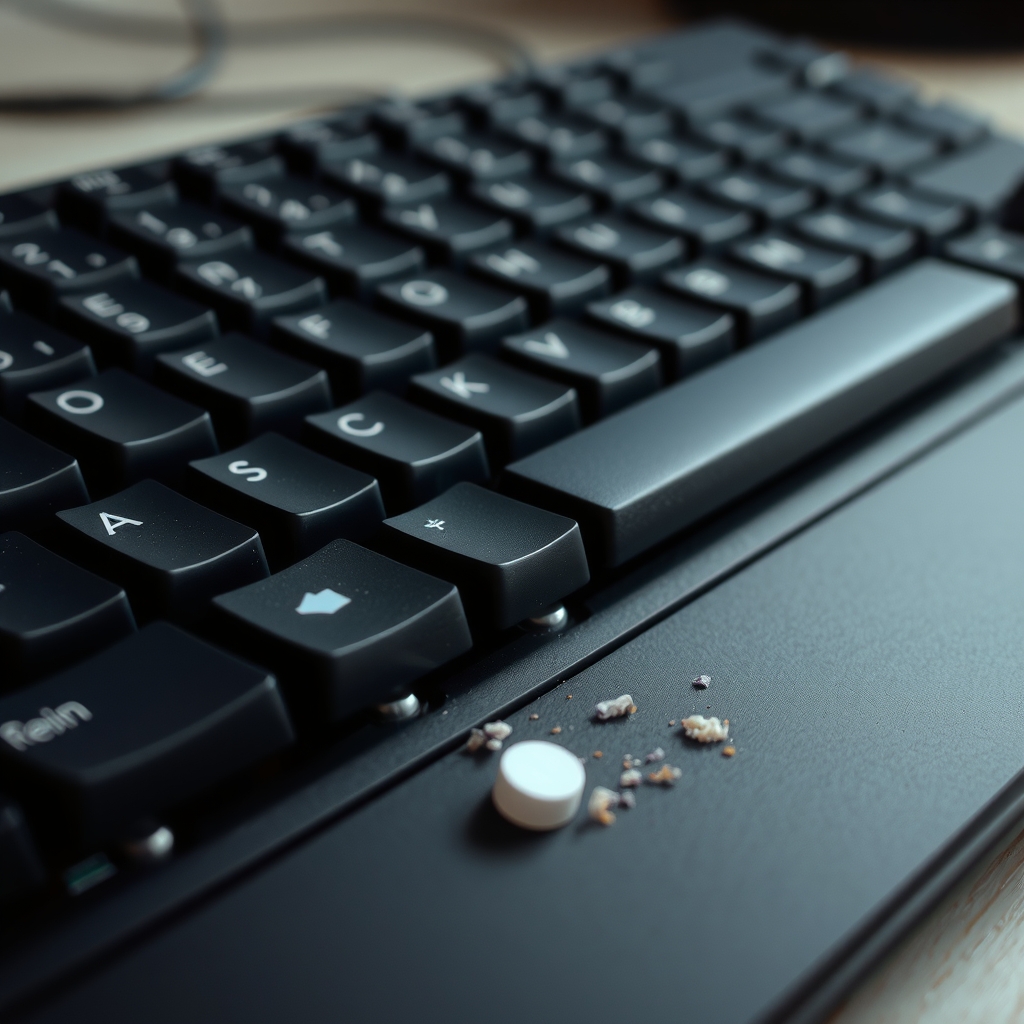
Keyboard Keeps Double Typing? Clean Under the Keys First
Read the fix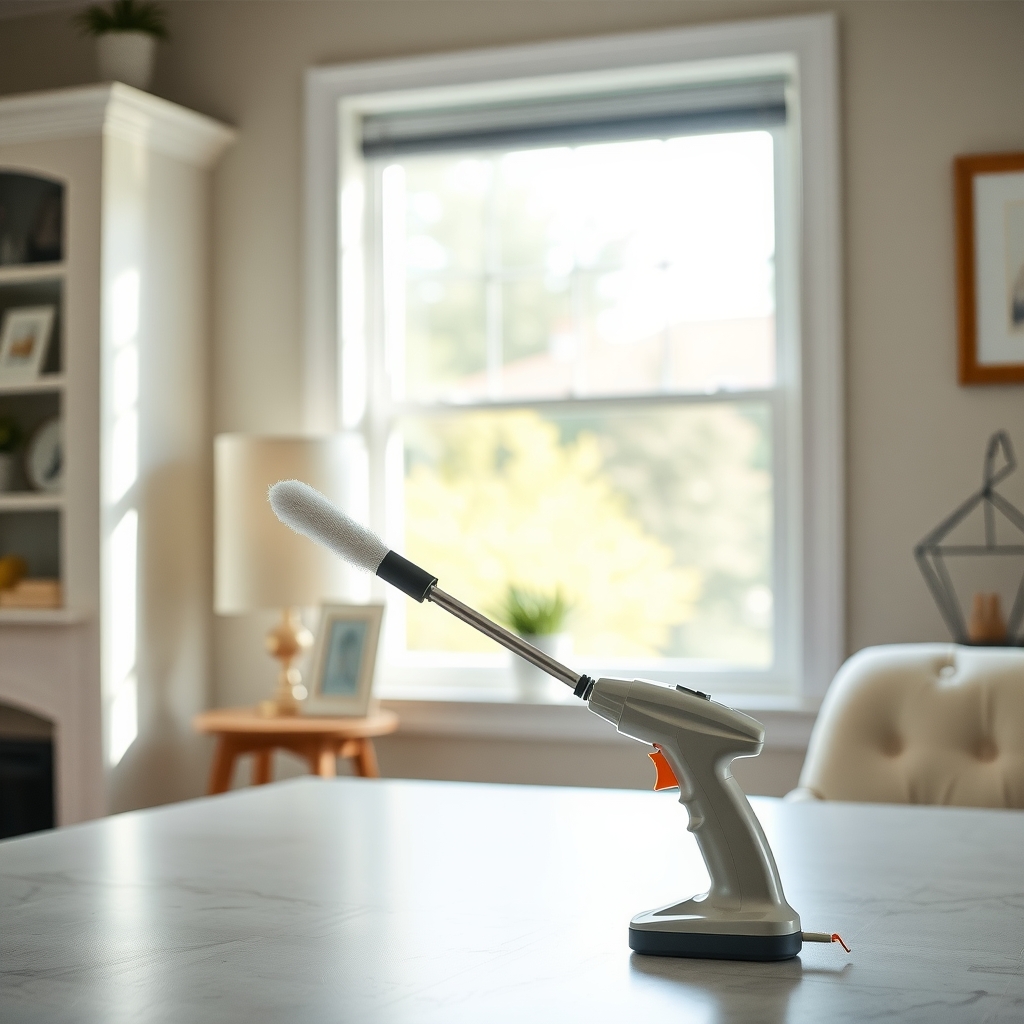 Free fix inside
Home Office & Cables · Laptop
Why Is My Laptop Fan So Loud? Dust Is the Usual Reason
Read the fix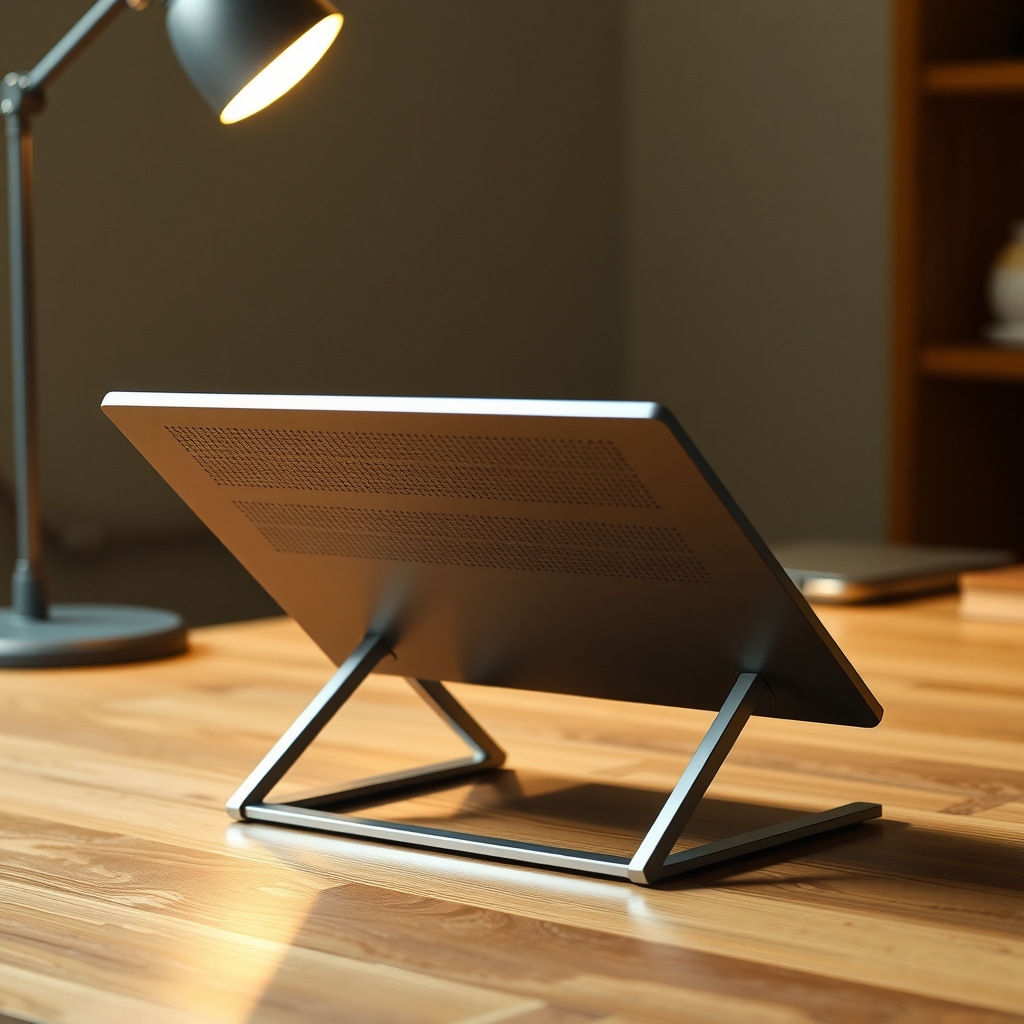 Free fix inside
Home Office & Cables · Laptop
Why Does My Laptop Get So Hot? Cool It Down and Keep It Cool
Read the fix Free fix inside
Home Office & Cables · Keyboard
Laptop Keyboard Not Working? An External Keyboard Keeps You Typing
Read the fixAs an Amazon Associate I earn from qualifying purchases. Affiliate disclosure