Keyboard Keeps Double Typing? Clean Under the Keys First
A crumb, a speck of dust or a dried spill can make one key fire twice. Clean under it first, then keep a duster handy so it stays fixed.
By Jamilur Rahman Updated November 5, 2026 · 8 min read
- Time
- 20 min
- Cost
- Under $20
- Difficulty
- Easy

In this guide
Quick answer
If your keyboard keeps double typing, the usual cause is dirt or sticky residue under one key, so the switch fires twice or never fully lets go. Rule out the settings, then clean under the keys with a brush and short bursts of compressed air. A keyboard cleaning kit makes that deeper clean quick and keeps the problem from coming back. If a key still repeats after a full clean, the switch is worn and the keyboard needs replacing.
Free fix vs. permanent fix
Settings check, tap-out and brush
- Test the key on another keyboard to confirm the hardware is at fault
- Switch it off, tilt it upside down and tap the back
- Brush between the keys with a soft brush
- Turn on Filter Keys as a stopgap while you clean
How long it lasts: Weeks to months if loose crumbs were the cause. Fine dust and sticky residue stay behind, so the key can start misbehaving again.
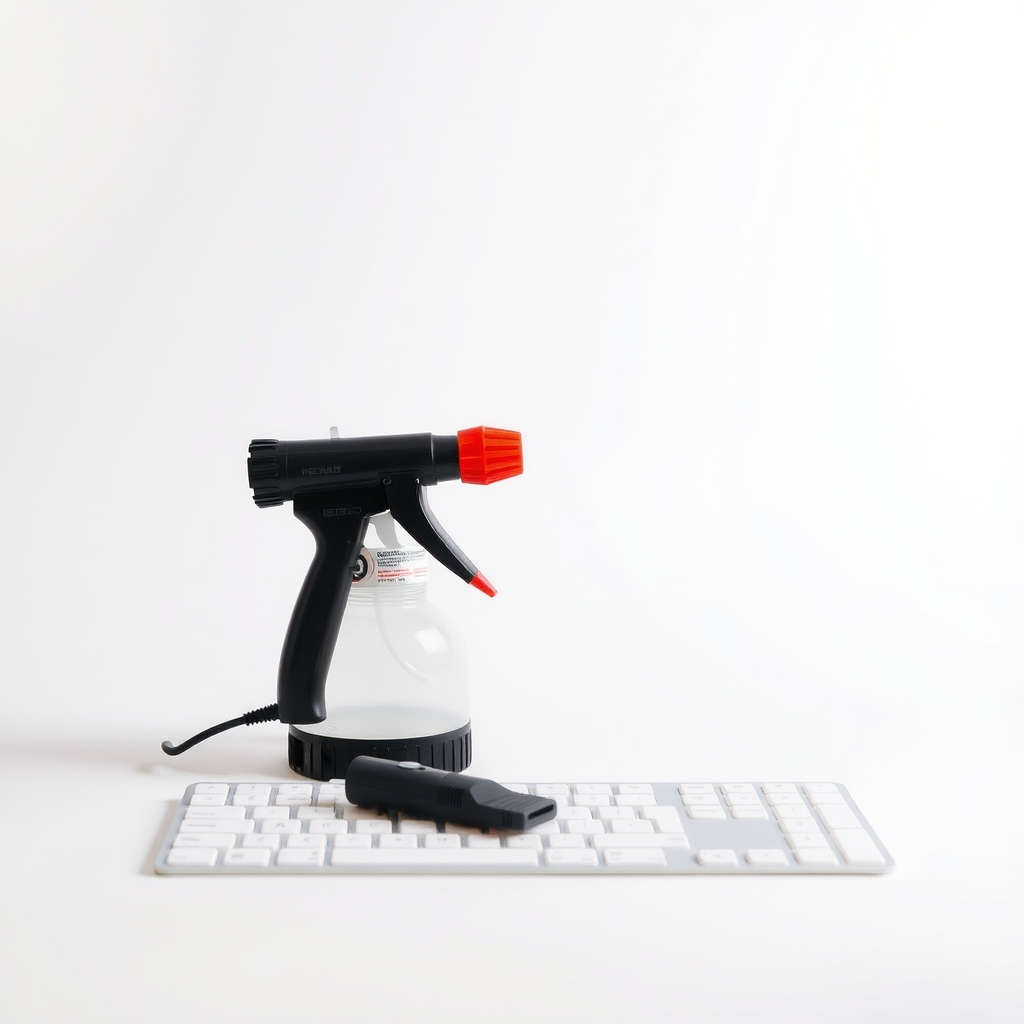
Compressed air plus a keyboard cleaning kit
Double typing starts under the keycap, where a brush cannot reach. Air blows out the loose grit, and the kit's puller, swabs and soft brush clear what is stuck to the switch. Cleaning is the lasting fix only when dirt is the cause. A worn switch needs a new keyboard.
What to get: Compressed air duster and keyboard cleaning kit
How long it lasts: As long as you repeat it every month or two. It reaches under the keys and lifts residue a brush cannot.
As an Amazon Associate I earn from qualifying purchases.
What you'll need
-
Soft brush
A clean paintbrush or makeup brush works
You have it -
Cotton swabs and isopropyl alcohol (70% or higher)
For sticky residue around a lifted key; damp, never dripping
You have it - Our pick Illustration
Compressed air and keyboard cleaning kit
Air duster plus a keycap puller, brush and swabs in one pack
- Illustration
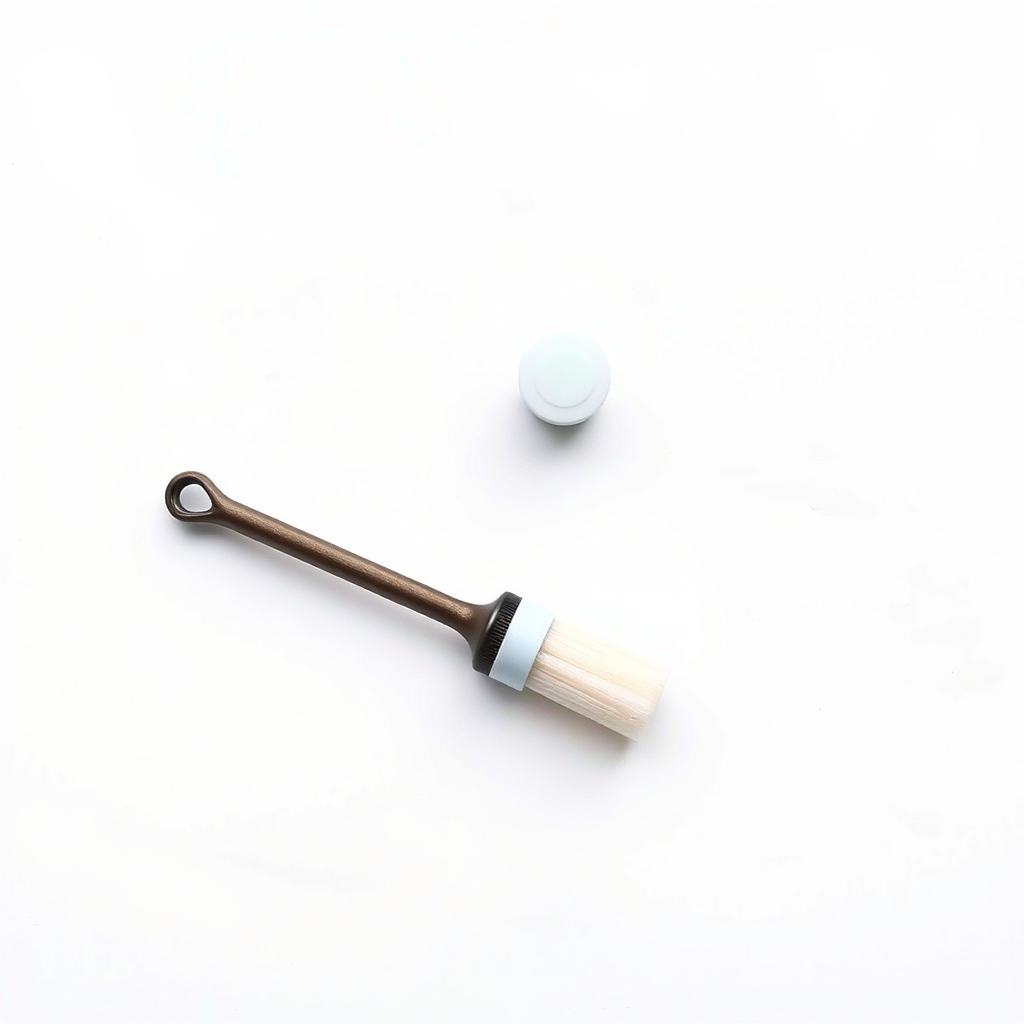
Keycap puller and brush set
The cheapest way to lift a stuck key on a desktop keyboard
- Illustration
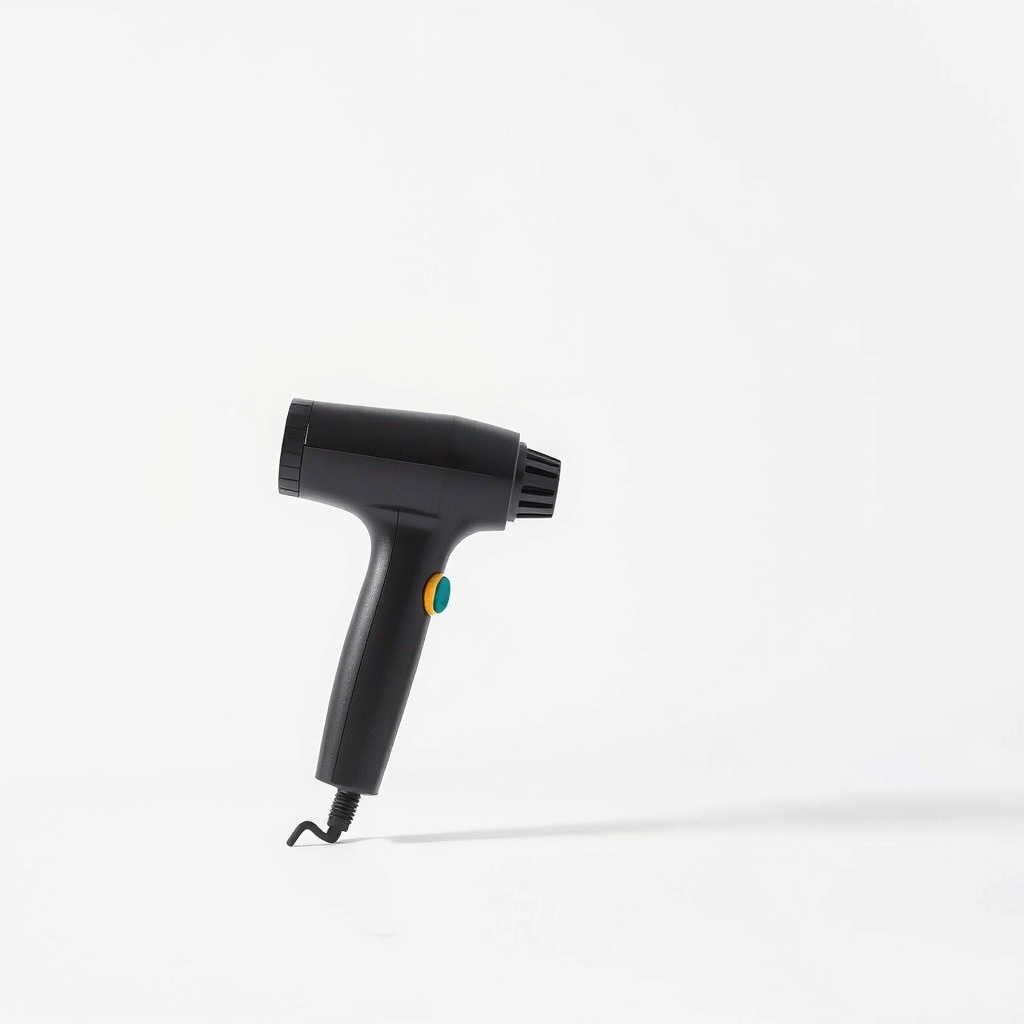
Rechargeable electric air duster
A reusable blower, so there are no cans to keep buying
Why it happens
Crumbs and dust under the key
Debris sits between the keycap and the switch. The key can stay half pressed, or its contacts bounce and register twice.
Sticky residue from drinks or snacks
A dried splash of coffee or soda gums up the switch. The key may repeat, stick down or type on its own.
A worn switch
After years of heavy use, a switch can chatter, so one press registers as two. Cleaning will not fix wear, and it is the usual reason an older keyboard keeps failing.
Settings, not hardware
A short repeat delay, a fast repeat rate or a stuck modifier can look like double typing. So can a driver glitch. Check this first; it takes two minutes.
Try this first (free)
Do these in order, starting with the simplest.
-
Confirm the keyboard is the problem
Press the faulty key slowly in a blank text document. Open the on-screen keyboard (Windows: Win+Ctrl+O), which highlights keys as you press them, so a key that stays lit is stuck. Then plug in a second keyboard. If it types fine, the first one is at fault.
-
Check the repeat settings
In Windows, open Settings, then Accessibility, then Keyboard, and turn on Filter Keys. In the Control Panel keyboard settings you can also lengthen the repeat delay. On a Mac, open System Settings, then Keyboard, and lengthen Delay Until Repeat. Treat this as a stopgap while you clean.
-
Power down and tap it out
Tool used: Soft brushUnplug the keyboard or shut the laptop down. Tilt it upside down at about 45 degrees and tap the back. Then brush between the keys, working from the middle outward.
-
Blow out the gaps
Tool used: Compressed air and keyboard cleaning kitHold the can upright and fire short bursts of one to two seconds at an angle across the keys. Tipping the can sprays cold liquid. For its butterfly-style MacBook keyboards, Apple advises holding the laptop at about 75 degrees and spraying left to right, then turning it onto each side and repeating.
IllustrationCheck price on AmazonTool for this step
Compressed air and keyboard cleaning kit · Air duster plus a keycap puller, brush and swabs in one pack
-
Clean under one stubborn key (desktop keyboards only)
Tool used: Cotton swabs and isopropyl alcohol (70% or higher)Photograph the layout first. Lift the keycap straight up with a puller, wipe around the switch with a swab lightly damp with alcohol, let it dry for ten minutes and press the cap back until it clicks. Do not pry laptop keys, because their tiny clips snap.
When free fixes aren't enough
If one key still double types after a full clean, the switch is worn. On a mechanical keyboard with hot-swappable switches you can swap that one switch. Otherwise it is time for a new keyboard. If a laptop key repeats after a spill, liquid is under the keys: power off, stand it keyboard-down on a towel and do not use a hair dryer. A kit cannot fix wear or liquid damage. What it does is clear the dust and residue behind most cases, and it makes a monthly clean take five minutes, so the problem does not return.
Buy the fix
Still stuck after the free fixes? These are the products we would look at.
| Pick | Product | Fixes | Who it's for | Buy |
|---|---|---|---|---|
| Best pick | Compressed air duster and keyboard cleaning kit | crumbs, dust and sticky residue under the keys | Anyone whose keys double type, stick or type on their own and who wants one purchase that covers the whole clean. | Check price |
| Budget pick | Keycap puller and soft brush set | one stuck key you can reach by lifting the cap | People with a desktop keyboard and one or two problem keys. | Check price |
| Upgrade pick | Rechargeable electric air duster | the cost and waste of buying cans over and over | A shared desk or home office with several keyboards, or anyone who cleans every month. | Check price |
Compressed air duster and keyboard cleaning kit
Fixes: crumbs, dust and sticky residue under the keys
Look for: A can with a straw nozzle for tight gaps; A soft brush with gentle bristles; A keycap puller for desktop and mechanical keyboards; A gel or swabs for stuck-on residue.
- Who it's for
- Anyone whose keys double type, stick or type on their own and who wants one purchase that covers the whole clean.
- Honest downside
- You have a laptop with low-profile keys. Use only the air and the brush, and leave the keycaps on.
Keycap puller and soft brush set
Fixes: one stuck key you can reach by lifting the cap
Look for: A wire or ring puller that grips the cap evenly; Soft bristles that will not scratch; Small enough to keep in a desk drawer.
- Who it's for
- People with a desktop keyboard and one or two problem keys.
- Honest downside
- You have a laptop. A puller can break the clips under its keys.
Rechargeable electric air duster
Fixes: the cost and waste of buying cans over and over
Look for: A battery that lasts a full clean; Strong, steady airflow; A narrow nozzle for the gaps between keys.
- Who it's for
- A shared desk or home office with several keyboards, or anyone who cleans every month.
- Honest downside
- You clean once or twice a year. A single can costs less.
As an Amazon Associate I earn from qualifying purchases. We don't show prices because they change, so use the button to see today's price.
How we picked: How we picked: this page is based on keyboard cleaning guidance from computer makers, accessibility settings documentation, and what owners report in reviews of keyboard cleaning kits. We do not test products by hand.
Keyboard keeps typing on its own or spamming a key? Quick triage
- One key repeats: debris or residue is holding it down. Clean that key first.
- Random letters in bursts: on a laptop this can mean liquid or a failing keyboard ribbon. Plug in an external keyboard and see whether the problem follows the laptop.
- Wireless keyboard only: low batteries or interference can cause repeats. Swap the batteries and move the receiver closer.
- After a spill: power off and dry it before anything else.
How to fix keyboard keys by type of keyboard
- Desktop membrane keyboard: air and a brush, then lift the stuck cap and swab the base.
- Mechanical keyboard: pull the cap, blow out the switch and check whether the switch is hot-swappable if cleaning does not help.
- Laptop: leave the caps on. Use short bursts of air and a brush, and keep an external keyboard for the worst keys.
What to skip
Wet cloths and upside-down cans
Skip wiping across the keys with a soaked cloth, which pushes liquid under them. Skip tipping the can, which sprays cold liquid propellant. And skip pouring cleaner onto the keyboard. A barely damp swab on one key does the job.
Frequently asked questions
Keyboard keeps double typing letters: is it software or hardware?
Why does my keyboard keep pressing one key?
How to fix keyboard keys not working?
How often should I clean my keyboard?
Related problems
 Free fix inside
Home Office & Cables · Keyboard
Laptop Keyboard Not Working? An External Keyboard Keeps You Typing
Read the fix Free fix inside
Home Office & Cables · Keyboard
Keyboard Smells Bad? Deep-Clean It Without Taking It Apart
Read the fix Free fix inside
Home Office & Cables · Keyboard
Why Does My Keyboard Keep Disconnecting? Move the Receiver Closer
Read the fix Free fix inside
Home Office & Cables · Laptop
Why Is My Laptop Fan So Loud? Dust Is the Usual Reason
Read the fixAs an Amazon Associate I earn from qualifying purchases. Affiliate disclosure