Monitor Too Light for the Arm? Adjust the Tension or Buy Lighter
A gas-spring arm built for heavy screens floats a light one upward. Turn the tension down first, and if it will not go low enough, buy an arm rated for less.
By Jamilur Rahman Updated November 5, 2026 · 6 min read
- Time
- 15 min
- Cost
- $20-$50
- Difficulty
- Easy
In this guide
Quick answer
A monitor too light for the arm floats upward or springs back because the gas spring is set for more weight than your screen weighs. Turn the tension adjuster down in small steps with the hex key. If the arm still will not stay put at its lowest setting, buy an arm whose minimum weight is below your monitor's weight.
Free fix vs. permanent fix
Turn the spring tension down
- Find your monitor's weight without the stand and the arm's weight range
- Hold the screen and turn the tension screw in quarter turns
- Tighten the pivot joints so the arm holds still
- Test it at the height you use most
How long it lasts: Years, if the arm's range reaches down to your monitor's weight. It cannot help once the arm is at its minimum.
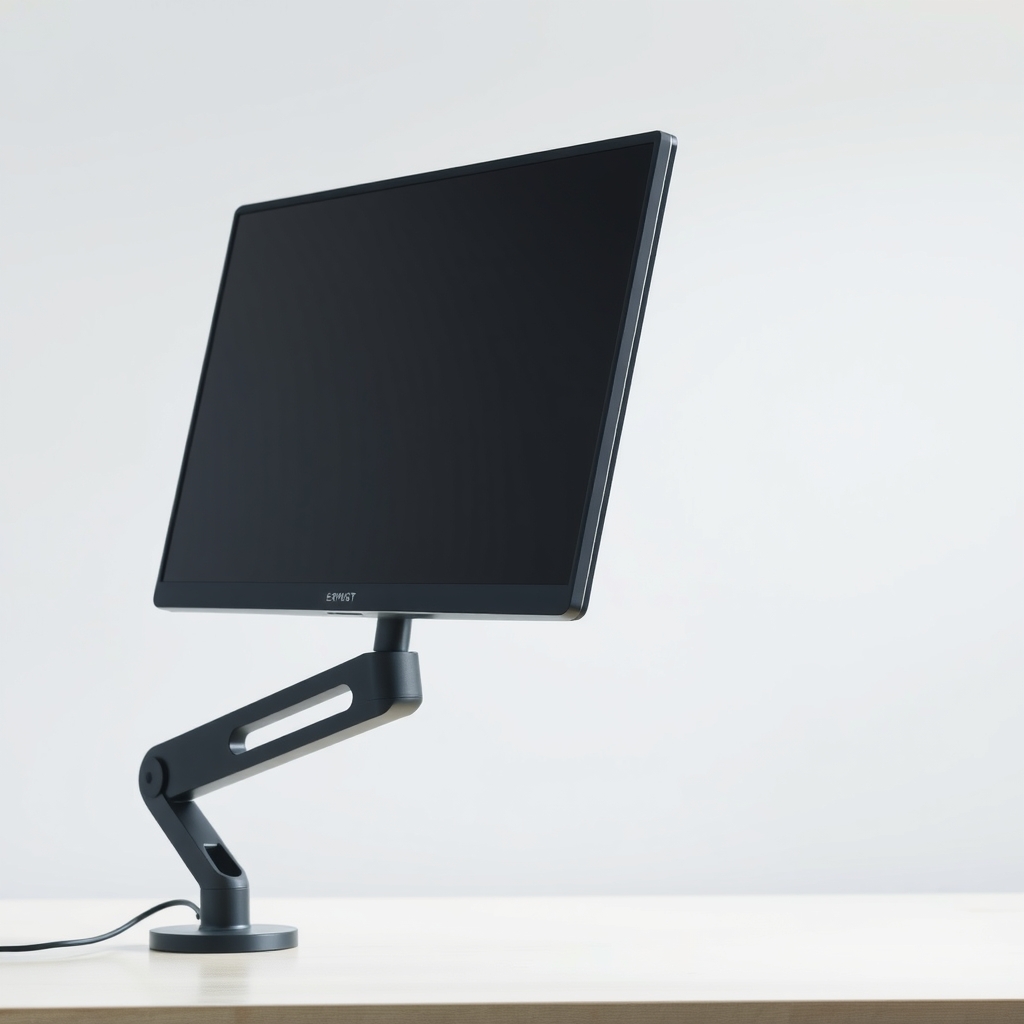
A lightweight monitor arm with a low minimum weight
A gas-spring arm balances a range of screen weights. Below that range the spring lifts more than the screen weighs, so the arm drifts up. An arm rated for a lighter screen balances yours, with room to adjust.
What to get: Lightweight gas-spring monitor arm with a low minimum weight
How long it lasts: As long as your screen stays in the arm's range. The spring matches the load, so it holds where you leave it.
As an Amazon Associate I earn from qualifying purchases.
What you'll need
-
Hex key
The one that came in the arm's box, for tension and joints
You have it -
Monitor spec sheet or label
Gives the weight and the VESA hole pattern
Free - Our pick Illustration
Lightweight gas-spring monitor arm
A weight range that starts below your monitor
- Illustration
Static monitor arm
No spring to fight, set once and leave it
Why it happens
The arm's range starts above your screen's weight
Many single arms list a weight range that begins at a few pounds. A screen under the bottom of the range leaves the spring with extra lift, so it drifts up.
The weight limit is for the screen alone
Arms are rated for the monitor without its stand. Thin, small and portable screens often weigh very little, which puts them under the minimum.
Tension left at the factory setting
A new arm ships set for a mid-range screen. Until you adjust it, a light monitor floats up and a heavy one sags.
Loose pivot joints
A joint that is not tightened lets the arm swing or tilt by itself, which looks like drift even when the spring is fine.
Try this first (free)
Do these in order, starting with the simplest.
-
1. Find the weight and the range
Tool used: Monitor spec sheet or labelRead the monitor's weight without the stand from the box, manual or back label. Then read the arm's weight range from its sticker or manual.
-
2. Hold the screen and loosen the tension
Tool used: Hex keyPut one hand on the monitor so it cannot jump. Find the tension adjuster, often a hex screw near the arm's joint, and turn it a quarter turn at a time. The manual shows which direction means less lift.
-
3. Test at three heights
Raise and lower the screen to the bottom, middle and top. It should stay where you leave it. If it creeps up at the top or pops up from the bottom, loosen it another quarter turn.
-
4. Tighten the joints
Tool used: Hex keySnug the tilt and pivot joints with the hex key, just enough to stop the screen swinging. Do not overtighten.
-
5. Recheck after a week
Springs settle a little. Check the screen holds at your usual height and adjust a quarter turn if it has started to drift.
When free fixes aren't enough
If the arm still springs up with the tension at its lowest setting, or it holds in the middle but pops up at the top and sits at the bottom, you have reached the end of the spring's range. No adjustment will fix that. The arm is too strong for your screen, and the lasting fix is an arm with a lower weight range, or a static arm with no spring at all.
Buy the fix
Still stuck after the free fixes? These are the products we would look at.
| Pick | Product | Fixes | Who it's for | Buy |
|---|---|---|---|---|
| Best pick | Lightweight gas-spring monitor arm with a low minimum weight | an arm that floats up under a light screen | Owners of small, thin or portable monitors who still want easy height changes. | Check price |
| Budget pick | Static single monitor arm, no gas spring | an arm that drifts because of a spring that is too strong | People who set the height once and leave it. | Check price |
Lightweight gas-spring monitor arm with a low minimum weight
Fixes: an arm that floats up under a light screen
Look for: A weight range that starts below your monitor's weight; VESA compatibility, such as 75 by 75 or 100 by 100; A clamp or grommet mount that fits your desk thickness; A tension adjuster that uses a hex key.
- Who it's for
- Owners of small, thin or portable monitors who still want easy height changes.
- Honest downside
- Your monitor has no VESA holes on the back. Check first, since you will need a plate or a stand instead.
Static single monitor arm, no gas spring
Fixes: an arm that drifts because of a spring that is too strong
Look for: A manual adjustment with no spring; VESA compatibility for your monitor; A listed weight range that includes your monitor.
- Who it's for
- People who set the height once and leave it.
- Honest downside
- You move between sitting and standing, since a gas-spring arm moves more easily.
As an Amazon Associate I earn from qualifying purchases. We don't show prices because they change, so use the button to see today's price.
How we picked: How we picked: this page is based on monitor arm maker manuals and weight range guides, VESA mount standards, and the problems and fixes owners report in reviews. We do not test products by hand.
How to read an arm's weight range
- Look for two numbers: a minimum and a maximum, such as 4 to 17 pounds. Your monitor should sit in the middle.
- Weight is without the stand: use the monitor's weight without the stand.
- VESA hole pattern: the arm must match the four screw holes on the back of the monitor.
- Dual arms: check whether the rating is per screen or for the whole arm.
What to skip
Adding weight to the back of the monitor
Taping weights to a monitor or hanging a bag on the arm can strain the VESA mount, damage the panel and void warranties. Match the arm to the screen instead.
Frequently asked questions
Why does my monitor arm keep going up?
Which way do I turn the monitor arm tension screw?
Can I use a heavy-duty arm for a light monitor?
What is the minimum weight for a monitor arm?
Related problems
 Free fix inside
Home Office & Cables · Monitor Mount
Monitor Too Heavy for the Mount? Heavy-Duty Arms That Hold It
Read the fix Free fix inside
Home Office & Cables · Monitor Mount
How to Stop Monitor Wobble: Arms, Bases, and Desk Fixes
Read the fix Free fix inside
Home Office & Cables · Monitor Mount
Monitor Too Big for Your Desk? Arms That Give the Space Back
Read the fix Free fix inside
Home Office & Cables · Monitor Mount
Desk Too Thick for a Monitor Mount? Arms That Clamp Wider
Read the fixAs an Amazon Associate I earn from qualifying purchases. Affiliate disclosure