Desk Too Thick for a Monitor Mount? Arms That Clamp Wider
Most arm clamps open about 2 to 4 inches. Measure your desk at the clamp spot, try the free workarounds, then buy an arm built for a thick top.
By Jamilur Rahman Updated November 5, 2026 · 7 min read
- Time
- 20 min
- Cost
- $20-$50
- Difficulty
- Easy
In this guide
Quick answer
Standard monitor arm clamps open about 2 to 4 inches, and the exact number is printed on the spec sheet. A thick butcher-block top, a desk with a deep lip or a standing-desk topper can be thicker than that. Measure the desk where you want to clamp, try a grommet mount through an existing hole, and if neither fits, buy an arm with an extra-wide clamp rated for your thickness.
Free fix vs. permanent fix
Measure, then use a hole or a thinner edge
- Measure the desk thickness at the exact clamp spot, with any lip included
- Check for a cable grommet hole and use the grommet mount that comes with the arm
- Try the back or side edge, where the top is sometimes thinner
- Never stack scrap wood under the clamp to make it fit
How long it lasts: Works if your desk has a cable hole or a thinner edge you can use. A desk with a thick top all the way around leaves you with no free workaround.

A monitor arm with an extra-wide clamp
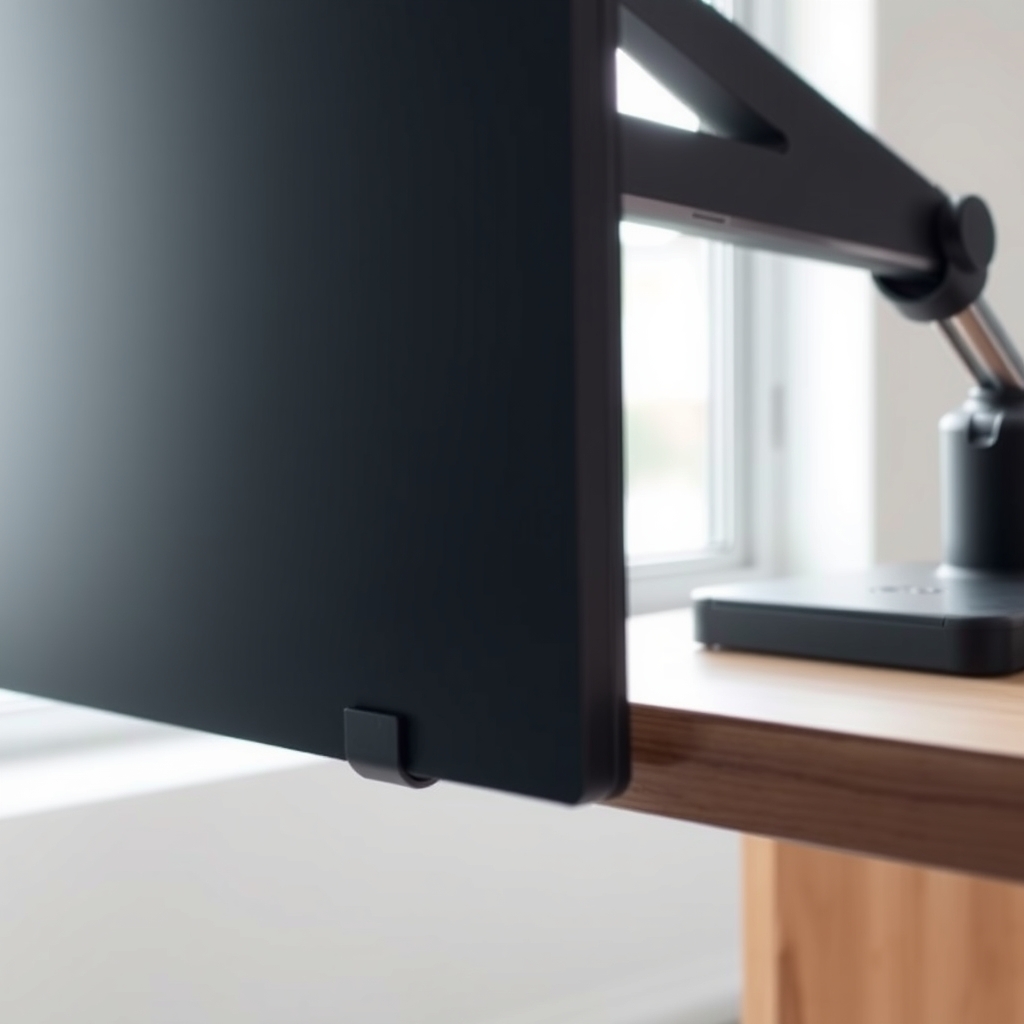
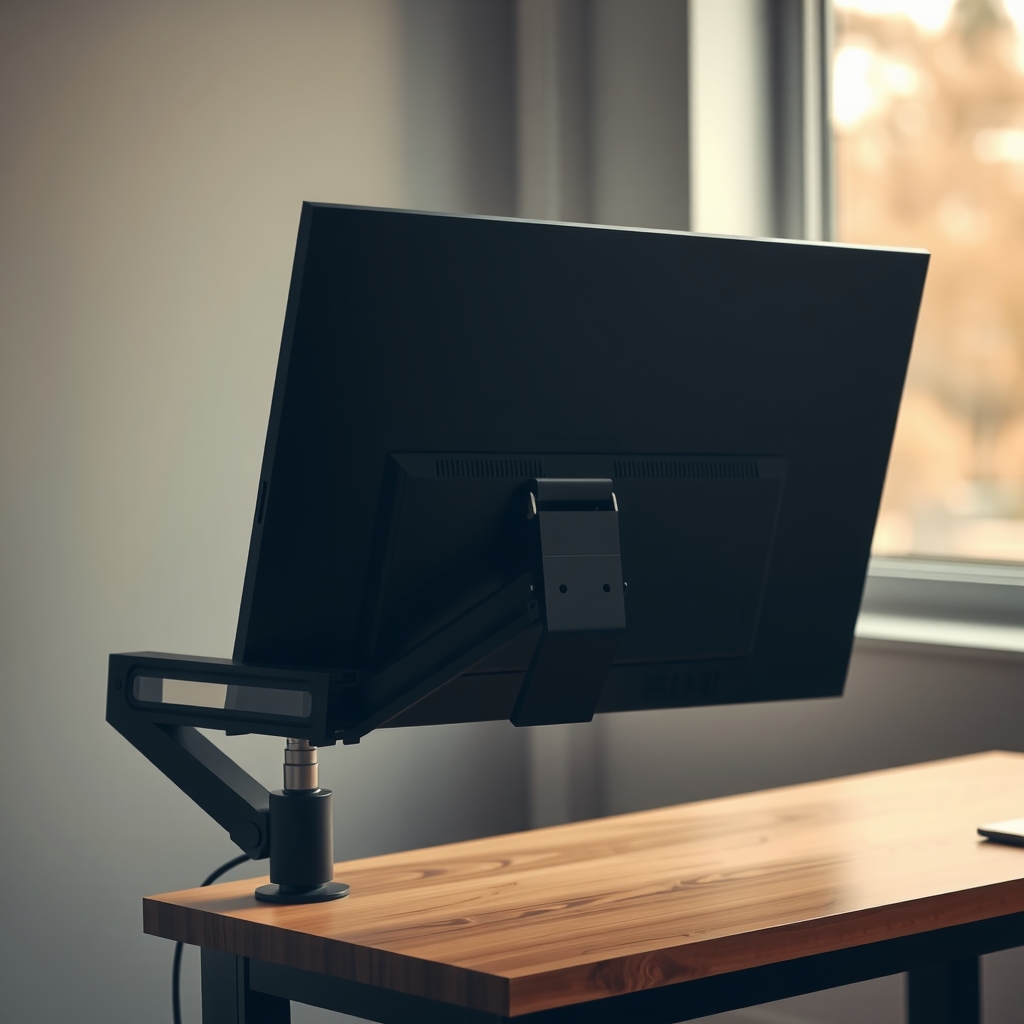
A clamp that is too short only touches the top lip of the desk, so it slips or damages the edge. An extra-wide clamp opens past a thick top and grips the underside, which is what holds a screen steady. It is a matched part, not a workaround.
What to get: Extra-wide clamp monitor arm
How long it lasts: Years. The clamp is built for a thick top, so it grips with a full bite instead of the edge of the jaw.
As an Amazon Associate I earn from qualifying purchases.
What you'll need
-
Tape measure
Measure at the exact clamp spot, in inches or millimeters, to match the spec sheet
You have it -
Pencil and masking tape
Mark the clamp spot and note the thickness so you can compare it with a listing
Free - Our pick Illustration
Extra-wide clamp monitor arm
Pick one with a stated clamp range that covers your measurement with a margin
- Illustration
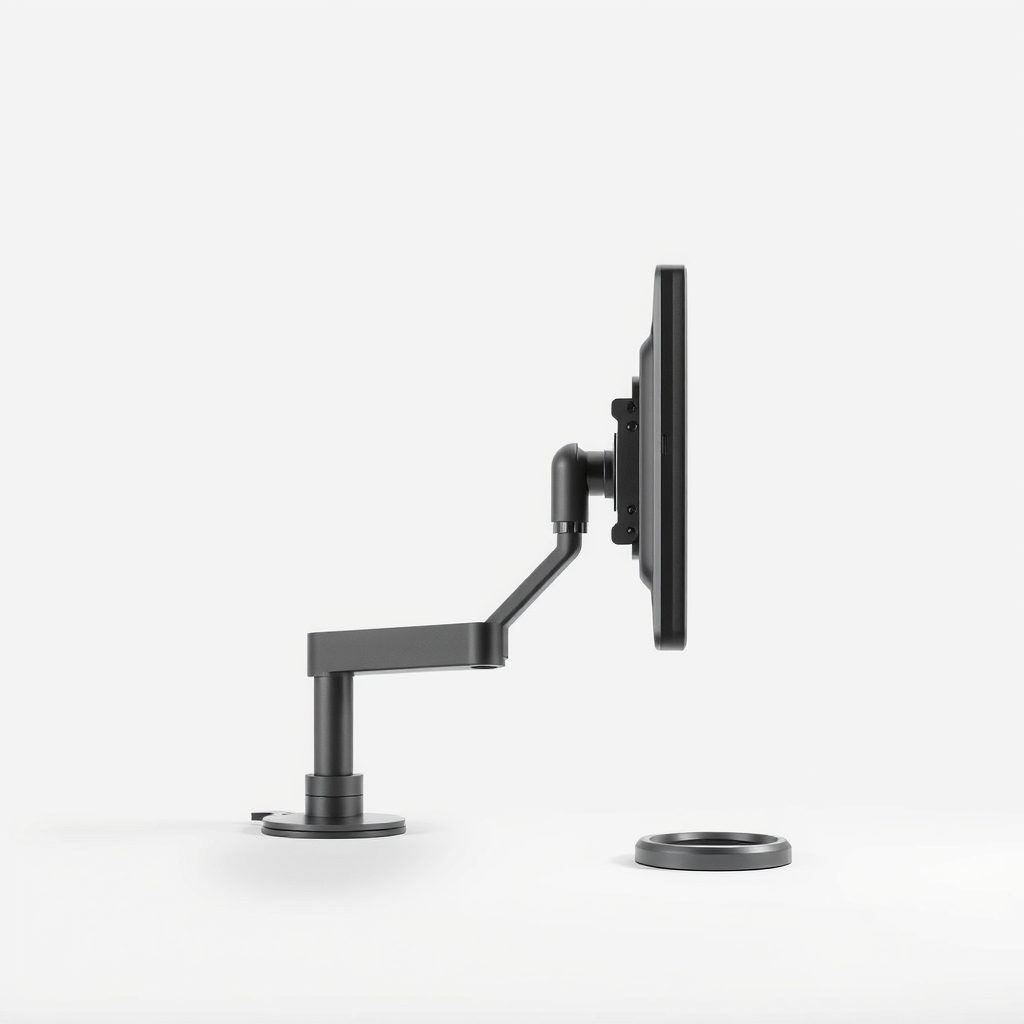
Monitor arm with clamp and grommet mounts
Gives a backup if your desk already has a cable hole
Why it happens
A thick top, a lip or an apron
Solid-wood and butcher-block tops often run well past 2 inches. A deep lip or a board under the edge adds more, so the real number at the clamp spot can be larger than the top alone.
A standing desk topper or doubled-up top
Two layers, such as a desk plus a riser top, can add up fast. The clamp has to open across the full stack.
Hardware under the desk in the way
A crossbar, drawer rail or frame beneath the top can block the clamp's rear plate even if the thickness is fine. Measure the space below, not just the edge.
A clamp built for thin desks
Many arms are tuned for an office desk around an inch thick. Their threaded screw simply does not reach farther.
Try this first (free)
Do these in order, starting with the simplest.
-
1. Measure the desk where the clamp will sit
Tool used: Tape measureInclude any lip or board under the edge. Write the number down, and check the arm's spec sheet for its clamp range. You want your number to sit inside the range, not at the very edge.
-
2. Look for a cable hole you can use
Many desks have a grommet hole near the back edge. Most arms come with a grommet mount that bolts through the hole instead of clamping. Check the hole size in the manual, and keep in mind the bolt length can limit thickness here too.
-
3. Try the back or a side edge
Tool used: Pencil and masking tapeSome desks are thinner at the back edge or at a corner, and some have no lip there. Hold the clamp against the edge, and mark the spot with a pencil to compare thickness.
-
4. Check the space under the desk
Tool used: Tape measureSlide a hand or a tape measure under the clamp spot. A crossbar or drawer rail can stop the rear plate from seating. If the clearance is under a couple of inches, pick another spot.
-
5. Protect the surface, and never shim the clamp
Use the rubber pads that come with the arm so the clamp does not dent the desk. Do not stack wood scraps or books under the jaw to make it close. The stack can shift or crush, and the arm can drop.
When free fixes aren't enough
If the desk has no hole, no thinner edge and the measurement is over the clamp's range, a workaround will not hold a screen safely. Buy an arm whose spec sheet lists a clamp range that covers your measurement with a little to spare. An extra-wide clamp bites the underside of a thick top the way a standard clamp does on a thin one. It also gives you a steadier screen on a heavy desk.
Buy the fix
Still stuck after the free fixes? These are the products we would look at.
| Pick | Product | Fixes | Who it's for | Buy |
|---|---|---|---|---|
| Best pick | Extra-wide clamp monitor arm | a clamp that will not close around a thick top | Anyone with a butcher-block, solid-wood or doubled-up desk top who wants a clean, drill-free install. | Check price |
| Budget pick | Monitor arm with both a clamp and a grommet mount | a desk that already has a cable hole, but a top too thick for the clamp | Someone whose desk has a hole near the back edge and who wants a lower-cost arm. | Check price |
Extra-wide clamp monitor arm
Fixes: a clamp that will not close around a thick top
Look for: A listed clamp range that covers your desk thickness with some margin; A steel clamp and a long threaded screw, not a plastic knob; A rated weight range that matches your monitor; A rubber or soft pad on the underside plate to protect the surface.
- Who it's for
- Anyone with a butcher-block, solid-wood or doubled-up desk top who wants a clean, drill-free install.
- Honest downside
- Your desk is thinner than the minimum on the spec sheet, or there is no clearance under the top for the rear plate. Check both before you buy.
Monitor arm with both a clamp and a grommet mount
Fixes: a desk that already has a cable hole, but a top too thick for the clamp
Look for: Both a C-clamp and a grommet mount in the box; A grommet bolt long enough for your desk thickness; A weight range that fits your monitor.
- Who it's for
- Someone whose desk has a hole near the back edge and who wants a lower-cost arm.
- Honest downside
- You have no hole and do not want to drill one. A grommet bolt is also the limit on thickness, so check the listing.
As an Amazon Associate I earn from qualifying purchases. We don't show prices because they change, so use the button to see today's price.
How we picked: How we picked: this page is based on monitor arm manuals and spec sheets, clamp-range figures listed by makers, and the thick-desk problems owners report in reviews. We do not test products by hand.
How to measure so the number matches the listing
Measure at the exact spot where the clamp will sit, from the top surface straight down to the lowest part of the top, including any lip or board. Do this at two or three spots, since edges are sometimes uneven. Use the biggest number. Compare it with the listed clamp range, and pick an arm where your number falls inside the range with some margin.
Check the desk can carry the load
A thick desk is usually strong, but a thick top can still be a hollow-core board with a thin skin. If the top is hollow or a very soft material, use a steel reinforcement plate on the underside if the arm includes one, and do not overtighten the clamp. A tighter screw is not a safer one.
What to skip
Drilling a new hole without checking the underside
A big hole in a thick top can hit a crossbar, a drawer or a wire channel. It can also weaken a veneered top. If you do need one, check the manual for the hole size and look under the desk first.
Frequently asked questions
How thick a desk can a monitor arm clamp onto?
Can I use a grommet mount on a thick desk?
My desk has a lip under the edge. Does that count?
Will an extra-wide clamp damage a thin desk?
Related problems
As an Amazon Associate I earn from qualifying purchases. Affiliate disclosure