Monitor Too Heavy for the Mount? Heavy-Duty Arms That Hold It
A monitor arm sags when the screen outweighs its spring. Check the real weight, retune the tension, then fit a heavy-duty arm rated well above it.
By Jamilur Rahman Updated November 5, 2026 · 7 min read
- Time
- 30 min
- Cost
- $50-$150
- Difficulty
- Medium

In this guide
Quick answer
A monitor arm sags or slowly sinks when the screen weighs more than the arm's rated range, or when the tension is set too low. Weigh the monitor without its stand, turn the tension screw with an Allen key, and pull the screen closer to the pole. If the arm still drops, it is under-rated, and a heavy-duty gas-spring arm with a higher weight range is the fix that holds.
Free fix vs. permanent fix
Retune the tension and shorten the reach
- Weigh the monitor without its stand and compare it to the arm's rating
- Turn the tension screw with the Allen key until the screen stays put at any height
- Slide the screen closer to the pole so the arm has less leverage to fight
- Tighten the clamp and every joint bolt
How long it lasts: Only works if the monitor is inside the arm's rated weight range. If it is over the rating, the arm keeps sagging even at full tension.
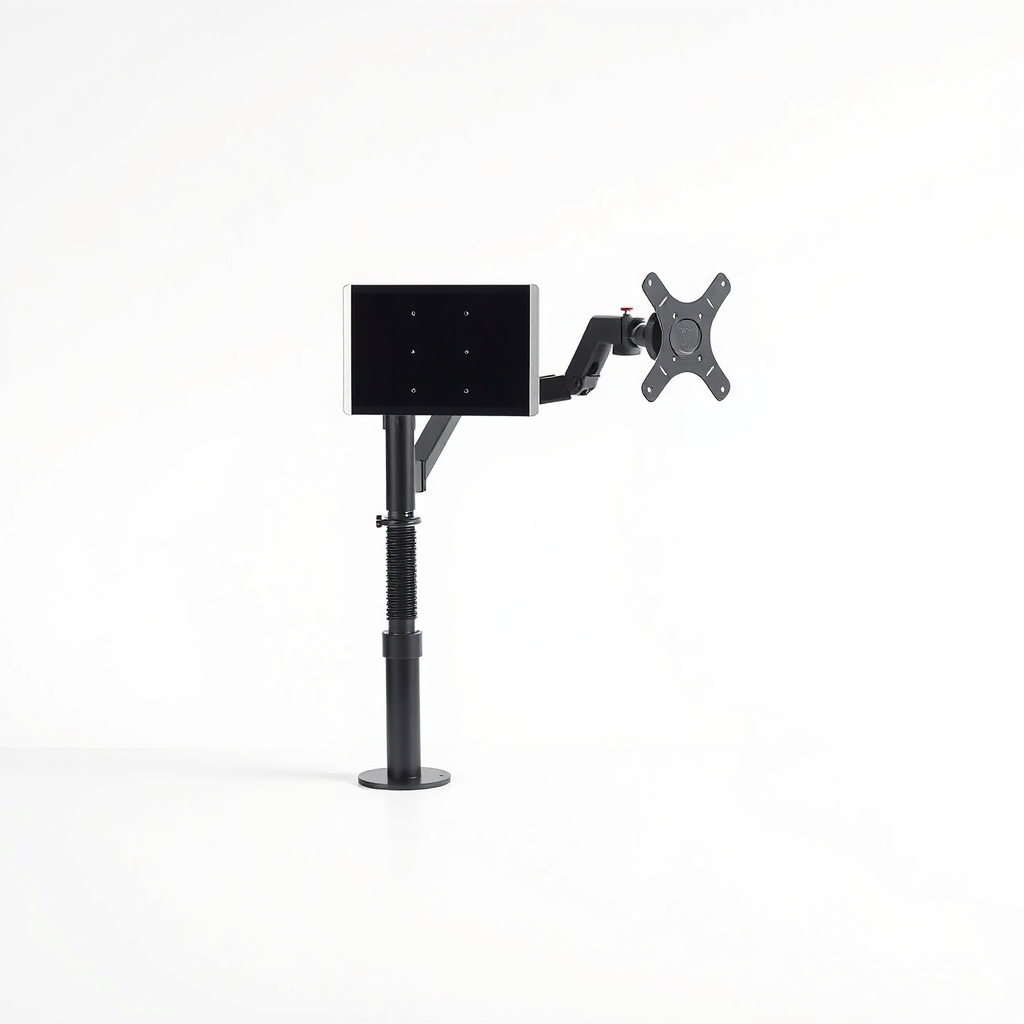
A heavy-duty gas-spring monitor arm
The arm's spring has a fixed lifting range. A heavy-duty model has a stronger spring, a thicker pole and sturdier joints, so a big or curved screen sits where you put it. Tuning fixes small drift; a higher rating fixes the cause.
What to get: Heavy-duty gas-spring single monitor arm
How long it lasts: Years. A spring rated above your screen's weight is not straining to hold it, so it does not slowly give up.
As an Amazon Associate I earn from qualifying purchases.
What you'll need
-
Allen key set
Most arms ship with one; it adjusts the tension and tightens the joints
You have it -
Bathroom scale
Weigh yourself, then weigh yourself holding the monitor, and subtract
You have it -
Tape measure
To check the VESA hole spacing and how far the screen reaches from the pole
You have it - Our pick Illustration
Heavy-duty gas-spring monitor arm
The lasting fix once the monitor is over the old arm's rating
- Illustration
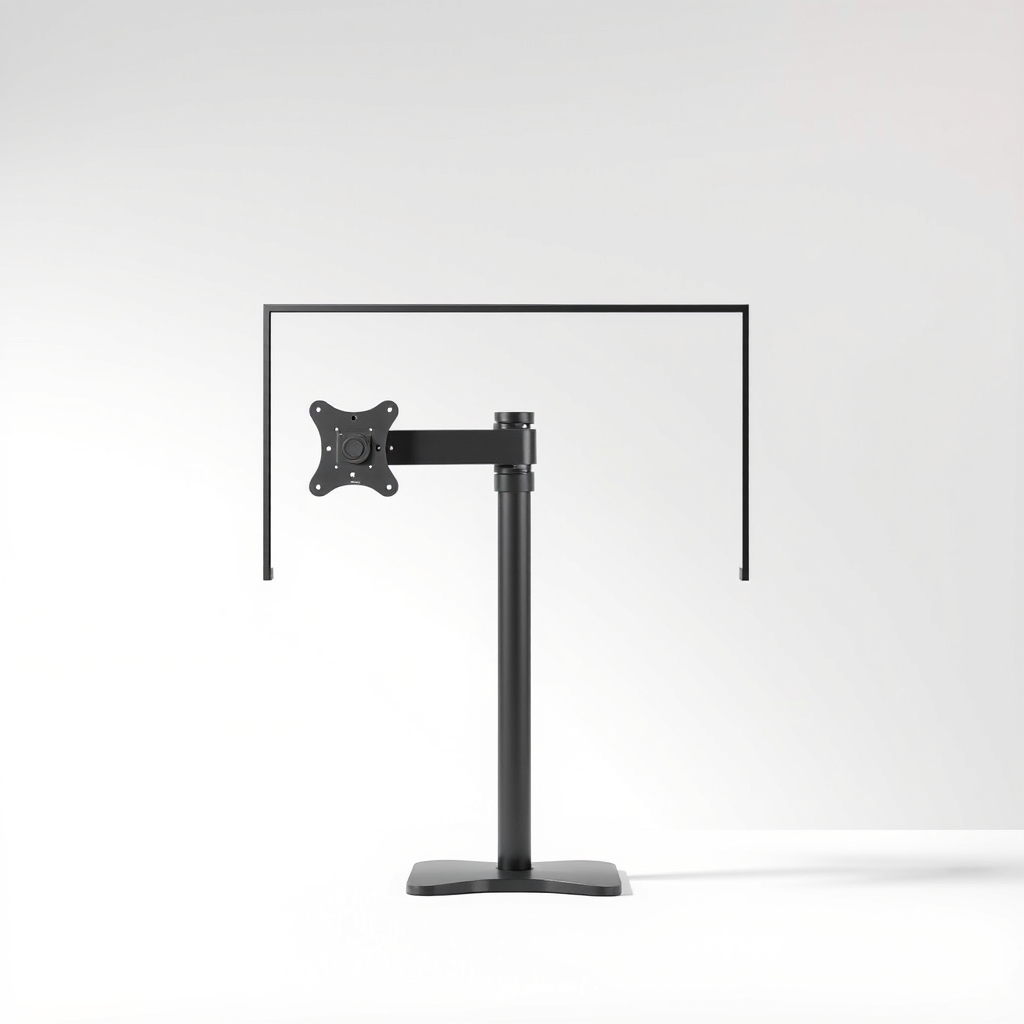
Fixed-height heavy-duty monitor mount
A simpler option for a screen you never raise or lower
Why it happens
The screen is heavier than the arm's rating
Each arm lists a weight range, such as a few pounds up to a ceiling number. A large or curved ultrawide can sit right at the ceiling or above it. Past that point the spring cannot lift the screen back up.
A long reach multiplies the load
The further the screen sits from the pole, the harder the joints and spring work. An arm that holds a monitor tucked in close can sag once you pull it forward.
Tension set too low, or backed off over time
The tension screw sets how much the spring pushes up. If it was never set for your screen, or it loosened from daily moves, the monitor drifts down on its own.
Weight you added later
A webcam, a soundbar clip or a VESA adapter plate adds pounds. The arm was fine on day one and sags after the extras go on.
Try this first (free)
Do these in order, starting with the simplest.
-
1. Find the real weight of the monitor
Tool used: Bathroom scaleLook for the weight without the stand on the spec sheet or the box. If you cannot find it, step on a bathroom scale with and without the monitor, and subtract. Add any webcam or clip-on accessories.
-
2. Compare it to the arm's rating
The rating is on a sticker on the arm or in the manual. Your monitor should sit in the middle of the range, not at the top. If it is over the ceiling, retuning will not hold it.
-
3. Raise the tension
Tool used: Allen key setFind the tension screw, usually under the joint at the base of the arm. Turn it a quarter turn at a time with the Allen key, then let go of the screen. Stop when it holds at both high and low positions.
-
4. Bring the screen closer to the pole
Tool used: Tape measureFold the arm in so the monitor sits nearer the pole. Less reach means less leverage on the joints, which can stop a slow droop on a borderline screen.
-
5. Tighten the clamp and every joint
Tool used: Allen key setA loose clamp lets the whole arm rotate downward. Snug the clamp, then the joint bolts. Do not overtighten bolts on a thin desk, since you can crush the surface.
When free fixes aren't enough
If the tension screw is at its stop and the screen still sinks, the arm is under-rated for that monitor. No setting can fix a spring that is too weak, and zip ties or wedges only hide the slump. A heavy-duty arm raises the ceiling, often 30 pounds or more, with thicker joints and a firmer spring. That is what lets a big screen stay put for years instead of drifting each week.
Buy the fix
Still stuck after the free fixes? These are the products we would look at.
| Pick | Product | Fixes | Who it's for | Buy |
|---|---|---|---|---|
| Best pick | Heavy-duty gas-spring single monitor arm | a monitor that drifts down because the arm's spring is too weak | Anyone with a 32 inch or larger screen, a curved ultrawide, or a monitor that sagged on a standard arm. | Check price |
| Budget pick | Fixed-height heavy-duty monitor mount | sag on a heavy screen you do not need to raise or lower | People who set the height once. With no gas spring, there is nothing to run out of strength. | Check price |
Heavy-duty gas-spring single monitor arm
Fixes: a monitor that drifts down because the arm's spring is too weak
Look for: A listed weight range with a ceiling at least 25 percent above your monitor; VESA 75x75 and 100x100 support, and a stated max screen size that covers yours; A tension adjustment you can reach from the front, plus a steel pole and joints; A clamp range that fits your desk thickness.
- Who it's for
- Anyone with a 32 inch or larger screen, a curved ultrawide, or a monitor that sagged on a standard arm.
- Honest downside
- Your monitor is light, under about 10 pounds. A heavy-duty spring can push a light screen upward, and a standard arm suits it better.
Fixed-height heavy-duty monitor mount
Fixes: sag on a heavy screen you do not need to raise or lower
Look for: A rated load above your monitor's weight with room to spare; Tilt and swivel joints that lock with bolts, not a spring; Standard VESA 75x75 and 100x100 holes.
- Who it's for
- People who set the height once. With no gas spring, there is nothing to run out of strength.
- Honest downside
- You switch between sitting and standing or like to move the screen during the day. You will want the smooth height range of a gas-spring arm.
As an Amazon Associate I earn from qualifying purchases. We don't show prices because they change, so use the button to see today's price.
How we picked: How we picked: this page is based on monitor arm manuals and spec sheets, VESA mounting basics, and the sagging and weight-rating problems owners report in reviews. We do not test products by hand.
How to read an arm's rating before you buy
- Weight range: the minimum and the maximum, per screen. Your monitor should land comfortably inside it.
- Screen size: a stated maximum diagonal. An ultrawide is wider than its inches suggest, so check the width limit if it is listed.
- VESA pattern: the hole spacing on the back of the monitor, most often 75 x 75 or 100 x 100 millimeters.
- Clamp range: the desk thickness the clamp opens to. Measure yours before you buy.
If the screen drops when you let go
A screen that falls fast can hit the desk and break the panel, or catch a hand. Lower it to the desk and take it off the arm until you have a rated replacement, and use the original stand in the meantime. Also check the desk: a thin or hollow-core top can crush under a clamp, so use a steel reinforcement plate if the arm includes one.
What to skip
Tape, zip ties and wedges under the screen
Propping the screen on a book or a shim, or taping the joint, hides the sag for a few days. The spring is still under-rated, and a screen that slips suddenly can hit the desk and crack the panel.
Frequently asked questions
How much weight should my monitor arm be rated for?
Why does my monitor slowly sink after a few days?
Do ultrawide monitors need a special arm?
Can I just go back to the stand that came with the monitor?
Related problems
As an Amazon Associate I earn from qualifying purchases. Affiliate disclosure