Monitor Too Big for Your Desk? Arms That Give the Space Back
A big screen's stand swallows desk depth and pushes you too close. Reset your distance first, then clamp the monitor to an arm so the whole desk is yours again.
By Jamilur Rahman Updated November 5, 2026 · 7 min read
- Time
- 30 min
- Cost
- $50-$150
- Difficulty
- Medium
In this guide
Quick answer
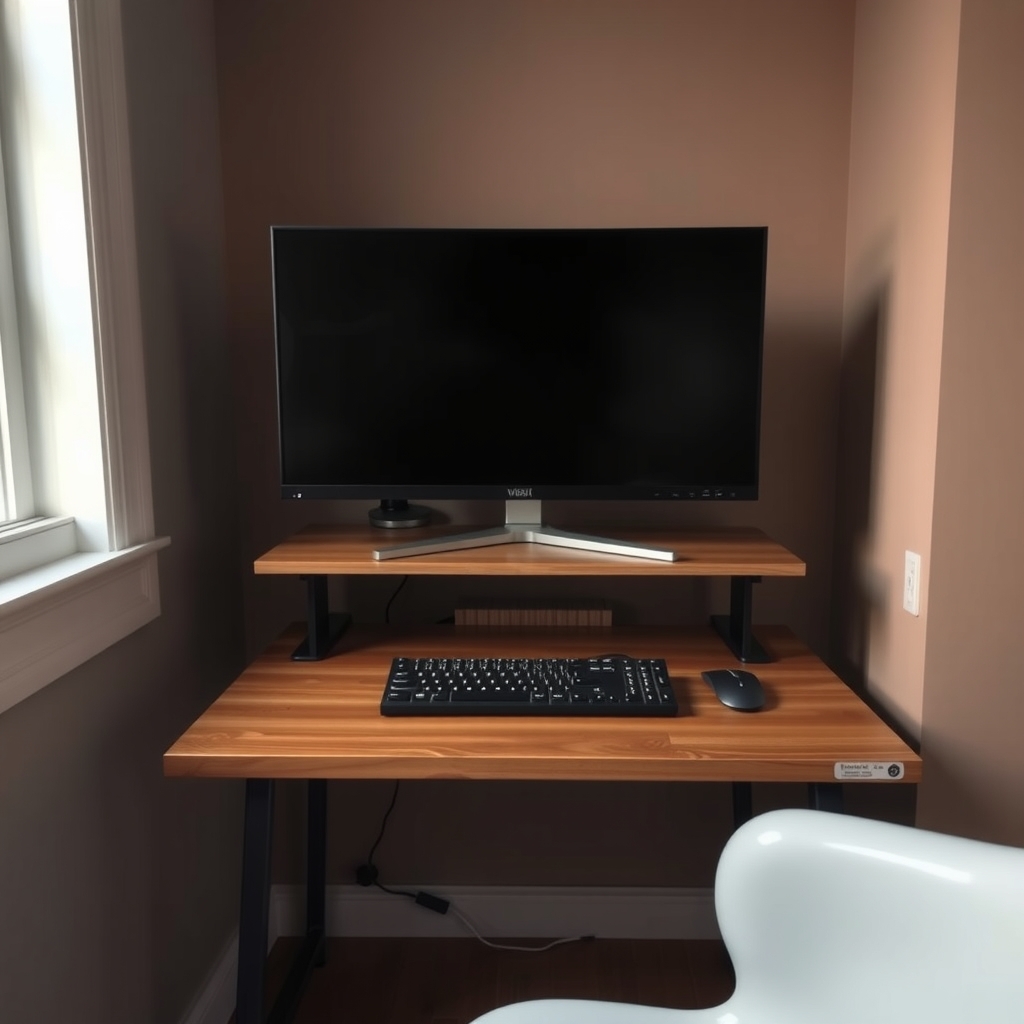
A big monitor feels too big because its stand is wide, the desk is shallow and the screen ends up too close. Push it back to about an arm's length, set the top edge at or just under eye level, and move the keyboard in front. For lasting space, a monitor arm clamps to the desk edge and lifts the screen off the surface, as long as its weight and size limits cover your monitor.
Free fix vs. permanent fix
Reposition and re-measure
- Slide the monitor to the back and sit about an arm's length away
- Move the keyboard and mouse in front of the stand
- Set the top edge at or just below eye level
- Clear everything else off the stand's feet area
How long it lasts: As long as the desk stays tidy. It does little for a shallow desk, because the stand's feet still take a chunk of depth.
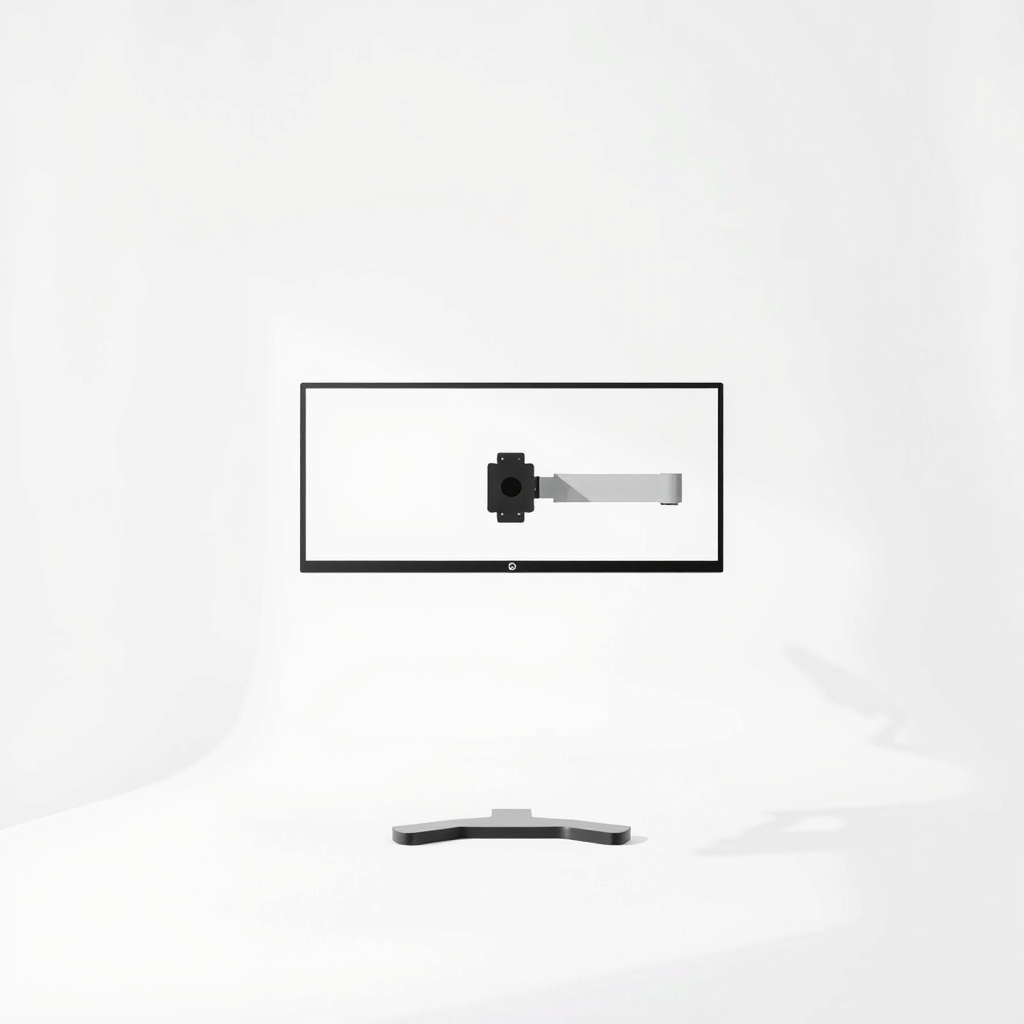
A monitor arm rated for large screens
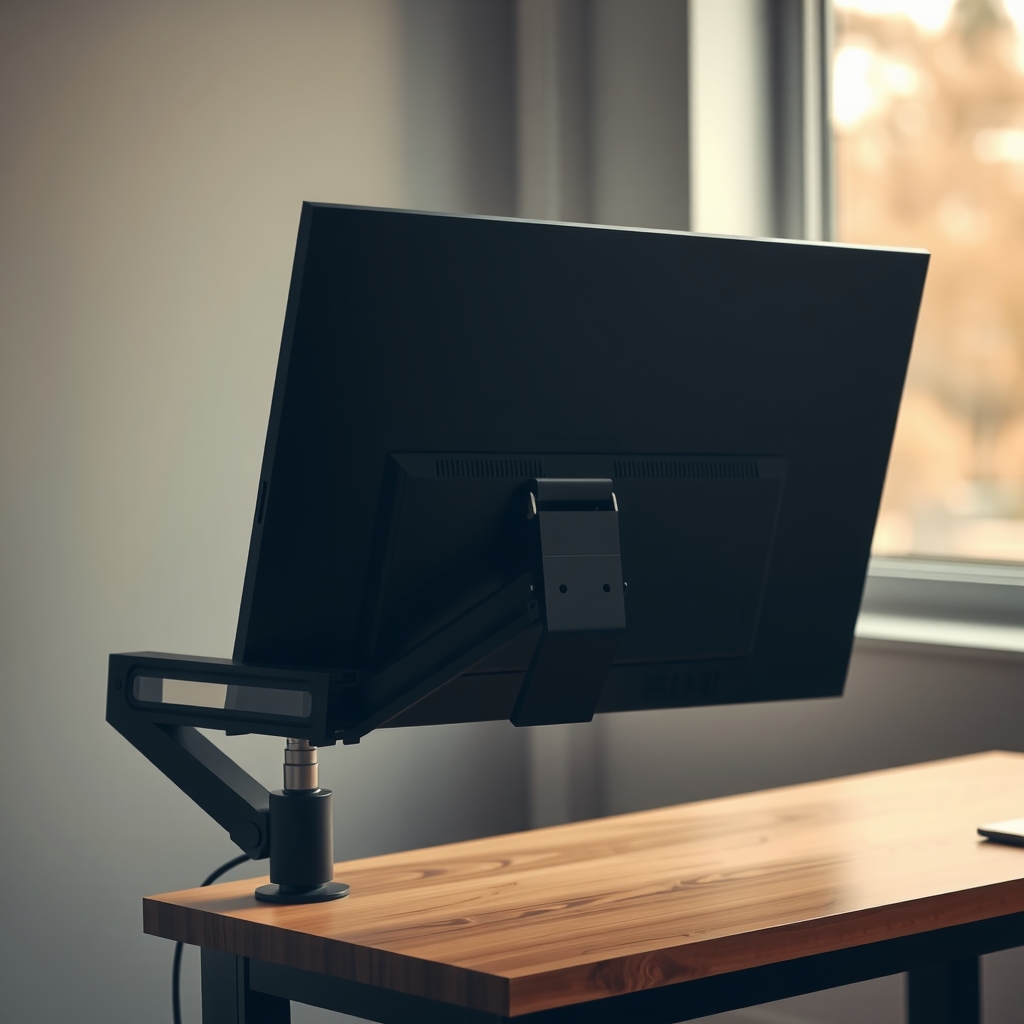
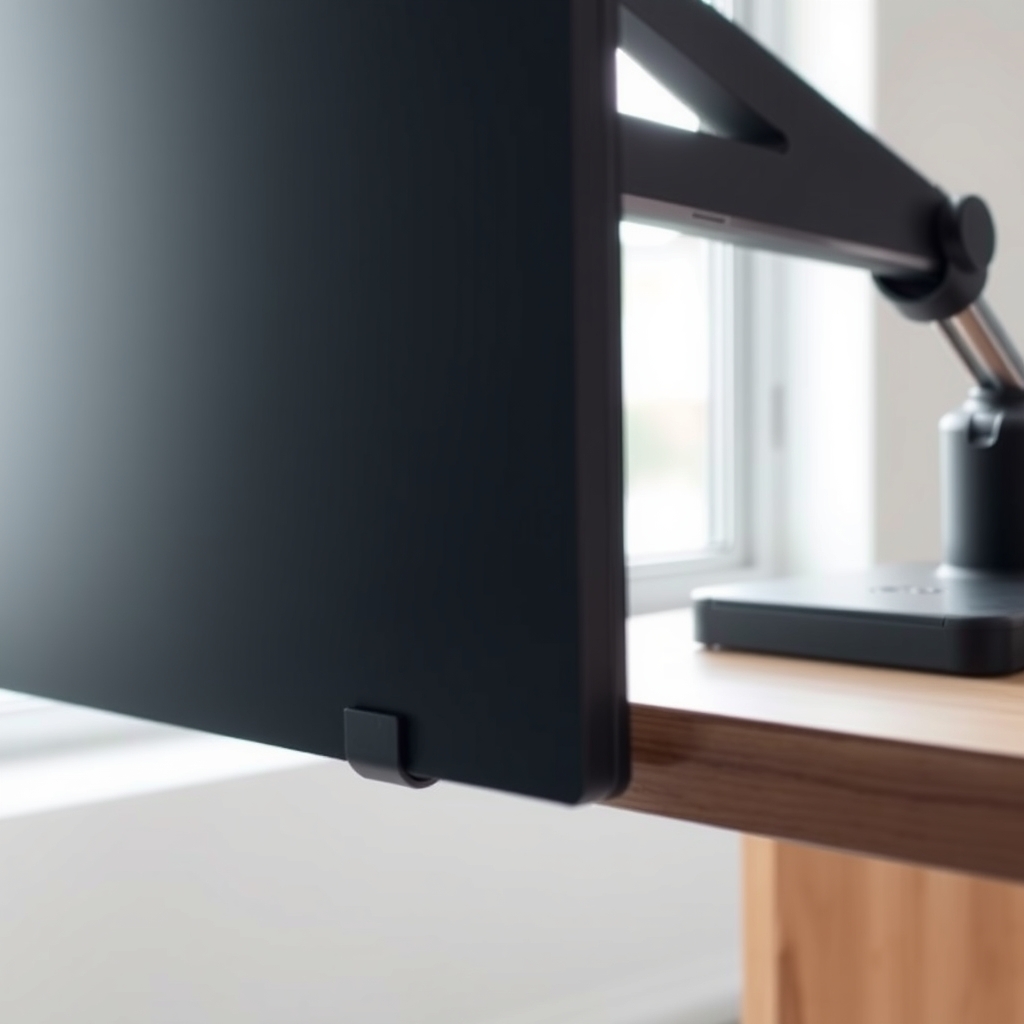
A stand's feet and neck cover a lot of desk depth in front of the screen. An arm clamps to the back edge and lifts the screen off the surface, so you can pull it closer or push it away. The space under it is yours for the keyboard, a notebook or a laptop.
What to get: Single monitor arm rated for large screens
How long it lasts: Years. It moves to your next monitor, as long as that one fits its weight and size limits.
As an Amazon Associate I earn from qualifying purchases.
What you'll need
-
Tape measure
For desk depth and edge thickness
You have it -
Phillips screwdriver
Most stands and arms use Phillips screws; check yours
You have it -
Soft towel
Lay the screen face-down on it when you take the stand off
You have it - Our pick Illustration
Single monitor arm for large screens
Check weight, screen size and the VESA pattern
- Illustration
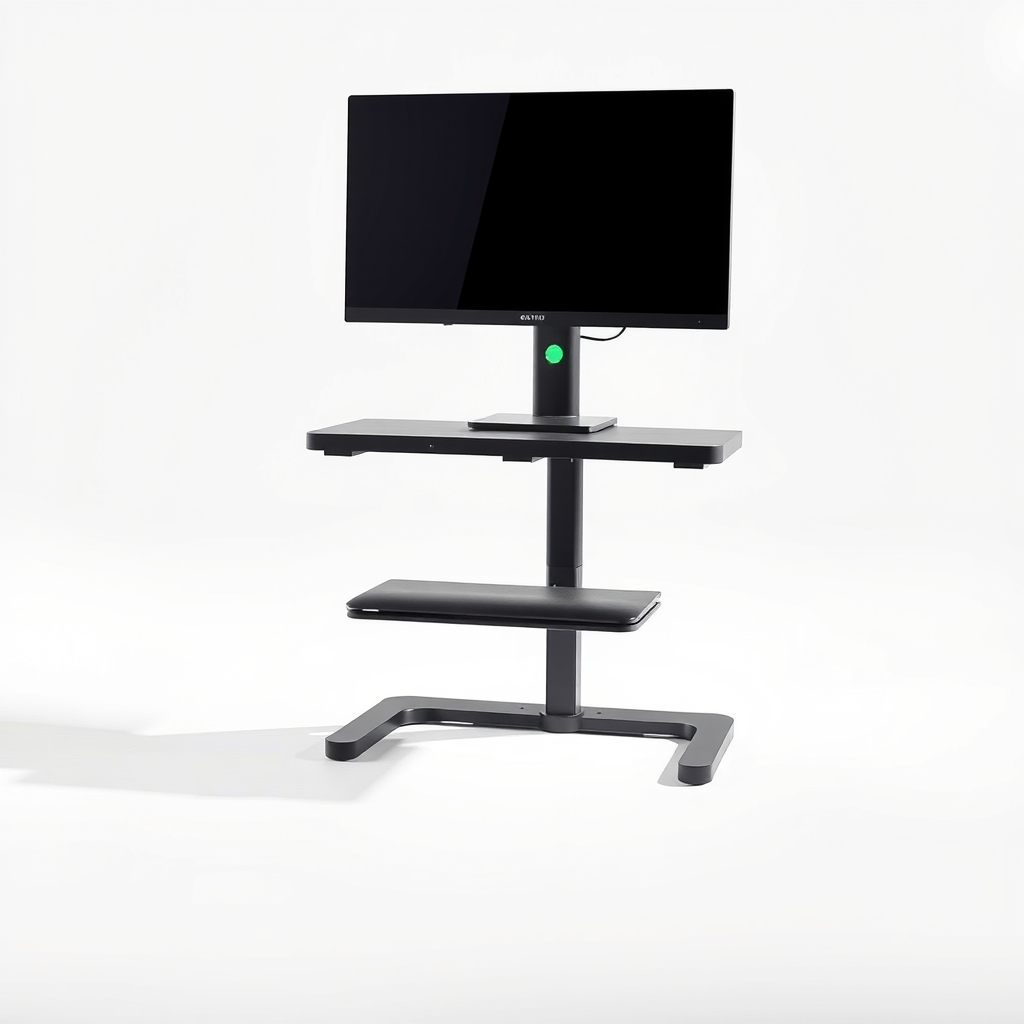
Monitor riser stand
A no-drill alternative that opens up space underneath
Why it happens
A wide stand with deep feet
Many stands reach out to the front and sides to stay steady. On a big screen, that footprint can take a large share of a small desk.
A desk that is too shallow
Many small desks are around 24 inches deep. Ergonomics guides often suggest sitting about 20 to 40 inches from the screen, and bigger screens belong at the far end of that range. On a shallow desk you end up too close.
A screen at the wrong height
If the stand lifts the screen too high or sets it too low, you lean back or hunch forward. The top edge should be at or just under eye level.
Cables and extras around the base
A webcam, speakers and a tangle of cables around the base fill what little room is left.
Try this first (free)
Do these in order, starting with the simplest.
-
Measure the desk
Tool used: Tape measureMeasure the depth and width, and the thickness of the back edge where a clamp would sit. Write them down; you will need them to match an arm.
-
Push the screen back and sit at arm's length
Sit upright and reach out. Your fingertips should just touch the screen. For most big monitors that works out to roughly 25 to 30 inches.
-
Set the height
Stack a few books under the stand until the top of the screen is at or just under eye level. This also tells you the height range you need from an arm.
-
Look at the back of the monitor
Tool used: Soft towelLay the screen face-down on a towel and look for four small threaded holes in a square. That is the VESA pattern, and 75 x 75 mm and 100 x 100 mm are the most common. If the stand unscrews or unclips, the monitor can go on an arm.
-
Find the weight and size in the specs
Look up the monitor's weight without the stand and its screen size. The arm's listed limits have to be higher than both, with some margin.
When free fixes aren't enough
Pushing the screen back and raising it helps, but on a shallow desk the stand still limits you and the keyboard has nowhere to go. If you want the desk back, an arm is the fix: it lifts the screen off the surface and lets you pull it closer for detail work. Check three numbers first: the monitor's weight, its screen size and its VESA pattern. Ultrawide and 32-inch-plus screens often go beyond the limits of basic arms, so match them to the arm's listing.
Buy the fix
Still stuck after the free fixes? These are the products we would look at.
| Pick | Product | Fixes | Who it's for | Buy |
|---|---|---|---|---|
| Best pick | Single monitor arm rated for large screens | a big screen taking up desk depth and sitting at the wrong height | Anyone with a 27-inch or larger screen on a shallow desk, or who wants room under the screen for a keyboard, notebook or laptop. | Check price |
| Budget pick | Monitor riser stand with storage space | no usable desk space under the screen, without a clamp or VESA holes | Anyone whose monitor has no mounting holes, or whose desk cannot take a clamp. | Check price |
Single monitor arm rated for large screens
Fixes: a big screen taking up desk depth and sitting at the wrong height
Look for: A weight limit and screen size above your monitor's, with a margin; A VESA 75 x 75 or 100 x 100 plate that matches the holes on your monitor; A desk clamp whose listed thickness range fits your desk, with a grommet option for a hole; A gas-spring or smooth tension adjustment so height changes with one hand.
- Who it's for
- Anyone with a 27-inch or larger screen on a shallow desk, or who wants room under the screen for a keyboard, notebook or laptop.
- Honest downside
- Your desk is glass, hollow or thin particleboard that could crack under a clamp, or the monitor has no VESA holes and you do not want an adapter.
Monitor riser stand with storage space
Fixes: no usable desk space under the screen, without a clamp or VESA holes
Look for: A weight rating above your monitor's; A platform wide enough for the whole stand base; Open space underneath for a keyboard.
- Who it's for
- Anyone whose monitor has no mounting holes, or whose desk cannot take a clamp.
- Honest downside
- The desk is very shallow. A riser still takes the stand's depth, and it can raise the screen above eye level.
As an Amazon Associate I earn from qualifying purchases. We don't show prices because they change, so use the button to see today's price.
How we picked: How we picked: this page is based on ergonomics guidance on viewing distance and screen height, the VESA mounting standard, mount makers' manuals and what owners report in reviews of monitor arms. We do not test products by hand.
Three numbers to check before you buy
- Weight: your monitor's weight without the stand must be under the arm's maximum, with some margin.
- Size and VESA: the screen size must be within the arm's range, and the VESA pattern must match.
- Desk edge: the clamp range must cover your desk's thickness.
What to skip
Arms with no weight or size limit listed
The usual complaint with a cheap arm is that it slowly sags or drifts down under a big screen. If the listing does not state a maximum weight and screen size, skip it. A sagging arm is worse than a stand.
Frequently asked questions
How far should a big monitor be from my eyes?
Will a monitor arm work on any desk?
How do I know my monitor can be mounted?
Can an arm hold an ultrawide or curved monitor?
Do I need help to install it?
Related problems
As an Amazon Associate I earn from qualifying purchases. Affiliate disclosure