How to Stop Monitor Wobble: Arms, Bases, and Desk Fixes
A wobbling screen usually comes from a loose joint or a shaky desk, not the monitor itself. Tighten and level first, then add a solid clamp-on arm.
By Jamilur Rahman Updated November 5, 2026 · 7 min read
- Time
- 20 min
- Cost
- $50-$150
- Difficulty
- Easy
In this guide
Quick answer
How to stop monitor wobble: first find what is moving, whether it is the screen on its stand, the stand on the desk or the whole desk. Tighten the stand's neck and base screws, level the desk feet and move the monitor closer to a desk leg. If it still shakes when you type, a monitor arm with a desk clamp holds the screen firmly, as long as your desk itself is steady.
Free fix vs. permanent fix
Tighten, level and move it
- Tighten the neck and base screws on the stand
- Level the desk feet or shim a short leg
- Move the monitor near a desk leg, away from the middle of the desktop
- Turn off any fan or speaker vibrating the desk
How long it lasts: Cures a loose screw or an uneven desk for good. Does not help a stand that is flimsy by design.
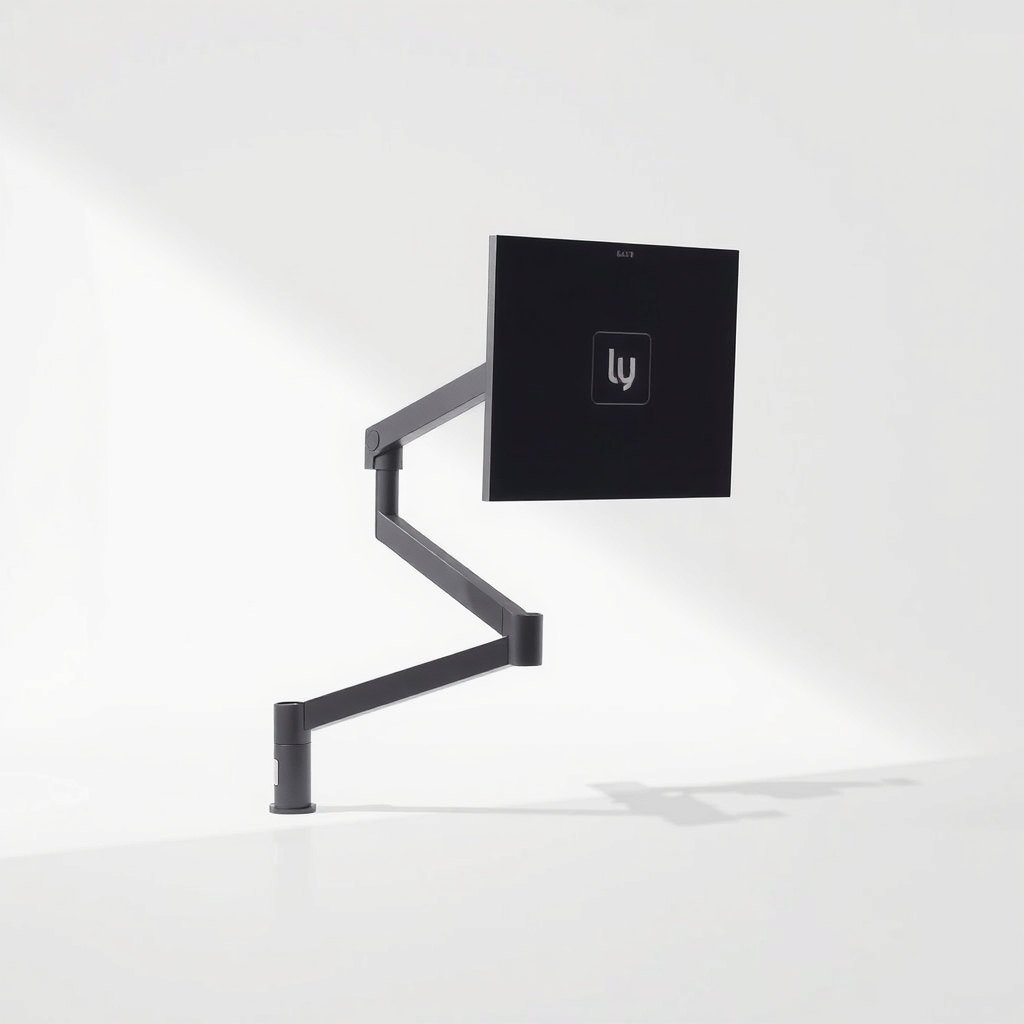
A monitor arm with a desk clamp
Cheap stands use a thin neck and a light base, so every keystroke shakes the screen. An arm grips the desk edge and carries the weight on a solid column. It also frees the desk space the stand took up.
What to get: Monitor arm with desk clamp
How long it lasts: Years. A steel clamp and a rigid arm hold the screen in place instead of resting it on a thin stand.
As an Amazon Associate I earn from qualifying purchases.
What you'll need
-
Screwdriver and hex key
To tighten the stand and the base
You have it -
Small level or phone level app
Shows whether the desk itself is tilted
You have it -
Folded cardboard or felt shims
Steady a short desk leg for now
Free - Our pick Illustration
Monitor arm with desk clamp
Check the weight range and mount pattern before you buy
- Illustration
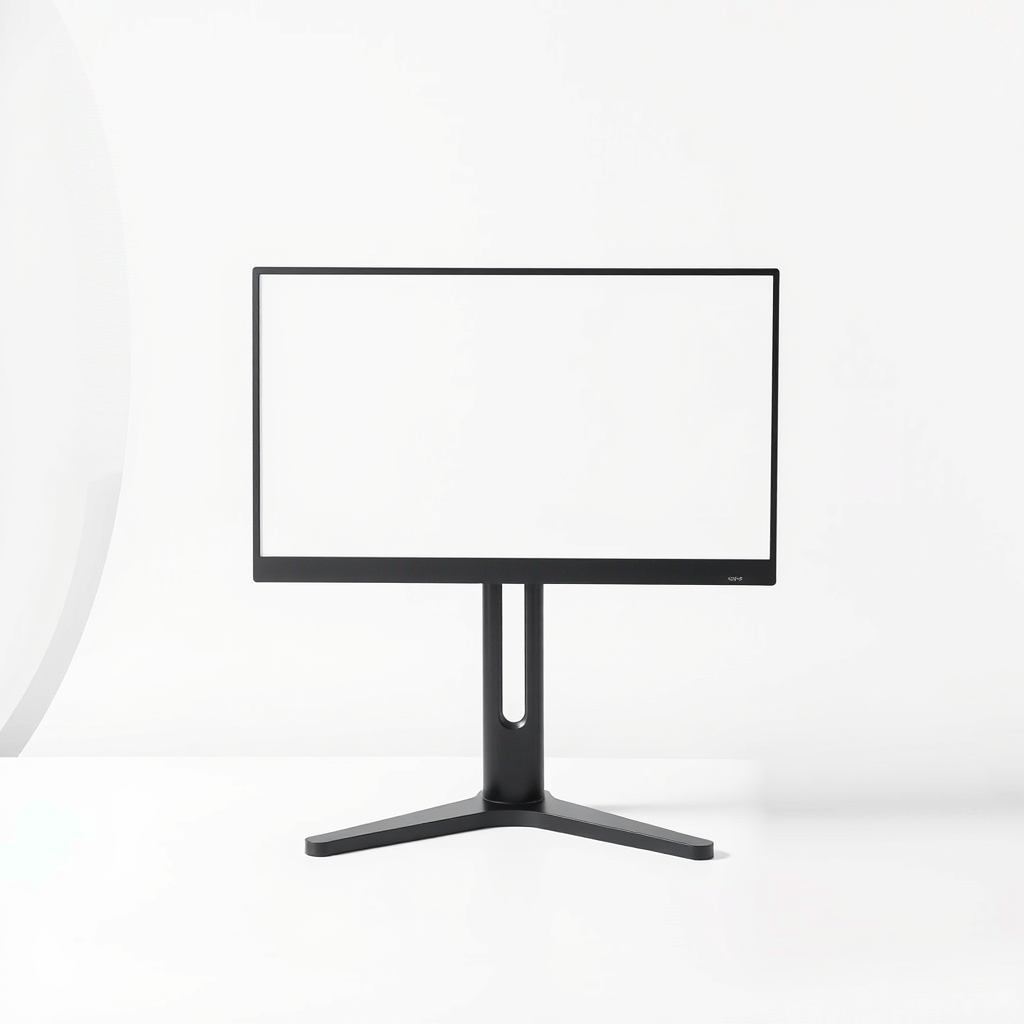
Heavier monitor base or riser
If you cannot clamp to your desk
Why it happens
A loose joint in the stand
Most stands have a neck screw and a base screw that work loose over time. A quarter turn of play at the joint becomes a visible shake at the top of the screen.
A thin, light stand
Many monitors ship with a stand that is tall, narrow and light. A tall screen on a thin neck swings with the slightest push.
A desk that shakes
Thin desktops, wobbly legs and uneven floors pass every keystroke to the monitor. A screen on a rock-solid stand still shakes if the desk does.
A monitor that sits too far from the legs
The middle of a long desktop flexes the most. A monitor in the center moves more than one placed over a leg.
Try this first (free)
Do these in order, starting with the simplest.
-
Check which part is moving
Press the top of the screen gently, then the base of the stand, then the desk edge. Whatever moves first is the problem: the neck, the base or the desk.
-
Tighten every screw on the stand
Tool used: Screwdriver and hex keyRemove the monitor from the desk and check the screws where the neck joins the base and where it joins the screen. Snug them up. Do not over-tighten plastic.
-
Level the desk and floor
Tool used: Small level or phone level appPut a small level on the desktop. If one corner is low, use the desk's leveling feet if it has them, or slide a folded shim under the short leg.
-
Shim a short leg for now
Tool used: Folded cardboard or felt shimsA folded piece of felt or cardboard under the short foot steadies the desk until you do a proper fix.
-
Move the screen closer to a leg
Slide the monitor toward a desk leg and away from the middle of the desktop. If you type hard, keep your keyboard off the same flexy part.
When free fixes aren't enough
If every screw is tight and the desk is level but the screen still sways when you type, the stand is the weak part, because a tall screen on a thin neck cannot be tightened into stiffness. A monitor arm with a clamp takes the screen off that stand and bolts it to the desk edge. Note that an arm is longer than a stand and makes a shaky desk worse, so fix a flexing desktop first. Check that your desk is thick enough for the clamp and has no hollow or glass top.
Buy the fix
Still stuck after the free fixes? These are the products we would look at.
| Pick | Product | Fixes | Who it's for | Buy |
|---|---|---|---|---|
| Best pick | Monitor arm with desk clamp | a monitor that shakes on a thin stand | Someone with a solid desk and a monitor that wobbles on its own stand or crowds the desk. | Check price |
| Budget pick | Monitor stand riser with a wide solid base | a flimsy stand when you cannot clamp to the desk | Renters, glass desk owners and anyone who cannot mount an arm. | Check price |
Monitor arm with desk clamp
Fixes: a monitor that shakes on a thin stand
Look for: A weight range that fits your monitor with some room to spare; A mount pattern that matches your monitor, usually 75 by 75 or 100 by 100; A clamp that fits your desk thickness, and a grommet option for a hole in the desk; A steel or aluminum arm that holds its position, with tension you can adjust.
- Who it's for
- Someone with a solid desk and a monitor that wobbles on its own stand or crowds the desk.
- Honest downside
- Your monitor has no mounting holes on the back, or the desk is glass, hollow or very thin. Use a base or riser instead.
Monitor stand riser with a wide solid base
Fixes: a flimsy stand when you cannot clamp to the desk
Look for: A flat, wide platform with a firm base; Non-slip feet; A weight rating above your monitor's.
- Who it's for
- Renters, glass desk owners and anyone who cannot mount an arm.
- Honest downside
- Your monitor shakes because the whole desk does. A riser will not fix a desk problem.
As an Amazon Associate I earn from qualifying purchases. We don't show prices because they change, so use the button to see today's price.
How we picked: How we picked: this page is based on monitor-arm and standing-desk manuals, the mounting standard that sets the hole pattern, and the shake problems and fixes people report in owner reviews. We do not test products by hand.
How to stop monitor wobble on a standing desk
A standing desk shakes more at full height because its legs extend in sections. Raise it only as high as you need. Tighten the frame bolts under the top. If it has a crossbar or brace, make sure it is snug. Set the monitor over a leg, and use a clamp or a grommet mount close to a leg, not at the far end of the desktop. If it still rocks, check the manual for the weight limit.
Check the desk before the arm
Push the desk with your hand. If the whole top shifts, add braces or a stiffer desk before you mount anything. An arm anchored to a flexing top just moves the shake higher.
What to skip
Packing tape, foam under the stand and glue
Wedging foam or tape under the stand dampens a little shake, but it does not fix the loose joint and the foam compresses. Glue is permanent and may void the warranty. Tighten the real joint, or replace the stand with a proper mount.
Frequently asked questions
How to stop monitor from shaking when typing?
How to stop monitor from wobbling on desk?
Will a monitor arm make wobble worse?
What does VESA mean on a monitor?
Related problems
 Free fix inside
Home Office & Cables · Standing Desk
Standing Desk Wobbling? What Steadies It at Full Height
Read the fix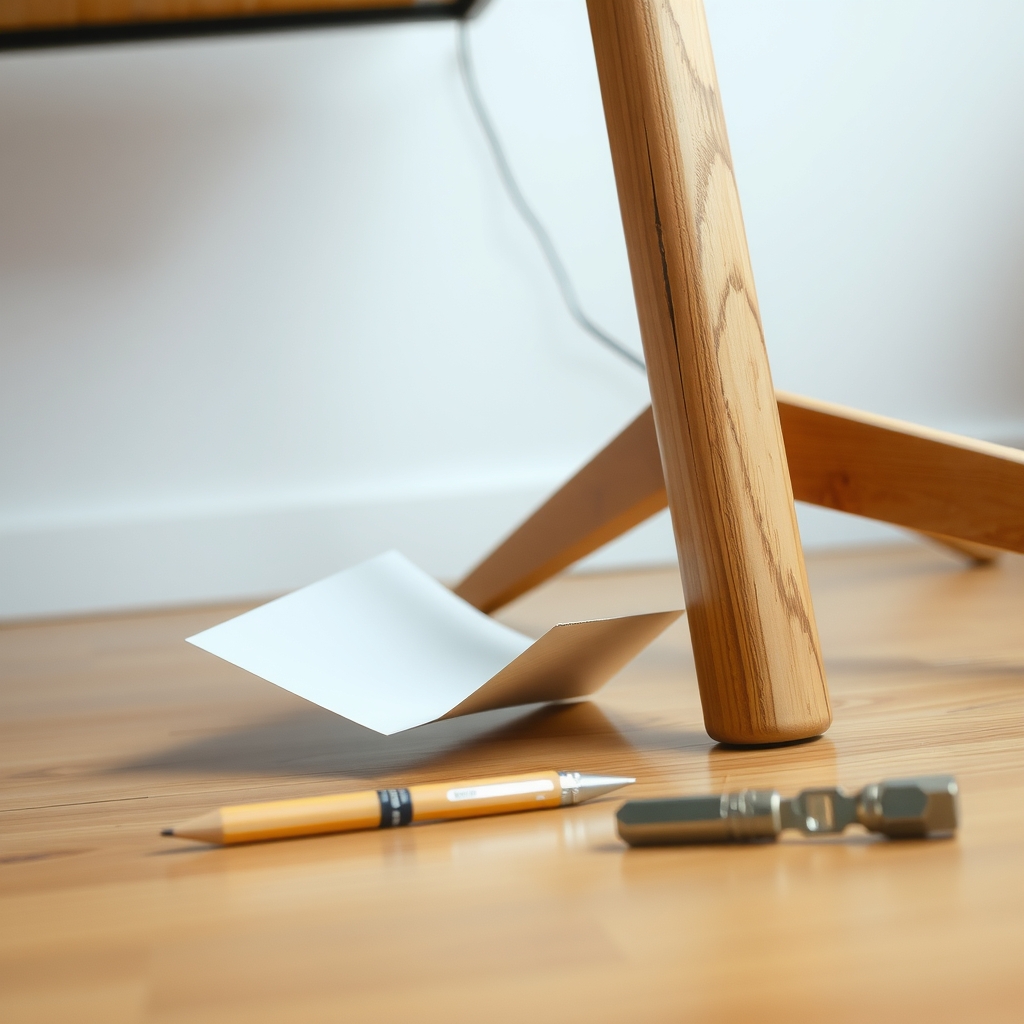 Free fix inside
Home Office & Cables · Desk
How to Stop a Desk From Wobbling: Levelers, Braces, and Shims
Read the fix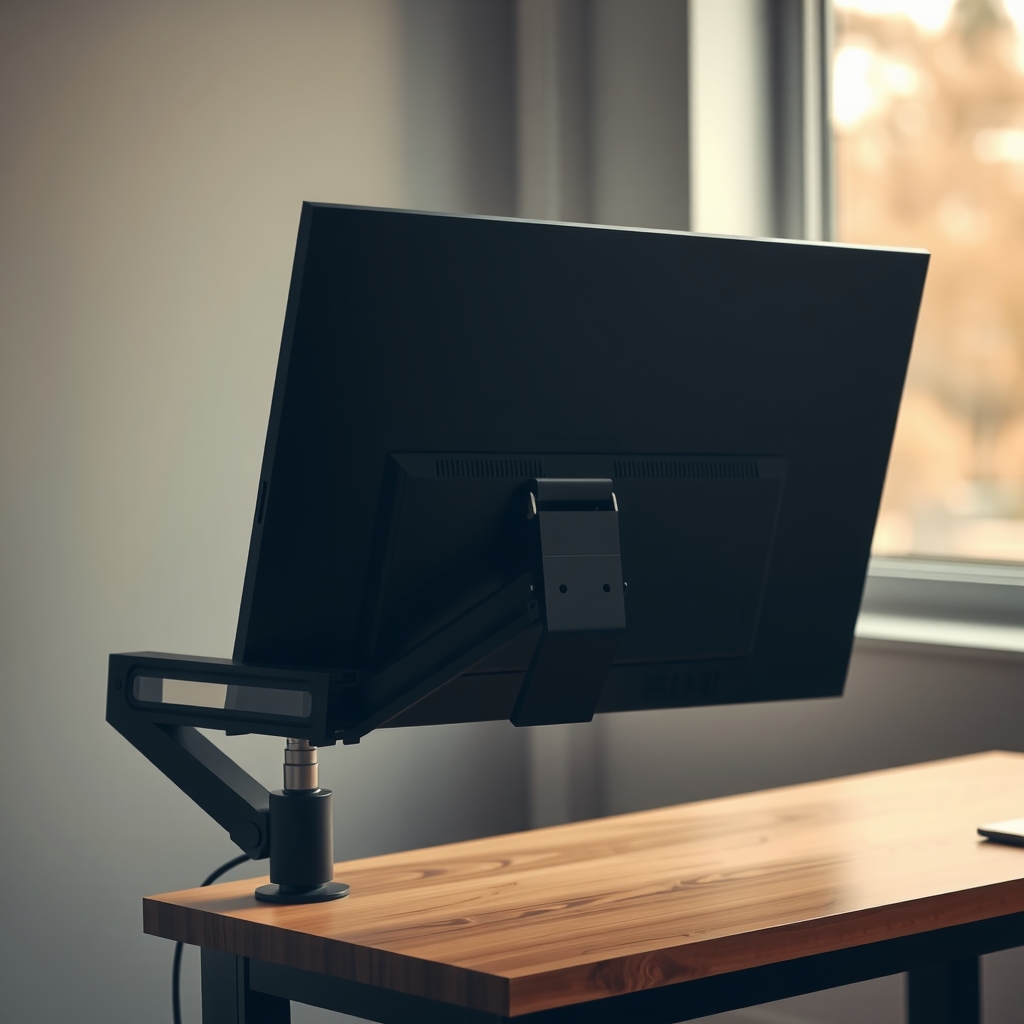 Free fix inside
Home Office & Cables · Monitor Mount
Monitor Too Heavy for the Mount? Heavy-Duty Arms That Hold It
Read the fix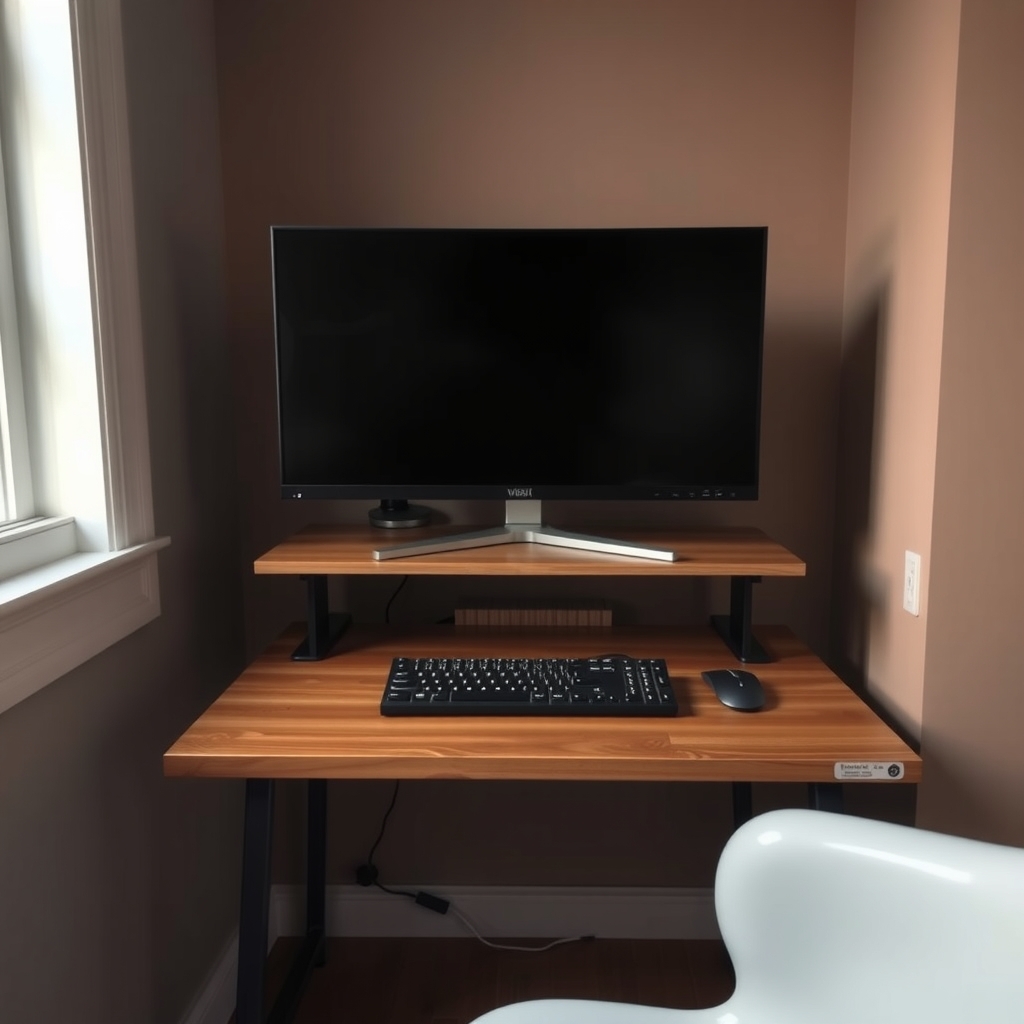 Free fix inside
Home Office & Cables · Monitor Mount
Monitor Too Big for Your Desk? Arms That Give the Space Back
Read the fixAs an Amazon Associate I earn from qualifying purchases. Affiliate disclosure