Standing Desk Wobbling? What Steadies It at Full Height
Wobble comes from loose bolts and tall, extended legs. Tighten and level first, then a stabilizer brace stiffens the frame at full height.
By Jamilur Rahman Updated November 5, 2026 · 6 min read
- Time
- 20 min
- Cost
- $20-$50
- Difficulty
- Easy
In this guide
Quick answer
To stop a standing desk from wobbling, tighten every bolt, level the feet and move heavy gear toward the center. Wobble is worst at full height because extended legs act like long levers. If it still shakes after that, a stabilizer brace ties the frame together and removes the flex that bolts alone cannot.
Free fix vs. permanent fix
Tighten, level and lower
- Tighten every frame bolt with a hex key
- Level the desk until all four feet touch the floor
- Keep heavy items near the center, over the legs
- Put a hard board or mat under the feet on carpet
How long it lasts: Often cures a mild wobble. Bolts can work loose again with daily raising and lowering, and tall legs keep some flex at full height.
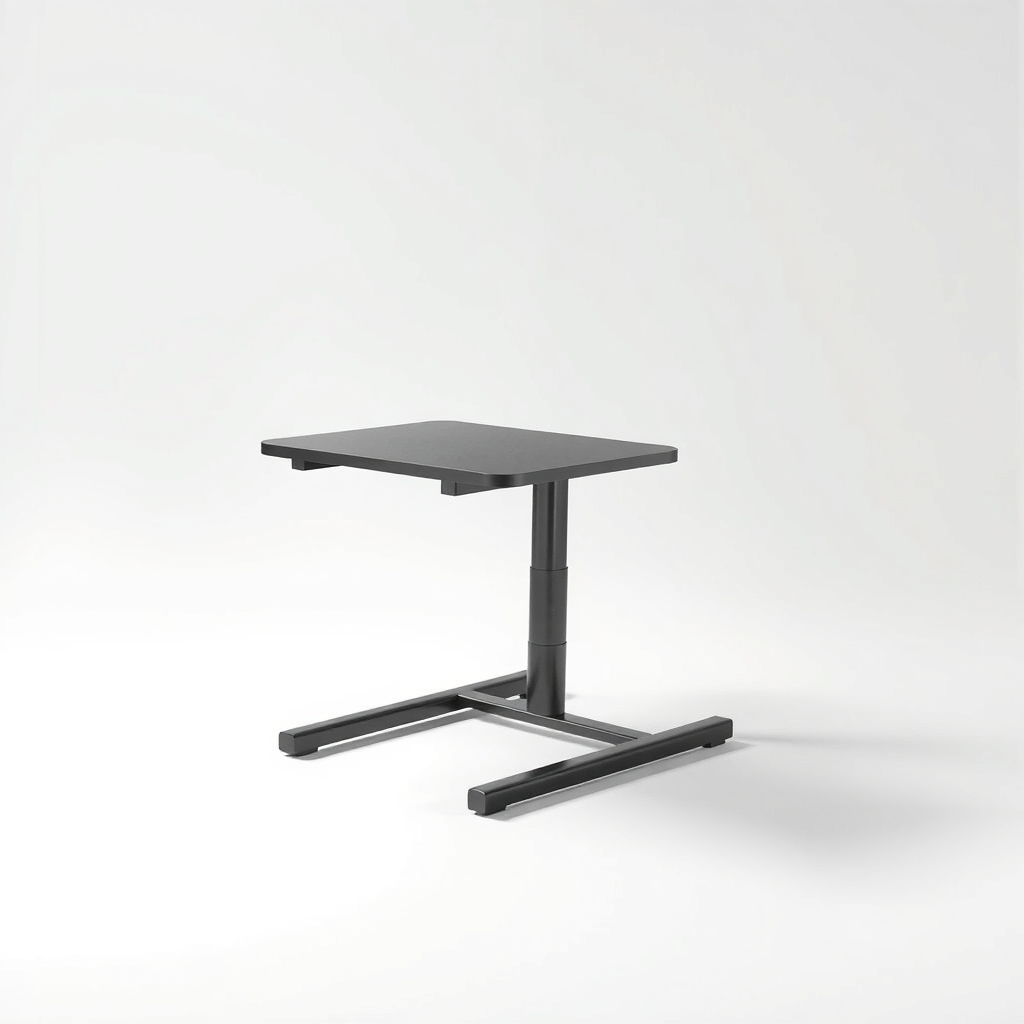
A standing desk stabilizer brace
At full height a small shake at the legs becomes a bigger shake at the top. A brace ties the frame together at the point where it bends, so tightening is no longer the only thing holding the desk steady.
What to get: Standing desk stabilizer brace
How long it lasts: Years, as long as its fasteners stay snug. It stiffens the frame instead of relying on bolts alone.
As an Amazon Associate I earn from qualifying purchases.
What you'll need
-
Hex key set
Most desks ship with one; a set works on more bolt sizes
You have it -
Phone level app
Any free bubble level app will do
Free - Illustration
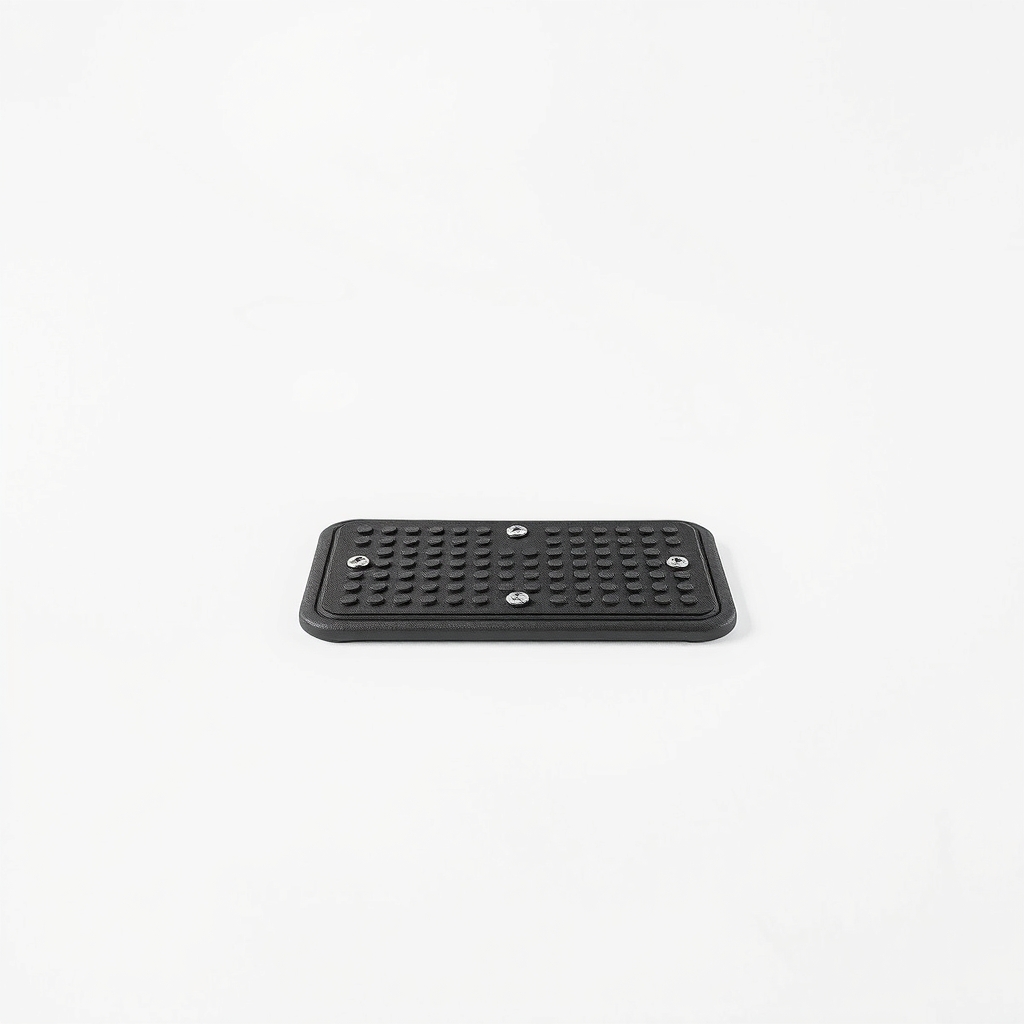
Hard floor pads for desk feet
Stops the feet sinking into carpet
- Illustration
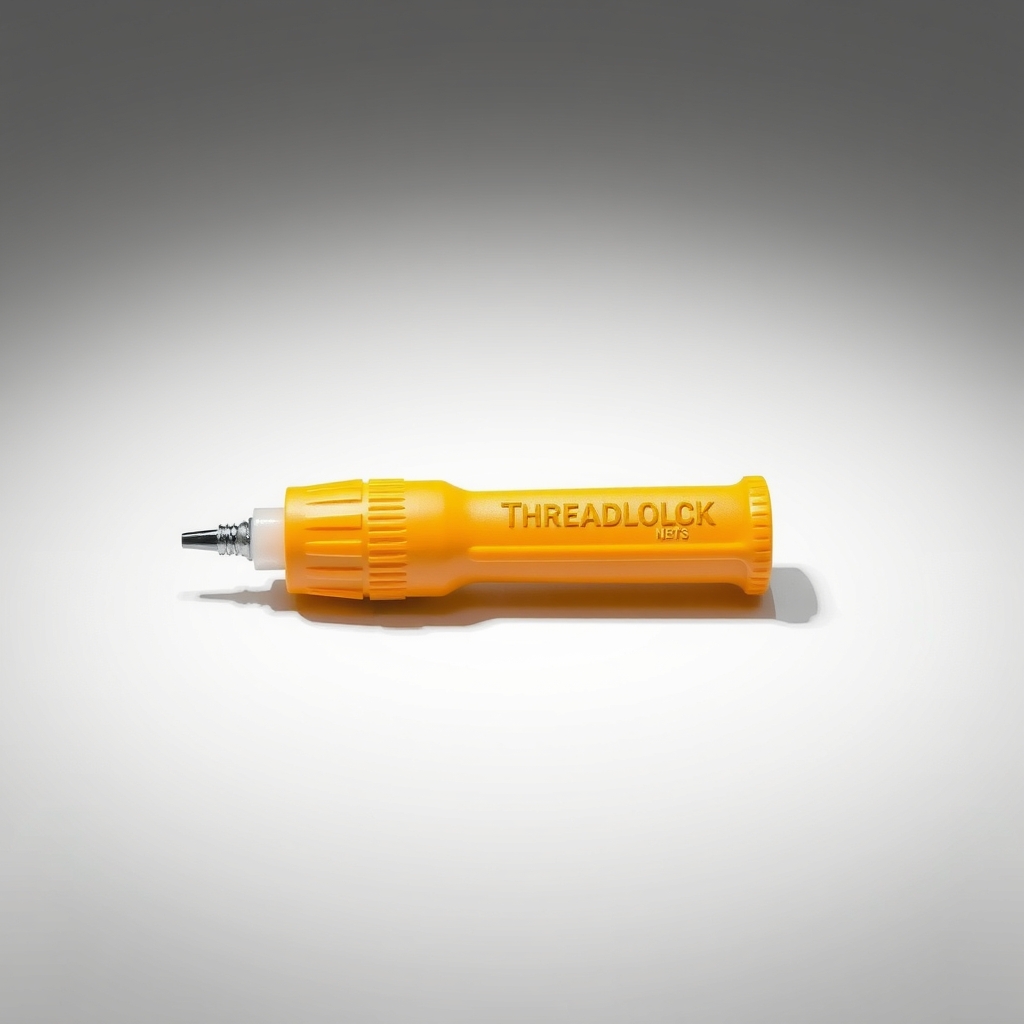
Medium-strength threadlocker
For bolts that keep working loose
- Our pick Illustration
Standing desk stabilizer brace
For wobble that remains after the free steps
Why it happens
Bolts that loosen over time
Raising and lowering the desk every day slowly backs bolts out where the legs, crossbar and feet join. The screws holding the frame to the desktop can loosen the same way.
Extended legs act like levers
Most standing desks have telescoping legs, one tube sliding inside another. There is a little play between them, and the higher you go, the more it shows at the top.
Soft carpet or an uneven floor
Carpet lets the feet sink and rock. An uneven floor lifts one foot, so the desk teeters on three.
Heavy or off-center loads
Monitors on arms, speakers and a long desktop overhang add sway. A thin top flexes even more.
A light frame design
Some budget frames have thin crossbars. If yours does, tightening only goes so far.
Try this first (free)
Do these in order, starting with the simplest.
-
Tighten every bolt
Tool used: Hex key setLower the desk to its lowest height. Snug each bolt where the legs meet the crossbar, where the feet attach and where the frame meets the top. Work a little at a time and do not overtighten, since the threads in a particleboard top strip easily.
-
Level the desk and the feet
Tool used: Phone level appSet a level on the desktop. Turn the adjustable feet or glides until the bubble sits in the middle and all four feet touch the floor.
-
Lower the height an inch or two
Wobble drops as the legs retract. If you can live an inch or two lower, you may notice a clear difference.
-
Center the weight
Keep heavy items near the middle of the top and over the legs, not at the far edge or the end of a long desk.
-
Stop the feet sinking into carpet
Tool used: Hard floor pads for desk feetPut a flat, hard board or a base plate under each foot so they cannot press into the pile and rock.
IllustrationCheck price on AmazonTool for this step
Hard floor pads for desk feet · Stops the feet sinking into carpet
When free fixes aren't enough
If a bolt keeps coming loose, a drop of removable threadlocker on the threads holds it in place. If the wobble remains after every bolt is snug and the feet are level, the flex is in the legs and crossbar, and that is how the frame was built. Tightening cannot remove it. A stabilizer brace adds stiffness where the frame bends. If a leg column is bent, a joint is cracked or the legs rise unevenly, stop using the desk at height and contact the maker. A failing frame can drop a monitor.
Buy the fix
Still stuck after the free fixes? These are the products we would look at.
| Pick | Product | Fixes | Who it's for | Buy |
|---|---|---|---|---|
| Best pick | Standing desk stabilizer brace | frame flex that tightening cannot remove | Owners whose desk still shakes at full height after tightening and leveling. | Check price |
| Budget pick | Medium-strength removable threadlocker | bolts that keep working loose | Anyone whose bolts back out again after a few weeks. | Check price |
Standing desk stabilizer brace
Fixes: frame flex that tightening cannot remove
Look for: Steel construction, not thin plastic; Fits your frame, so measure the gap between the legs and check the mounting points; Mounts at both legs so it ties them together; Adjustable length or a listing sized to your frame.
- Who it's for
- Owners whose desk still shakes at full height after tightening and leveling.
- Honest downside
- Your frame has no room for a brace, or a leg is bent. Replace a damaged frame instead.
Medium-strength removable threadlocker
Fixes: bolts that keep working loose
Look for: Medium strength and labeled removable, usually blue; Safe for steel bolts; A small bottle or stick that is easy to apply.
- Who it's for
- Anyone whose bolts back out again after a few weeks.
- Honest downside
- Your bolts thread into plastic parts, which some threadlockers can damage. Check the label, and skip the high-strength kind that is hard to undo.
As an Amazon Associate I earn from qualifying purchases. We don't show prices because they change, so use the button to see today's price.
How we picked: How we picked: this page is based on standing desk assembly and care guides from desk makers, the way telescoping frames are built, and the problems and fixes people report in reviews. We do not test products by hand.
A quick frame check before you stack on monitors
- Both legs rise together: if one side lags or makes noise, the frame may be damaged or out of sync.
- No bent tubes or cracks: look at the leg tubes and the welds where the feet attach.
- Weight within the limit: add up the desktop, monitors, arms and any shelf, then compare with the maker's limit.
What to skip
Overtightening and stacking weight on the top
Cranking a bolt as hard as you can strips the threads in a particleboard top. Piling weight on the desktop to hold it down adds sway and strains the legs.
Frequently asked questions
Why does my standing desk wobble, and why is my standing desk wobbly only when it is high?
How to fix standing desk wobble without replacing the desk?
How to stop standing desk from shaking when I type?
How to stop standing desk wobble on carpet?
How to fix standing desk wobble the way owner threads on Reddit suggest?
How to keep a standing desk from wobbling for good?
Related problems
 Free fix inside
Home Office & Cables · Desk
How to Stop a Desk From Wobbling: Levelers, Braces, and Shims
Read the fix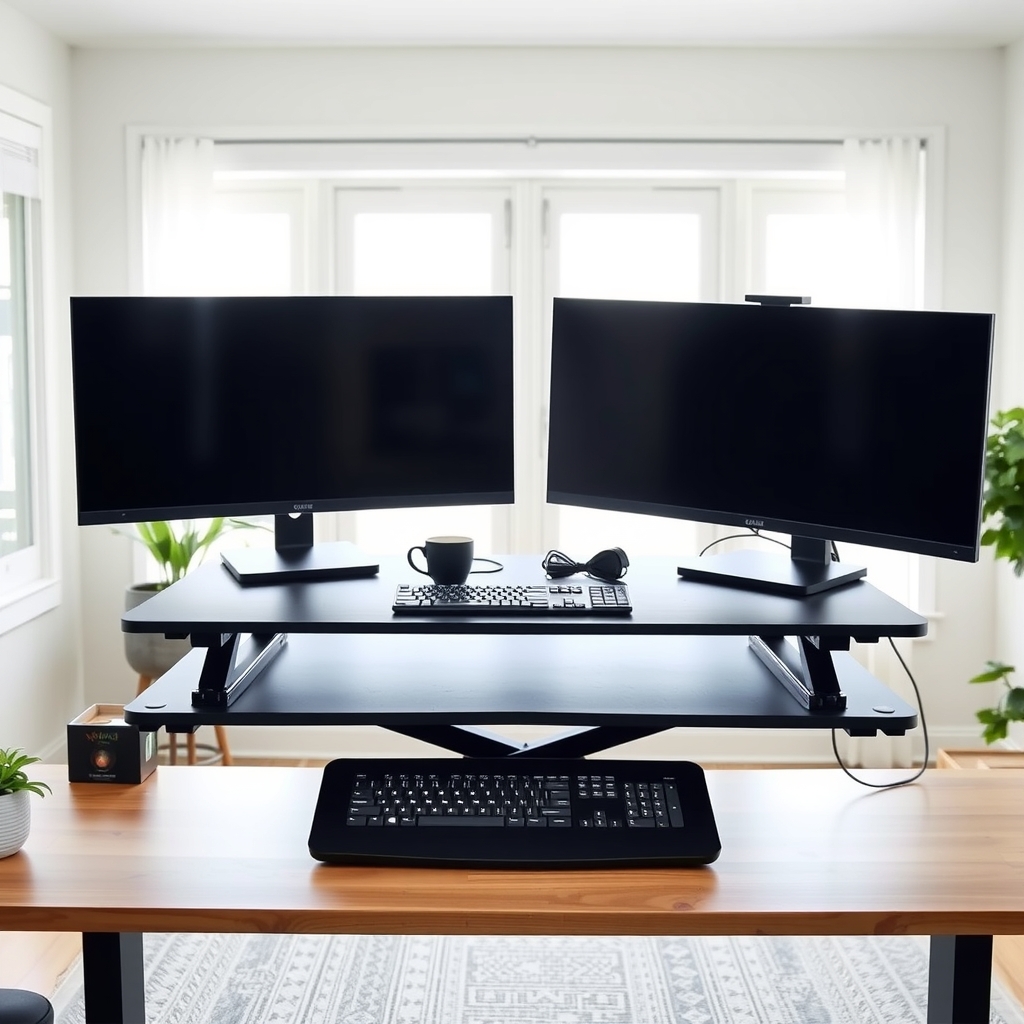 Free fix inside
Home Office & Cables · Standing Desk
Standing Desk Topper for Dual Monitors: What to Look For
Read the fix Free fix inside
Home Office & Cables · Monitor Mount
How to Stop Monitor Wobble: Arms, Bases, and Desk Fixes
Read the fix Free fix inside
Home Office & Cables · Standing Desk
Standing Desk Cables Too Short? Fix the Tug Before It Yanks a Plug
Read the fixAs an Amazon Associate I earn from qualifying purchases. Affiliate disclosure