Standing Desk Topper for Dual Monitors: What to Look For
Two monitors are heavy and wide, and most toppers are built for one. Check weight, width and the two-tier layout before you buy, and try standing first.
By Jamilur Rahman Updated November 5, 2026 · 7 min read
- Time
- 30 min setup
- Cost
- $150+
- Difficulty
- Easy
In this guide
Quick answer
A standing desk topper, also called a converter, sits on your desk and lifts your monitors and keyboard. For two monitors, look for three things: a weight rating above your monitors and gear combined, a surface wide enough for both screens, and a two-tier layout that keeps the keyboard at elbow height. An electric model is the easiest to live with, while a gas-spring one costs less.
Free fix vs. permanent fix
Test standing before you spend
- Stand at a kitchen counter or a tall shelf for 15 to 30 minutes at a time
- Raise one monitor to eye level, with a stable stack
- Set a timer and alternate sitting and standing
- Do not stack two monitors on loose books
How long it lasts: A week or two of testing. It is not safe for two monitors for long, because stacked boxes and books can tip and the heights are never right.
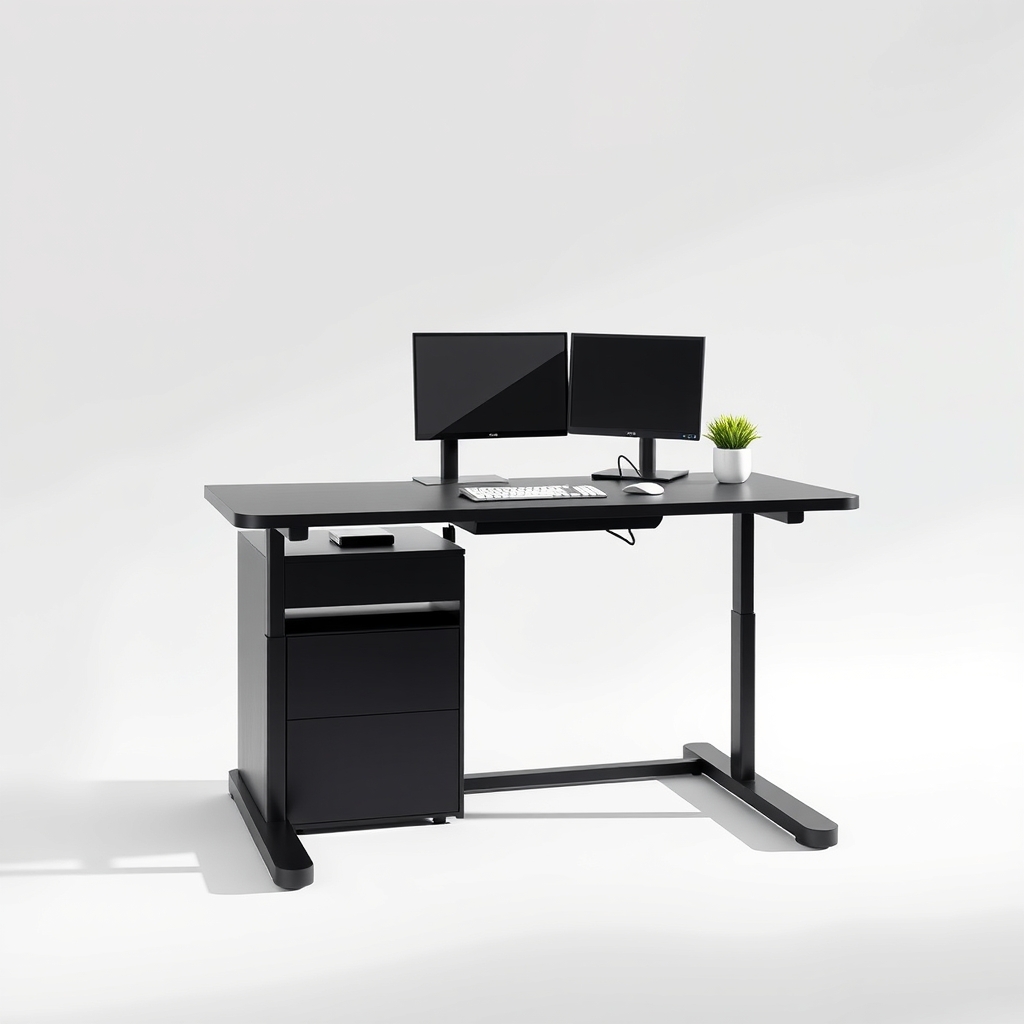
A wide two-tier standing desk converter
The weak point of a loose setup is height. A two-tier converter puts the monitors at eye level and the keyboard at elbow height in both positions, and it is built to hold the weight. You stand more because it takes seconds, not a rebuild.
What to get: Wide two-tier electric standing desk converter
How long it lasts: Years. It lifts both monitors and the keyboard together, so you switch positions in seconds.
As an Amazon Associate I earn from qualifying purchases.
What you'll need
-
Tape measure
For the desk depth, width and the monitor widths
You have it -
Monitor spec sheets
Look up each monitor's weight and width with the stand
Free - Illustration
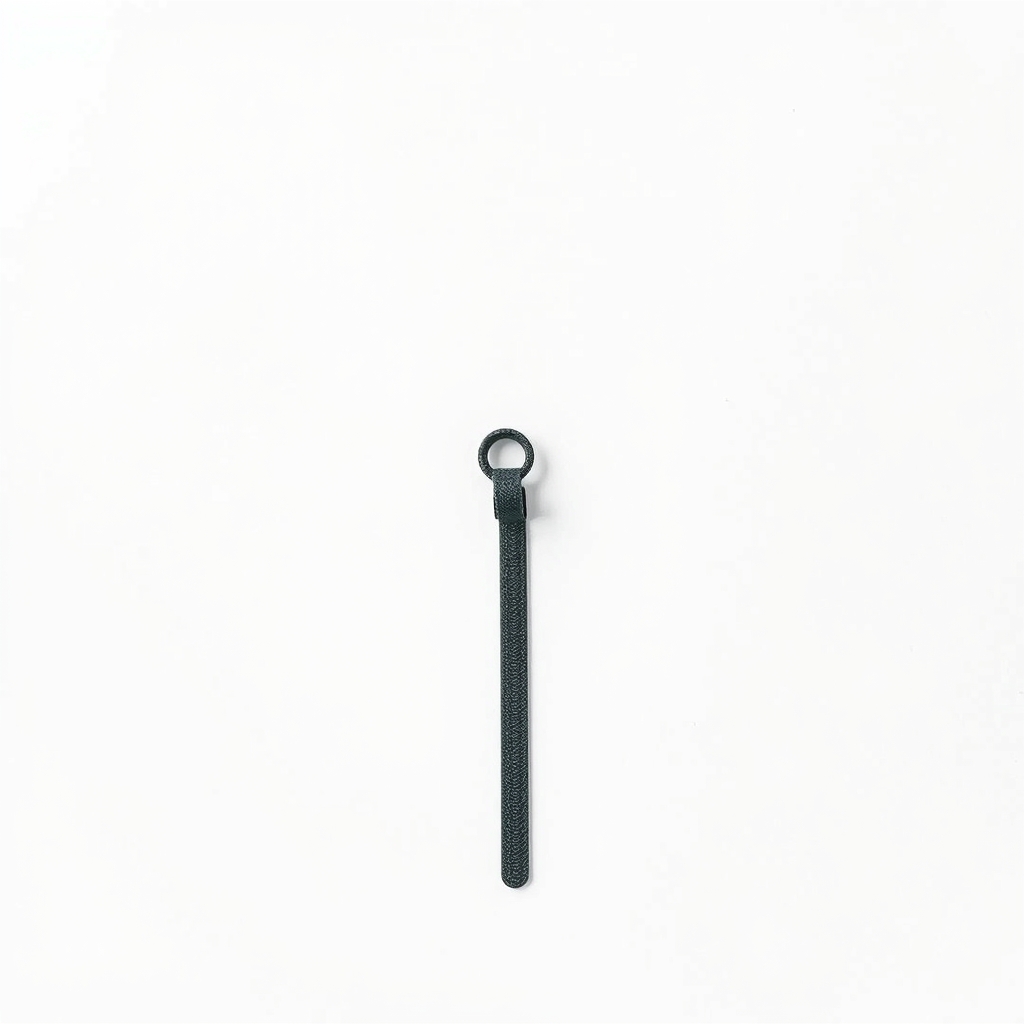
Hook-and-loop cable ties
Keep cables with enough slack so they do not pull when the topper moves
- Our pick Illustration
Standing desk converter for dual monitors
Wide, two-tier, and rated above your combined weight
Why it happens
Two monitors outweigh a single-screen design
Many 24 to 27 inch monitors weigh roughly 8 to 15 pounds each, and the keyboard, mouse and a laptop add more. A topper rated for one screen can sag, drift down or strain the motor.
Not enough width
Two 24-inch monitors side by side need about 42 inches of surface. Two 27-inch ones need about 48. Many toppers are narrower than that.
The wrong height for the keyboard
A single-tier topper lifts the keyboard and screens together, so the monitors end up too low or the keyboard too high. A two-tier layout fixes it.
Desk depth and stability
Toppers need a certain desk depth, and at full height they can wobble if they are overloaded or sit too far forward.
Try this first (free)
Do these in order, starting with the simplest.
-
Find out how much your setup weighs
Tool used: Monitor spec sheetsLook up each monitor's weight with the stand on its spec sheet, then add the keyboard, mouse and any laptop or speakers that will sit on it. You need the total before you read any listing.
-
Measure your desk and your screens
Tool used: Tape measureMeasure the desk's width and depth, and the width of both monitors with their stands. The topper should be wider than the monitors, and the desk deep enough for the base, so check the listing for minimum depth.
-
Test standing for a week
Use a kitchen counter or a tall shelf for 15 to 30 minutes at a time, and alternate with sitting. Many people drop standing after a week. It is better to find out before you buy.
-
Plan the cables
Tool used: Hook-and-loop cable tiesLeave 6 to 12 inches of slack and bundle cables loosely with hook-and-loop ties so nothing pulls tight when the topper rises.
IllustrationCheck price on AmazonTool for this step
Hook-and-loop cable ties · Keep cables with enough slack so they do not pull when the topper moves
When free fixes aren't enough
If you stand for most of a week and want to keep doing it, loose stacks cannot do the job safely with two monitors. A topper with a real weight rating and a two-tier layout can. If your desk is small, flimsy or already wobbly, a topper makes it worse because the weight rides on top. In that case, a full standing desk frame and top is the steadier choice.
Buy the fix
Still stuck after the free fixes? These are the products we would look at.
| Pick | Product | Fixes | Who it's for | Buy |
|---|---|---|---|---|
| Best pick | Wide two-tier electric standing desk converter | two monitors that are too heavy and too wide for a loose or single-screen setup | People with two monitors who want to switch positions in seconds, many times a day. | Check price |
| Budget pick | 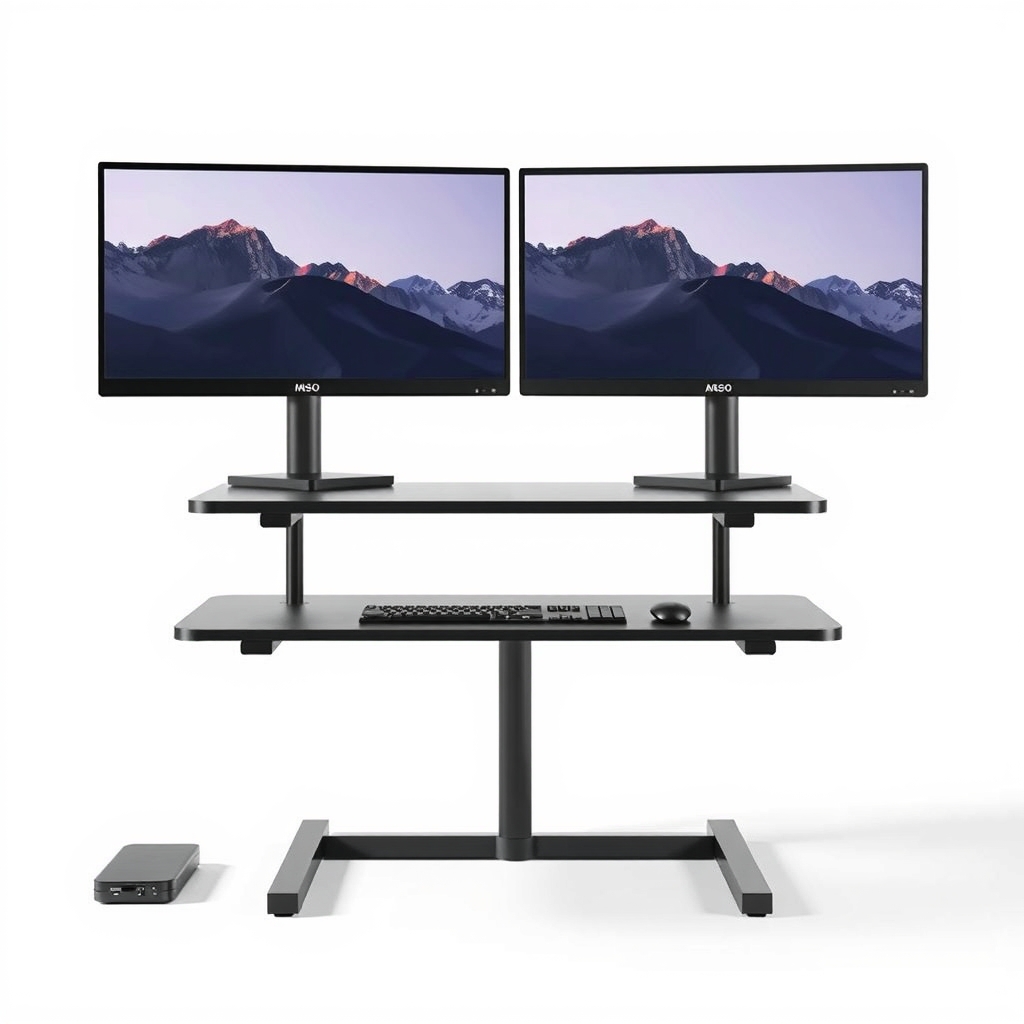 Gas-spring standing desk converter with a two-monitor weight rating | two monitors on the desk with no standing option, at a lower price than electric | Someone who will switch a few times a day and does not need memory presets. | Check price |
| Upgrade pick | 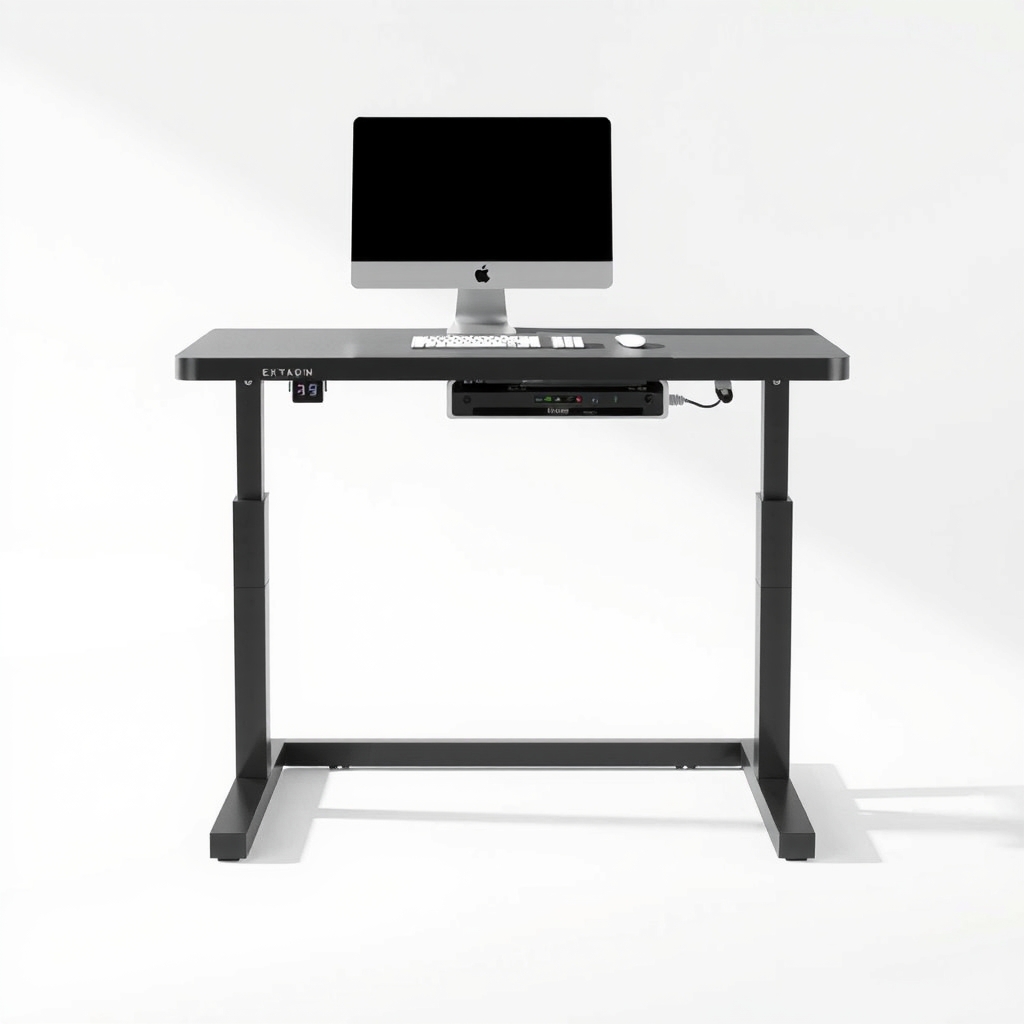 Electric standing desk with frame and top | a weak or wobbly desk that cannot carry a topper | People ready to replace the whole desk, or whose desk is too small for any topper. | Check price |
Wide two-tier electric standing desk converter
Fixes: two monitors that are too heavy and too wide for a loose or single-screen setup
Look for: A weight rating above your monitors and gear combined, with room to spare; A surface at least as wide as your two monitors side by side; A two-tier layout, with a keyboard tray that sits lower than the monitor deck; A height range that puts the screens at eye level sitting and standing.
- Who it's for
- People with two monitors who want to switch positions in seconds, many times a day.
- Honest downside
- Your desk is under about 30 inches deep or does not have the listed minimum depth. Also skip it if it is a one-screen setup, where a smaller one works.
Gas-spring standing desk converter with a two-monitor weight rating
Fixes: two monitors on the desk with no standing option, at a lower price than electric
Look for: A weight rating that covers both monitors, not a one-screen rating; A lever or button you can reach without effort; A stable base with a listed minimum desk depth.
- Who it's for
- Someone who will switch a few times a day and does not need memory presets.
- Honest downside
- Your load is near the maximum rating. Gas springs can drift down when overloaded.
Electric standing desk with frame and top
Fixes: a weak or wobbly desk that cannot carry a topper
Look for: A dual-motor frame with a weight rating well above your gear; A top at least 55 inches wide for two monitors; Memory presets and a wobble rating at full height.
- Who it's for
- People ready to replace the whole desk, or whose desk is too small for any topper.
- Honest downside
- Your current desk is solid and you only want to try standing. A topper costs less.
As an Amazon Associate I earn from qualifying purchases. We don't show prices because they change, so use the button to see today's price.
How we picked: How we picked: this page is based on monitor and desk spec sheets, ergonomic guidance on sit-stand use, and the problems and results people report in reviews of standing desk converters. We do not test products by hand.
Gas spring, electric or full desk: a quick comparison
- Gas-spring topper: lower cost, no power cord. It works best when the load is in the middle of its weight range.
- Electric topper: smoother and often has memory settings. It needs an outlet and cable slack.
- Full standing desk: a frame and top in one. It tends to be the steadiest with heavy monitors, and it costs the most.
What to check on an Amazon listing
Check the weight capacity in pounds, the width of the work surface, the minimum desk depth, the lowest and highest height, and whether the keyboard sits on its own lower tray. Read reviews from people who run two monitors, and look for any mention of wobble at full height.
What to skip
Toppers rated for one screen, and loose stacks
A single-monitor topper is not built for two screens and the strain shows up as sag, wobble or a burned-out motor. Stacked books and boxes can slide, which is not safe for monitors at eye level.
Frequently asked questions
What is the difference between a standing desk topper and a standing desk top?
Is an electric standing desk topper worth it over gas spring?
Can I put two monitors on a standing desk topper?
How long should I stand each day?
Related problems

As an Amazon Associate I earn from qualifying purchases. Affiliate disclosure