Standing Desk Cables Too Short? Fix the Tug Before It Yanks a Plug
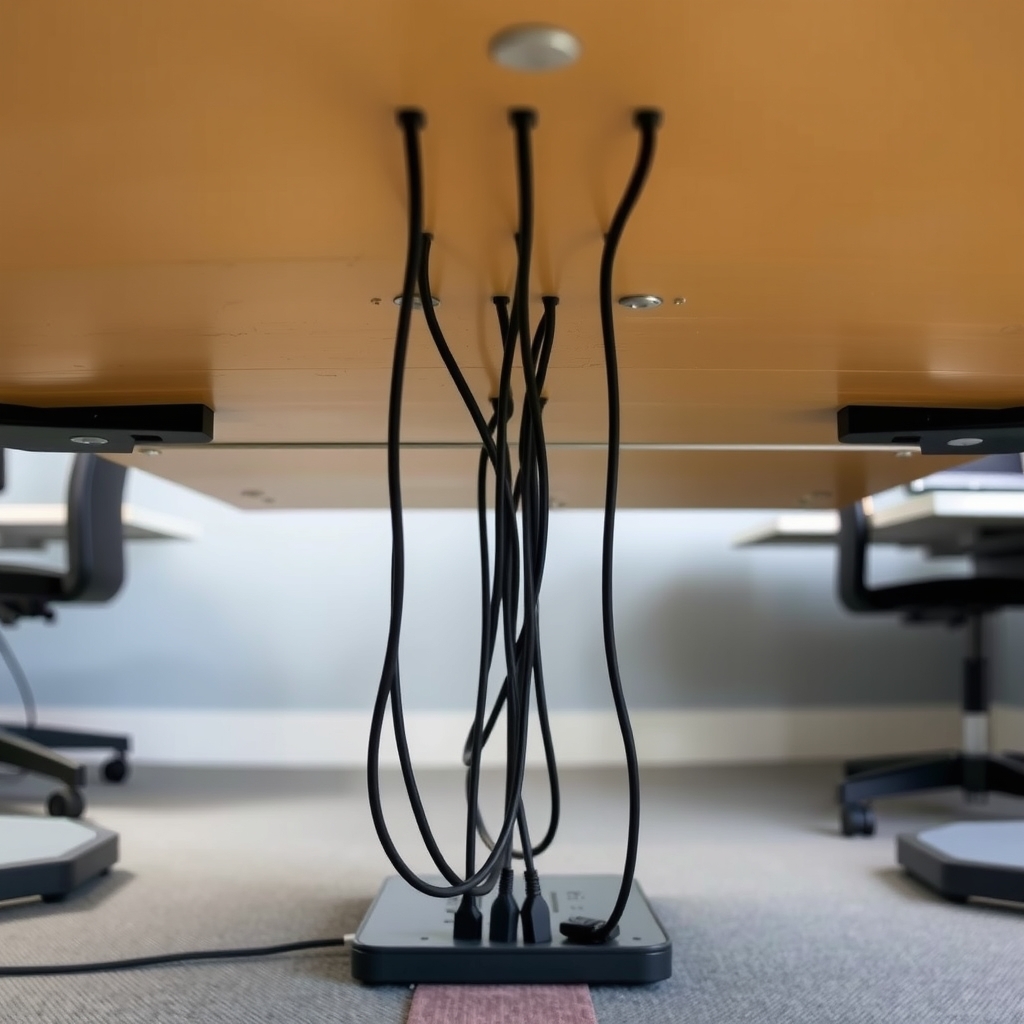
Raise the desk and short cables pull tight on plugs and ports. Add slack first, then a cable chain and sleeve so the cords follow the desk.
By Jamilur Rahman Updated November 5, 2026 · 7 min read
- Time
- 30 min
- Cost
- $20-$50
- Difficulty
- Easy
In this guide
Quick answer
Cables run short because they were bought for the desk at its lowest height. When you raise the desk, they go taut and pull on plugs, ports and the power strip. Free fixes come first: add slack, move the power strip onto the desk and swap tight zip ties for soft ones. Then fit a cable chain and sleeve, so the cords follow the desk up and down without pulling.
Free fix vs. permanent fix
Slack, a desk-mounted power strip and soft ties
- Move the power strip onto the desk so one cord goes to the wall
- Leave a loose loop at every plug and port
- Bundle with soft ties, never tight zip ties
- Raise the desk to its top height and test every cable
How long it lasts: It holds if the loops have room to move. Over time the slack sags, tangles in the legs and gets pulled again.
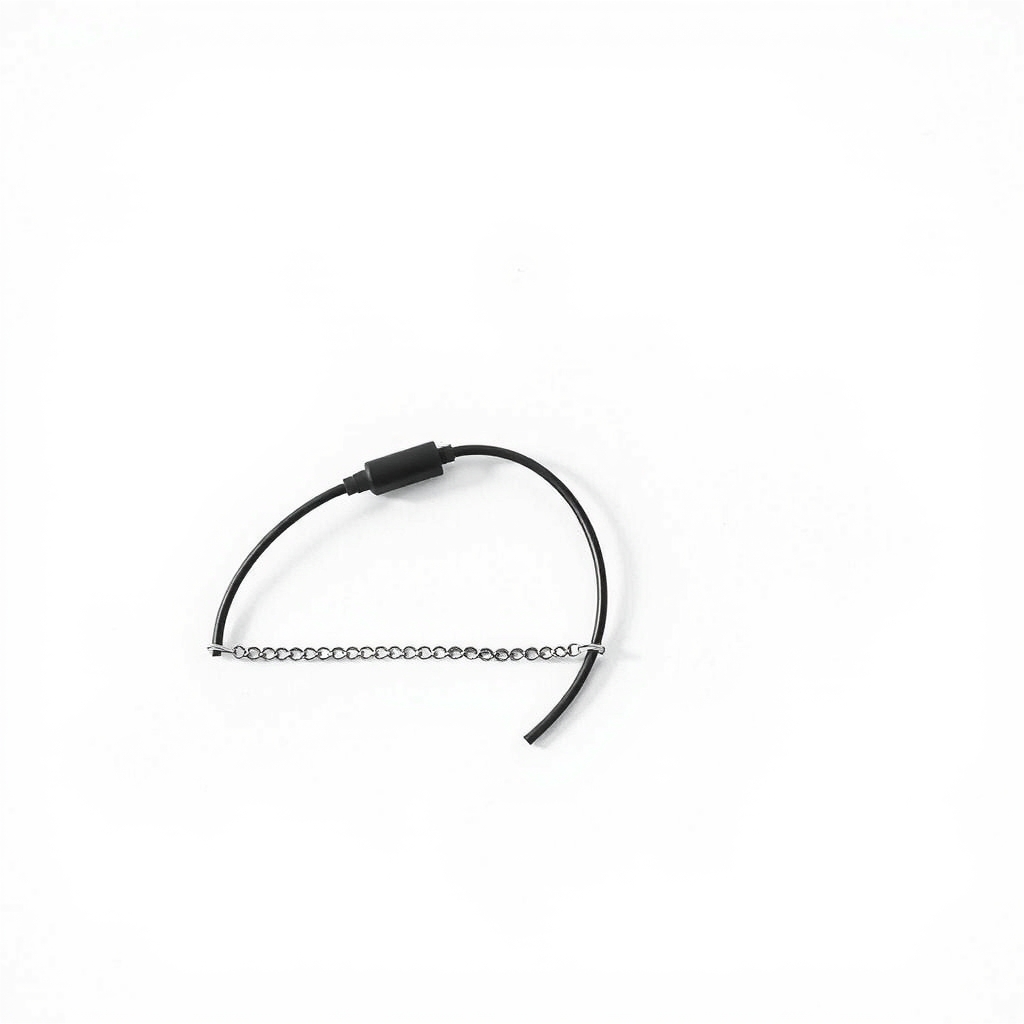
A cable chain and sleeve kit
The tug comes from cables that have no guided path. A flexible chain holds the bundle in a curve with a safe bend, and a zip-up sleeve keeps loose cords together so they cannot snag on the frame. The cables travel with the desk instead of against it.
What to get: Standing desk cable management kit (cable chain and sleeve)
How long it lasts: Years. The chain bends as the desk moves and holds the cables so they never stretch.
As an Amazon Associate I earn from qualifying purchases.
What you'll need
-
Power strip you already own
Mount it under the desktop so only one cord runs to the wall
You have it -
Hair ties or twist ties
Hold cables in loose bundles for now
Free - Our pick Illustration
Standing desk cable management kit
A cable chain plus a zip-up sleeve in one set
- Illustration

Reusable hook-and-loop cable ties
Gentler on cables than zip ties
- Illustration
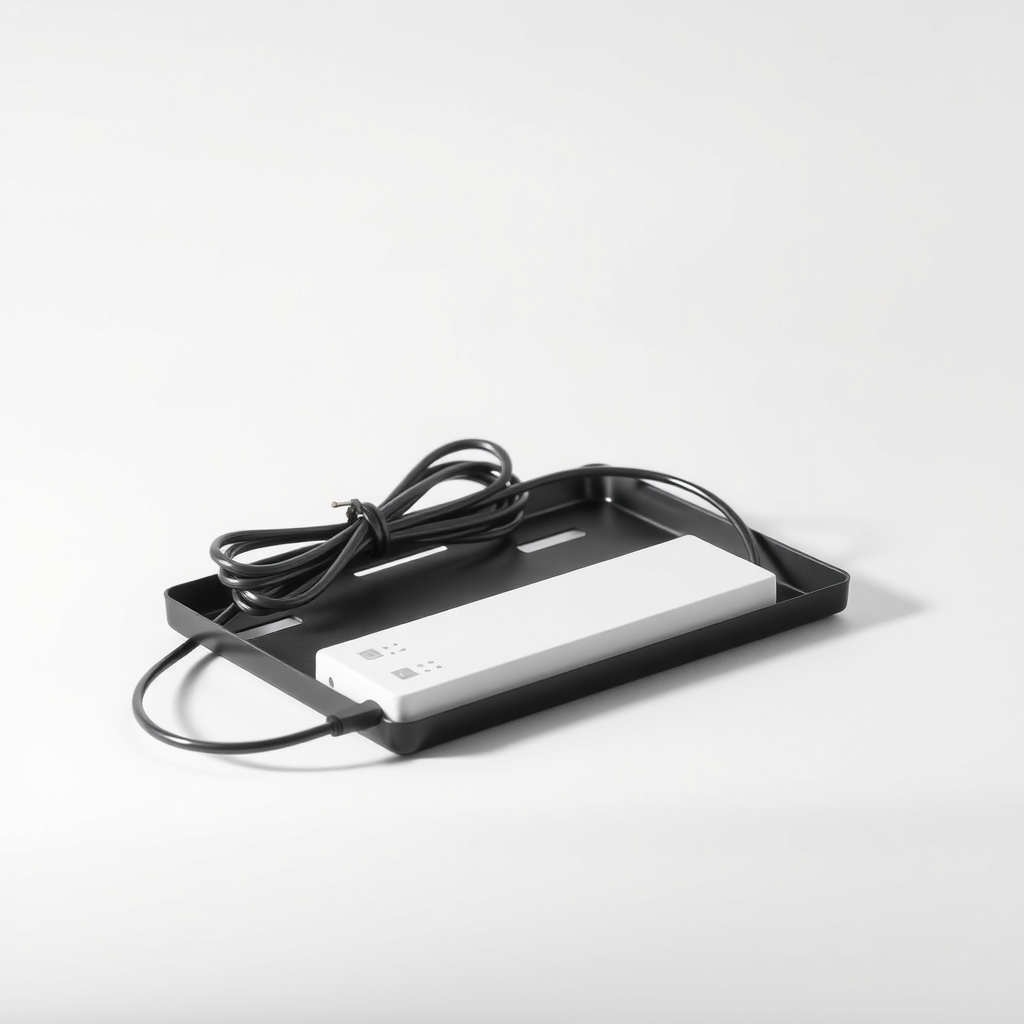
Under-desk cable tray with power strip
Keeps plugs and slack off the floor
Why it happens
Cables sized for the low position
Monitor, charger and power cords are sold for a seated desk. At sit height they have just enough length, so raising the desk leaves none.
Every cable runs to the floor
A cable from the desk to a wall outlet must stretch the full travel of the lift. Many desks rise 20 to 25 inches or more, so check the height range for your desk.
Zip ties lock the length
A tight tie pins the cable at one point, so every pull goes straight into the plug or port.
Cables caught in the frame
A cable that slips behind a leg or a crossbar can get pinched as the motor lifts. Watch for this on the first full raise.
Try this first (free)
Do these in order, starting with the simplest.
-
Raise the desk and watch the cables
Lift the desk slowly to its top with a hand near the cords. Note which cable goes tight first. That one tells you how much slack you need.
-
Move the power strip onto the desk
Tool used: Power strip you already ownStrap or clip a power strip under the desktop or to the crossbar. Only one cord now runs to the wall, and short charger cables stay short.
-
Leave a loop of slack at each plug
Make a loose curve about the size of your hand before each plug and port. Never leave a cable straight and tight.
-
Bundle with soft ties
Tool used: Hair ties or twist tiesHold cables together every foot or so with hair ties or twist ties, loose enough to slide. Cut any zip tie that locks a cable in place.
-
Test the full travel
Raise and lower the desk all the way with a hand on the cables. Fix anything that pinches or pulls, then check again in a week after the cables settle.
-
Fit a chain and sleeve
Tool used: Standing desk cable management kitZip the cables into the sleeve, snap the sleeve into the chain and anchor one end to the desk and the other to the leg or floor. Leave the chain free to bend.
IllustrationCheck price on AmazonTool for this step
Standing desk cable management kit · A cable chain plus a zip-up sleeve in one set
When free fixes aren't enough
Free slack works until the desk has moved a few hundred times. Loops sag, tangle in the legs and get pulled again. If the same cable keeps going tight, a plug has worked loose or a port feels wobbly, you need a guided path, not more loops. A cable chain gives it: it keeps the cables bundled, curved and clear of the frame. Stop using any cable with a cracked jacket or exposed metal, and replace it before it sparks.
Buy the fix
Still stuck after the free fixes? These are the products we would look at.
| Pick | Product | Fixes | Who it's for | Buy |
|---|---|---|---|---|
| Best pick | Standing desk cable management kit (cable chain and sleeve) | cables pulling tight when the desk rises | Anyone with a motorized sit-stand desk and cables that run to a wall outlet. | Check price |
| Budget pick | Reusable hook-and-loop cable ties | zip ties locking cables tight in one spot | Anyone who wants the cheapest upgrade and mainly needs tidier slack. | Check price |
| Upgrade pick | Under-desk cable tray with a power strip | floor clutter and the long cable runs that cause the pull | People with many devices, such as dual monitors and a laptop dock. | Check price |
Standing desk cable management kit (cable chain and sleeve)
Fixes: cables pulling tight when the desk rises
Look for: A flexible chain or spine that bends in a curve and holds its shape; A zip-up sleeve that bundles loose cords; Clips or adhesive pads that fit your desk frame; A length that covers your desk's full travel.
- Who it's for
- Anyone with a motorized sit-stand desk and cables that run to a wall outlet.
- Honest downside
- Your desk is manual and rarely moves. Soft ties and slack may be enough.
Reusable hook-and-loop cable ties
Fixes: zip ties locking cables tight in one spot
Look for: A soft closure you can open and close again; A roll you can cut to length; A width that suits a bundle of three to six cables.
- Who it's for
- Anyone who wants the cheapest upgrade and mainly needs tidier slack.
- Honest downside
- The cables are already too short at full height. Ties do not add length.
Under-desk cable tray with a power strip
Fixes: floor clutter and the long cable runs that cause the pull
Look for: A tray deep enough for a power strip and its plugs; Screws or clamps that suit your desktop thickness; Open ends so cables can leave on both sides.
- Who it's for
- People with many devices, such as dual monitors and a laptop dock.
- Honest downside
- Your desktop is thin or glass, or the frame has little room underneath.
As an Amazon Associate I earn from qualifying purchases. We don't show prices because they change, so use the button to see today's price.
How we picked: How we picked: this page is based on standing desk manuals, cable-management product instructions, and the problems and fixes owners report in reviews. We do not test products by hand.
A quick test: is your slack enough?
With the desk at its lowest height, make a hand-sized loop in each cable. Raise the desk to its top. The loop should straighten but not go tight. If any cable goes taut before the top, add slack there or move that plug closer to the desk.
What goes in the chain
- Put in the chain: power, monitor and dock cables that run down to the floor.
- Leave out: cables that stay on the desktop, such as a mouse or keyboard cable.
What to skip
Zip ties, tight raceways and tape
Pulling cables tight along a leg, locking them with zip ties or taping them down makes the tug worse. The desk cannot lift without pulling the plugs. Adhesive cord covers that glue a cable to the frame fail for the same reason.
Frequently asked questions
How much slack do standing desk cables need?
Can I use an extension cord on a standing desk?
Will a cable chain fit any standing desk?
What about the desk's own control cable?
Related problems
 Free fix inside
Home Office & Cables · Desk Cables
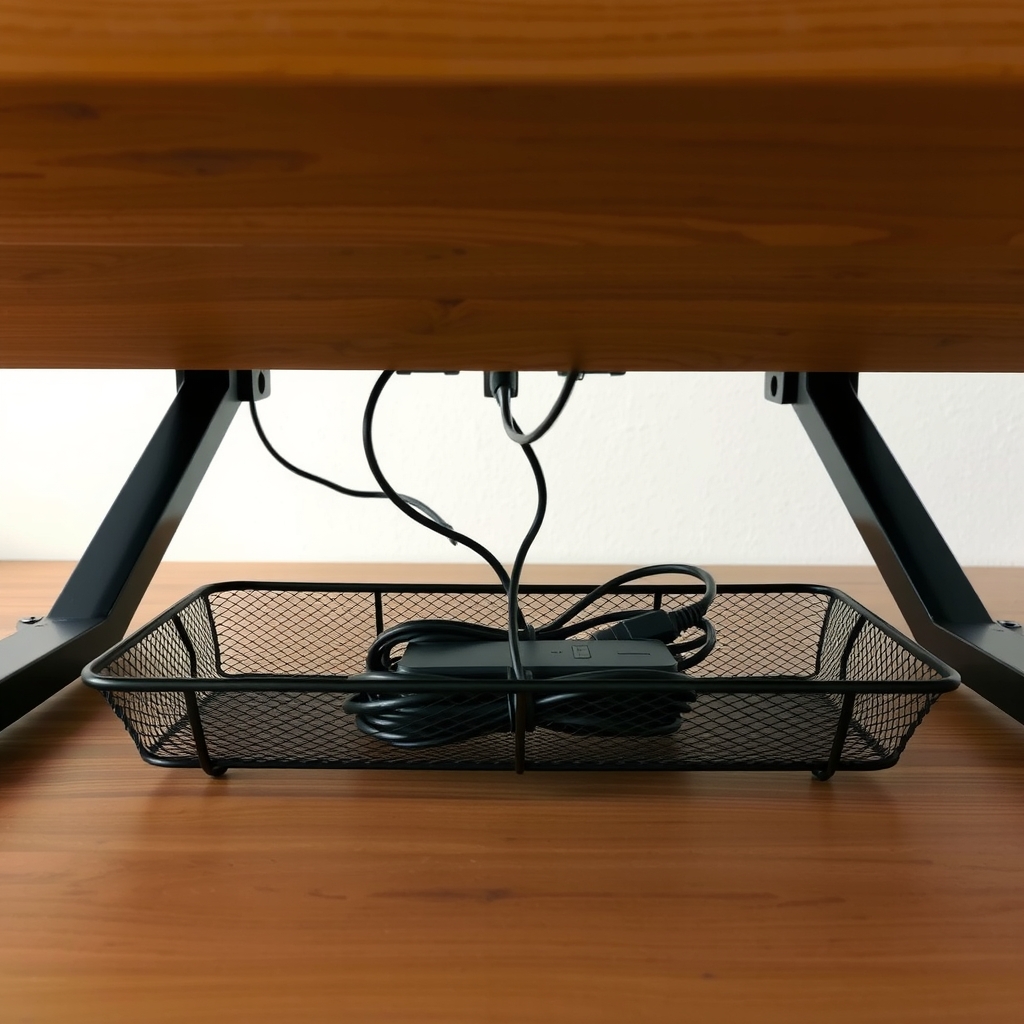
How to Hide Cables on Your Desk: The Under-Desk Tray Setup
Read the fix Free fix inside
Home Office & Cables · Desk Cables
How to Stop Cables Falling Off Your Desk: Clips That Actually Stick
Read the fix Free fix inside
Home Office & Cables · Standing Desk
Standing Desk Topper for Dual Monitors: What to Look For
Read the fixAs an Amazon Associate I earn from qualifying purchases. Affiliate disclosure