How to Stop Cables Falling Off Your Desk: Clips That Actually Stick
Cables slide off because nothing holds them and their own weight pulls them down. Hold them with a binder clip today, then add adhesive clips that stay put.
By Jamilur Rahman Updated November 5, 2026 · 6 min read
- Time
- 10 min
- Cost
- Under $20
- Difficulty
- Easy
In this guide
Quick answer
Cables fall off a desk because nothing anchors them and the weight of the hanging cord pulls the end down. A binder clip on the desk edge holds a cable for free. For a tidy fix that lasts, stick adhesive cable clips along the desk edge. They hold if the surface is clean and the clips get time to set.
Free fix vs. permanent fix
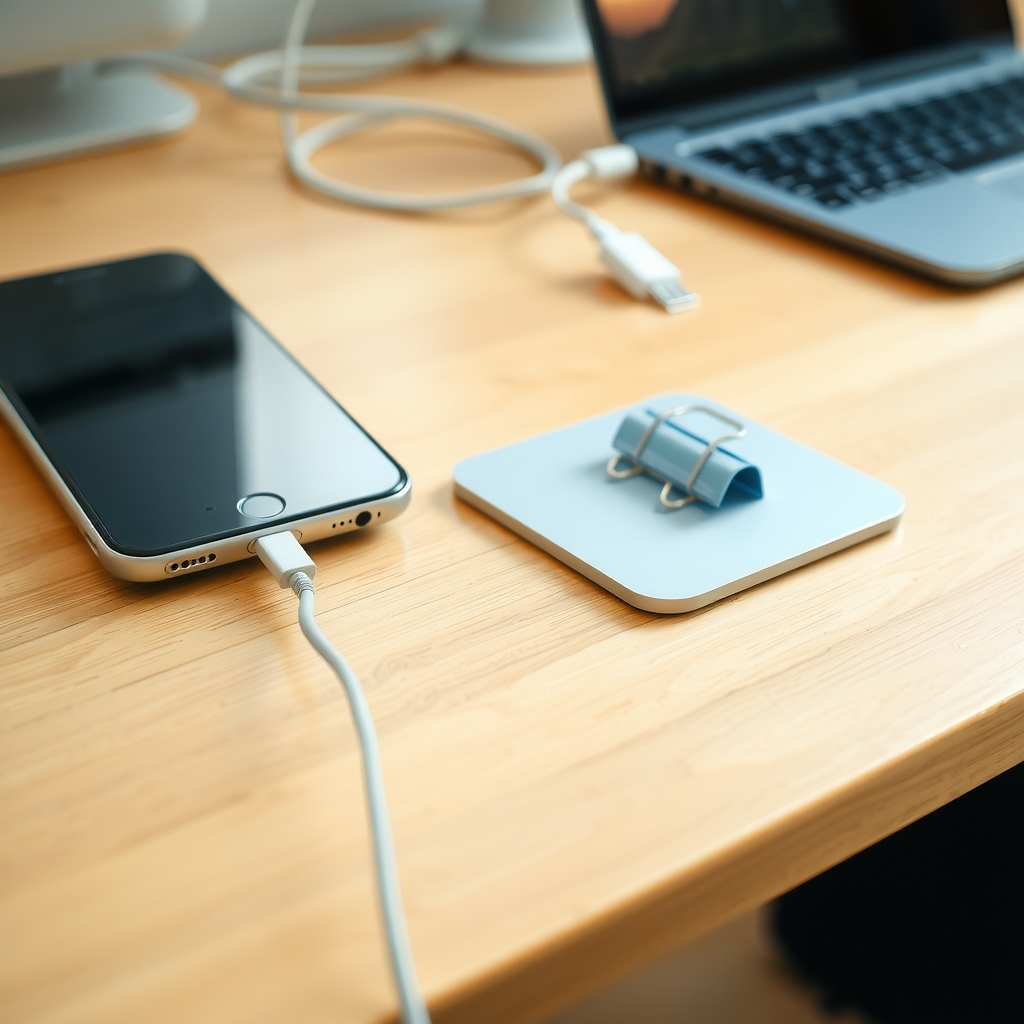
A binder clip on the desk edge
- Clamp a binder clip onto the desk edge
- Thread the cable through the clip's metal handle
- Leave a little slack so the plug is not tugged
- Keep heavy power bricks off the edge
How long it lasts: As long as the clip stays put. It holds one or two thin cables, and a bump can knock it off.
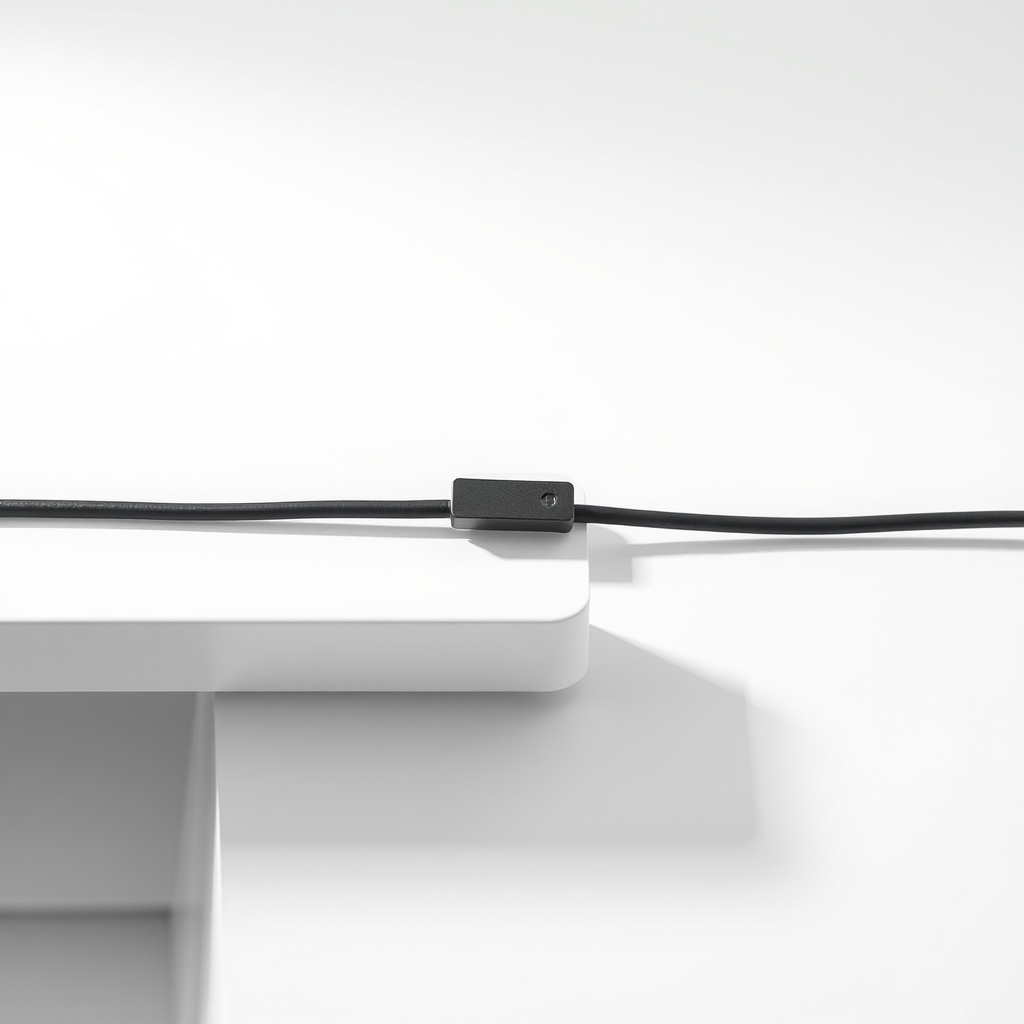
Adhesive cable clips on the desk edge
A clip with a slot holds each cable at a fixed spot, so it cannot slide, and the desk carries the weight instead of the plug. The binder clip works but sits loose, and adhesive clips are small, flat and stay where you put them.
What to get: Adhesive cable clips for the desk edge
How long it lasts: Years, if they are stuck to a clean, dry, smooth surface.
As an Amazon Associate I earn from qualifying purchases.
What you'll need
-
Binder clips
A strong free holder in a pinch
You have it -
Rubbing alcohol and a rag
Clean the spot before you stick anything
You have it - Our pick Illustration
Adhesive cable clips for the desk edge
Pick slots that match your cable thickness
- Illustration
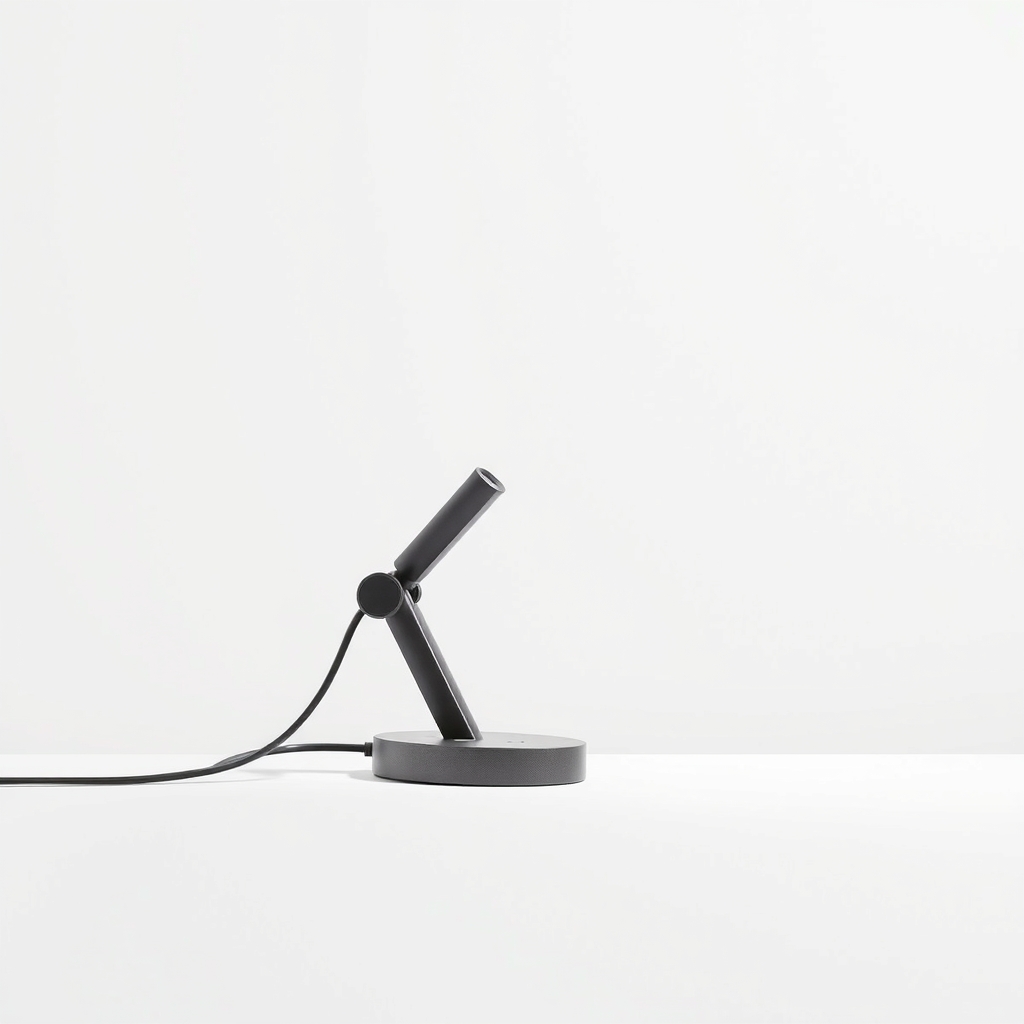
Clamp-on desk cable holder
For glass or textured desks where adhesive will not hold
Why it happens
Nothing anchors the cable
A cable with no clip, slot or hook slides across a smooth desk, and one tug pulls it off. Glossy surfaces make it worse.
The weight of the hanging cord
A cord hanging over the edge pulls itself and the plug end down. Heavy cables, like a laptop charger with a power brick, fall first.
Stiff cables and loose coils
Stiff cables spring back, and coils that are not held down creep toward the desk edge.
A desk surface that rejects adhesive
Dusty, oily, glossy or textured edges give an adhesive little to grip. That is why stick-on clips sometimes fall off too.
Try this first (free)
Do these in order, starting with the simplest.
-
1. Clip it for free
Tool used: Binder clipsClamp a binder clip onto the desk edge close to where the cable drops. Thread the cable through the metal handle. It takes a minute and holds one or two thin cables.
-
2. Leave slack where the cable leaves the device
Keep a loose curve between the device and the clip so a tug does not yank the plug out of the port.
-
3. Clean the edge you will stick to
Tool used: Rubbing alcohol and a ragWipe the underside or back edge of the desk with rubbing alcohol and let it dry. Dust, polish and grease ruin adhesive.
-
4. Press on the adhesive clip, then wait
Tool used: Adhesive cable clips for the desk edgePeel the backing and press the clip onto a flat spot for about 30 seconds. Let it set for a day, if the pack says so, before you load it. Avoid curved edges.
IllustrationCheck price on AmazonTool for this step
Adhesive cable clips for the desk edge · Pick slots that match your cable thickness
-
5. Add more clips along the path
Space clips about a foot apart so no stretch of cable hangs unsupported.
When free fixes aren't enough
A binder clip holds one or two thin cables, but it takes up desk edge, sticks out and gets knocked off. With three or more cables, a thick power cord or a desk thicker than the clip opens, the clip slips or looks messy. Adhesive clips hold more cables and sit flat. They fail on dusty, glossy, textured or fabric-edged desks and in hot spots. On those, a clamp-on holder grips without adhesive. If the cable end is damaged, replace the cable.
Buy the fix
Still stuck after the free fixes? These are the products we would look at.
| Pick | Product | Fixes | Who it's for | Buy |
|---|---|---|---|---|
| Best pick | Adhesive cable clips for the desk edge | cables slipping off the desk edge | Anyone with a smooth, clean wood, laminate or painted desk and a few thin cables. | Check price |
| Upgrade pick | Clamp-on desk cable holder | cables on desks where adhesive will not hold | People with glass, textured or rented desks they do not want to stick things to. | Check price |
Adhesive cable clips for the desk edge
Fixes: cables slipping off the desk edge
Look for: A strong pre-applied adhesive pad listed for smooth surfaces; Slots in more than one size for different cables; A low profile that does not snag your sleeves; A pack with enough clips for the whole path.
- Who it's for
- Anyone with a smooth, clean wood, laminate or painted desk and a few thin cables.
- Honest downside
- Your desk is glass, textured, dusty or has a rounded edge. Choose a clamp-on holder.
Clamp-on desk cable holder
Fixes: cables on desks where adhesive will not hold
Look for: A grip range that matches your desk thickness, checked in the listing; Soft pads that protect the desk finish; Slots or a channel for several cables.
- Who it's for
- People with glass, textured or rented desks they do not want to stick things to.
- Honest downside
- Your desk has a lip, hutch or drawer rail where the clamp cannot bite.
As an Amazon Associate I earn from qualifying purchases. We don't show prices because they change, so use the button to see today's price.
How we picked: How we picked: this page is based on desk cable-management guides, instructions from adhesive clip and clamp holder makers, and the problems and fixes owners report in reviews. We do not test products by hand.
Where to put the clips
- Back edge of the desk: best for cables that run behind a monitor.
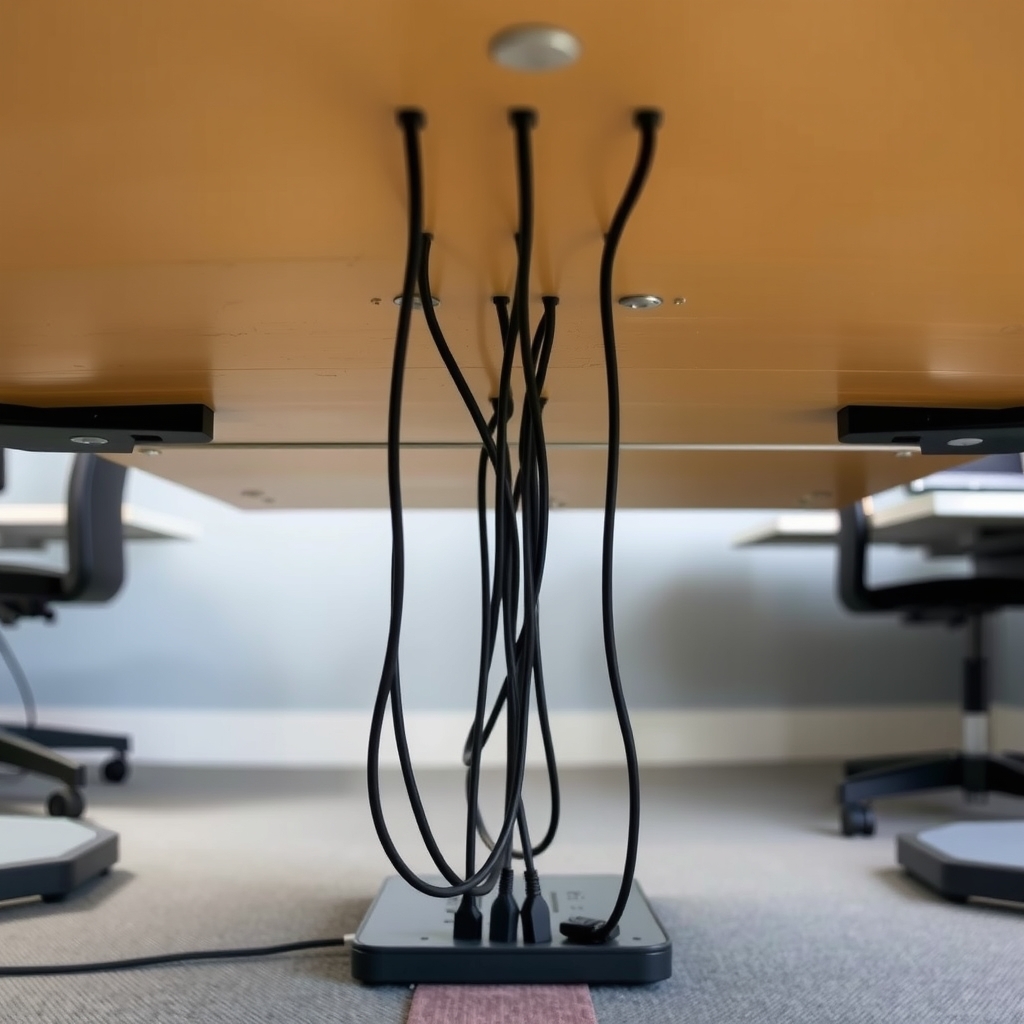
- Underside edge near the front: keeps a charging cable within reach but out of sight.
- Side of a desk leg: good for a power strip lead that runs to the floor.
What to skip
Duct tape and hot glue
Tape leaves sticky residue and fails within weeks as the glue warms. Hot glue peels off desk finishes and breaks the same way. Neither looks good, and both are hard to undo.
Frequently asked questions
How do I keep charging cords from falling off my desk?
How long should adhesive clips take to set?
Will adhesive clips damage my desk?
Why do my stick-on clips keep falling off?
Related problems
As an Amazon Associate I earn from qualifying purchases. Affiliate disclosure