Monitor Not Turning On? Test the Power Cord Before You Panic
A dead-looking monitor is often a bad outlet or a worn power cord. Test the cheap parts in order before you blame the screen.
By Jamilur Rahman Updated November 5, 2026 · 6 min read
- Time
- 10 min
- Cost
- Under $20
- Difficulty
- Easy
In this guide
Quick answer
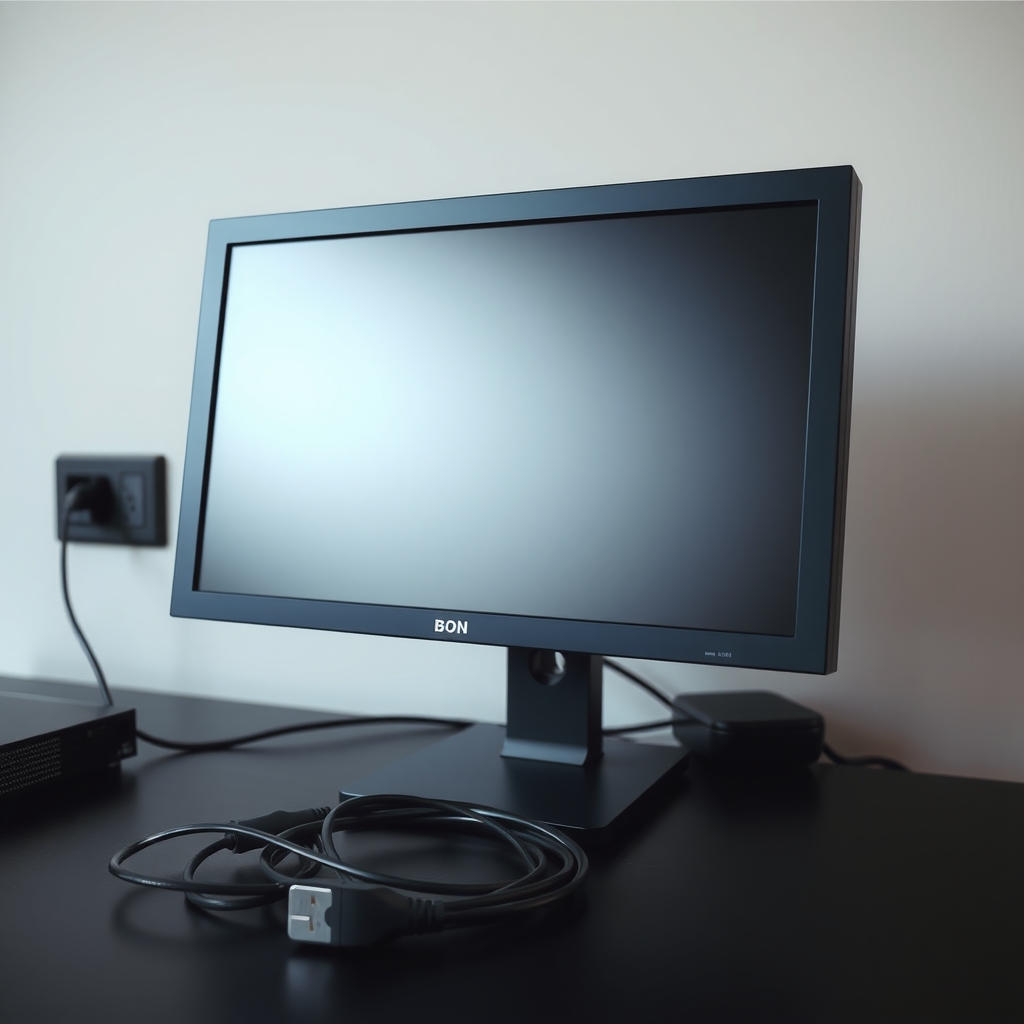
A monitor not turning on is most often a power problem outside the screen: a dead outlet or power strip, a loose plug, or a worn power cord or adapter. Check the power light, try a different outlet and swap in a known-good cord of the same type. If a new cable brings it back, you are done for a few dollars. If not, the monitor itself may need service.
Free fix vs. permanent fix
Check the light, the outlet and the plugs
- Plug a lamp into the same outlet to prove it works
- Push each power plug in until it seats fully
- Unplug the monitor for a full minute, then plug it back in
- Try a spare cord from a PC or another monitor
How long it lasts: A loose plug or tripped strip is fixed for good. A worn cord may work for a few days, then die again.
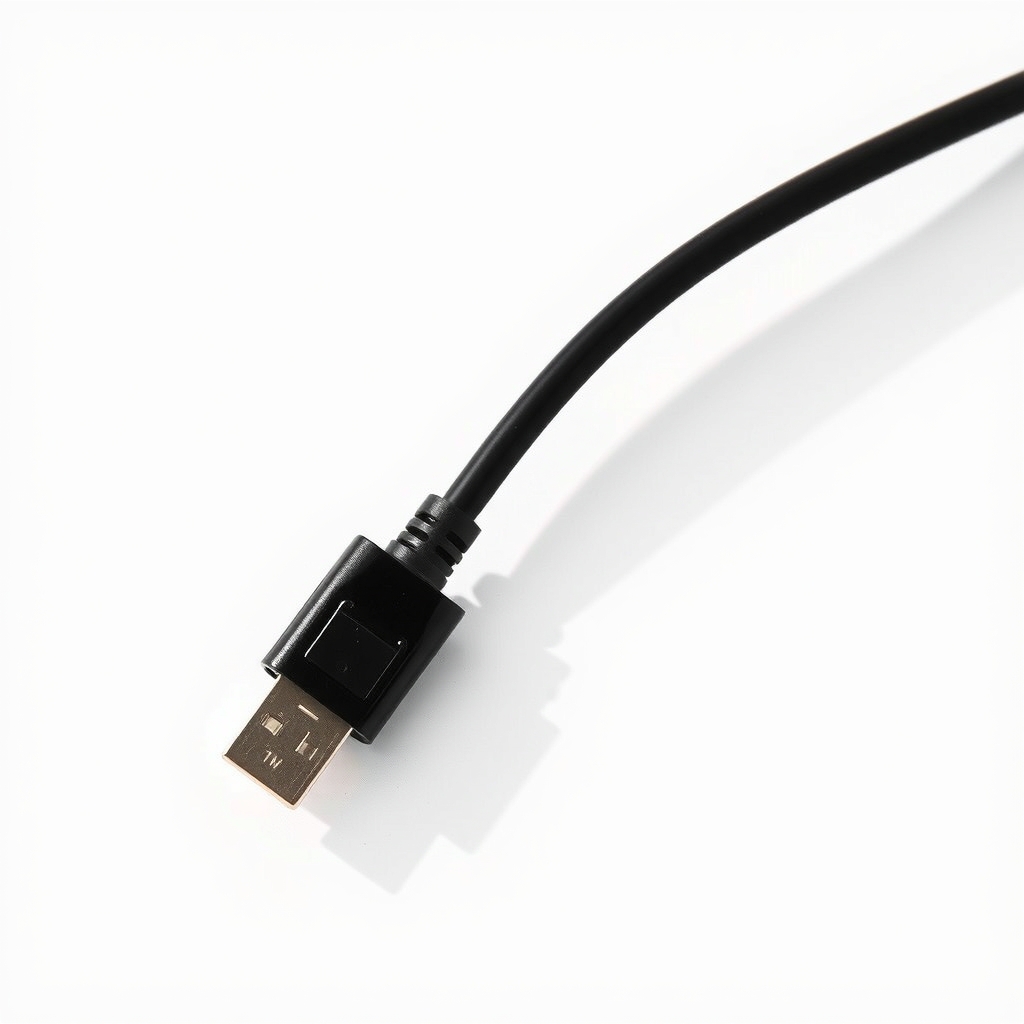
A replacement monitor power cable
Power cords fail where they bend near the plug, and the copper inside can break while the outside looks fine. A spare proves the cord is bad. A new matching cable puts that fault behind you for a few dollars.
What to get: Replacement monitor power cable
How long it lasts: Years. A new cord with the right plug removes a bent, frayed or loose cord as the cause.
As an Amazon Associate I earn from qualifying purchases.
What you'll need
-
Lamp or phone charger
Proves the outlet or strip has power
You have it -
Flashlight
A phone light shows a faint picture if only the backlight failed
You have it -
Spare power cord
Borrow one from a PC or another monitor. Check that the plug shape matches
Free - Our pick Illustration
Replacement monitor power cable
Match the plug type on your monitor's power port
- Illustration
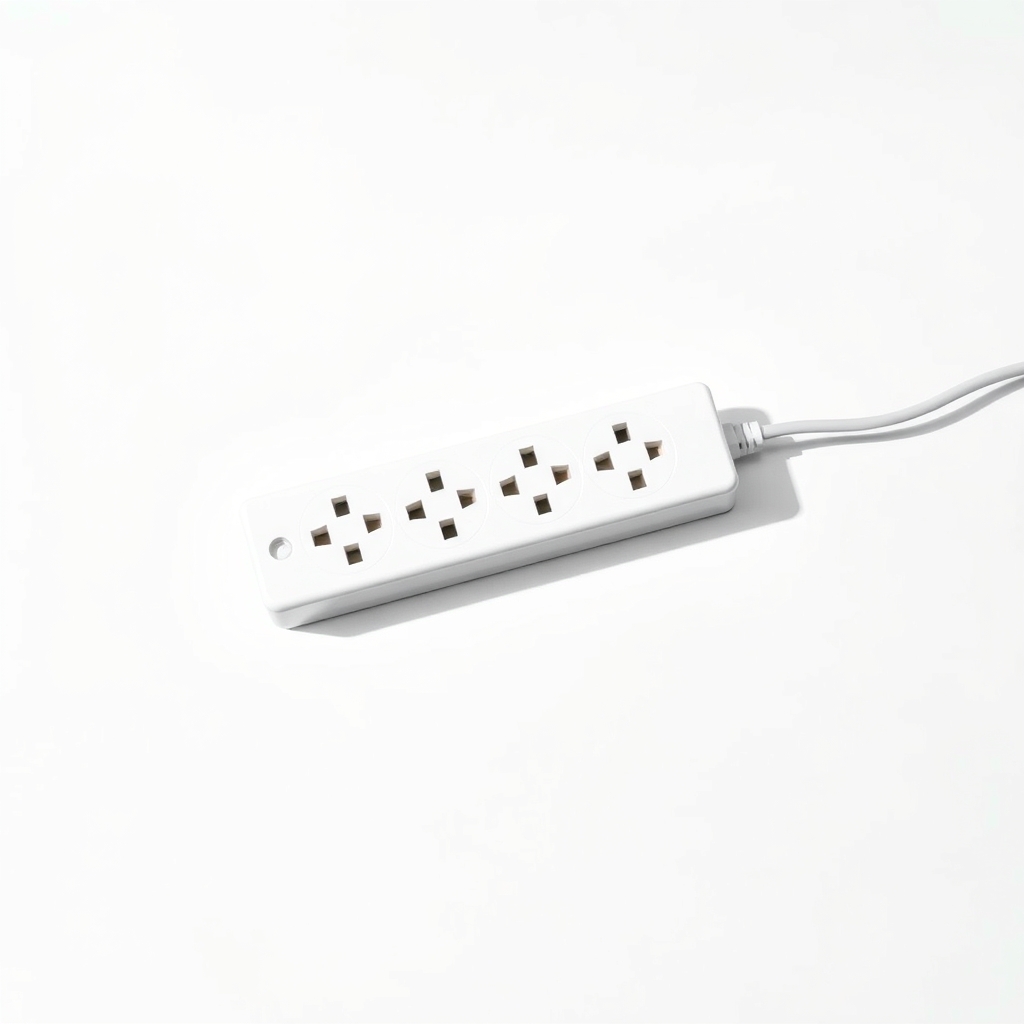
Surge protector power strip
For a strip that keeps tripping or has a dead outlet
Why it happens
No power at the outlet or strip
A tripped power strip, a switched-off outlet or a loose plug is the simplest cause. Check it first, because it costs nothing.
A worn or loose power cord
Cords bend where they meet the plug. Inside, the wires can break, so the cord only works when held in one position.
A failed external power adapter
Some monitors use a separate power brick. It runs warm and can fail, and a dead brick looks like a dead monitor.
Power is fine, but there is no signal or backlight
If the power light is on, the monitor has power. It may be waiting for a signal, or the backlight may have failed. That needs a different fix.
A failed power board inside the monitor
If a good outlet and a good cord still give no light, the internal power board has likely failed. Repair often costs more than the monitor is worth.
Try this first (free)
Do these in order, starting with the simplest.
-
Read the power light
A solid light with a black screen means the monitor has power and the problem is signal or backlight. A blinking light usually means standby with no signal. No light at all means no power. Colors vary, so check your manual.
-
Test the outlet
Tool used: Lamp or phone chargerPlug a lamp or phone charger into the same outlet. If it does not work, try another wall outlet. Plug the monitor straight into the wall to skip the power strip.
-
Reseat every power plug
Unplug the cord at both ends, look for bent pins or burn marks and push it back in firmly. If there is a power brick, check its plug too.
-
Drain and restart
Unplug the monitor for 60 seconds. With it still unplugged, hold the power button for about 15 seconds, then plug in and try again.
-
Swap the cord
Tool used: Spare power cordLook at the power port on the monitor. Borrow a spare cord with the same plug shape, such as the three-prong type from a PC. If the monitor lights up, the old cord was bad.
-
Shine a flashlight at the screen
Tool used: FlashlightWith power on and a black screen, hold a light close to the glass at an angle. If you see a faint picture, the backlight has failed, not the cable.
When free fixes aren't enough
A borrowed cord is only a test. If it works, buy a matching cable so you can return the spare. Do not run a monitor on a frayed or taped cord. If the power light stays off even with a good cord in a good outlet, or the light is on and the flashlight test shows a faint picture, the monitor's internal parts have failed. Repairs cost more than a cord, and an older monitor is often cheaper to replace. Unplug it at once if you smell burning, or hear popping or buzzing, and do not open the case.
Buy the fix
Still stuck after the free fixes? These are the products we would look at.
| Pick | Product | Fixes | Who it's for | Buy |
|---|---|---|---|---|
| Best pick | Replacement monitor power cable | a monitor that will not power on because of a bad or loose cord | Anyone whose monitor lights up when a different cord is used. | Check price |
| Upgrade pick | Surge protector power strip | tripped strips, dead outlets and power spikes | Anyone running a PC, a monitor and other devices from a single strip. | Check price |
Replacement monitor power cable
Fixes: a monitor that will not power on because of a bad or loose cord
Look for: The same plug type as your monitor's power port, such as three-prong, figure-8 or a brick plug; A rating of at least 10 amps for the standard three-prong type; Long enough to reach the outlet without stretching; A thick, flexible jacket.
- Who it's for
- Anyone whose monitor lights up when a different cord is used.
- Honest downside
- Your monitor uses a separate power brick. Then you need the exact adapter, and you should check the voltage and amps on its label.
Surge protector power strip
Fixes: tripped strips, dead outlets and power spikes
Look for: A listed joule rating; A resettable breaker; Enough outlets, spaced for power bricks; A safety listing such as UL.
- Who it's for
- Anyone running a PC, a monitor and other devices from a single strip.
- Honest downside
- Your strip already works and shows its protection light. Never plug one strip into another.
As an Amazon Associate I earn from qualifying purchases. We don't show prices because they change, so use the button to see today's price.
How we picked: How we picked: this page is based on monitor setup and troubleshooting guides from display makers, electrical safety advice on power cords, and what owners report in reviews of replacement power cables. We do not test products by hand.
Monitor not working? Match the symptom to the fix
- No light at all: outlet, strip, power cord or adapter.
- Light on, black screen: a wrong input, a loose video cable or a failed backlight. Try the flashlight test.
- Light blinks: the monitor sees no signal. Check the video cable and the PC.
- Turns on, then off: a loose power plug, a weak outlet or a failing power board.
What to skip
Guessing at a replacement power brick
Do not buy a power adapter on a hunch. The wrong voltage or plug polarity can ruin the monitor. Match the numbers printed on the original adapter or on the monitor's label.
Frequently asked questions
Monitor not turning on when plugged in. What should I check?
Why is my monitor not turning on even though the PC is running?
How do I fix a monitor that will not turn on without opening it?
Related problems
 Free fix inside
Home Office & Cables · Monitor
Why Does My Monitor Say No Signal? Check the Cable Before the PC
Read the fix Free fix inside
Home Office & Cables · Monitor
Why Does My Monitor Keep Flickering? The Cable Swap That Fixes It
Read the fix Free fix inside
Home Office & Cables · Monitor
Laptop Not Detecting Your Monitor? Adapter and Dock Fixes
Read the fix Free fix inside
Home Office & Cables · Monitor
Why Does My Monitor Have No Sound? The Speaker Fix
Read the fixAs an Amazon Associate I earn from qualifying purchases. Affiliate disclosure