How to Keep a Home Office Cool: Fan Setups That Work
Sun through the window and a computer's heat turn a small office into an oven. Block the sun first, then use a fan setup that moves air over you.
By Jamilur Rahman Updated November 5, 2026 · 7 min read
- Time
- 15 min
- Cost
- $50-$150
- Difficulty
- Easy

In this guide
Quick answer
How to keep a home office cool: stop heat getting in and stop making it inside. Close blinds on sunny windows before noon, switch off gear you are not using and open windows only when the air outside is cooler. A fan moves air over your skin, so a quiet tower fan beside the desk is the fix that keeps a too-hot home office bearable on warm afternoons.
Free fix vs. permanent fix
Block the sun and cut the heat
- Close blinds on sunny windows before the sun hits
- Switch off or sleep gear you are not using
- Open windows only when the air outside is cooler
- Put a box fan in a window to blow hot air out
How long it lasts: Takes a few degrees off on mild days. On hot afternoons, the room still warms up.
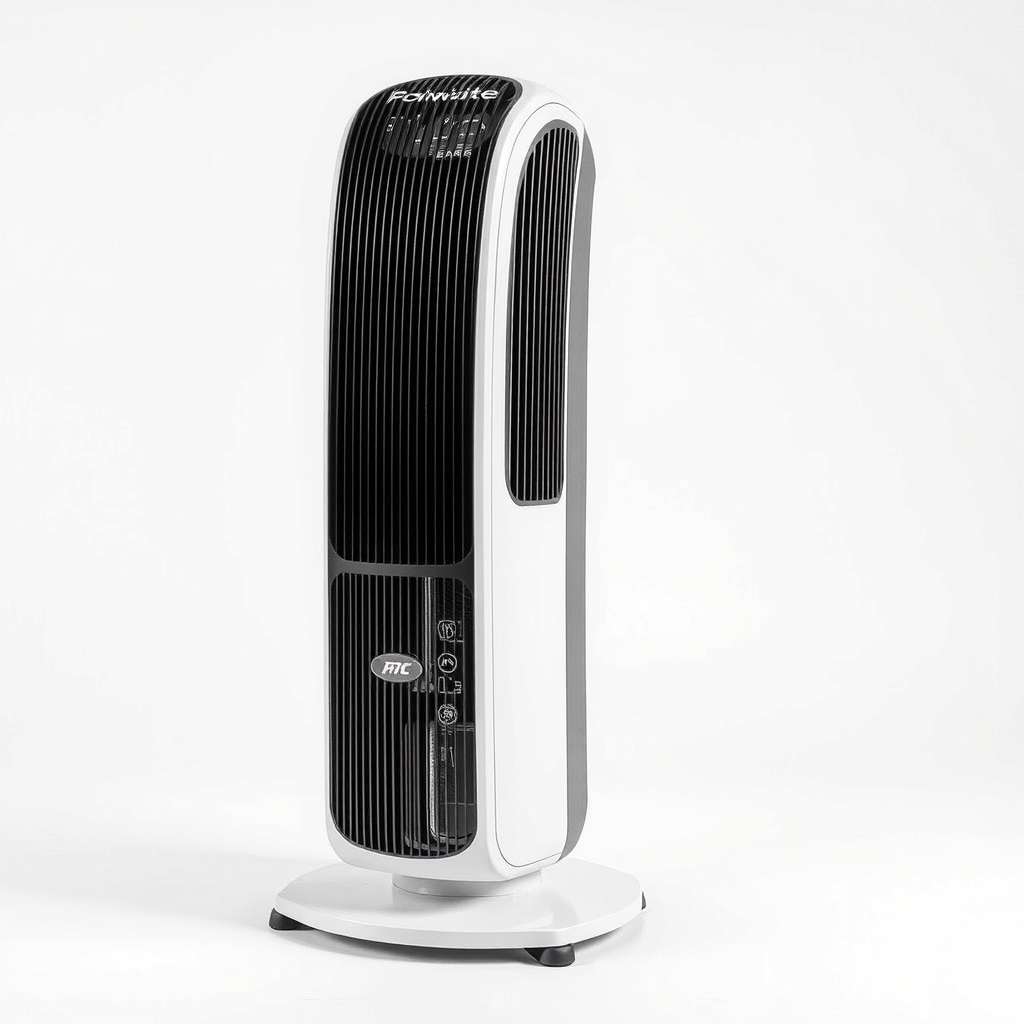
A quiet tower fan beside the desk
A fan does not cool the room, but air moving over skin helps sweat evaporate, so you feel cooler. A tower fan does this in a small footprint with low noise, which matters when you are on a call. The timer, speeds and remote let you tune it without getting up.
What to get: Quiet tower fan with remote and oscillation
How long it lasts: Every working day for years. It keeps air moving over you even when the room stays warm.
As an Amazon Associate I earn from qualifying purchases.
What you'll need
-
Blinds or curtains
Close them on the sunny side before it gets hot
You have it -
Box fan
Use it in a window to push hot air out
You have it -
Small thermometer
Shows whether your changes help
You have it - Our pick Illustration
Quiet tower fan with remote
Keeps air moving across you at your desk
- Illustration
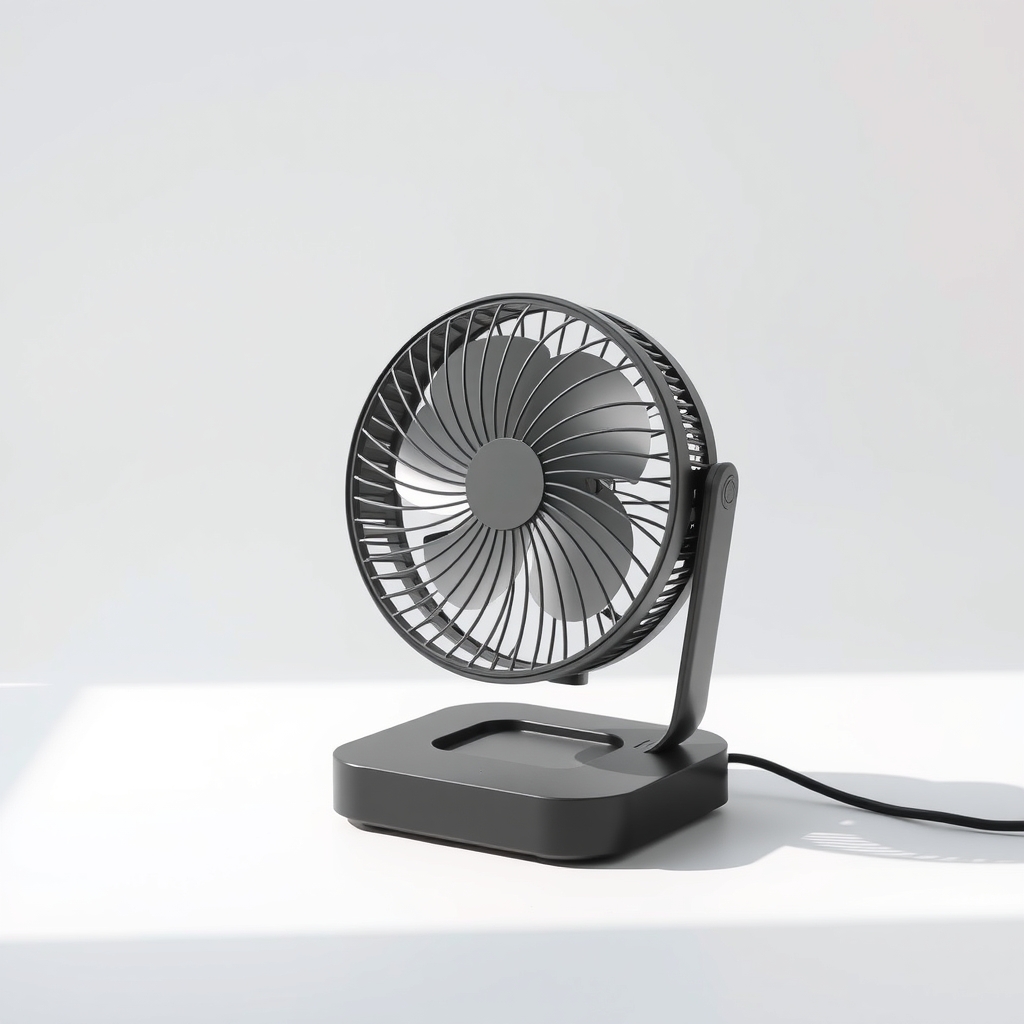
USB desk fan
A cheap option for small desks
Why it happens
Sun coming through the window
A sunny window can add a lot of heat to a small room. West and south windows are the worst in the afternoon.
Heat from your equipment
A laptop, monitor, desktop computer and chargers all turn power into heat. A gaming desktop can behave like a space heater.
No airflow
A closed room with one window has nowhere to send the hot air. Close the door and the heat from you and your gear builds.
A room at the top or end of the house
Rooms under a roof or at the end of a duct run get more heat and less cool air. See the related page on rooms that stay hot with the air conditioner on.
Try this first (free)
Do these in order, starting with the simplest.
-
Block the sun early
Tool used: Blinds or curtainsClose blinds or curtains on sunny windows in the morning, before the room heats up. A light-colored curtain or a reflective shade works best.
-
Cut heat from your gear
Sleep or shut down monitors and computers you are not using. Unplug chargers. A laptop makes less heat than a desktop, so switch if you can.
-
Ventilate only when it helps
Tool used: Small thermometerIn the morning or evening, if the air outside is cooler than inside, open two windows on opposite sides. In the hot part of the day, keep them shut.
-
Push hot air out with a window fan
Tool used: Box fanPut a box fan in a window facing out and open another window or the door on the cooler side of the house. That pulls cooler air in as it pushes hot air out.
-
Aim a fan across you, not at the screen
Tool used: Box fanPlace a fan to one side at torso height, set it to low or medium and aim it at you. Keep it clear of papers and your monitor, and test where it blows before you start work.
When free fixes aren't enough
If the room still hits an uncomfortable level on warm afternoons after you have shut the sun out, the heat in the room is stored in the walls and cannot be vented away. A box fan is loud on calls, and a window fan only helps when it is cooler outside. A quiet tower fan on low gives steady airflow at your desk. It will not lower the temperature, and fans alone may not be safe once indoor air reaches the 90s °F. If you are dizzy, headachy or nauseated, stop work and move somewhere cooler.
Buy the fix
Still stuck after the free fixes? These are the products we would look at.
| Pick | Product | Fixes | Who it's for | Buy |
|---|---|---|---|---|
| Best pick | Quiet tower fan with remote and oscillation | feeling hot while working in a room you cannot cool down | Anyone who works at one desk for hours and wants quiet, steady airflow on calls. | Check price |
| Budget pick | USB desk fan | a hot face and hands at the desk on a small budget | People with a small desk and mild heat who just want a little air on them. | Check price |
| Upgrade pick | 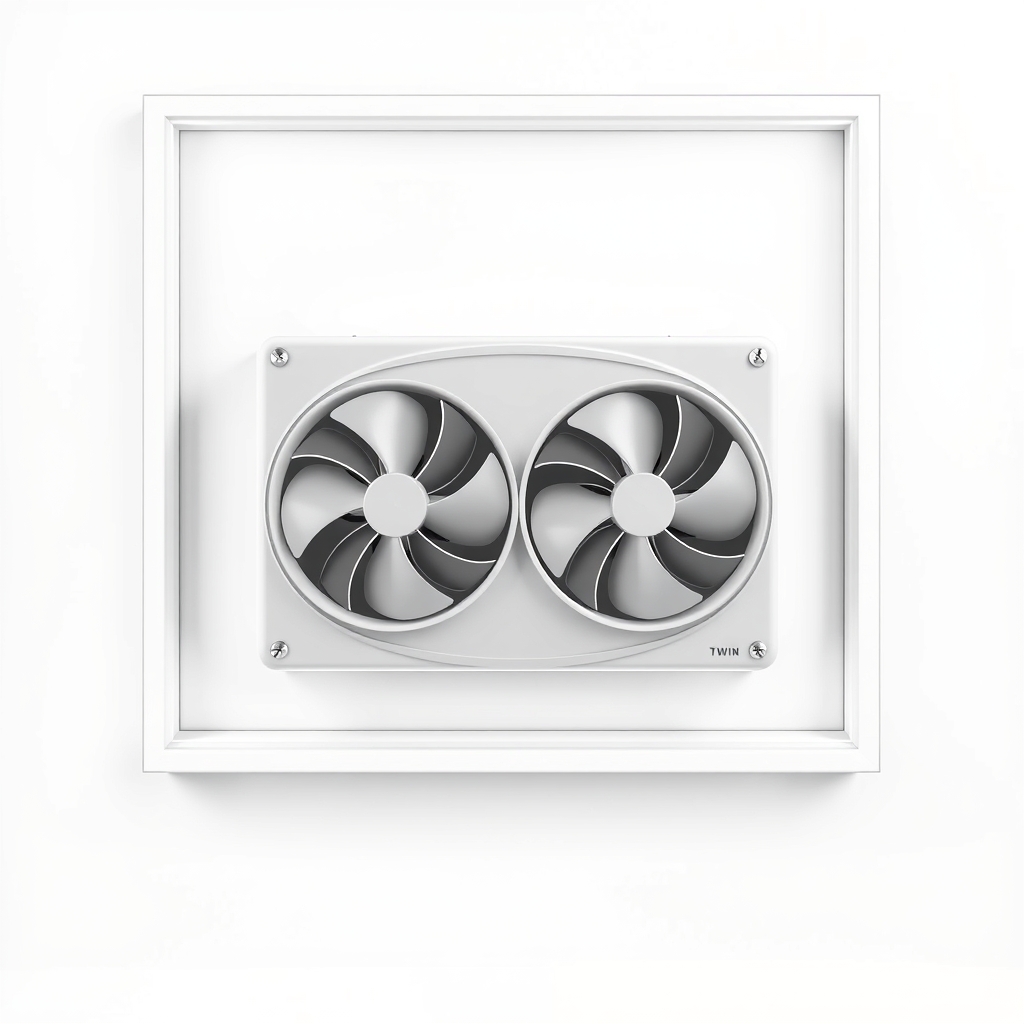 Twin window fan with exhaust and intake modes | stale hot air that has nowhere to go | People with a window that gets cooler air in the evening and a room that holds heat. | Check price |
Quiet tower fan with remote and oscillation
Fixes: feeling hot while working in a room you cannot cool down
Look for: A low speed that stays quiet, with reviews that mention call-friendly noise; Oscillation that you can switch off, so it does not blow papers around; A remote and a timer; A slim base that fits beside a desk.
- Who it's for
- Anyone who works at one desk for hours and wants quiet, steady airflow on calls.
- Honest downside
- The room is in the 90s °F. A fan will not protect you from heat that high. Skip it too if you cannot stand moving air, and use a cooler place instead.
USB desk fan
Fixes: a hot face and hands at the desk on a small budget
Look for: Low-speed settings that are quiet; A stable base or a strong clip; A cable long enough to reach your computer or a charger.
- Who it's for
- People with a small desk and mild heat who just want a little air on them.
- Honest downside
- The whole room is hot. A small fan only moves a little air around you.
Twin window fan with exhaust and intake modes
Fixes: stale hot air that has nowhere to go
Look for: Reversible direction so it can pull air in or push it out; A fit for your window width; A low-noise setting.
- Who it's for
- People with a window that gets cooler air in the evening and a room that holds heat.
- Honest downside
- Your window cannot hold a fan safely, or you rent a room with a window that does not open fully.
As an Amazon Associate I earn from qualifying purchases. We don't show prices because they change, so use the button to see today's price.
How we picked: How we picked: this page is based on public heat-safety advice, ventilation and fan-placement guides, and what owners report in reviews of tower and desk fans. We do not test products by hand.
Fan setups that work for a desk
- One fan at your side: a tower fan on low, aimed at your torso.
- Window exhaust plus open door: a box fan facing out in one window pulls cooler air from the house.
- Cross breeze: open windows on opposite walls at dawn and dusk.
Keep call noise down
Fans can sound loud on a mic. Put the fan behind or beside you, not in front, and use low speed when you are on a call. Many tower fans have a quiet low setting and a remote so you can change it without leaving the desk.
What to skip
Ice in front of a fan and misting your face all day
A bowl of ice gives a minute of relief, then melts. A spray bottle adds moisture and makes a stuffy room feel muggy. If the room is not dry, skip evaporative coolers, which add humidity. Fix the sun and the airflow first.
Frequently asked questions
Why is my home office so hot?
Home office too hot, should I buy a portable air conditioner?
Where should I put a fan in a home office?
Does a window fan help in the afternoon?
Related problems
 Free fix inside
Air & Temperature · Hot Room
Room Still Hot With the Fan On? A Fan Only Moves Hot Air
Read the fix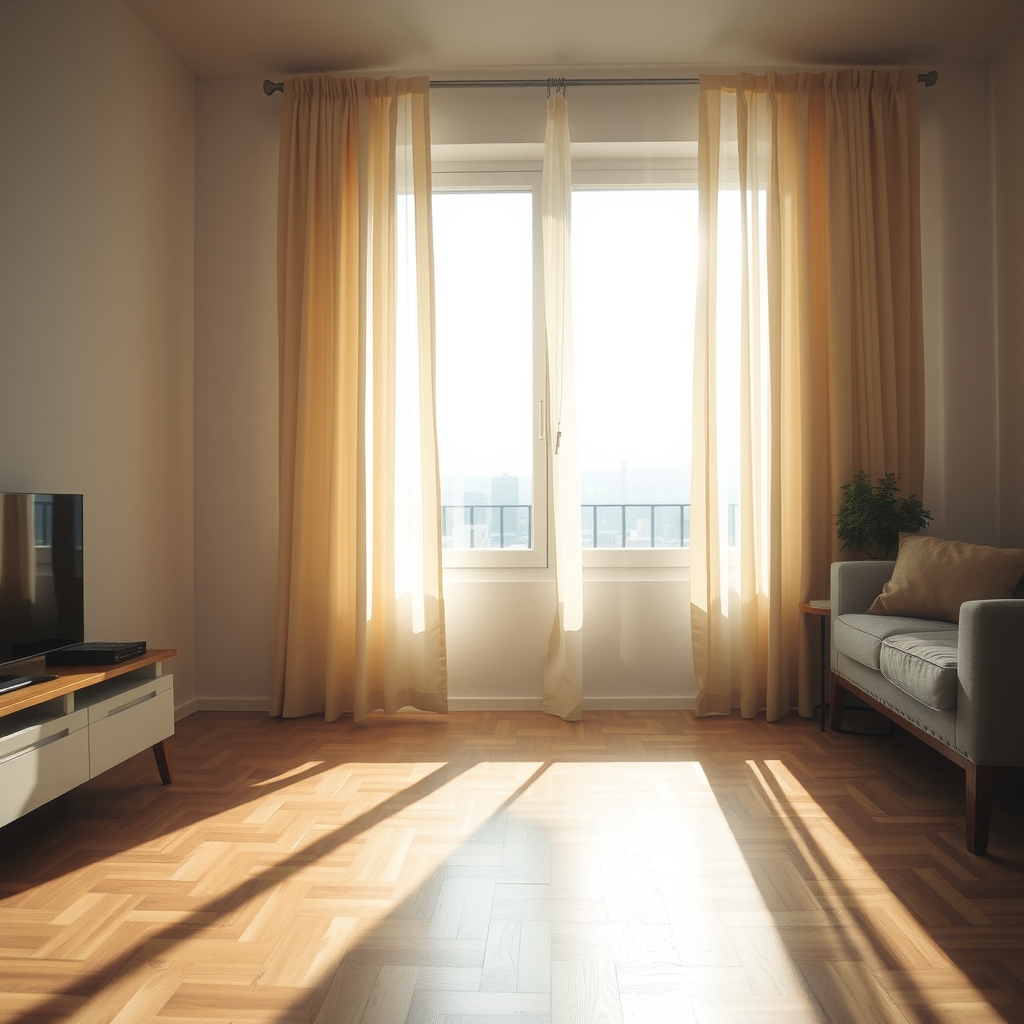 Free fix inside
Air & Temperature · Hot Apartment
Keep an Apartment Cool Without AC: 9 Tricks, Cheapest First
Read the fix Free fix inside
Home Office & Cables · Screen Glare
How to Get Rid of Sun Glare on a Monitor: Window Film and Blinds
Read the fix Free fix inside
Home Office & Cables · Laptop
Why Does My Laptop Get So Hot? Cool It Down and Keep It Cool
Read the fixAs an Amazon Associate I earn from qualifying purchases. Affiliate disclosure