How to Get Rid of Sun Glare on a Monitor: Window Film and Blinds
Sun on the screen washes out text and tires your eyes. Turn the desk and close the blinds first, then add window film so the glare stays gone all day.
By Jamilur Rahman Updated November 5, 2026 · 7 min read
- Time
- 30 min
- Cost
- $20-$50
- Difficulty
- Easy
In this guide
Quick answer
To get rid of sun glare on a monitor, stop direct light from reaching the screen. Turn the desk so the window is at your side, tilt the blinds during the worst hours, and check what the dark screen reflects. If you still have to live behind closed blinds, a static-cling anti-glare window film on the sunny pane cuts the glare and keeps the daylight.
Free fix vs. permanent fix
Turn the desk, tilt the blinds, adjust the screen
- Put the window at your side, not in front of or behind the screen
- Tilt the slats up so light bounces off the ceiling
- Tilt the screen a few degrees and check its reflections
- Raise screen brightness only for the sunny hours
How long it lasts: As long as the setup stays put. It costs you the view or the daylight, and the sun keeps moving through the day.
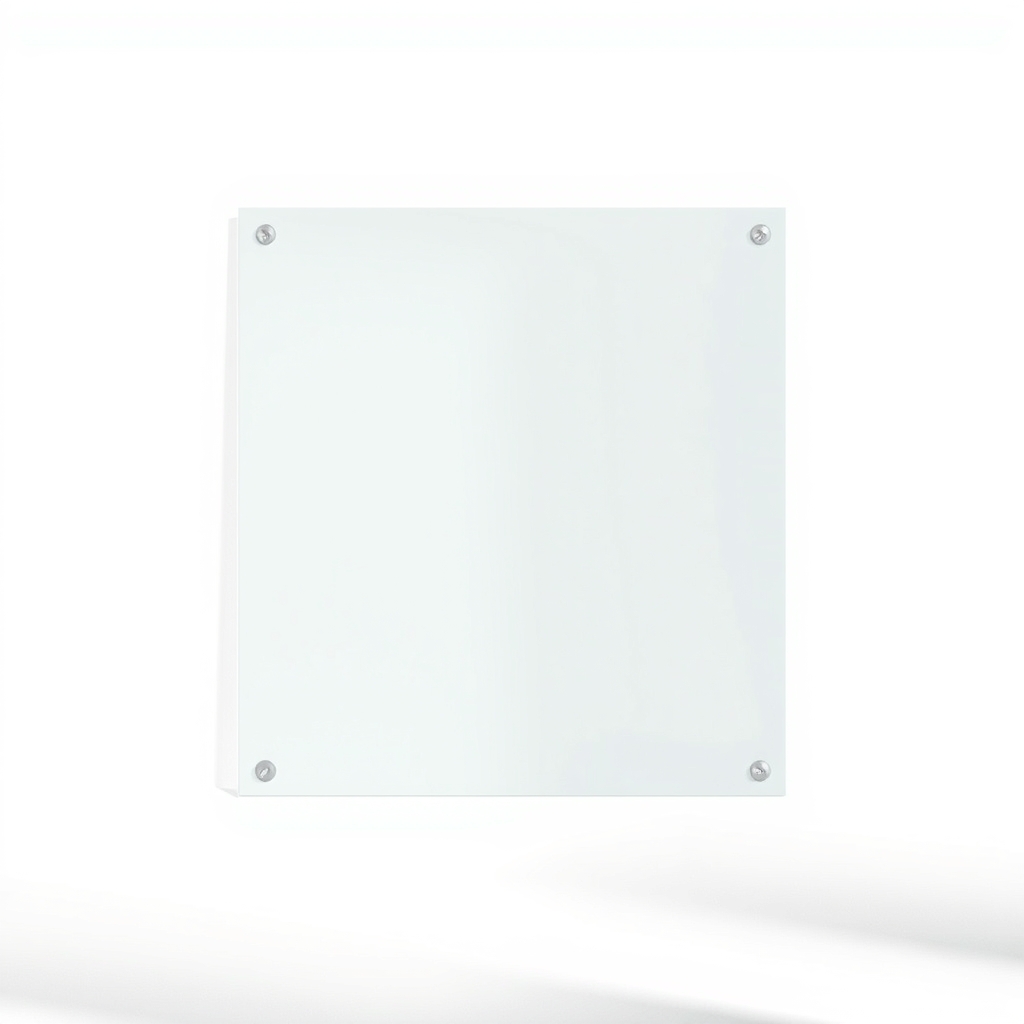
Anti-glare window film on the sunny window
Blinds fight the sun by shutting out the room. A window film softens the light as it comes through the glass, so the screen stays readable and you keep the daylight. A static-cling film also peels off clean, which helps renters.
What to get: Static-cling anti-glare window film
How long it lasts: Years, until you peel it off. It works whenever the sun is out, with the blinds open.
As an Amazon Associate I earn from qualifying purchases.
What you'll need
-
Blinds or curtains
Tilt or close them at glare hours
You have it -
Tape measure
To size the film to the glass
You have it -
Spray bottle with water and a drop of dish soap
Lets the film slide into place and then hold
Free - Our pick Illustration
Static-cling anti-glare window film
Removable and sold by the roll or cut to size
- Illustration
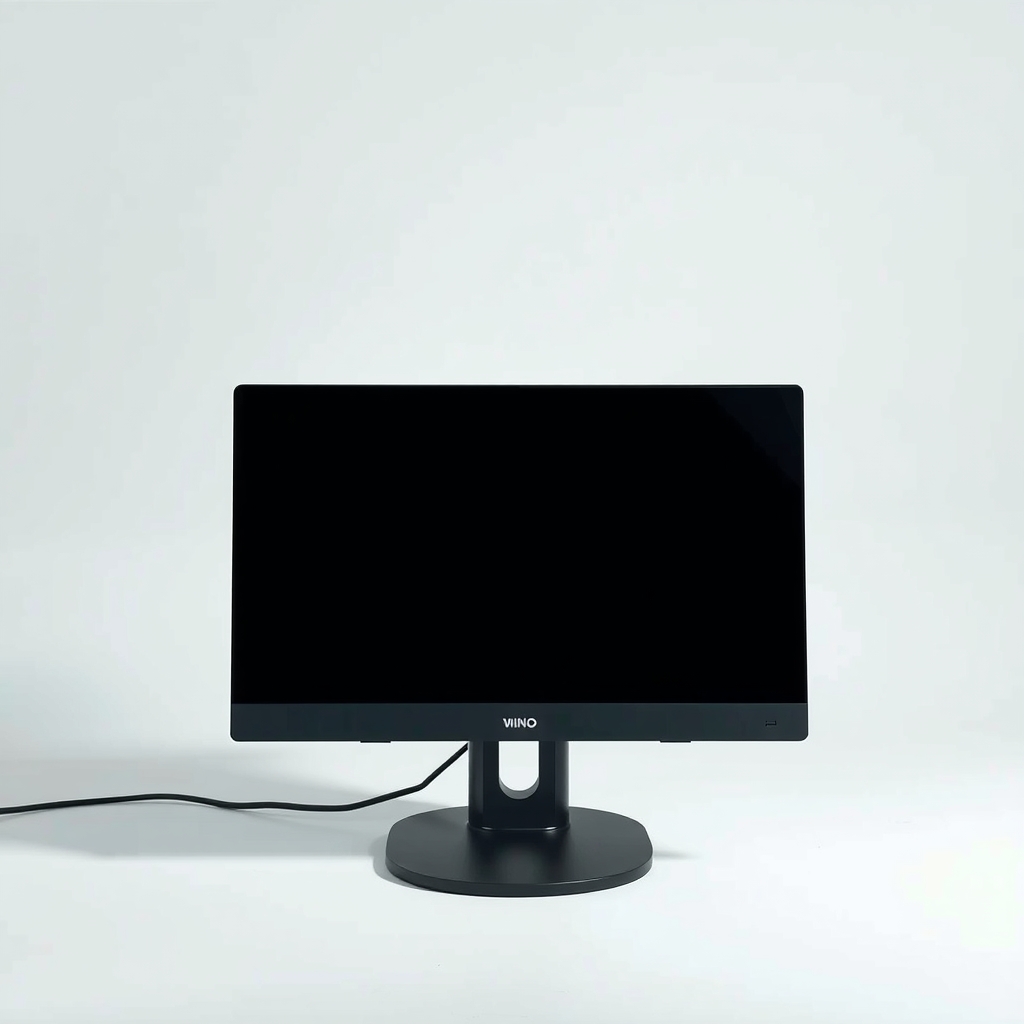
Monitor glare hood
A cheap shield for side and top glare
- Illustration
Cordless light-filtering shade
For people who want a quick adjustable cover
Why it happens
Sun reflecting off a glossy screen
Many screens are glossy and act like a weak mirror. When the sun hits the glass at the right angle, you see the window, not your work. This gets worst in low morning or late-afternoon light.
A bright window behind the monitor
If you look toward the window, your eyes adjust to the bright scene and the screen looks dim. Washed-out text is often this, not a weak monitor.
Light surfaces bouncing sun onto the screen
A white wall, a glossy desk or a pale shirt can reflect enough light to wash out a dark screen.
Brightness set for the evening
A screen turned down for night use looks faint in a sunny room. This is the easiest cause to rule out.
Try this first (free)
Do these in order, starting with the simplest.
-
Turn the desk so the window is at your side
Place the monitor at a right angle to the window, so daylight comes from your left or right. If the desk is stuck, even a quarter turn helps. Avoid sitting with the window behind your screen or behind your chair.
-
Switch the screen off and look at what it reflects
Sit at your normal height with the monitor dark. Whatever you see in the glass, a window, a lamp, a light shirt, is what is washing out your screen. Move or cover that one thing, or tilt the monitor a few degrees until it points at something dark.
-
Tilt or close the blinds at glare hours
Tool used: Blinds or curtainsNote the hours the sun hits the screen. Close the blinds then, or tilt the slats upward so light hits the ceiling instead of your desk. A thin curtain also softens the light.
-
Raise the brightness for the sunny hours
Turn the brightness up while the room is bright and drop it again in the evening. Use dark text on a light background in a sunny room, since it often holds up better than a dark theme.
-
Measure the glass for film
Tool used: Tape measureMeasure the width and height of the glass pane that gets the sun, then cut the film a little smaller than the glass for a static-cling type. Check the box for the right side to face the room.
-
Apply the film
Tool used: Spray bottle with water and a drop of dish soapWipe the glass clean and spray it with soapy water. Press the film on, then smooth bubbles from the middle to the edges with a soft squeegee or a credit card. Trim the edge with a sharp knife and a straight edge.
When free fixes aren't enough
If you must keep the blinds shut every afternoon to read your screen, the room goes dark and you turn on lights to compensate. That is the point where a film earns its cost: it takes the sting out of the sun and leaves the view mostly intact. Film does not fix a window that sits directly behind the monitor. In that case, turning the desk is still the fix. Choose a film with a stated visible light transmission, since a very dark film makes the room gloomy on cloudy days. If your windows are double-pane or coated, read the film maker's notes before you buy.
Buy the fix
Still stuck after the free fixes? These are the products we would look at.
| Pick | Product | Fixes | Who it's for | Buy |
|---|---|---|---|---|
| Best pick | Static-cling anti-glare window film | harsh sun on the screen while you keep the daylight | Renters and anyone with one sunny window that causes the problem. | Check price |
| Budget pick | Monitor glare hood | glare from the sides and top of the screen | People who share an office or cannot touch the window. | Check price |
| Upgrade pick | Cordless light-filtering shade | glare that changes through the day, since you can move the shade as the sun moves | People who want adjustable control and a finished look. | Check price |
Static-cling anti-glare window film
Fixes: harsh sun on the screen while you keep the daylight
Look for: Static cling with no adhesive, so it peels off clean; A listed visible light transmission, so you know how dark it will look; Wide enough to cover your pane in one piece; UV-blocking listed on the packaging.
- Who it's for
- Renters and anyone with one sunny window that causes the problem.
- Honest downside
- You want a perfectly clear view out, or the window maker warns against film on your glass type. Check the film's guidance for double-pane and coated glass first.
Monitor glare hood
Fixes: glare from the sides and top of the screen
Look for: Sized to your screen; A matte black interior that does not reflect light; Folds flat when you do not need it.
- Who it's for
- People who share an office or cannot touch the window.
- Honest downside
- The sun comes from behind you and hits the screen face-on. A hood will not stop that; moving the desk will.
Cordless light-filtering shade
Fixes: glare that changes through the day, since you can move the shade as the sun moves
Look for: Cordless, which is safer around kids and pets; Light-filtering fabric, not blackout, so you keep daylight; Sized for your window, inside or outside mount.
- Who it's for
- People who want adjustable control and a finished look.
- Honest downside
- You rent and cannot drill into the frame.
As an Amazon Associate I earn from qualifying purchases. We don't show prices because they change, so use the button to see today's price.
How we picked: How we picked: this page is based on ergonomics guidance on screen glare, window film maker instructions, and what owners report in reviews of films and glare hoods. We do not test products by hand.
Match the fix to the time of day
- Morning glare: usually an east window. A blind or film on that pane does the job, and it is easy to ignore after noon.
- Late afternoon glare: a west window with low sun. This is the one most people fight, and where film or a shade helps most.
- All-day glare: a south window or a bright room. Turn the desk first, then add film.
- Overcast days: the free fixes are enough, and a dark film can leave the room too dim.
What to skip
Cranking the brightness all day
Turning the screen to maximum drowns some of the glare, but it does nothing about reflections, and it feels harsh once the sun moves off the window. Fix the light path first, and use brightness as a small adjustment.
Frequently asked questions
Does window film really reduce glare on a monitor?
What is the best fix if I rent?
Is the window better behind me or in front of me?
Can a film damage my window?
Related problems
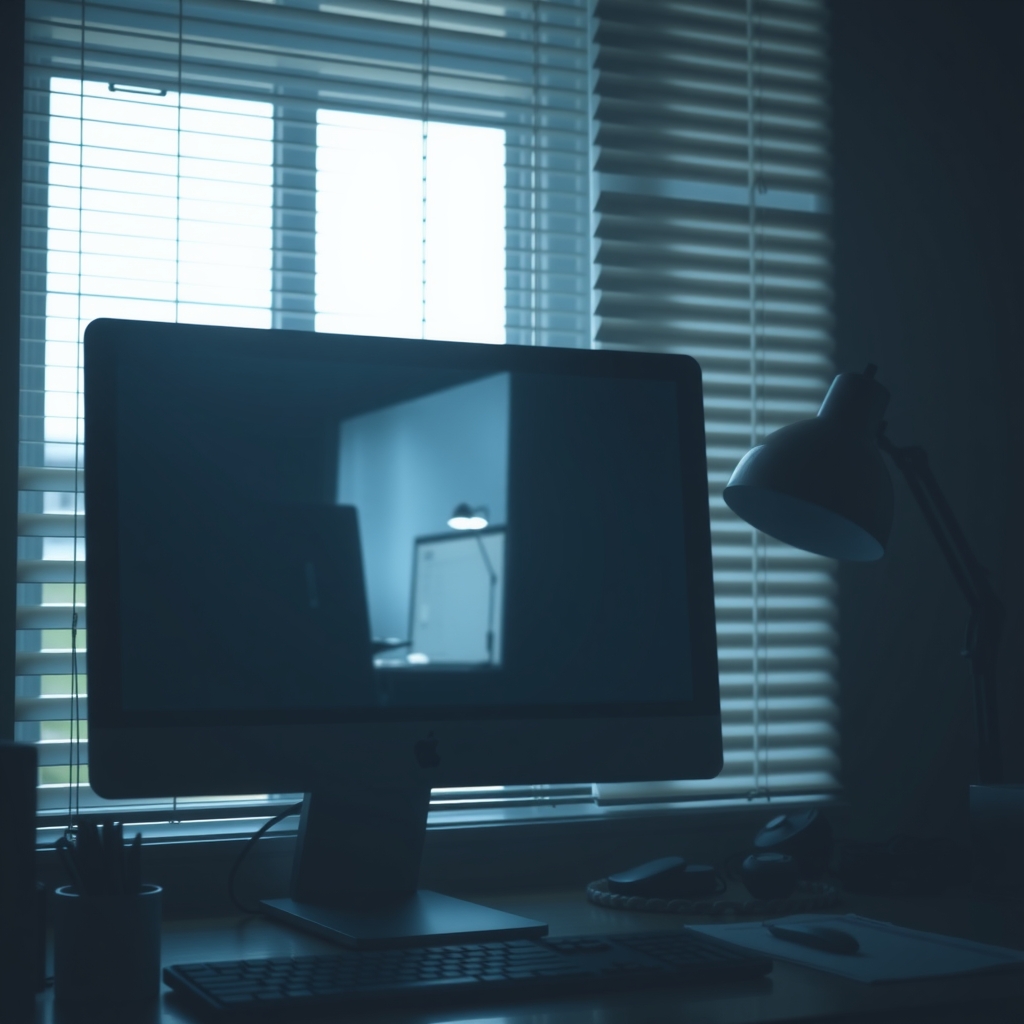 Free fix inside
Home Office & Cables · Screen Glare
How to Get Rid of Glare on a Monitor: Hoods, Films, and Placement
Read the fix Free fix inside
Home Office & Cables · Screen Glare
How to Get Rid of Glare on a Laptop Screen: Matte Protectors
Read the fix Free fix inside
Home Office & Cables · Desk Lamp
Desk Lamp Too Bright? Dimmable LED Lamps That Ease the Glare
Read the fix Free fix inside
Home Office & Cables · Home Office Climate
Home Office Too Dark? Lighting That Works Without Harsh Glare
Read the fixAs an Amazon Associate I earn from qualifying purchases. Affiliate disclosure