How to Get Rid of Glare on a Monitor: Hoods, Films, and Placement
Glare is bright light bouncing off a glossy screen. Move the screen and the light first; a hood or matte film handles what is left.
By Jamilur Rahman Updated November 5, 2026 · 6 min read
- Time
- 10 min
- Cost
- $20-$50
- Difficulty
- Easy
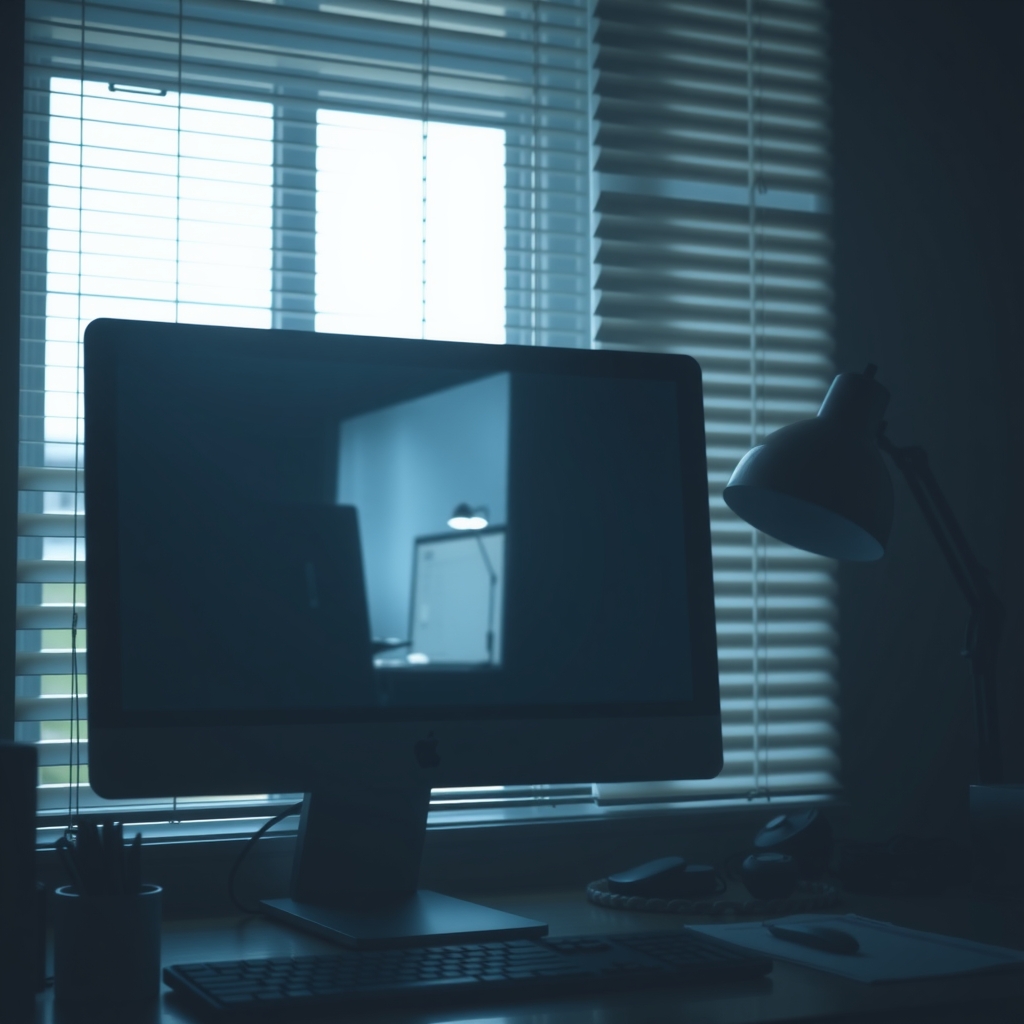
In this guide
Quick answer
To get rid of glare on a monitor, find the bright light that is reflecting in the screen, then move the screen or the light. Turn the monitor so windows sit beside it, tilt it slightly down and close the blinds. If glare still washes out the picture, a monitor hood blocks light from above and the sides.
Free fix vs. permanent fix
Move the screen, tame the light
- Turn the monitor so windows are beside it, not behind or in front
- Tilt the screen slightly down
- Close blinds or add sheer curtains
- Move lamps beside the screen, not behind you
How long it lasts: Works for fixed light. The sun moves, so glare can return at certain times of day.
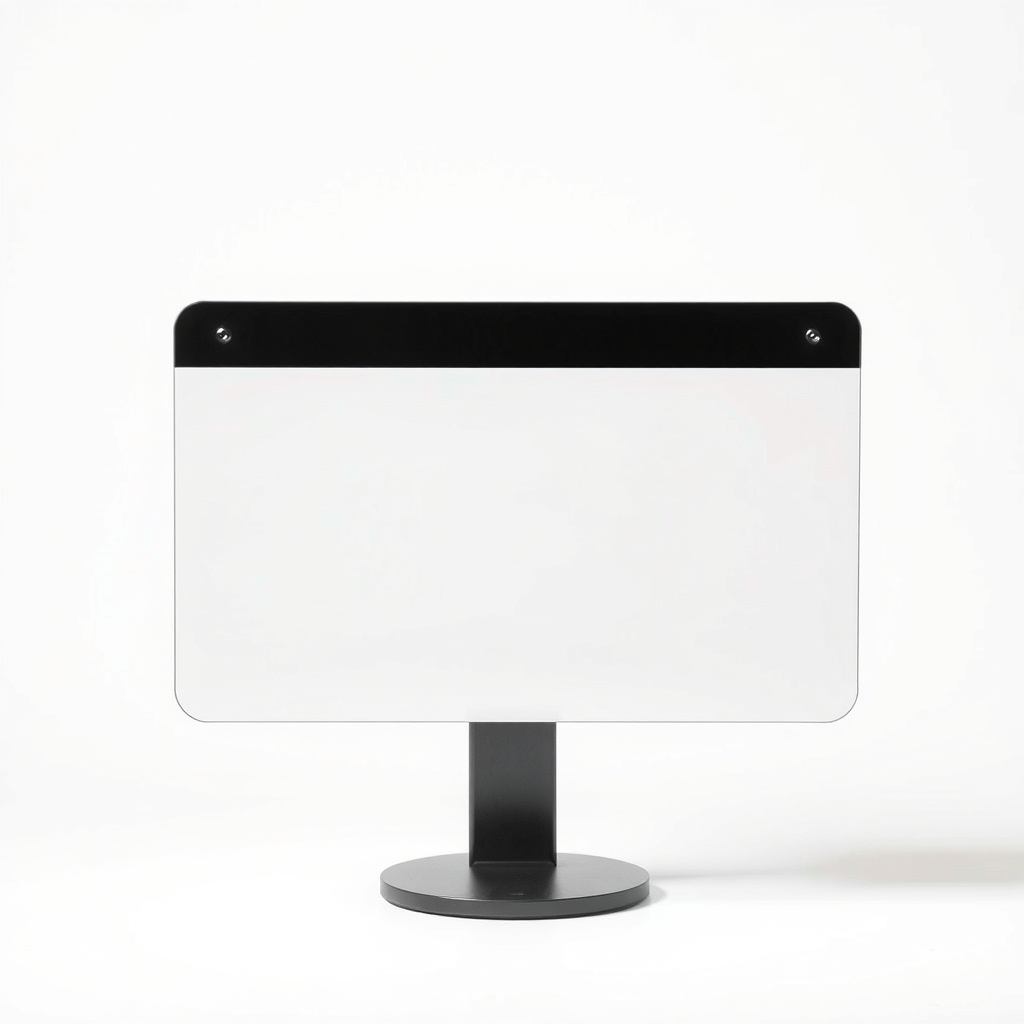
A monitor hood glare shield
Most glare is light from above and the sides landing on the glass. A hood makes a shaded tunnel around the screen so that light never reaches it. Moving the monitor helps with one light source, while a hood helps with all of them.
What to get: Monitor hood glare shield
How long it lasts: Years. It is a fixed shade, so it works whatever the time of day.
As an Amazon Associate I earn from qualifying purchases.
What you'll need
-
Blinds or curtains
Close them on the window that hits the screen
You have it -
Lamp or ceiling light you can control
Turn lights off one at a time to find the culprit
You have it -
Dark cardboard
Tape it around the top and sides to test a hood
Free - Our pick Illustration
Monitor hood glare shield
A permanent shade for the top and sides
- Illustration
Matte anti-glare screen filter
For light that comes from behind you
Why it happens
A window beside or behind the screen
Daylight lands on the glass and bounces back at you. It changes through the day, so the problem comes and goes.
Overhead lights and lamps
A ceiling light behind you reflects in a glossy panel as a bright patch. A bare bulb in a lamp does the same.
A glossy screen coating
Many monitors and laptops have a glass-like finish that sharpens colors but also acts like a mirror.
A screen that is dim for the room
When the room is much brighter than the screen, reflections stand out. Brightness that matches the room hides more of them.
Try this first (free)
Do these in order, starting with the simplest.
-
Find the bright light
Tool used: Lamp or ceiling light you can controlTurn the screen off, since a black screen shows reflections clearly. Note which window or lamp you can see in the glass. Switch lights off one at a time to see which one is the culprit.
-
Turn the screen so windows sit beside it
Place the monitor at a right angle to the window. A window behind you reflects in the glass, and a window in front of you shines into your eyes.
-
Tilt the screen slightly down
A small downward tilt, about 10 to 20 degrees, sends reflections from ceiling lights away from your eyes. Check your neck stays relaxed.
-
Soften the light
Tool used: Blinds or curtainsClose blinds or hang a sheer curtain. Use lamps with shades, and put them to the side of the screen rather than behind you.
-
Test a cardboard visor
Tool used: Dark cardboardTape a strip of dark cardboard across the top and down the sides of the monitor. If the glare drops, a hood will work for you. If not, the light is coming from behind you.
-
Match brightness to the room
Raise screen brightness a little in a bright room and use a dark theme. Do not max it out; see what to skip below.
When free fixes aren't enough
Some rooms have no good spot for the desk: a window right in front of the screen, a light over your shoulder or a desk against a wall. The sun also moves, so a fix that works at 10 a.m. fails at 3 p.m. A hood blocks light from above and the sides all day. A matte film cuts mirror-like reflections and suits light that comes from behind you, but it can slightly soften the picture. If you get headaches or eye strain even with glare under control, take breaks and see an eye doctor, since glare is not the only cause.
Buy the fix
Still stuck after the free fixes? These are the products we would look at.
| Pick | Product | Fixes | Who it's for | Buy |
|---|---|---|---|---|
| Best pick | Monitor hood glare shield | light from above and the sides bouncing off the screen | Anyone with a window or ceiling lights beside or above the monitor, or sun that changes through the day. | Check price |
| Budget pick | Matte anti-glare screen filter | reflections from light behind you or overhead | Owners of a glossy screen with light coming from several directions. | Check price |
Monitor hood glare shield
Fixes: light from above and the sides bouncing off the screen
Look for: Sized to your screen, so check width, height and depth; A matte-black interior that does not reflect; Foldable, with a mount that will not scratch your monitor; An open front and little bulk behind the screen.
- Who it's for
- Anyone with a window or ceiling lights beside or above the monitor, or sun that changes through the day.
- Honest downside
- The glare comes from a light directly behind you. A hood does not stop that, so move the light or use a matte filter.
Matte anti-glare screen filter
Fixes: reflections from light behind you or overhead
Look for: The exact size for your monitor, measured on the diagonal; A matte finish with a stated anti-glare treatment; Clips on or applies without bubbles; A clean image, not a grainy one.
- Who it's for
- Owners of a glossy screen with light coming from several directions.
- Honest downside
- You do detailed color or photo work. Matte films can slightly soften the image.
As an Amazon Associate I earn from qualifying purchases. We don't show prices because they change, so use the button to see today's price.
How we picked: How we picked: this page is based on ergonomics and screen-lighting guides, monitor hood and filter spec sheets, and the problems and fixes people report in reviews. We do not test products by hand.
Which fix for which light
- Window beside the screen: a hood and sheer curtains.
- Window behind you: blinds, plus a matte filter if the sun still reaches the glass.
- Ceiling lights: a small downward tilt and a hood.
- Low afternoon sun: blinds or a window shade, since the angle changes through the day.
What to skip
Turning brightness all the way up
Max brightness fights the reflection by flooding your eyes, which tires them faster. The glare is still there. Fix the light source or block it.
Frequently asked questions
How to get rid of glare on my monitor?
How to get rid of glare on a computer monitor or computer screen for good?
How to get rid of glare on screen when the light is behind me?
How to get rid of reflection on screen from lamps and windows?
Related problems
 Free fix inside
Home Office & Cables · Screen Glare
How to Get Rid of Sun Glare on a Monitor: Window Film and Blinds
Read the fix Free fix inside
Home Office & Cables · Screen Glare
How to Get Rid of Glare on a Laptop Screen: Matte Protectors
Read the fix Free fix inside
Home Office & Cables · Desk Lamp
Desk Lamp Too Bright? Dimmable LED Lamps That Ease the Glare
Read the fix Free fix inside
Home Office & Cables · Home Office Climate
Home Office Too Dark? Lighting That Works Without Harsh Glare
Read the fixAs an Amazon Associate I earn from qualifying purchases. Affiliate disclosure