How to Get Rid of Glare on a Laptop Screen: Matte Protectors
Glare is bright light bouncing off a glossy screen. Move the light first; a matte protector handles the spots you cannot change.
By Jamilur Rahman Updated November 5, 2026 · 6 min read
- Time
- 15 min
- Cost
- Under $20
- Difficulty
- Easy

In this guide
Quick answer
To get rid of glare on a laptop screen, stop the light from bouncing back at you: turn the laptop so the window is at your side, tilt the screen a few degrees and soften harsh lamps. If you work in a spot you cannot change, a matte anti-glare screen protector scatters the reflections so they stop standing out. It is the lasting fix for a glossy screen, with a small trade-off in sharpness.
Free fix vs. permanent fix
Turn it, tilt it, tame the light
- Turn the laptop so the window is beside you, not behind or in front
- Tilt the screen a few degrees up or down
- Close blinds or add a sheer curtain
- Raise the screen brightness while the sun is on it
How long it lasts: As long as the light stays where it is. A new seat, a different room or a sunnier afternoon brings the glare back.
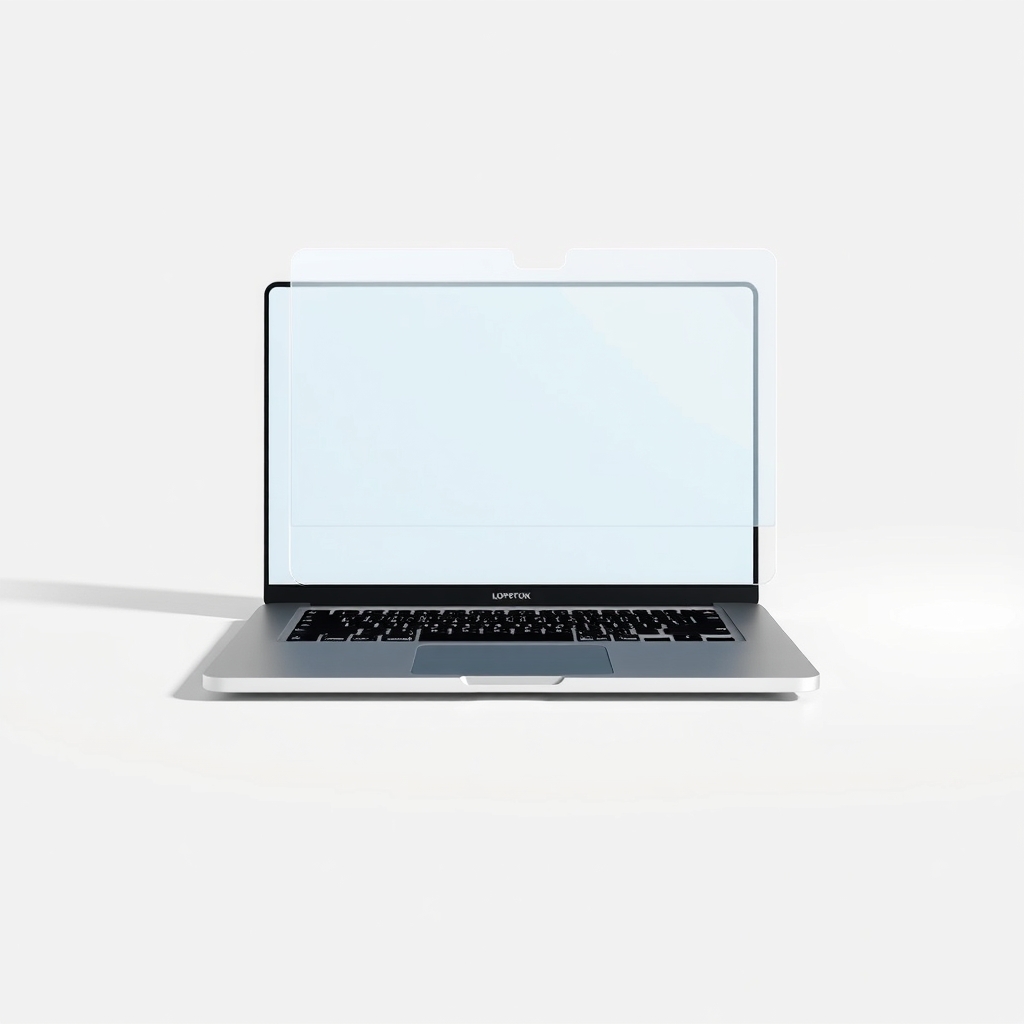
A matte anti-glare screen protector
A matte film has a fine textured surface that scatters reflected light instead of mirroring it. A window or lamp turns into a soft haze, not a sharp copy of itself. It works wherever you sit, which a tilt or a curtain cannot.
What to get: Matte anti-glare laptop screen protector
How long it lasts: Years, until it scratches or starts to peel.
As an Amazon Associate I earn from qualifying purchases.
What you'll need
-
Microfiber cloth
For cleaning the screen before you apply anything
You have it -
Old gift card or credit card
Wrap it in the cloth to push out bubbles
You have it - Our pick Illustration
Matte anti-glare laptop screen protector
Sized to your exact screen
- Illustration
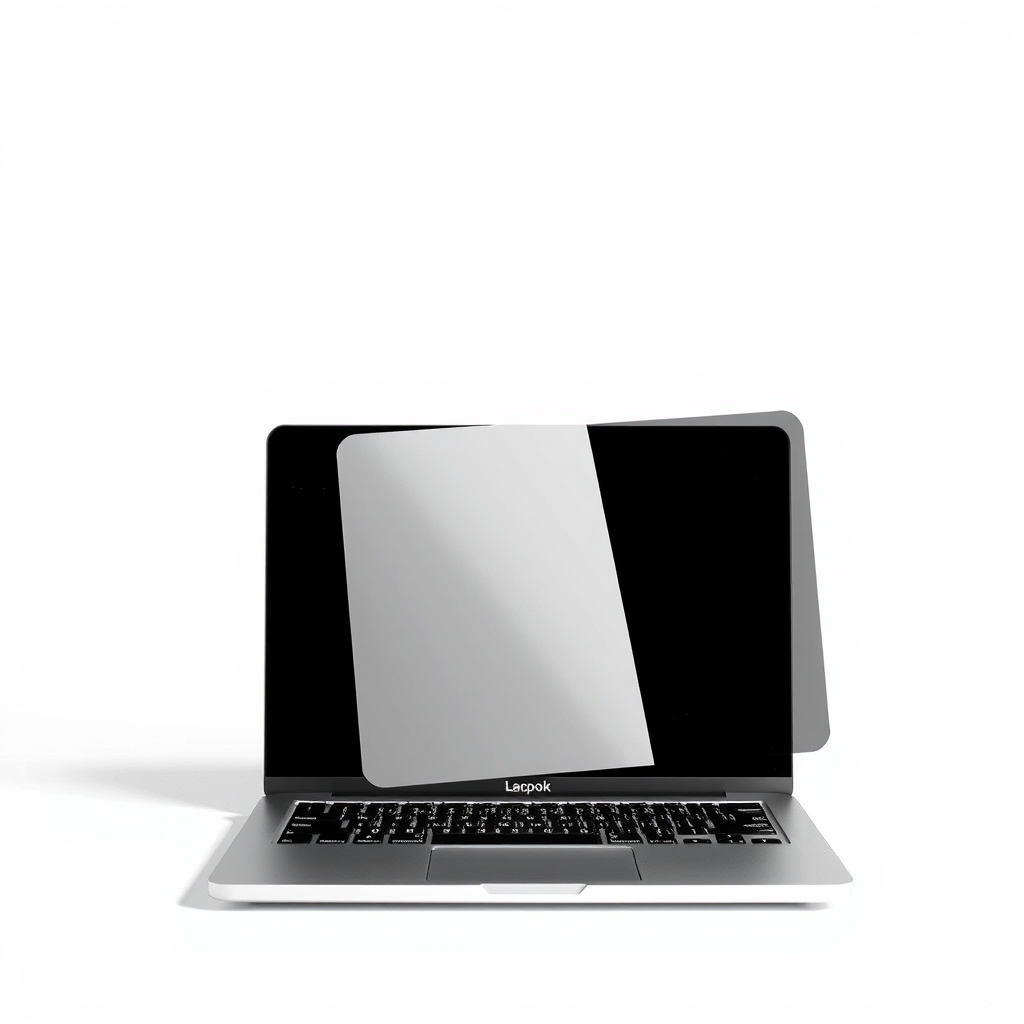
Removable anti-glare screen filter
Reusable, so it can go on and off for color work
Why it happens
A glossy screen
Most laptops have a glossy panel that acts like a mirror. It makes colors look rich, but it also reflects anything bright behind you.
A window or lamp in the wrong spot
A window behind you shows up in the screen. A window in front washes the picture out. A bare overhead bulb adds a bright spot.
Low screen brightness
At a low setting, even a mild reflection can be stronger than the picture. A brighter screen wins the contest.
A dirty screen
Fingerprints and dust scatter light into smudges that look like glare.
Try this first (free)
Do these in order, starting with the simplest.
-
Turn the laptop so the window is at your side
Light behind you reflects in the screen, and light in front of you washes it out. A window to your left or right causes the least trouble.
-
Tilt the screen
Small changes in angle move the reflection. Try a few degrees back and forward until the reflection lands on the keyboard or desk instead of the screen.
-
Soften the light
Close blinds, add a sheer curtain or move a lamp to the side. Use a shaded lamp or a warm LED, not a bare bulb behind you.
-
Clean the screen
Tool used: Microfiber clothSwitch the laptop off and wipe the screen with a dry microfiber cloth. For stubborn smudges, use a cloth lightly dampened with water. Never spray liquid directly onto the screen.
-
Add a matte protector
Tool used: Matte anti-glare laptop screen protectorClean the screen, then apply the film slowly from one edge and press out bubbles with a cloth-wrapped card. Set the brightness a notch higher to make up for the slight dimming.
IllustrationCheck price on AmazonTool for this step
Matte anti-glare laptop screen protector · Sized to your exact screen
When free fixes aren't enough
If you move around, work in cafes or have a bay window you cannot cover, repositioning will not hold. That is where a matte protector helps, because the screen itself stops mirroring. It will not turn direct sun on a dim screen into a bright picture, and it can make the image look a touch grainy and slightly less sharp. If a screen is already matte and still hard to see, the room is simply too bright. Shade the window or work somewhere else.
Buy the fix
Still stuck after the free fixes? These are the products we would look at.
| Pick | Product | Fixes | Who it's for | Buy |
|---|---|---|---|---|
| Best pick | Matte anti-glare laptop screen protector | reflections from windows and lamps on a glossy laptop screen | Anyone with a glossy laptop who works in changing spots or cannot move the window. | Check price |
| Upgrade pick | Removable anti-glare laptop screen filter | glare, with the option to take the filter off for color work | People who need clean color some of the time, such as photo and video editors. | Check price |
Matte anti-glare laptop screen protector
Fixes: reflections from windows and lamps on a glossy laptop screen
Look for: Cut to your screen's exact diagonal size and aspect ratio (16:9, 16:10 or 3:2); Labeled anti-glare or matte, not just clear or blue-light; Bubble-free adhesive or a static cling that peels off clean; Touch-compatible, if your screen is a touchscreen.
- Who it's for
- Anyone with a glossy laptop who works in changing spots or cannot move the window.
- Honest downside
- You edit photos or video where color accuracy matters most, since films add a little haze. Also skip it if your screen is already matte.
Removable anti-glare laptop screen filter
Fixes: glare, with the option to take the filter off for color work
Look for: A reusable attachment, such as slide-in tabs or removable strips; Sized to your exact screen; A clear matte surface that does not tint colors.
- Who it's for
- People who need clean color some of the time, such as photo and video editors.
- Honest downside
- You want a stick-it-once fix. A film on the screen is simpler.
As an Amazon Associate I earn from qualifying purchases. We don't show prices because they change, so use the button to see today's price.
How we picked: How we picked: this page is based on ergonomics guidance about screen glare, screen protector installation instructions, and what people report in reviews of matte laptop protectors. We do not test products by hand.
How to apply a screen protector without bubbles
- Power the laptop off and clean the screen with a dry microfiber cloth.
- Work in a still, clean room with the fan off, and lift any specks off the screen with a strip of tape.
- Peel back the backing a few inches and line up one edge.
- Lower the film slowly, pressing from the center outward with a cloth-wrapped card.
- Lift and reset the film if you see a large bubble. Wait a few minutes for small ones to settle.
What to skip
Blue-light films and maximum brightness
Skip clear blue-light films sold as glare fixes. They tint the screen but do not scatter reflections. Skip running brightness at maximum all day, too, which drains the battery faster. Raise it only while the sun is on the screen.
Frequently asked questions
Does a matte screen protector make the screen blurry?
Will a matte protector work on a touchscreen laptop?
How do I know what size protector to buy?
Is glare on a laptop screen bad for my eyes?
Related problems
 Free fix inside
Home Office & Cables · Screen Glare
How to Get Rid of Glare on a Monitor: Hoods, Films, and Placement
Read the fix Free fix inside
Home Office & Cables · Screen Glare
How to Get Rid of Sun Glare on a Monitor: Window Film and Blinds
Read the fix Free fix inside
Home Office & Cables · Desk Lamp
Desk Lamp Too Bright? Dimmable LED Lamps That Ease the Glare
Read the fix Free fix inside
Home Office & Cables · Home Office Climate
Home Office Too Dark? Lighting That Works Without Harsh Glare
Read the fixAs an Amazon Associate I earn from qualifying purchases. Affiliate disclosure