Desk Lamp Too Bright? Dimmable LED Lamps That Ease the Glare
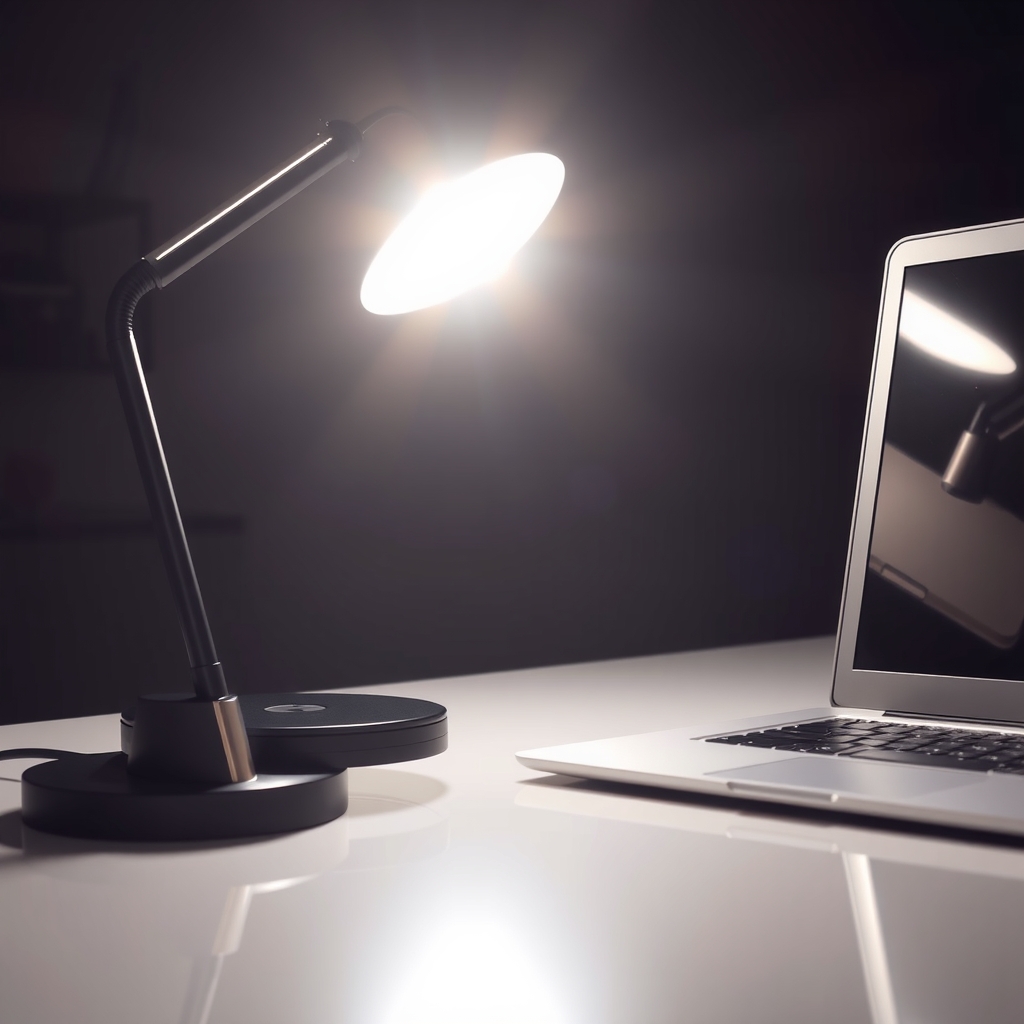
A lamp that is too bright strains your eyes and bounces off your screen. Move and soften the light first, then switch to a lamp that dims.
By Jamilur Rahman Updated November 5, 2026 · 7 min read
- Time
- 10 min
- Cost
- $20-$50
- Difficulty
- Easy
In this guide
Quick answer
A desk lamp feels too bright when its full output lands on a small spot, the bulb is in your line of sight, or the room around it is dark. Move the lamp to the side, aim it at the desk or wall and turn on a soft second light. If the lamp has no dimmer, a dimmable LED desk lamp lets you set the brightness once and change it for any task.
Free fix vs. permanent fix
Move it, aim it, add soft room light
- Place the lamp to the side, opposite your writing hand
- Aim it at the desk or wall, not your eyes or screen
- Turn on a dim ceiling or floor light to lower the contrast
- Swap the bulb for a lower-output one, if the lamp allows
How long it lasts: Works while the layout stays the same. The lamp still has one fixed brightness, so you must reposition it whenever the task or time of day changes.
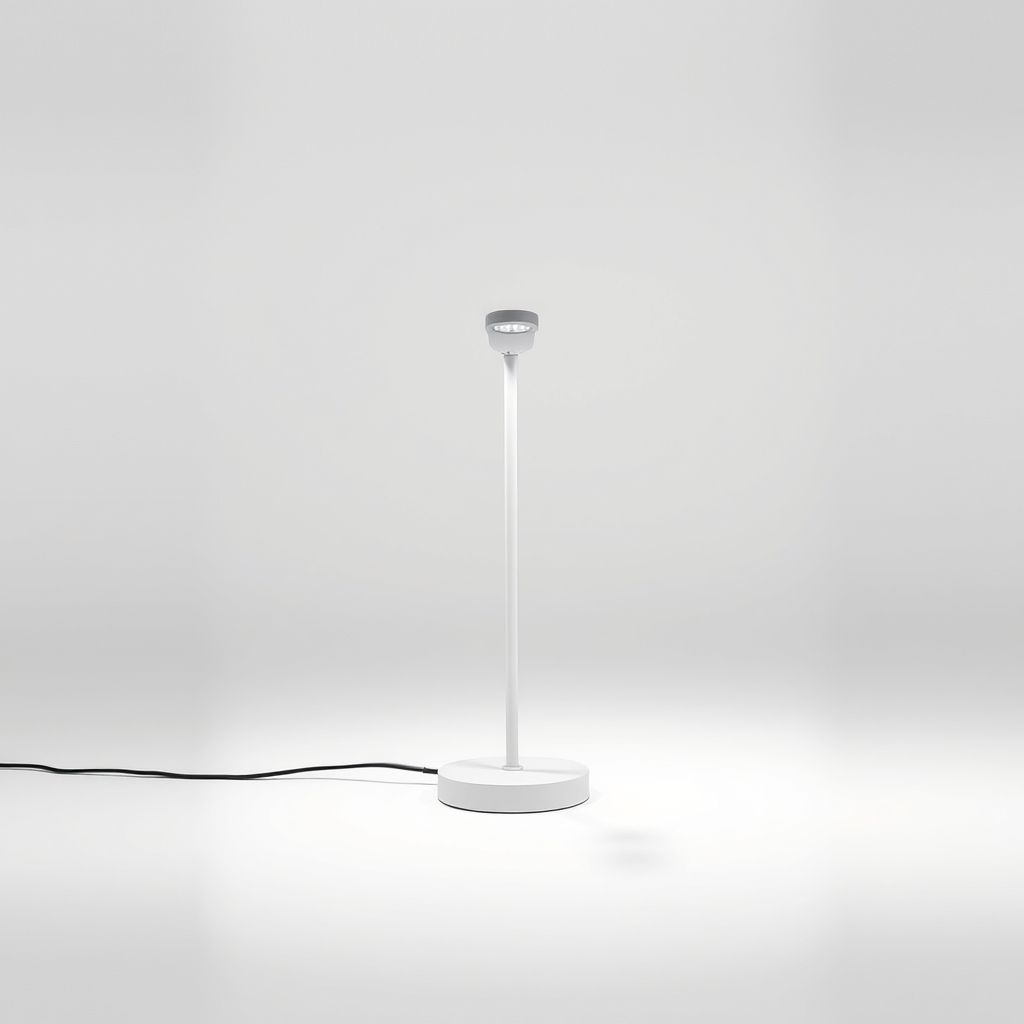
A dimmable LED desk lamp
A fixed-brightness lamp is right for detail work and too bright for the evening. A dimmable lamp lets you step the light down in small increments, and a model with adjustable color temperature lets you warm it at night.
What to get: Dimmable LED desk lamp with adjustable color temperature
How long it lasts: Years. You set the brightness for each task, and LED lamps run cool and are commonly rated for tens of thousands of hours.
As an Amazon Associate I earn from qualifying purchases.
What you'll need
-
Floor or ceiling light
Dim room light lowers the contrast with the lamp
You have it -
Matte desk mat or sheet of paper
To see how much shine comes off the desk
You have it - Illustration
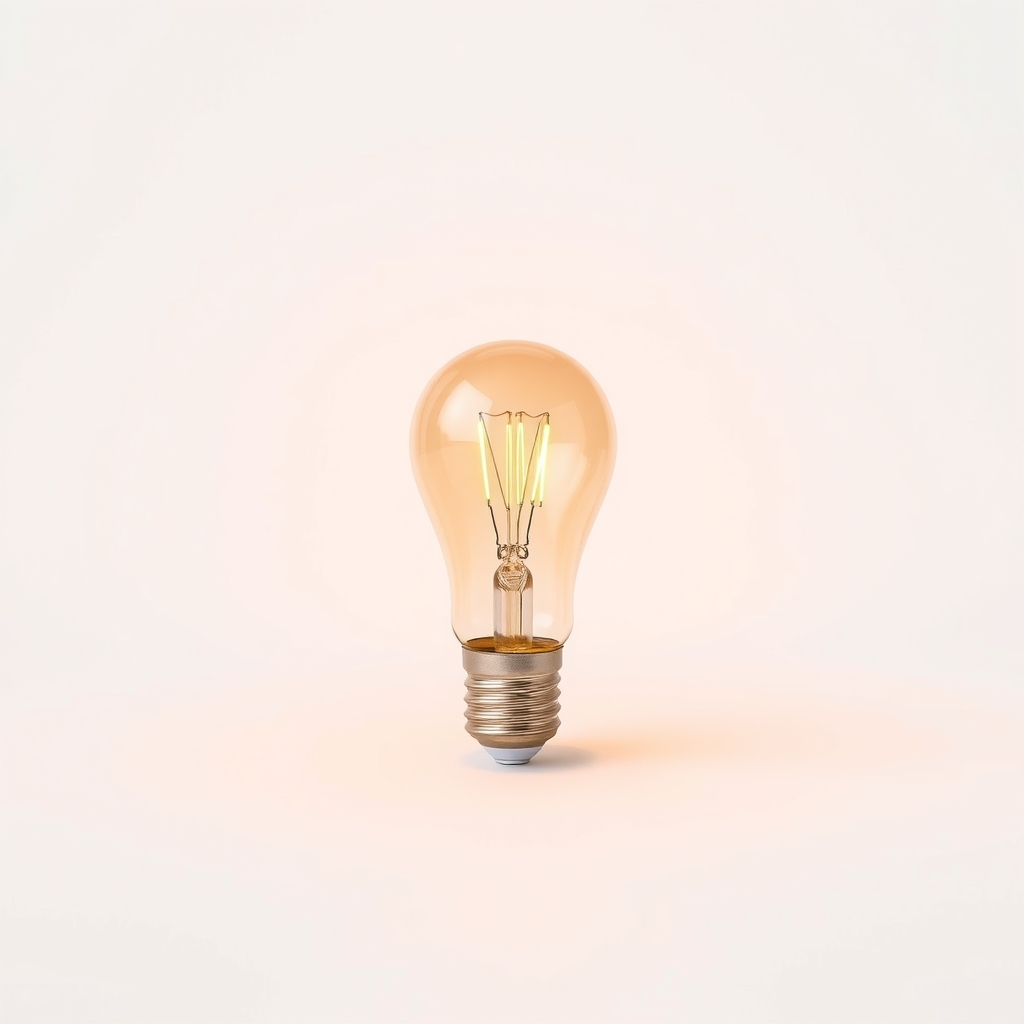
Low-output warm LED bulb
Only if your lamp takes a standard bulb
- Our pick Illustration
Dimmable LED desk lamp
Look for a low setting that is truly dim
- Illustration
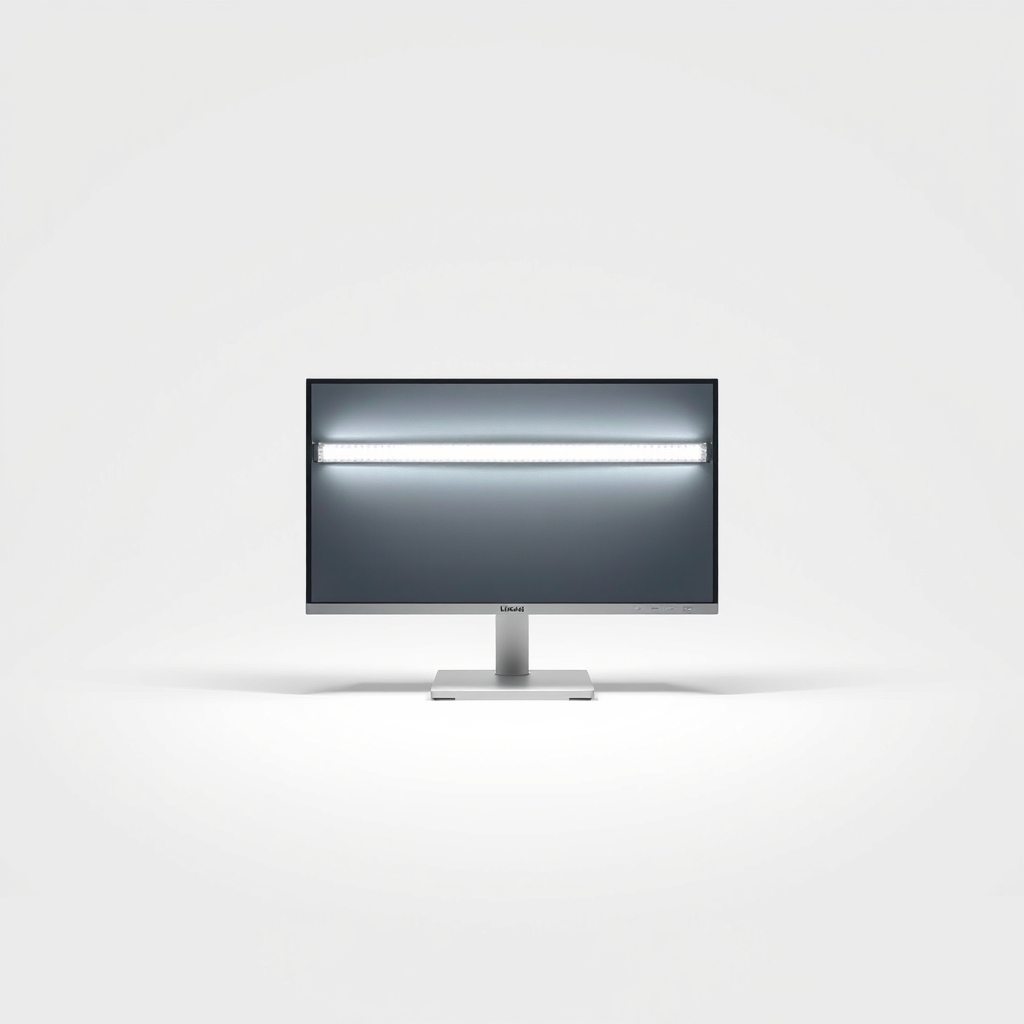
Monitor light bar
For people who work mostly at a screen
Why it happens
Too much light in one spot
Many lamps put all their output into a small circle. Next to a dim room, that circle looks even brighter than it is.
A bare bulb in your line of sight
If you can see the bulb or LED, your eyes take the glare head on. A bright point against a dark background is hard to look at for long.
Cool-white light in the evening
Bluish light around 5000K feels harsh after dark. Warmer light around 2700 to 3000K feels softer.
Shiny surfaces that bounce the light back
A glossy desk, white paper and a screen all reflect the lamp into your eyes. The lamp may not be too bright. The surface may be too shiny.
No dimmer
Many lamps offer only on and off, or two steps that are both bright. You cannot turn it down, so the only fix is to move it.
Try this first (free)
Do these in order, starting with the simplest.
-
Move the lamp to the side
Put it opposite your writing hand and a little ahead of you. The light falls on the page without casting a shadow from your hand or shining at your face.
-
Aim it away from your eyes and screen
Tilt the head so the light hits the desk or the wall beside you. Bounced light is softer. If you can see the lamp reflected in your screen, turn it a little more.
-
Raise the room light
Tool used: Floor or ceiling lightTurn on a ceiling or floor light at low level. A lamp feels less intense when the room is not dark around it, because your eyes stop shifting between bright and dim.
-
Cut the reflection
Tool used: Matte desk mat or sheet of paperPut a matte desk mat or a plain sheet of paper under the lamp's spot. Glossy surfaces bounce the light straight at you.
-
Check the bulb label
Tool used: Low-output warm LED bulbIf the lamp takes a standard bulb, read the maximum wattage on the socket. A warm, lower-output LED bulb of the same type will be gentler. Never go above the labeled wattage, and never wrap paper or cloth around a hot lamp.
IllustrationCheck price on AmazonTool for this step
Low-output warm LED bulb · Only if your lamp takes a standard bulb
When free fixes aren't enough
If the lamp has built-in LEDs, you cannot swap the bulb, and with no dimmer you can only reposition it. The same applies if the lowest setting is still too bright, or if you need bright light for detail work by day and soft light at night, so you keep moving the lamp. A dimmable lamp fixes that with a control you can reach. Check that the low end is dim enough and that the light does not flicker when dimmed. If you get headaches or eye pain beyond ordinary tiredness, see an eye doctor.
Buy the fix
Still stuck after the free fixes? These are the products we would look at.
| Pick | Product | Fixes | Who it's for | Buy |
|---|---|---|---|---|
| Best pick | Dimmable LED desk lamp with adjustable color temperature | a lamp that is too bright with no way to turn it down | Anyone who works or reads at a desk for hours and across different times of day. | Check price |
| Budget pick | Warm low-output LED bulb | a lamp that is too bright but otherwise fine | People whose lamp takes a standard bulb and who want the quickest, cheapest change. | Check price |
| Upgrade pick | Monitor light bar | desk light that bounces off the screen and eats desk space | People who work mostly at a monitor and want lighting without a lamp on the desk. | Check price |
Dimmable LED desk lamp with adjustable color temperature
Fixes: a lamp that is too bright with no way to turn it down
Look for: Many brightness steps, with a low setting that is truly dim; Color temperature from warm (about 2700K) to cool (about 5000K); A frosted or diffused panel, so you do not see hard points of light; A flexible arm or head, so you can aim the light away from your eyes.
- Who it's for
- Anyone who works or reads at a desk for hours and across different times of day.
- Honest downside
- You only need a light for a few minutes at a time, or the lamp you own already has a dimmer you have not tried.
Warm low-output LED bulb
Fixes: a lamp that is too bright but otherwise fine
Look for: Fits your lamp's socket type and stays within its wattage limit; Warm white, around 2700K; Fewer lumens than the bulb you use now.
- Who it's for
- People whose lamp takes a standard bulb and who want the quickest, cheapest change.
- Honest downside
- Your lamp has built-in LEDs that cannot be replaced. A dimmable bulb also only dims on a lamp with a dimmer.
Monitor light bar
Fixes: desk light that bounces off the screen and eats desk space
Look for: A design that lights the desk, not the screen; Brightness and color temperature controls; A clip that fits the top edge of your monitor.
- Who it's for
- People who work mostly at a monitor and want lighting without a lamp on the desk.
- Honest downside
- You write by hand a lot, or your monitor is curved or frameless. Check that the clip will fit.
As an Amazon Associate I earn from qualifying purchases. We don't show prices because they change, so use the button to see today's price.
How we picked: How we picked: this page is based on lighting and eye-comfort guides, lamp specification sheets, and the problems and fixes owners report in reviews. We do not test products by hand.
How to check a dimmer for flicker
Some lamps dim by switching the light on and off very quickly. Most people never notice, but some feel eye strain or headaches. To check, set the lamp to its lowest level and look at it through your phone camera. Dark bands rolling across the image mean the light is flickering. Look for lamps that list flicker-free dimming, and read reviews for mentions.
What to skip
Covering the lamp with a cloth or paper
A cloth over a lamp traps heat, which can be a fire risk, and it makes the light uneven. Move the lamp, bounce it off a wall or use a bulb with less output instead.
Frequently asked questions
How bright should a desk lamp be?
Why is my desk lamp very bright even on the lowest setting?
Does color temperature matter?
Is a bright desk lamp bad for your eyes?
Related problems
As an Amazon Associate I earn from qualifying purchases. Affiliate disclosure