What Makes a Good Desk Lamp? 5 Features Worth Paying For
Brightness alone does not make a good lamp. Five features do: color temperature, dimming, flicker-free light, accurate color and an arm that holds its aim.
By Jamilur Rahman Updated November 5, 2026 · 7 min read
- Time
- 15 min
- Cost
- $20-$50
- Difficulty
- Easy
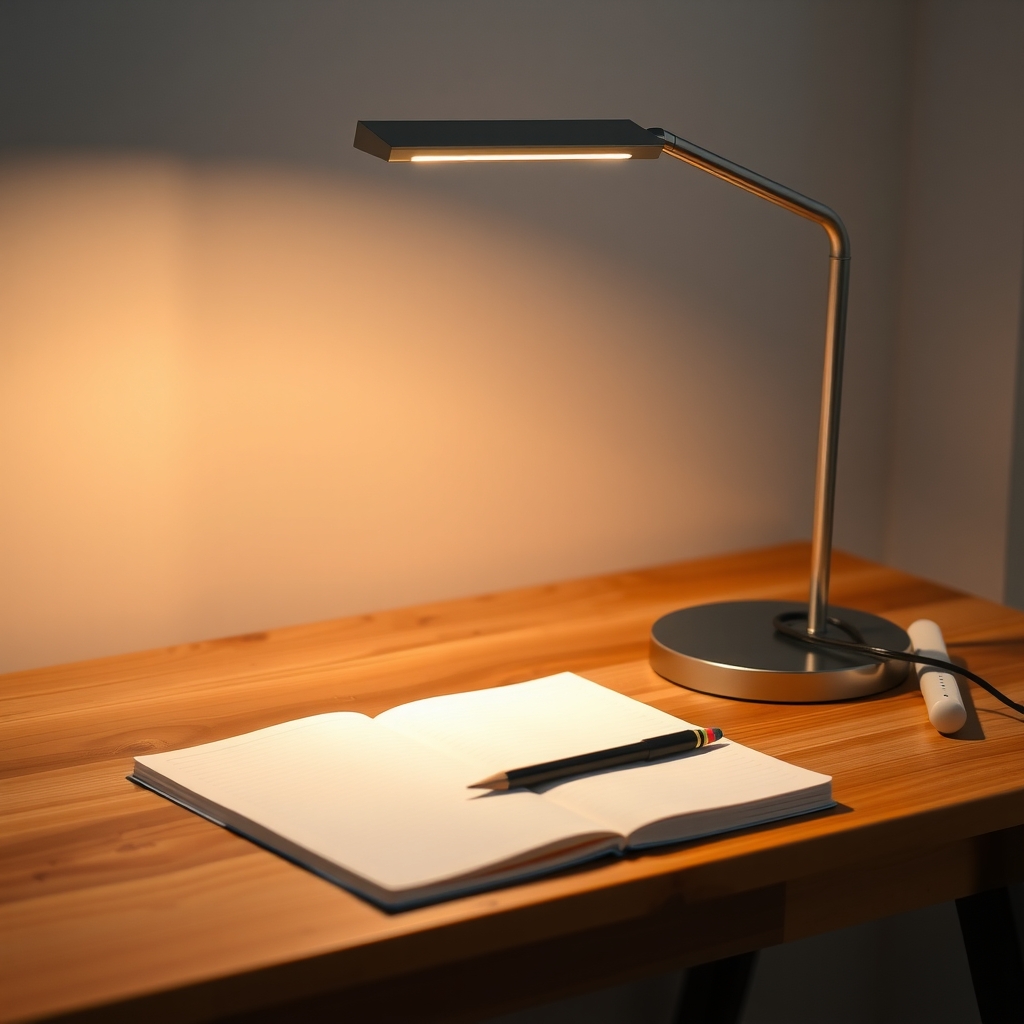
In this guide
Quick answer
What makes a good desk lamp comes down to five features: adjustable color temperature, smooth dimming, flicker-free light, accurate color and an arm that holds where you aim it. Set up the lamp you own first, using the steps below. If it lacks these, an adjustable LED desk lamp with color temperature control is the upgrade.
Free fix vs. permanent fix
Set up the lamp you already own
- Put the lamp on the side opposite your writing hand
- Aim the light at the page, not at your eyes or the screen
- Test for flicker with your phone camera
- Turn on a softer room light so the lamp is not alone
How long it lasts: Makes any lamp work better. It cannot add dimming or color control that the lamp does not have.
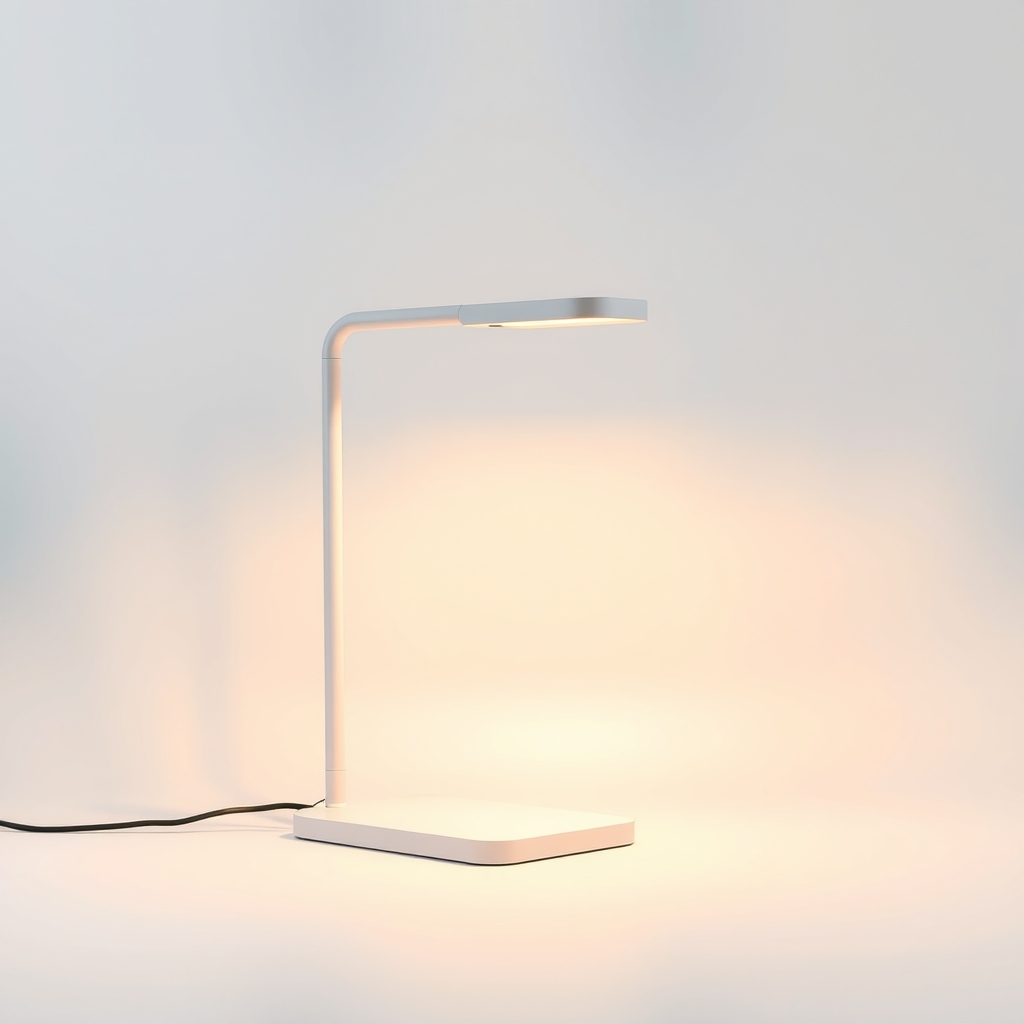
An adjustable LED desk lamp with color temperature control
Light needs change from morning to night and from reading to screen work. A lamp that dims and shifts between warm and cool does it all, and a flicker-free LED with accurate color is easier on the eyes than a cheap fixed-color lamp.
What to get: Adjustable LED desk lamp with color temperature control and dimming
How long it lasts: Years. LEDs last for thousands of hours, and one lamp covers every task and time of day.
As an Amazon Associate I earn from qualifying purchases.
What you'll need
-
Phone camera
Shows flicker you cannot see
You have it -
Your current desk lamp
Set it up well before you decide it has to go
You have it - Our pick Illustration
Adjustable LED desk lamp with color temperature control
Warm to cool light, dimming and a steady arm
- Illustration
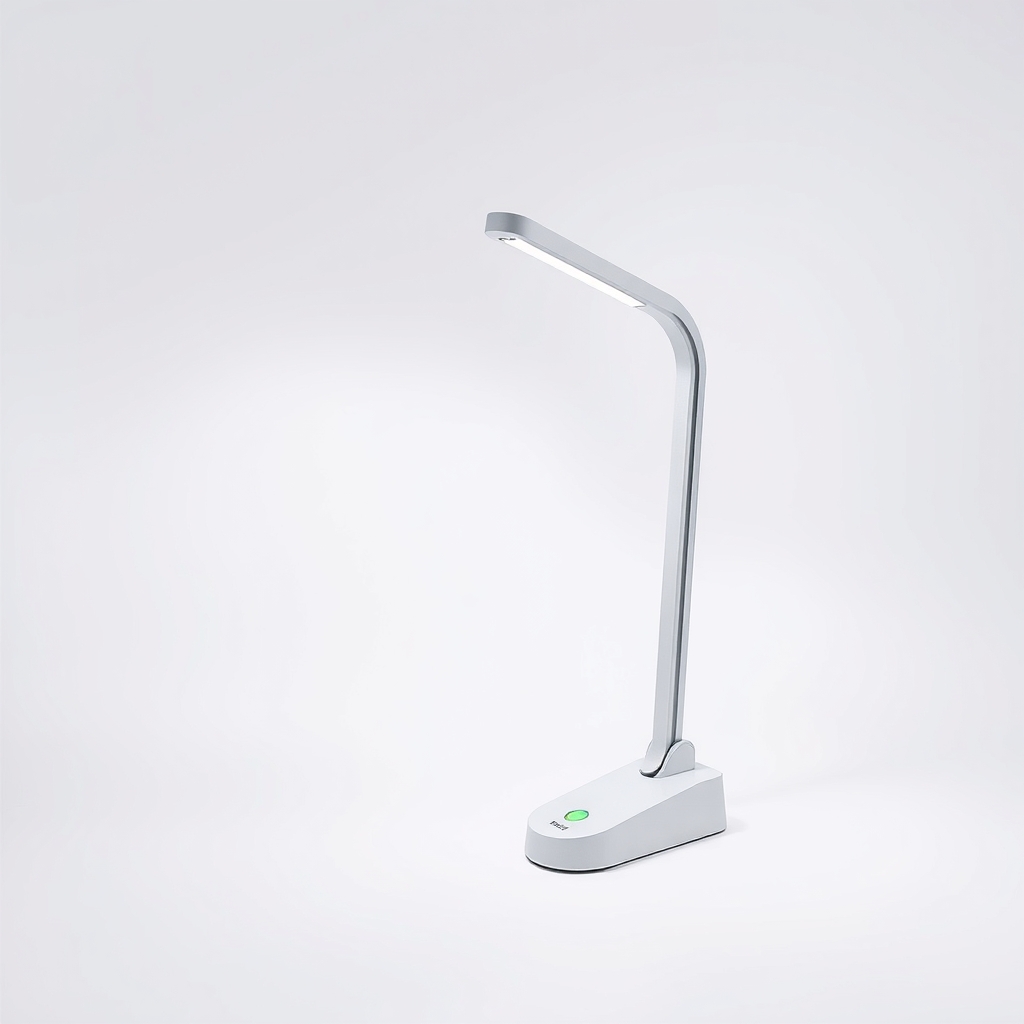
Clamp-on LED desk lamp
Saves desk space on a small desk
- Illustration
LED monitor light bar
Lights the desk without a glare on the screen
Why it happens
A fixed color that does not suit the time of day
A cool white lamp feels harsh at night, and a warm one feels sleepy at noon. Without a way to change it, you either live with it or switch lamps.
Flicker you cannot see
Cheap LED drivers can pulse the light many times a second. You may not notice it, but some people get tired eyes or headaches.
Poor color accuracy
A low color rendering index makes colors look dull or off. It matters for reading, art, sewing and makeup.
Glare and shadows
A lamp on the wrong side throws your hand's shadow onto the page. A bulb in your line of sight, or its reflection on a screen, tires your eyes.
An arm that droops
A weak joint lets the head sag over a session, so you keep adjusting it. A light base can tip as the arm moves.
Try this first (free)
Do these in order, starting with the simplest.
-
1. Test for flicker with your phone
Tool used: Phone cameraPoint your phone camera at the lit lamp and watch the screen. Dark bands rolling across it mean flicker. Try slow motion if your phone has it.
-
2. Check the color of the light
Tool used: Your current desk lampLook at the base or the box for a number in K. About 2700 to 3000K is warm and cozy, and 4000 to 5000K is a neutral to cool white. Use the warmer one in the evening.
-
3. Clear the glare
Look at your screen with the lamp on. If you see the lamp or a bright patch in it, move the lamp to the side or lower it. The bulb should not be visible from your seat.
-
4. Check the arm and the base
Tool used: Your current desk lampRaise and lower the head, and see if it stays. If it droops or the base rocks, tighten the joints. If it still moves, the lamp will keep annoying you.
-
5. Set it up for the task
Use the placement guide below. It takes a minute and often fixes shadows that people blame on the lamp.
When free fixes aren't enough
If the lamp flickers on camera, will not dim, makes colors look off or keeps drooping, placement cannot fix it. The signs are tired eyes or a headache after an hour, glare on your screen, or a lamp you keep fiddling with. A lamp with the five features below does those jobs for you, and a well-built one is a one-time purchase.
Buy the fix
Still stuck after the free fixes? These are the products we would look at.
| Pick | Product | Fixes | Who it's for | Buy |
|---|---|---|---|---|
| Best pick | Adjustable LED desk lamp with color temperature control and dimming | the wrong color for the time of day, flicker and a lamp that droops | Anyone who works, studies or reads at a desk for more than an hour a night. | Check price |
| Budget pick | Clamp-on LED desk lamp with several color modes | a small desk, with the color and dimming you need for a lower cost | Students, small desks and anyone who needs good basics. | Check price |
| Upgrade pick | LED monitor light bar | glare on the screen and no space for a lamp | People who work on a computer all day, on a small desk. | Check price |
Adjustable LED desk lamp with color temperature control and dimming
Fixes: the wrong color for the time of day, flicker and a lamp that droops
Look for: A color temperature range from warm, about 2700K, to cool, about 5000K or higher; Several brightness levels or smooth dimming; A flicker-free listing and a color rendering index (CRI) of 90 or higher; A stable base or clamp and an arm that holds its position.
- Who it's for
- Anyone who works, studies or reads at a desk for more than an hour a night.
- Honest downside
- Your desk is tiny. A clamp lamp or a light bar saves the space.
Clamp-on LED desk lamp with several color modes
Fixes: a small desk, with the color and dimming you need for a lower cost
Look for: A clamp that fits your desk edge thickness; At least three color modes and several brightness levels; A gooseneck or arm that holds its position.
- Who it's for
- Students, small desks and anyone who needs good basics.
- Honest downside
- Your desk edge is too thick, has a lip, or is glass. The clamp may not fit.
LED monitor light bar
Fixes: glare on the screen and no space for a lamp
Look for: A shield or angle that aims light at the desk, not the screen; Color temperature control and dimming; A clip that fits the top of your monitor.
- Who it's for
- People who work on a computer all day, on a small desk.
- Honest downside
- Your monitor is curved or has a shape the clip cannot hold, or you need to light a surface far from the screen.
As an Amazon Associate I earn from qualifying purchases. We don't show prices because they change, so use the button to see today's price.
How we picked: How we picked: this page is based on lighting guides on color temperature, flicker and color rendering, lamp maker specifications, and the problems and features owners mention in reviews. We do not test products by hand.
The five features worth paying for, in plain words
- Adjustable color temperature: warm light at night, cooler light for daytime focus.
- Dimming: several steps, so you are not stuck at full blast.
- Flicker-free light: steady output that does not pulse.
- Accurate color (CRI 90 or higher): colors look true on paper and screen.
- A stable, adjustable arm: it holds its aim and the base does not rock.
Desk lamp setup: where to put it
- Right-handed: put the lamp on your left. Left-handed: put it on your right. This keeps your hand's shadow off the page.
- Screen work: put the lamp beside or behind the monitor, not in front of it.
- Distance: place the lamp head about an arm's length away, aimed at the work.
- Room light: keep a soft light on behind you, since a bright lamp in a dark room strains the eyes.
What to skip
Lamps sold on one number
Skip lamps that advertise only a lumen count or call themselves super bright. Brightness without dimming, color control and steady light just makes a harsher lamp.
Frequently asked questions
What color temperature is best for a desk lamp?
What is CRI and does it matter on a desk lamp?
How bright should a desk lamp be?
Does a desk lamp need to be flicker-free?
Related problems
 Free fix inside
Home Office & Cables · Desk Lamp
Why Does My Desk Lamp Get So Hot or Flicker? Cooler LED Lamps
Read the fix Free fix inside
Home Office & Cables · Desk Lamp
Desk Lamp Too Bright? Dimmable LED Lamps That Ease the Glare
Read the fix Free fix inside
Home Office & Cables · Desk Lamp
Wobbly Table Lamp? Steady It With a Heavier Base
Read the fix Free fix inside
Home Office & Cables · Desk Setup
How to Fix Your Desk Setup for Better Posture: Riser and Stand Picks
Read the fixAs an Amazon Associate I earn from qualifying purchases. Affiliate disclosure