How to Fix Your Desk Setup for Better Posture: Riser and Stand Picks
Slouching at a laptop usually starts with a screen that sits too low. Raise it to eye level for free, then lock in the fix with an adjustable stand.
By Jamilur Rahman Updated November 5, 2026 · 7 min read
- Time
- 20 min
- Cost
- $20-$50
- Difficulty
- Easy
In this guide
Quick answer
If you are wondering how to fix desk posture, start with the screen. A laptop flat on the desk puts the display too low, so your head drops forward and your shoulders round. Raise the screen to eye level, use a separate keyboard and mouse, and set your chair so your feet rest flat. An adjustable laptop stand makes that screen height easy to repeat every day.
Free fix vs. permanent fix
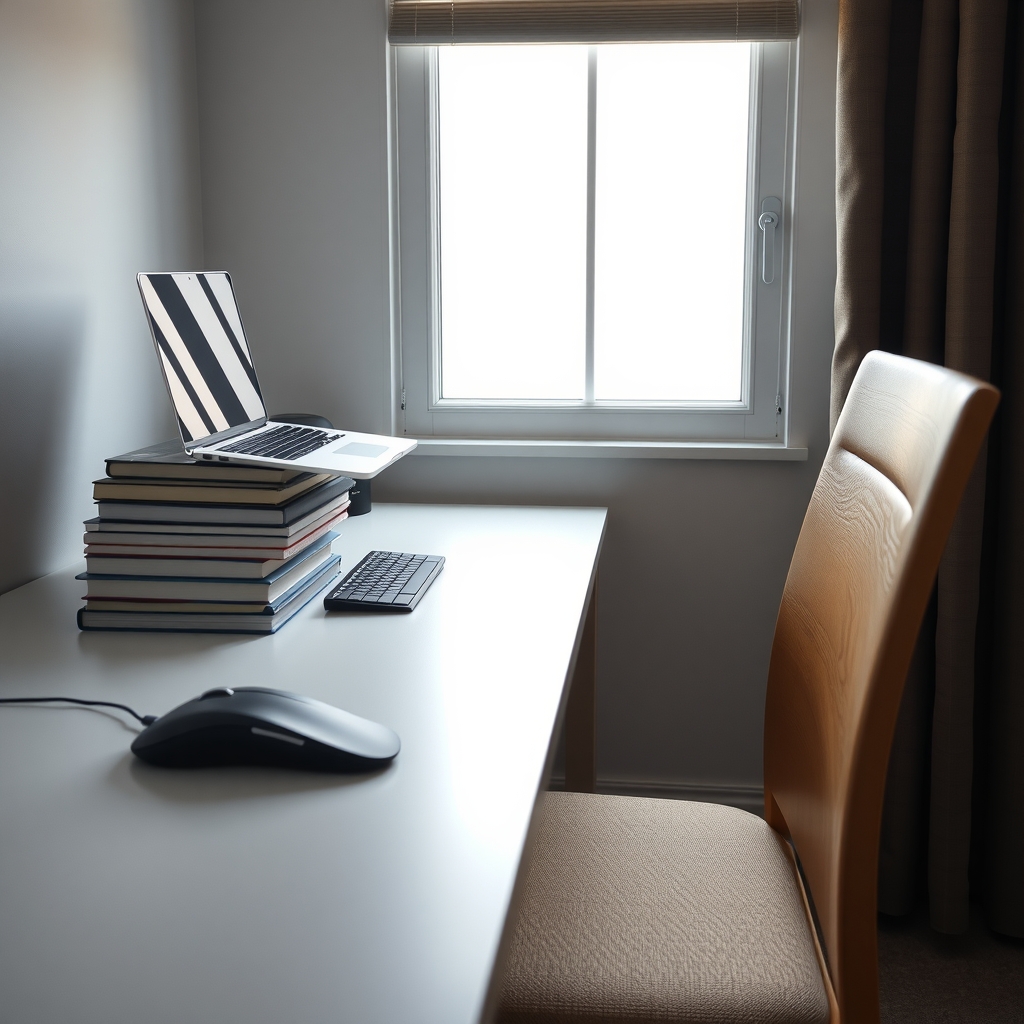
Books under the laptop, box under your feet
- Raise the laptop on books until the top of the screen is at eye level
- Use a separate keyboard and mouse at elbow height
- Set the chair so your feet rest flat, using a box if needed
- Stand up and move every 30 minutes
How long it lasts: A few weeks. Stacks slide, the height is hard to fine-tune, and many people drift back to a flat laptop.
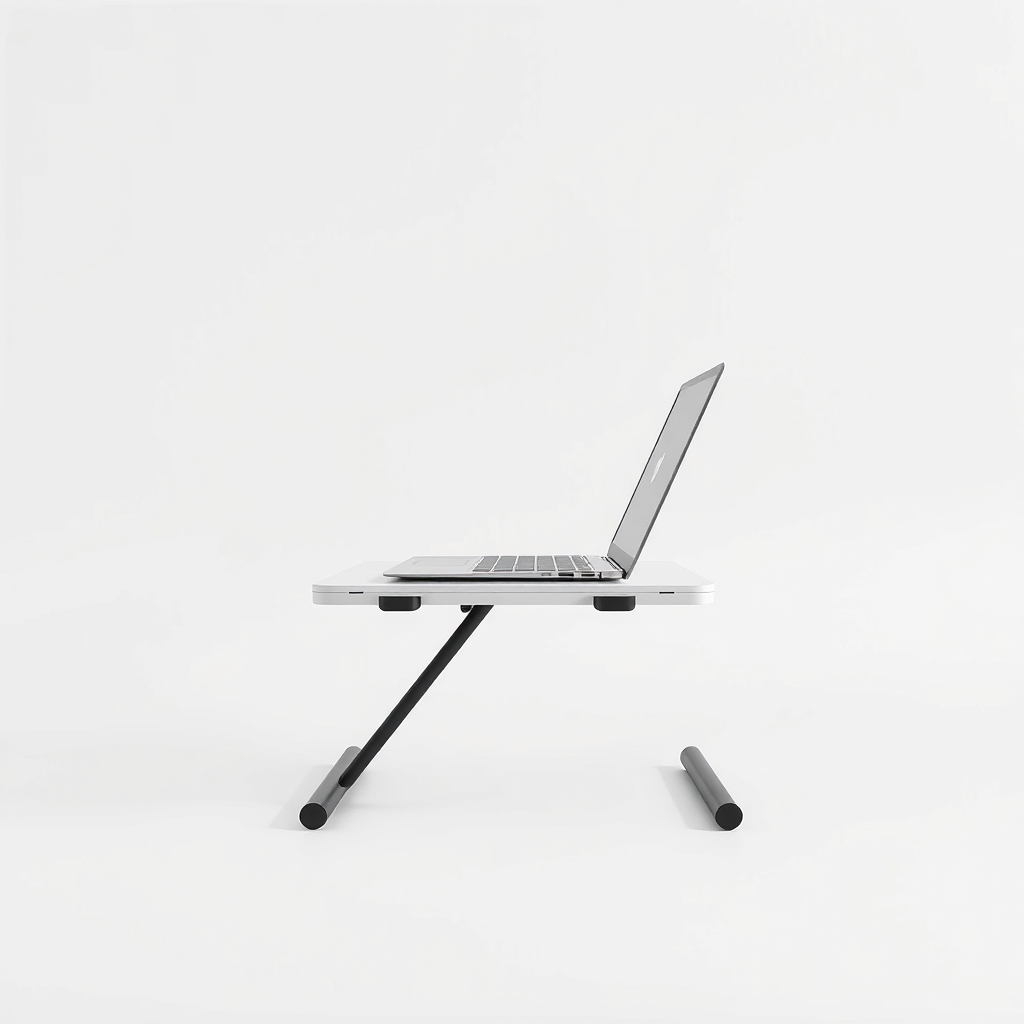
An adjustable laptop stand
A stand sets the screen at the right height and angle in seconds, and unlike a stack of books it does not slide. It only fixes posture if you add a separate keyboard and mouse, because raising the laptop also lifts its keys out of easy reach.
What to get: Adjustable laptop stand
How long it lasts: Years. A sturdy stand holds the same screen height every day and folds flat when you need the desk.
As an Amazon Associate I earn from qualifying purchases.
What you'll need
-
Stack of sturdy books
A free way to test the right screen height
You have it -
Sturdy box or footrest
Supports your feet if they do not reach the floor
Free - Illustration
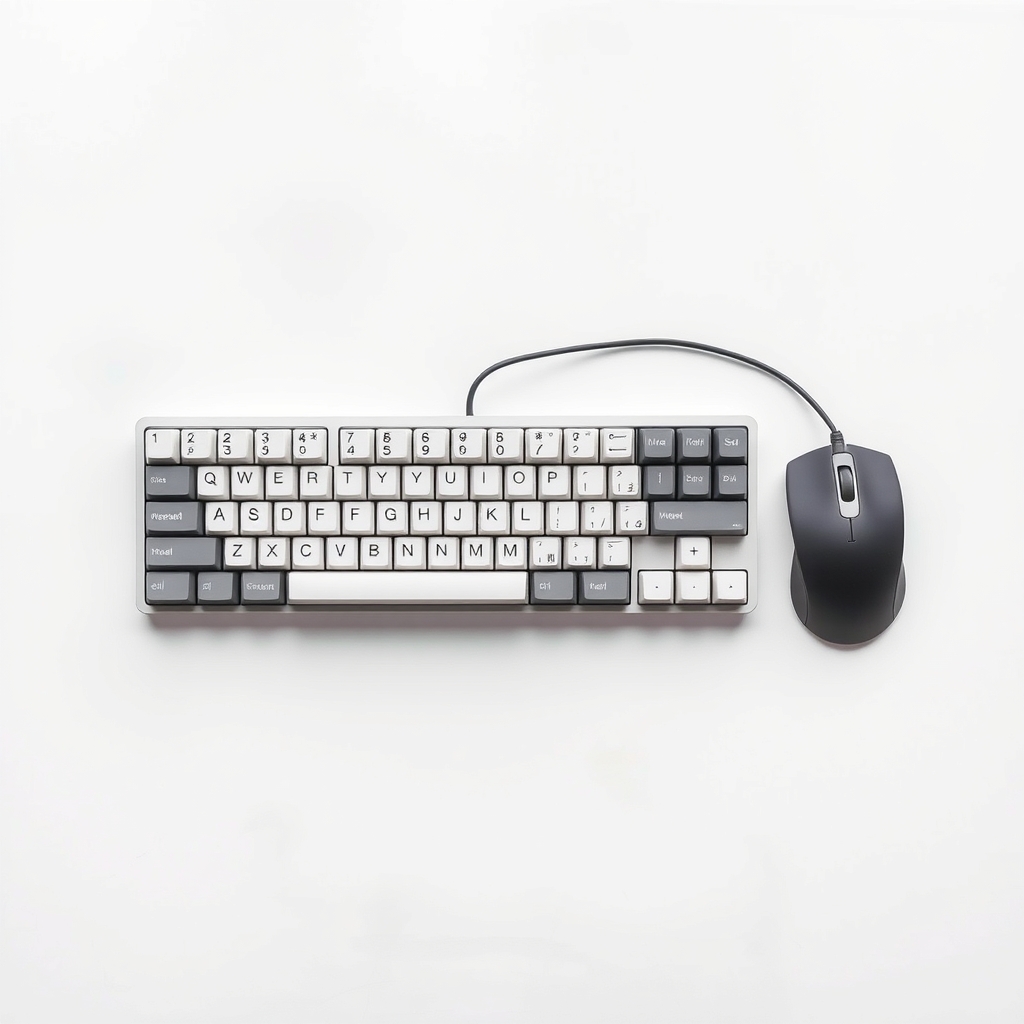
Separate keyboard and mouse
Needed once the laptop screen is raised
- Our pick Illustration
Adjustable laptop stand
Holds the screen at eye level without sliding
- Illustration
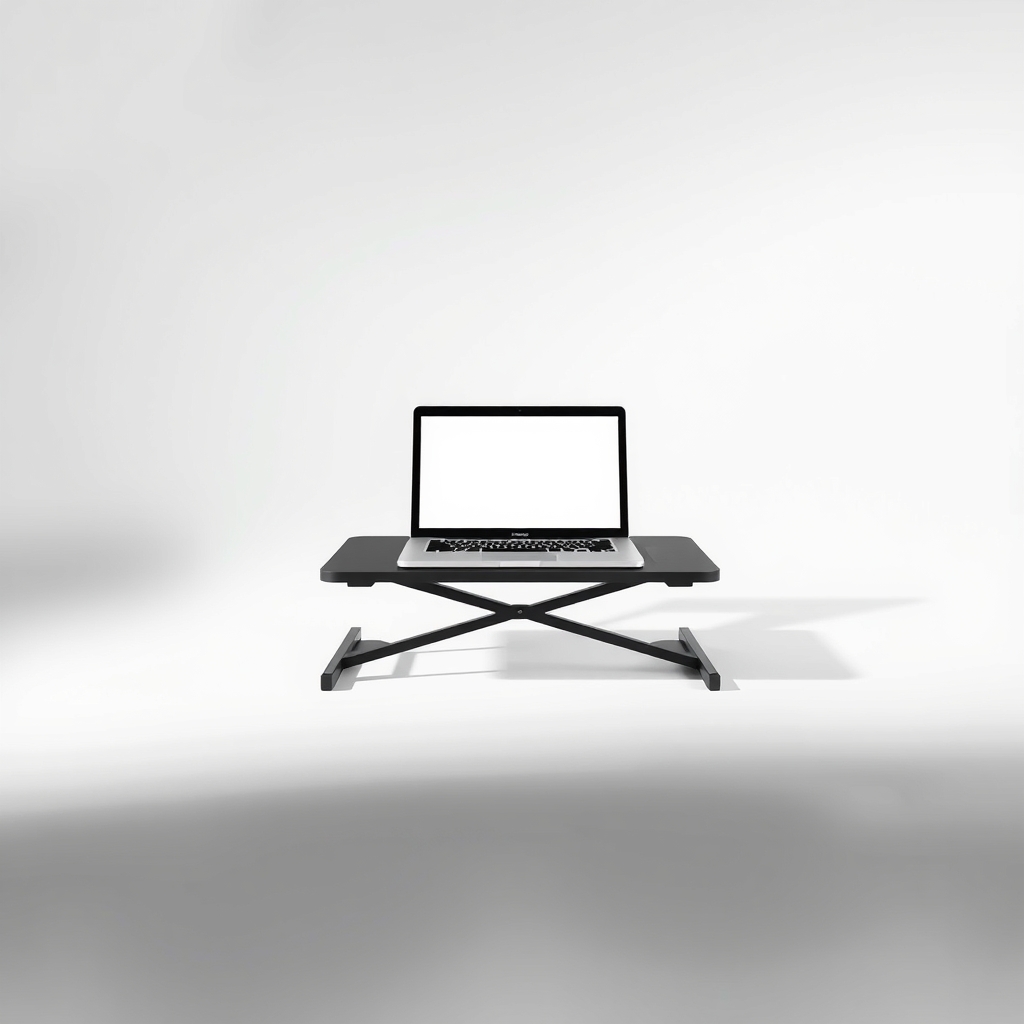
Fixed-height laptop riser
A cheaper, simpler stand once you know your height
Why it happens
A screen that is too low
A laptop on a flat desk puts the display well below eye level. You tilt your head down and forward, which adds strain to your neck and upper back.
Screen and keyboard locked together
On a laptop, raising the screen raises the keys and your hands with it. So most people leave it flat and hunch.
A desk and chair that do not match
If the desk is too high for the chair, your shoulders creep up and your elbows flare. If your feet dangle, you perch on the front edge of the seat.
Sitting still for hours
Even a good position gets tiring. Muscles stay tense the longer you hold one posture without moving.
Try this first (free)
Do these in order, starting with the simplest.
-
1. Set the chair first
Tool used: Sturdy box or footrestSit with your hips back against the chair. Adjust the seat height so your feet rest flat and your knees sit about level with your hips. If your feet dangle, put a sturdy box under them.
-
2. Raise the screen to eye level
Tool used: Stack of sturdy booksStack books under the laptop until the top edge of the screen is at or just below eye level, about an arm's length from your face. Sit tall and look straight ahead, not down.
-
3. Add a separate keyboard and mouse
Tool used: Separate keyboard and mousePlace them on the desk so your elbows bend to about 90 degrees and your shoulders stay relaxed. Keep your wrists straight, not bent up or down.
IllustrationCheck price on AmazonTool for this step
Separate keyboard and mouse · Needed once the laptop screen is raised
-
4. Swap the books for a stand
Tool used: Adjustable laptop standOnce you know the height that feels right, a stand holds it. Set the stand to the same screen height you found with the books, and tilt it a little if glare bothers you.
IllustrationCheck price on AmazonTool for this step
Adjustable laptop stand · Holds the screen at eye level without sliding
-
5. Move every half hour
Set a timer. Stand, roll your shoulders and walk for a minute. Changing position matters as much as getting the setup right.
When free fixes aren't enough
Books are a good test, but stacks slip, they are hard to set to an exact height, and they take up desk space. If you work at the desk most days, a stand is the version you will keep using. Choose one that adjusts in both height and angle. You still need a separate keyboard and mouse, because a stand lifts the built-in keys out of reach. If you have numbness, tingling, weakness or pain that spreads down an arm, or neck and back pain that lasts after you fix the setup, see a doctor or physical therapist. A stand will not fix a medical problem.
Buy the fix
Still stuck after the free fixes? These are the products we would look at.
| Pick | Product | Fixes | Who it's for | Buy |
|---|---|---|---|---|
| Best pick | Adjustable laptop stand | a low screen that pulls your head forward | Anyone who works on a laptop for hours and has, or will buy, a separate keyboard and mouse. | Check price |
| Budget pick | Fixed-height laptop riser | a low screen, at a lower price with a set height | Someone with one desk and one chair who has found the right height using the book test. | Check price |
Adjustable laptop stand
Fixes: a low screen that pulls your head forward
Look for: Height adjustment high enough to bring the screen to your eye level while seated; A stable base that does not wobble when you type or touch the screen; Weight and size limits that fit your laptop; An open design so air can reach the bottom of the laptop.
- Who it's for
- Anyone who works on a laptop for hours and has, or will buy, a separate keyboard and mouse.
- Honest downside
- You only use the laptop on your lap or the couch, or you will not use a separate keyboard. A raised screen with the built-in keys makes typing worse.
Fixed-height laptop riser
Fixes: a low screen, at a lower price with a set height
Look for: Rubber pads so the laptop does not slide; A height that puts the top of the screen near your eye level; An open back so cables and air can pass.
- Who it's for
- Someone with one desk and one chair who has found the right height using the book test.
- Honest downside
- You share the desk with someone of a different height, or switch between sitting and standing.
As an Amazon Associate I earn from qualifying purchases. We don't show prices because they change, so use the button to see today's price.
How we picked: How we picked: this page is based on workplace ergonomics guidance, laptop stand instructions from the makers and the problems and fixes people report in owner reviews. We do not test products by hand.
The five-point desk check
- Head: the top of the screen is at eye level and an arm's length away.
- Shoulders: relaxed, not hunched toward your ears.
- Elbows: bent to about 90 degrees, close to your body.
- Wrists: straight while you type and use the mouse.
- Back and feet: your hips are back in the seat, feet are flat and knees sit about level with your hips.
What to skip
Posture braces and straps
A brace pulls your shoulders back for a while, but it does not change the screen height or chair setup that caused the slouch. Fix the setup first. Also skip long sessions on the couch or in bed, where no stand can help.
Frequently asked questions
How high should my laptop screen be?
Is a laptop stand enough to fix my posture?
Can I fix my desk posture with just books?
How often should I take a break from my desk?
When should I see a doctor about desk pain?
Related problems
 Free fix inside
Home Office & Cables · Desk Setup
Desk Too High for Your Chair? A Footrest Evens It Out
Read the fix Free fix inside
Home Office & Cables · Office Chair Comfort
Office Chair Too Deep? Lumbar Cushions That Shorten the Seat
Read the fix Free fix inside
Home Office & Cables · Laptop
Why Does My Laptop Get So Hot? Cool It Down and Keep It Cool
Read the fix Free fix inside
Home Office & Cables · Desk Setup
How to Keep a Home Office Organized: Desk Organizers Worth Buying
Read the fixAs an Amazon Associate I earn from qualifying purchases. Affiliate disclosure