Why Does My Desk Lamp Get So Hot or Flicker? Cooler LED Lamps
A hot or flickering desk lamp usually has an old-style bulb, a loose connection or the wrong wattage. Check safety first, then switch to a cool-running LED.
By Jamilur Rahman Updated November 5, 2026 · 6 min read
- Time
- 20 min
- Cost
- $20-$50
- Difficulty
- Easy
In this guide
Quick answer
Why does my desk lamp get so hot? Usually it has a halogen or incandescent bulb that turns most of its power into heat, or a bulb stronger than the lamp is rated for. Unplug it, match the bulb to the wattage label, and fix loose connections that cause flicker. A cool-running LED lamp or bulb is the lasting fix.
Free fix vs. permanent fix
Check the label, tighten and retest
- Unplug the lamp and let it cool for 15 minutes
- Read the maximum wattage on the socket or lamp label
- Screw the bulb in snugly and try another outlet
- Swap any bulb above the rating
How long it lasts: Fixes a loose bulb or a wrong-wattage bulb right away. It cannot make a halogen bulb run cool.
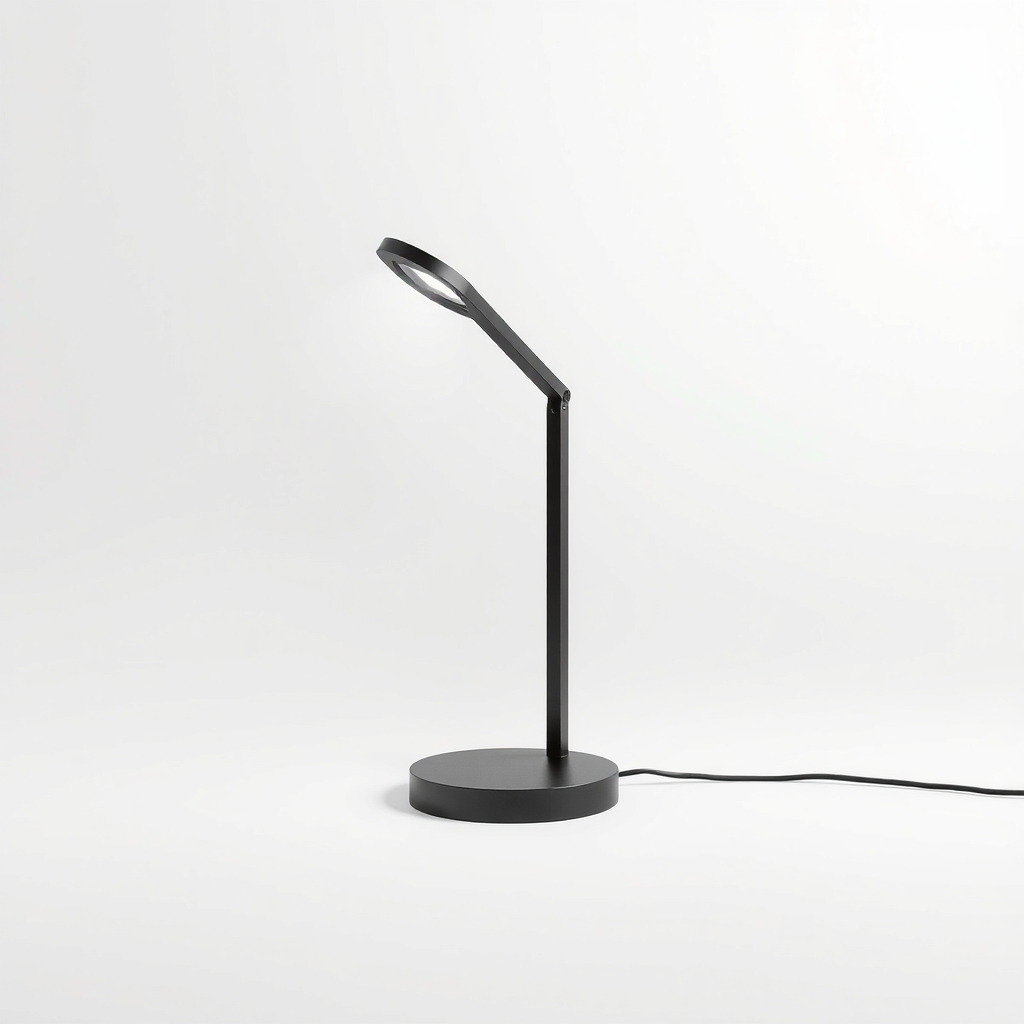
An LED desk lamp
A halogen or incandescent bulb is mostly a heater that also makes light. An LED makes the same light from a fraction of the power, so there is less heat to build up and less strain on the socket and cord.
What to get: LED desk lamp with a built-in LED
How long it lasts: Years. LEDs run much cooler and rarely flicker when the driver is good.
As an Amazon Associate I earn from qualifying purchases.
What you'll need
-
Lamp wattage label
On the socket or the lamp's base. It tells you the maximum bulb wattage
Free -
A different outlet or lamp
To tell whether the outlet or the lamp is at fault
You have it - Illustration
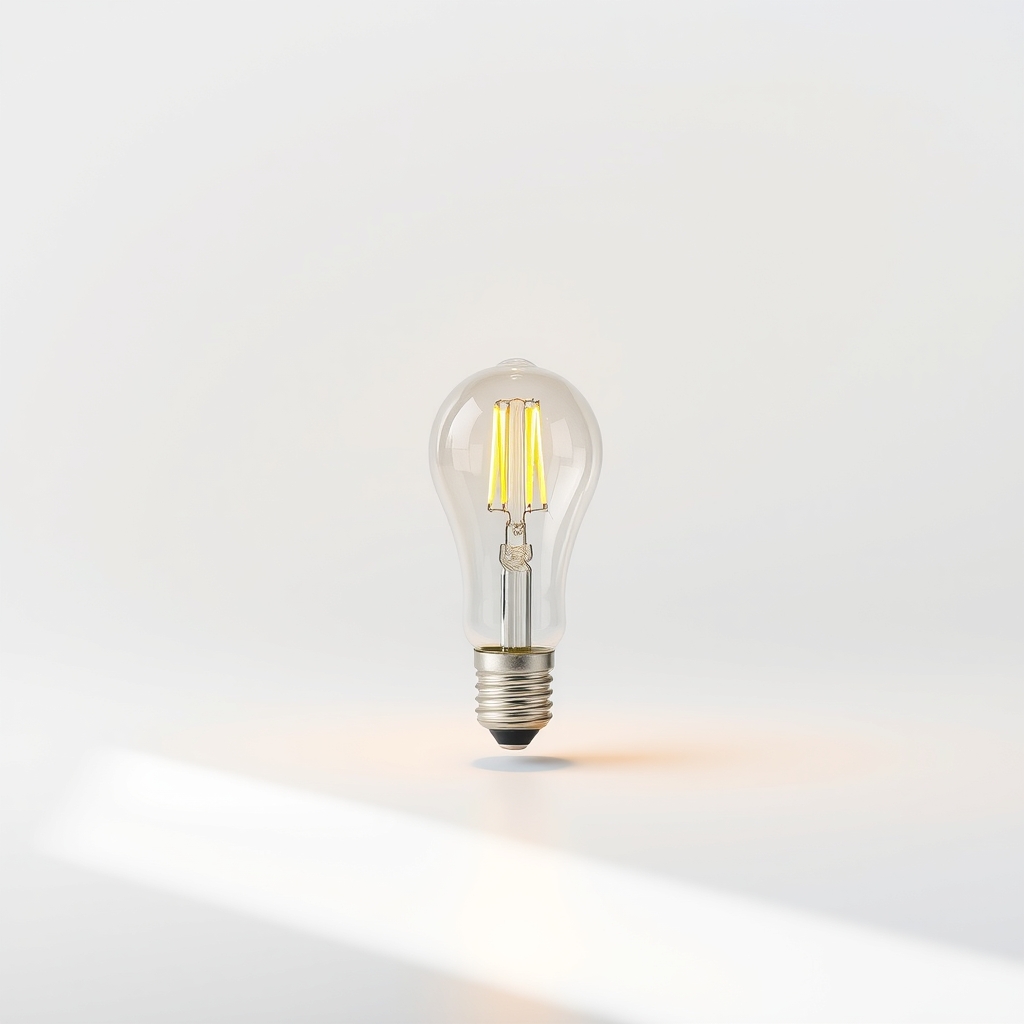
LED bulb to fit your lamp
Match the base type and the dimmer, if there is one
- Our pick Illustration
LED desk lamp
Built-in LED, so there is no bulb to overheat
Why it happens
A halogen or incandescent bulb
These bulbs turn most of their power into heat. A halogen bulb's surface can be hot enough to burn skin, and the shade and socket warm up with it.
A bulb stronger than the lamp is rated for
A lamp marked for 40 watts may overheat with a 60-watt bulb. The extra heat can discolor the shade and soften the socket.
A loose bulb or poor contact
A bulb that is not seated snugly, or a worn socket contact, makes the light flicker and can arc and heat the base.
A dimmer or switch mismatch
A non-dimmable LED on a dimmer buzzes and flickers. An old switch with worn contacts can do the same.
A failing LED driver or worn cord
Cheap LED drivers fade or pulse when they age. A cord with a loose plug or a damaged wire can cut in and out.
Try this first (free)
Do these in order, starting with the simplest.
-
1. Unplug it and let it cool
If you smell burning or see melted plastic, a scorched shade, a hot plug or a discolored socket, unplug the lamp and stop using it. Sparks or a buzzing sound mean the same. Do not plug it back in.
-
2. Check the wattage label
Tool used: Lamp wattage labelFind the maximum wattage on the socket or the lamp's base, and compare it to the bulb. For an LED, use the bulb's real wattage, often 5 to 10 watts, not the 'equal to 60 watts' headline.
-
3. Tighten the bulb and try another outlet
Tool used: A different outlet or lampScrew the bulb in until it is snug and do not force it. Plug the lamp into another outlet. If the flicker stops, the first outlet or plug was loose. Try a different lamp in the first outlet too.
-
4. Swap to an LED bulb
Tool used: LED bulb to fit your lampMatch the base type to the old bulb (many US lamps use the medium screw base). Choose one marked dimmable if the lamp has a dimmer, and one rated for enclosed fixtures if there is a shade around it.
IllustrationCheck price on AmazonTool for this step
LED bulb to fit your lamp · Match the base type and the dimmer, if there is one
-
5. Inspect the cord
With the lamp unplugged, look at the cord and plug for fraying, bent prongs or brown marks. A damaged cord means the lamp should be replaced.
When free fixes aren't enough
If the lamp is still hot to touch with an LED bulb, if the flicker continues in another outlet, or if the plug, cord or socket is discolored, the fault is in the lamp. Replace it rather than repair it. Old halogen desk lamps are designed around a hot bulb, and an LED desk lamp has no bulb to overheat. If lights across the house flicker as well, that is a wiring or circuit problem for an electrician.
Buy the fix
Still stuck after the free fixes? These are the products we would look at.
| Pick | Product | Fixes | Who it's for | Buy |
|---|---|---|---|---|
| Best pick | LED desk lamp with a built-in LED | heat from an old bulb and the flicker of a worn lamp | Anyone with a hot halogen or incandescent desk lamp. | Check price |
| Budget pick | LED bulb to fit your existing lamp | a hot bulb in a lamp that is otherwise sound | People with a lamp in good condition who want it to run cooler. | Check price |
LED desk lamp with a built-in LED
Fixes: heat from an old bulb and the flicker of a worn lamp
Look for: A built-in LED, so there is no bulb to run hot; A flicker-free or low-flicker listing; Several brightness steps; A US safety certification mark, such as UL or ETL.
- Who it's for
- Anyone with a hot halogen or incandescent desk lamp.
- Honest downside
- You love your current lamp and it just needs a new bulb. Use the LED bulb instead.
LED bulb to fit your existing lamp
Fixes: a hot bulb in a lamp that is otherwise sound
Look for: A base that matches your old bulb; A dimmable label if the lamp has a dimmer; A real wattage below the lamp's rating; An enclosed-fixture rating if there is a shade.
- Who it's for
- People with a lamp in good condition who want it to run cooler.
- Honest downside
- The lamp's cord, plug or socket is cracked, discolored or warm. Replace the lamp instead.
As an Amazon Associate I earn from qualifying purchases. We don't show prices because they change, so use the button to see today's price.
How we picked: How we picked: this page is based on lamp maker safety instructions, lighting guides on bulb wattage and dimmers, and the problems and fixes people report in reviews. We do not test products by hand.
Table lamp keeps flickering? Check these four things in order
- Unplug the lamp and screw the bulb in snugly.
- Try the lamp in another outlet, and another lamp in the first outlet.
- Take the lamp off any dimmer, or use a dimmable bulb.
- Replace the bulb with a new one. If it still flickers, the lamp is at fault.
Desk lamp not working or LED desk lamp not working? A four-step check
- Plug it into an outlet you know works.
- Check the switch and the bulb. Try a new bulb in a lamp with a bulb socket.
- Inspect the cord and plug for damage.
- If the lamp has a built-in LED, the driver has probably failed. These are not made to be repaired, so replace the lamp.
What to skip
Lower-wattage halogen or incandescent bulbs
A dimmer old-style bulb still wastes most of its power as heat, so the lamp stays warm. Change the bulb type, not the wattage.
Frequently asked questions
Why does my desk lamp flicker?
Why is my desk lamp flickering when the fridge or AC turns on?
Is it normal for a desk lamp to get hot?
Can I put an LED bulb in an old desk lamp?
Related problems
 Free fix inside
Home Office & Cables · Desk Lamp
Desk Lamp Too Bright? Dimmable LED Lamps That Ease the Glare
Read the fix Free fix inside
Home Office & Cables · Desk Lamp
What Makes a Good Desk Lamp? 5 Features Worth Paying For
Read the fix Free fix inside
Home Office & Cables · Desk Lamp
Table Lamp Switch Broken? Replace It Cheaply in 15 Minutes
Read the fix Free fix inside
Home Office & Cables · Desk Lamp
Wobbly Table Lamp? Steady It With a Heavier Base
Read the fixAs an Amazon Associate I earn from qualifying purchases. Affiliate disclosure