Standing Desk Not Electric? Manual Converters That Still Adjust
You do not need a motor or a new desk to stand while you work. Test a standing setup for free, then add a manual converter that lifts by hand.
By Jamilur Rahman Updated November 5, 2026 · 7 min read
- Time
- 30 min
- Cost
- $50-$150
- Difficulty
- Easy
In this guide
Quick answer
A standing desk not electric is easy to get: a manual converter sits on the desk you already own and lifts by hand with a lever or gas spring, with no motor and no outlet. Stand at a counter or on a sturdy box today to see if you like it. The lasting fix is a converter sized to your screen, keyboard and desk depth, so switching between sitting and standing takes a few seconds.
Free fix vs. permanent fix
Test standing with what you have
- Use a kitchen counter, tall dresser or ironing board at elbow height
- Raise a screen on a sturdy box so the top is at eye level
- Stand for 20 to 30 minutes, then sit, and repeat
- Do not stack loose books under a screen, because they can slide
How long it lasts: Good for a day or two of testing. A box or a counter is a single height, it can wobble, and you have to move everything each time you want to sit.
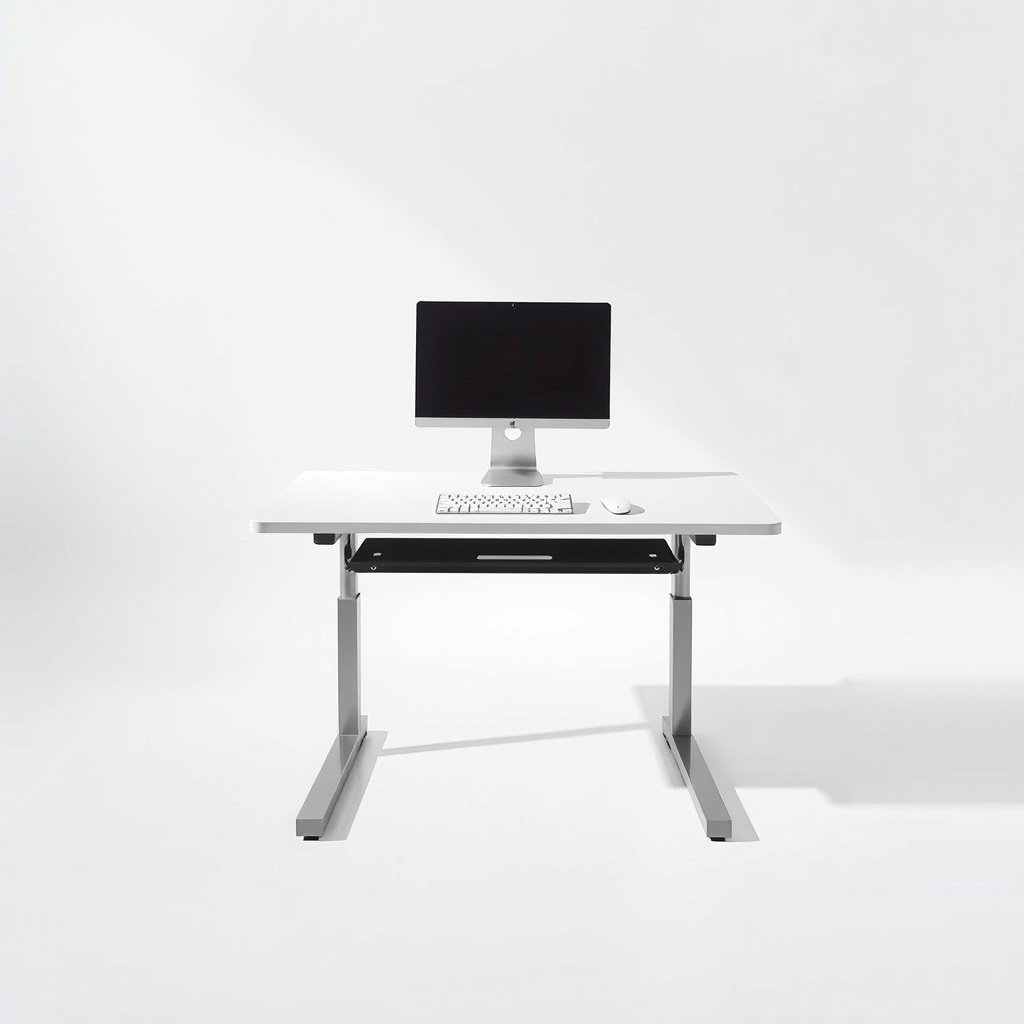
A manual sit-stand desk converter
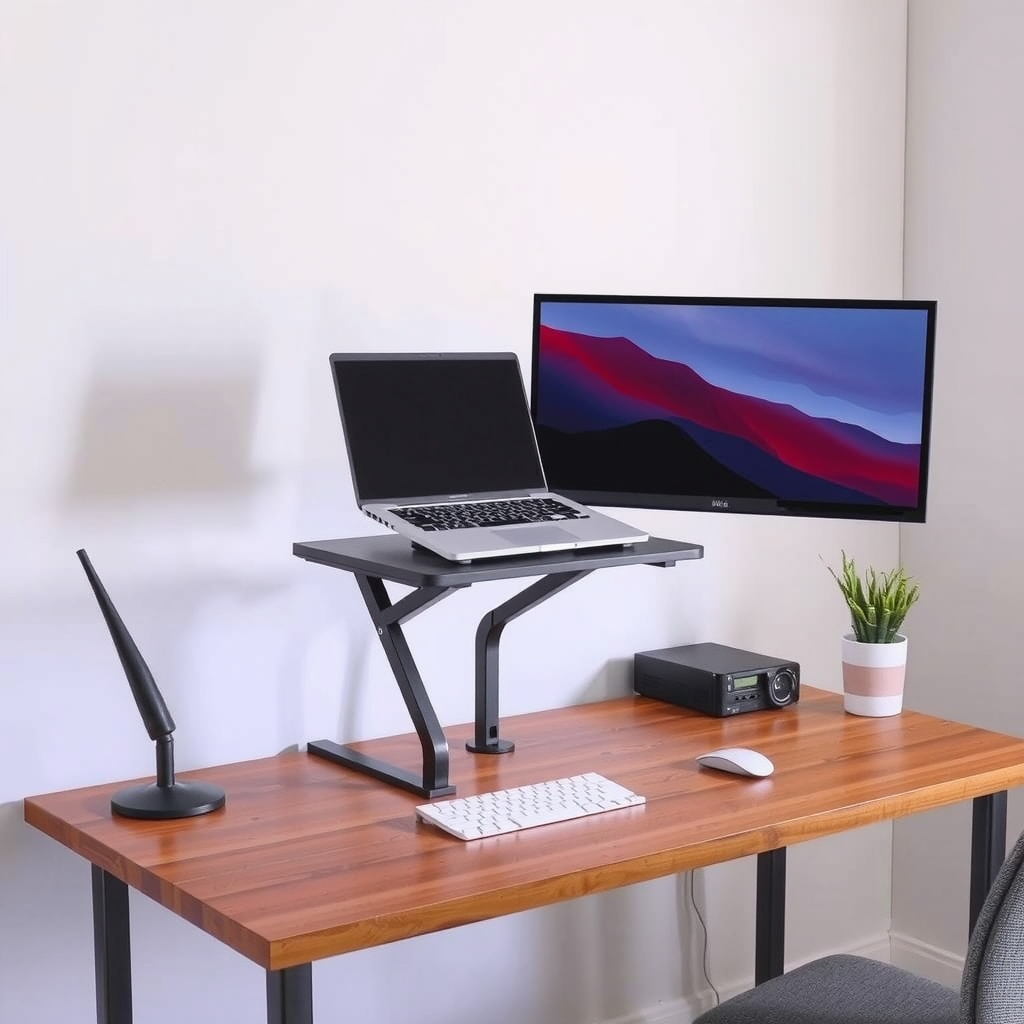
A converter sits on your existing desk, so your monitor, keyboard and mouse rise together. A gas spring or lever lifts it with a press of a handle, and it stays at the height you choose. You get a real sit-stand setup without replacing the desk or needing power.
What to get: Manual sit-stand desk converter with keyboard tray
How long it lasts: Years, with no motor to fail and no cord to run.
As an Amazon Associate I earn from qualifying purchases.
What you'll need
-
Tape measure
Measure desk depth, width and the space above the desk
You have it -
Sturdy box or kitchen counter
A no-cost test surface that must hold your screen's weight
Free - Our pick Illustration
Manual sit-stand desk converter
Lifts your whole setup by hand in a few seconds
- Illustration
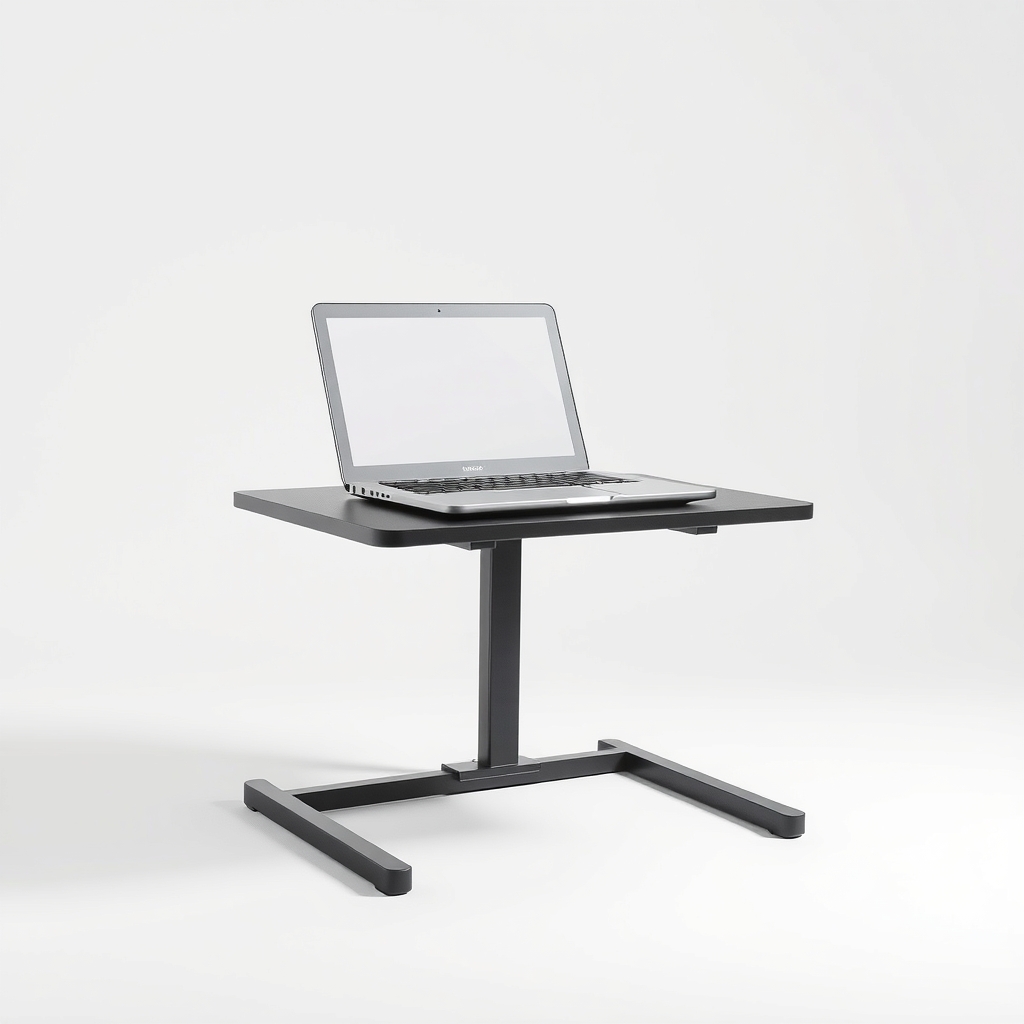
Adjustable laptop riser stand
A smaller, cheaper option for a laptop only
- Illustration
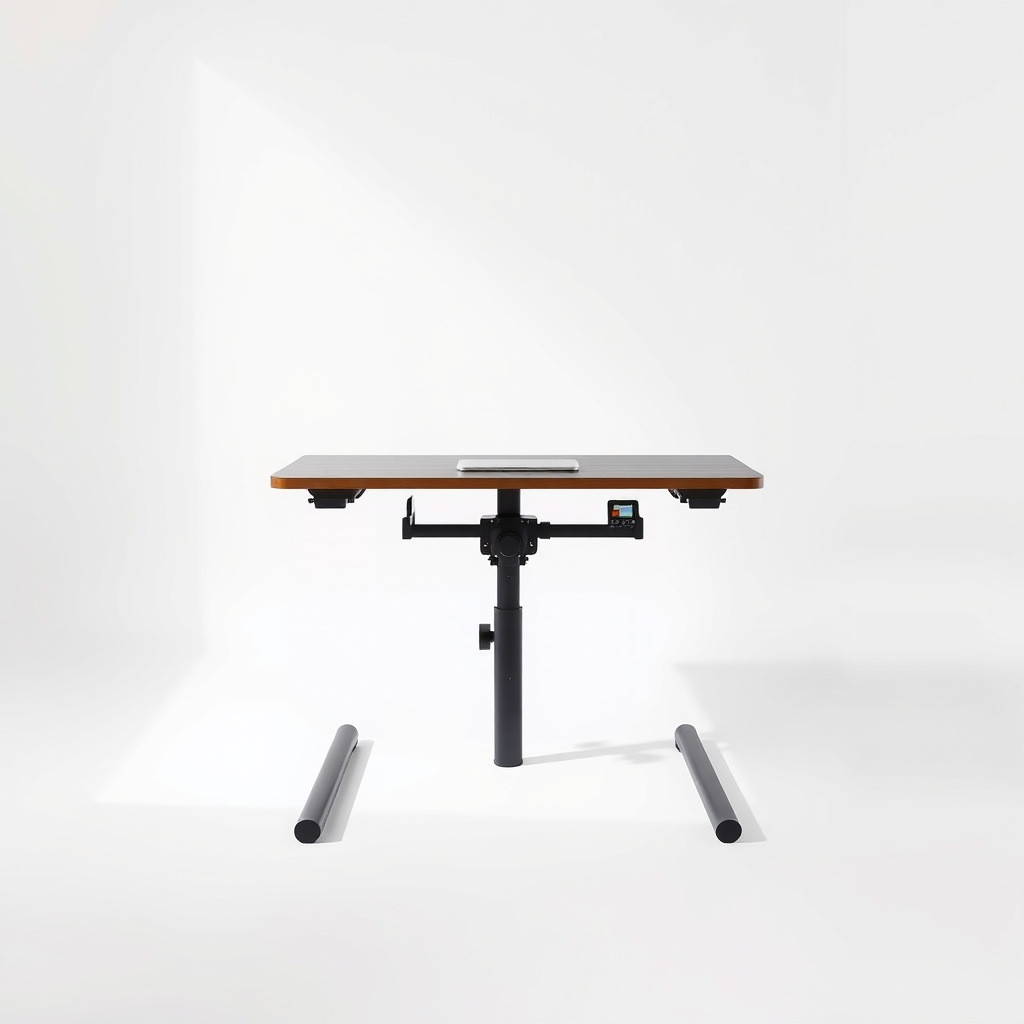
Hand-crank sit-stand desk
For replacing the desk with a full manual one
- Illustration
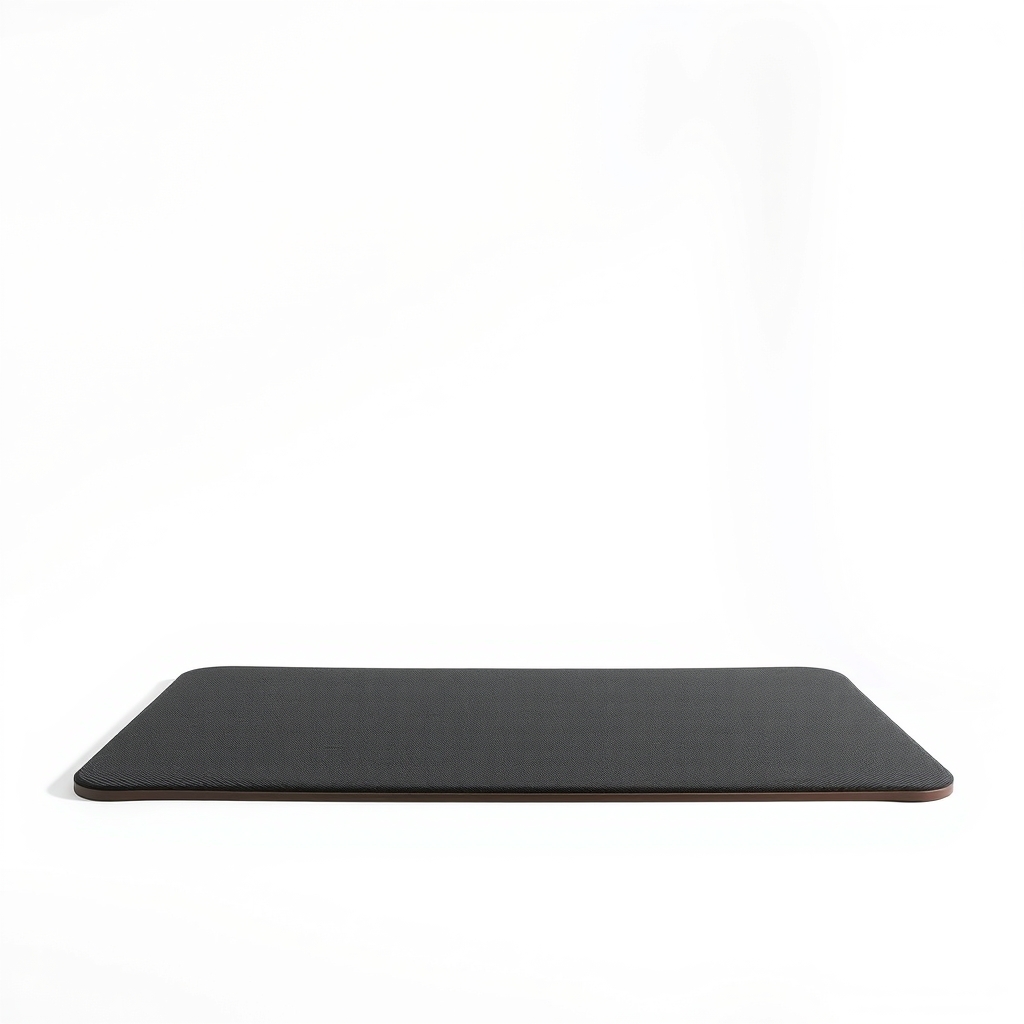
Anti-fatigue mat
Standing on a hard floor tires feet and legs
Why it happens
A fixed desk sits at one height
Most desks are about 29 to 30 inches tall, which suits a seated adult and is far too low for standing. There is no setting to change.
Electric desks cost more and need an outlet
Motorized frames usually cost more than a manual one, need a power point and add another cable to hide. That is not always practical in a rental, a dorm or a shared space.
Standing needs the whole setup to move
Raising only the laptop leaves your keyboard too high or your screen too low. Your screen, keyboard and mouse have to rise together, and the screen needs to be higher than the keyboard.
Try this first (free)
Do these in order, starting with the simplest.
-
Find your standing elbow height
Tool used: Tape measureStand straight with your elbows bent at 90 degrees and measure from the floor to your forearm. Your keyboard surface should be about there. Mark the height on the wall with a piece of tape.
-
Try a counter or box at that height
Tool used: Sturdy box or kitchen counterSet your laptop on a counter, a tall dresser or an ironing board, or put a sturdy box on your desk. Stand for 20 to 30 minutes and see how your neck, back and wrists feel.
-
Put the screen at eye level
The top of the screen should be at or just below eye level. A laptop alone forces you to look down, so add a separate keyboard and mouse and keep them lower than the screen.
-
Alternate sitting and standing
Many ergonomic guides suggest switching position every 30 to 60 minutes. Start with short standing sessions and shift your weight, since standing still for hours can tire you as much as sitting.
-
Measure the desk for a converter
Tool used: Tape measureMeasure the desk depth and width, and the height of anything above it, such as a shelf or window sill. Compare these with the listed footprint of any converter, and with its raised height.
When free fixes aren't enough
A box or counter test tells you whether you like standing, and not much more. A stack of boxes is one fixed height, can shift under load and has to be rebuilt each time you want to sit. If you want to change position several times a day, your whole setup has to move together, and a manual converter does that in seconds. Measure first: a converter needs a deep enough desk and some clear space above it. If your desk is small, has a hutch or has a drawer under the spot where it will sit, check the listed size and the maximum weight against your monitor and keyboard.
Buy the fix
Still stuck after the free fixes? These are the products we would look at.
| Pick | Product | Fixes | Who it's for | Buy |
|---|---|---|---|---|
| Best pick | Manual sit-stand desk converter with keyboard tray | a desk that cannot reach standing height, without a motor or a new desk | Anyone with a fixed desk who wants to switch between sitting and standing a few times a day. | Check price |
| Budget pick | Adjustable laptop riser stand | a laptop that is too low for standing work | Someone who works on a laptop only and wants a cheap, small way to try standing. | Check price |
| Upgrade pick | Hand-crank sit-stand desk frame and top | bounce at full height and a surface that is too small | Someone replacing the desk anyway who wants no outlet, no motor and a bigger work surface. | Check price |
Manual sit-stand desk converter with keyboard tray
Fixes: a desk that cannot reach standing height, without a motor or a new desk
Look for: A listed weight capacity above your monitor, keyboard and laptop combined; A lever or press-and-release lift that holds at any height; A separate keyboard tray so the screen sits higher than your hands; A footprint that fits your desk depth, with a width that fits your screens.
- Who it's for
- Anyone with a fixed desk who wants to switch between sitting and standing a few times a day.
- Honest downside
- Your desk is shallow, has a hutch or a glass top. Check the listed depth, clearance and weight limit first.
Adjustable laptop riser stand
Fixes: a laptop that is too low for standing work
Look for: A height range that reaches your standing elbow height with a separate keyboard; A stable base with non-slip feet; A listed weight capacity above your laptop's weight.
- Who it's for
- Someone who works on a laptop only and wants a cheap, small way to try standing.
- Honest downside
- You use a large monitor or heavy equipment. The weight rating is usually low on this type.
Hand-crank sit-stand desk frame and top
Fixes: bounce at full height and a surface that is too small
Look for: A crank that raises the desk smoothly; A top large enough for two screens; A steady frame at full standing height.
- Who it's for
- Someone replacing the desk anyway who wants no outlet, no motor and a bigger work surface.
- Honest downside
- You do not want to assemble a full desk. A crank is also slower to adjust than a gas-spring converter.
As an Amazon Associate I earn from qualifying purchases. We don't show prices because they change, so use the button to see today's price.
How we picked: How we picked: this page is based on ergonomics guidance on sitting and standing, product weight and size listings from converter makers, and what people report in owner reviews. We do not test products by hand.
Converter or crank desk: which one do you need?
- Converter: sits on the desk you own. Cheaper, no assembly of a frame, easy to return if it does not suit you. Takes up desk space.
- Hand-crank desk: replaces the desk. A bigger, steadier surface, but a larger purchase and slower to change height.
- Laptop riser: the lightest option, for a laptop and a separate keyboard only.
How to set your standing height
Stand with your elbows at about 90 degrees and your wrists straight. The keyboard and mouse should be at that height, and the top of the screen at or just below eye level, about an arm's length away. When you sit again, set the converter back down so the same rules apply at your chair height.
What to skip
Stacked books and no-rating stands
A pile of books can slide and drop a screen. Very cheap stands with no listed weight rating can bounce or tip. And a fully electric desk is only worth it if you want memory presets and a powered lift.
Frequently asked questions
What do you call a standing desk that is not electric?
Are manual standing desk converters stable?
How long should I stand at my desk?
Will my cables reach when the desk goes up?
Related problems
 Free fix inside
Home Office & Cables · Standing Desk
Standing Desk Cables Too Short? Fix the Tug Before It Yanks a Plug
Read the fix Free fix inside
Home Office & Cables · Standing Desk
Standing Desk Wobbling? What Steadies It at Full Height
Read the fix Free fix inside
Home Office & Cables · Standing Desk
Standing Desk Topper for Dual Monitors: What to Look For
Read the fix Free fix inside
Home Office & Cables · Standing Desk
Standing Desk Not Ugly: Sit-Stand Desks That Look Like Furniture
Read the fixAs an Amazon Associate I earn from qualifying purchases. Affiliate disclosure