Garage Door Won't Open With the Remote? 4 Fixes, Free First
A weak battery, lock mode or lost pairing stops most remotes. Try three free fixes first, then a compatible remote ends the problem.
By Jamilur Rahman Updated November 5, 2026 · 7 min read
- Time
- 20 min
- Cost
- $20-$50
- Difficulty
- Easy
In this guide
Quick answer
When a garage door is not opening with the remote, the usual cause is a dead battery, the lock button on the wall panel or a remote that lost its pairing. Swap the battery, test the wall button, then reprogram the remote using the Learn button on the opener. If the remote is cracked, worn or still dead after that, a compatible replacement remote costs far less than a service call.
Free fix vs. permanent fix
Battery, lock check and reprogram
- Test the wall button to see if the opener works
- Swap in a fresh remote battery
- Turn off lock mode on the wall panel
- Reprogram the remote with the Learn button
How long it lasts: Fixes a dead battery or lost pairing for good. A worn-out remote can fail again soon.
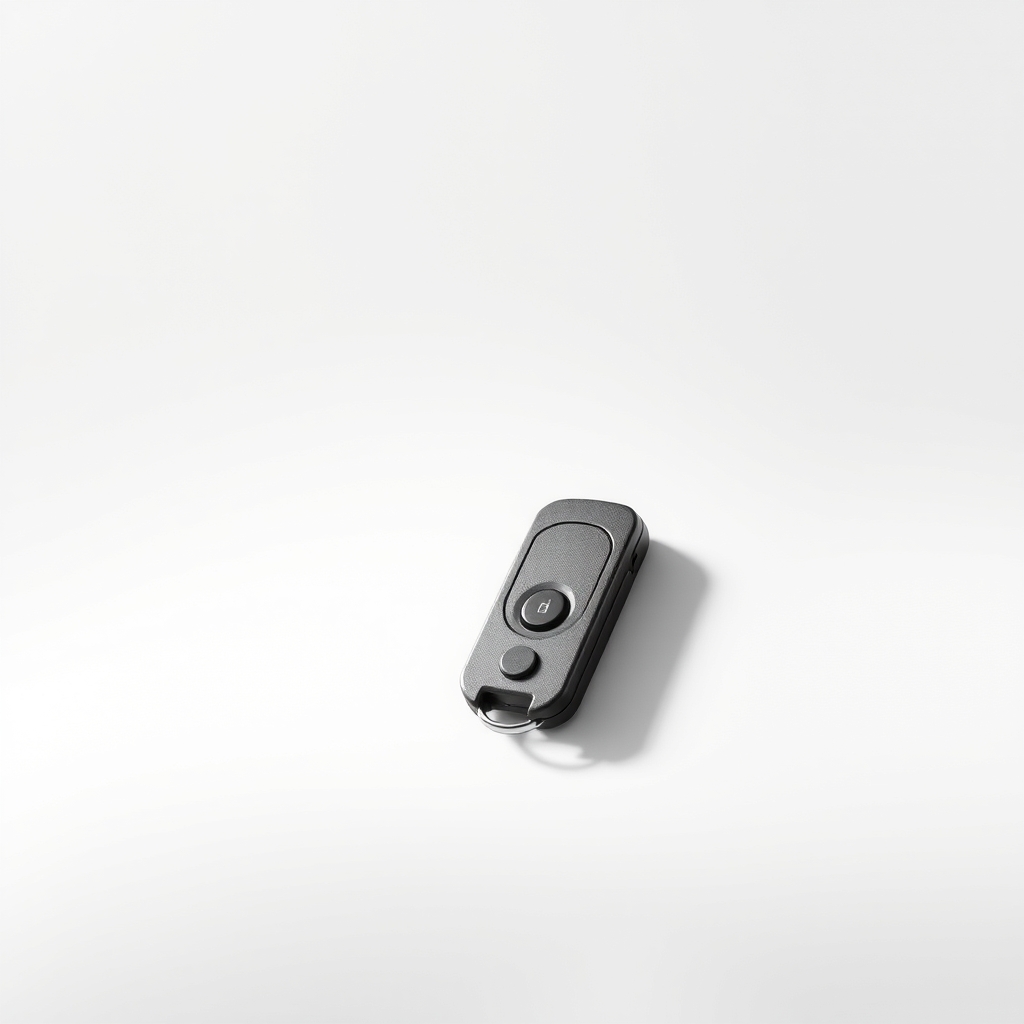
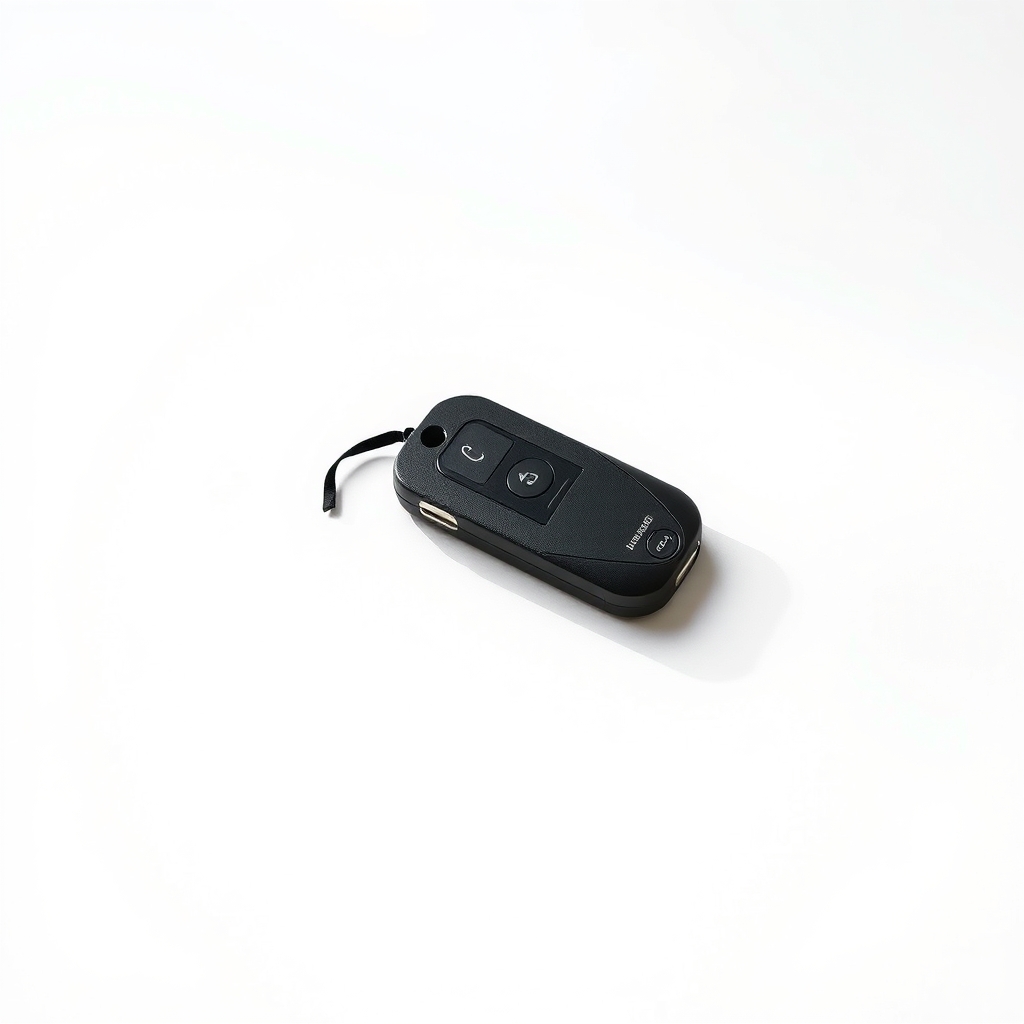
A compatible replacement or universal garage remote
Remotes that have spent years in a hot car, a pocket or a sunny visor can stop transmitting even with a new battery. A fresh remote matched to your opener sends a clean signal again, and you can keep a spare.
What to get: Universal or replacement garage door remote
How long it lasts: Years on a fresh battery, and many come as a multi-button remote you can use for a second door.
As an Amazon Associate I earn from qualifying purchases.
What you'll need
-
Step ladder or sturdy stool
To reach the Learn button on the opener
You have it -
Opener model number
Printed on the label of the motor head
Free - Illustration
Fresh remote battery
Match the type printed inside your remote
- Our pick Illustration
Universal or replacement garage remote
For a dead or damaged remote
- Illustration
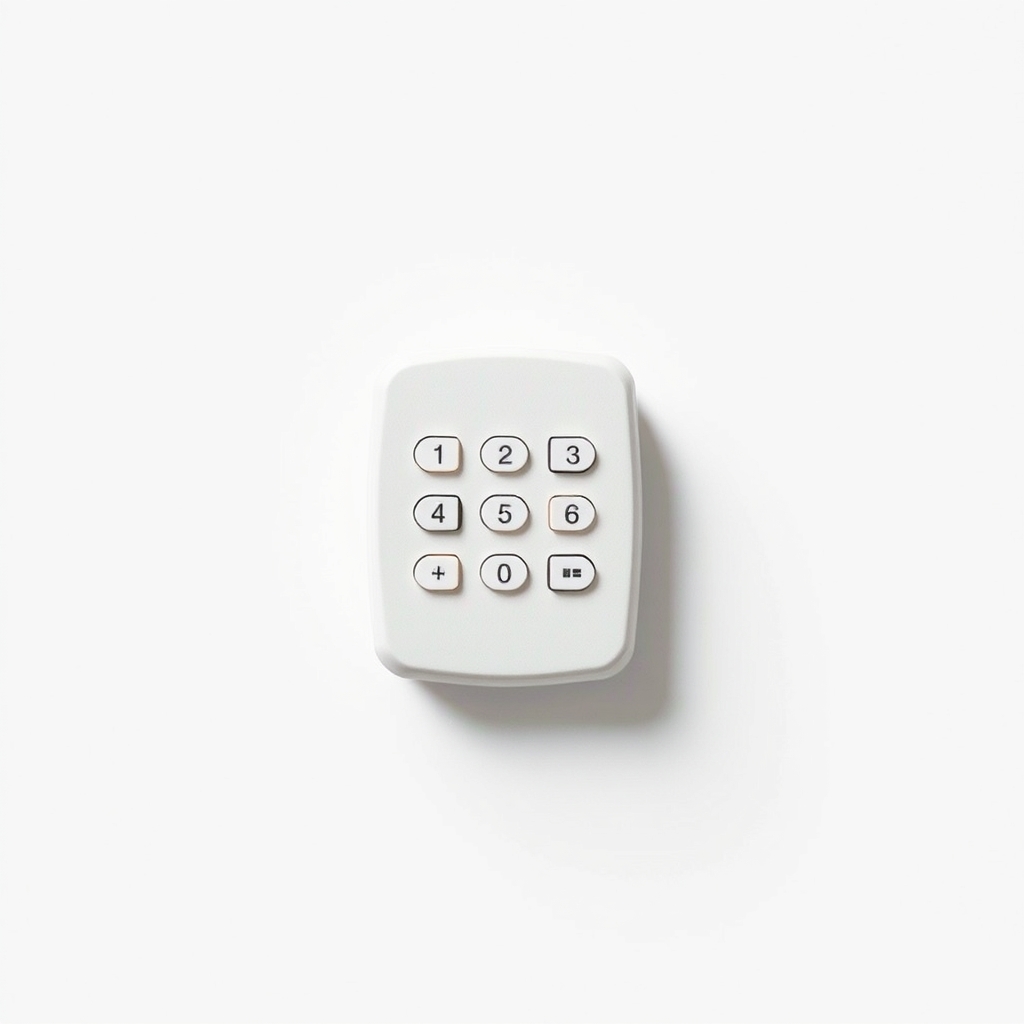
Wireless garage door keypad
Entry without a remote for family and visitors
Why it happens
A dead or weak battery
Range shrinks first. If the remote works only when you stand near the door, the battery is the first suspect.
Lock mode on the wall panel
Many wall panels have a Lock or Vacation button that blocks remotes while the wall button still works.
Lost pairing
A power surge, an opener reset or a new opener can erase the remote's code. The remote has to be taught again.
No power at the opener
An unplugged opener, a tripped GFCI outlet or a flipped breaker can make every remote look dead.
Interference or a damaged remote
Some LED bulbs in the opener can interfere with its receiver. Cracked buttons and a corroded circuit board also stop a remote working.
Try this first (free)
Do these in order, starting with the simplest.
-
Test the wall button first
If the wall button opens the door, the opener has power and the problem is the remote or lock mode. If it does nothing either, check the plug, the GFCI outlet and the breaker, then the safety sensors.
-
Swap the battery
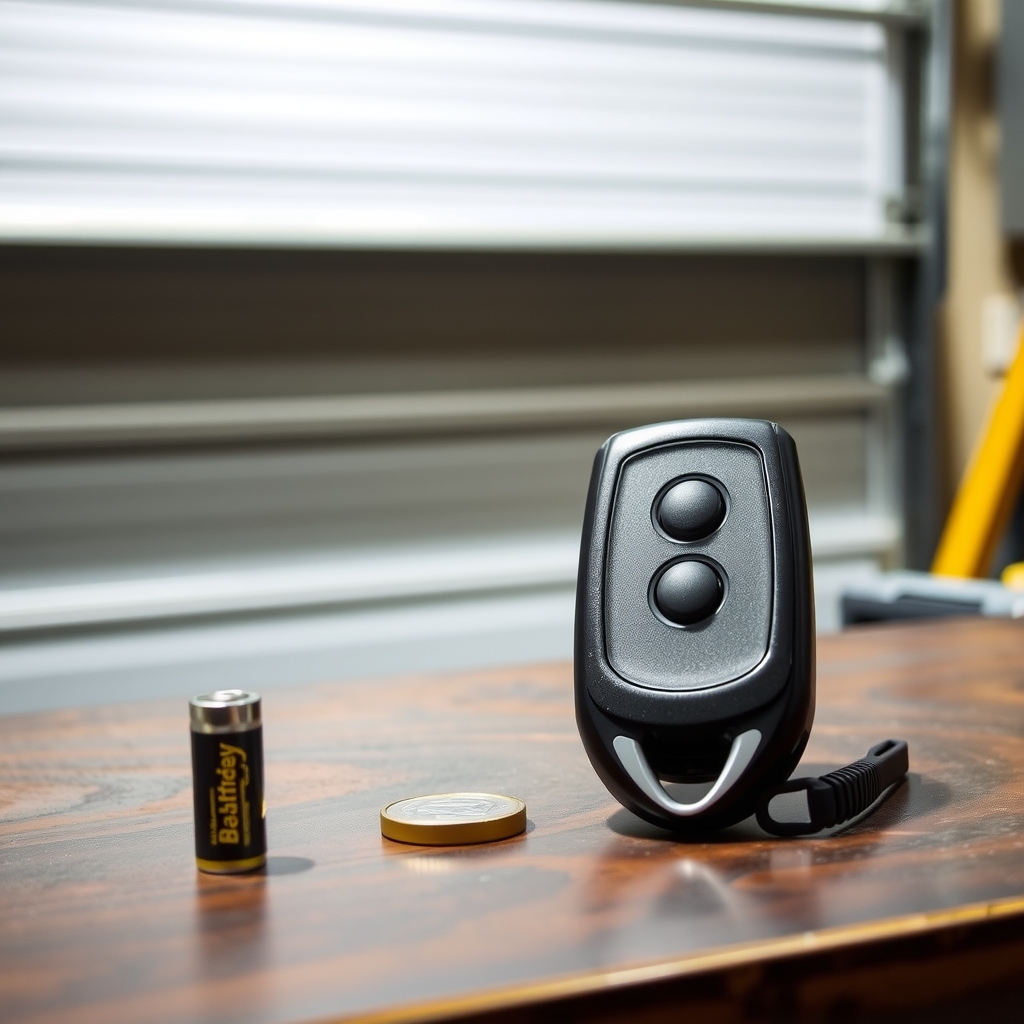
Tool used: Fresh remote batteryOpen the remote with a small screwdriver or a coin. Match the battery type printed inside, and watch the plus and minus sides. Press the button again, up close and from the driveway.
IllustrationCheck price on AmazonTool for this step
Fresh remote battery · Match the type printed inside your remote
-
Turn off lock mode
On many wall panels, pressing and holding the Lock button for about two seconds toggles it. The panel light stops flashing when it is unlocked. Check your manual for the exact button.
-
Reprogram the remote
Tool used: Step ladder or sturdy stoolStand on a ladder, find the Learn button on the motor head, then press and release it. Within about 30 seconds, press the remote button you want. The opener clicks or its lights flash when it accepts. Do not hold Learn for long, since on many models about six seconds erases all remotes. Check your manual.
-
Check for new interference
If the remote worked until you changed a bulb in the opener, swap the bulb for one labeled safe for garage door openers.
When free fixes aren't enough
If a new battery does not help and the opener will not learn the remote, with no click and no flash, the remote has probably died. Buttons crack, boards corrode and old remotes simply wear out. Your choices are the remote your opener's maker sells or a universal one that lists your opener's brand and Learn button color. If the wall button fails too, the problem is the opener or the sensors, not the remote. A motor that hums while the door does not move, or a door that feels heavy and crooked, points to a broken spring or cable. Do not lift it. Call a pro.
Buy the fix
Still stuck after the free fixes? These are the products we would look at.
| Pick | Product | Fixes | Who it's for | Buy |
|---|---|---|---|---|
| Best pick | Universal or replacement garage door remote | a dead, damaged or lost remote | Anyone whose battery is fresh and whose remote still will not work, or who lost a remote. | Check price |
| Budget pick | Garage door remote battery | a dead or weak remote battery | Anyone whose remote works only when standing close to the door. | Check price |
| Upgrade pick | Wireless garage door keypad | getting locked out when nobody has a remote | Households with kids, dog walkers or guests who keep losing remotes. | Check price |
Universal or replacement garage door remote
Fixes: a dead, damaged or lost remote
Look for: Your opener's brand and model, or its Learn button color, in the compatibility list; Two or three buttons, so one remote can run a second door; A battery included and clear programming steps; The same signal type as your opener, rolling code or DIP switch.
- Who it's for
- Anyone whose battery is fresh and whose remote still will not work, or who lost a remote.
- Honest downside
- Your opener is an old or unusual model that is not on the compatibility list. Buy your opener maker's own remote. Also confirm the wall button works before you buy.
Garage door remote battery
Fixes: a dead or weak remote battery
Look for: The exact type and size printed inside your remote; A pack of two, so you have a spare; Fresh stock from a seller that moves product quickly.
- Who it's for
- Anyone whose remote works only when standing close to the door.
- Honest downside
- The contacts inside the remote look green or crusty, or a fresh battery changes nothing. The remote is likely done.
Wireless garage door keypad
Fixes: getting locked out when nobody has a remote
Look for: Compatibility with your opener's brand and Learn type; A weather-resistant case; A PIN code and clear programming steps; Backlit keys for night.
- Who it's for
- Households with kids, dog walkers or guests who keep losing remotes.
- Honest downside
- Your opener is not on the compatibility list, or you do not want to program the opener.
As an Amazon Associate I earn from qualifying purchases. We don't show prices because they change, so use the button to see today's price.
How we picked: How we picked: this page is based on garage door opener manuals and programming guides, remote and keypad spec sheets, and the problems and fixes people report in reviews. We do not test products by hand.
Which remote fits your opener
- Brand and model: read them off the label on the motor head.
- Learn button: note its color and where it sits. Compatibility lists use it.
- DIP switches: an older opener has a row of small switches inside, and the remote's switches must match.
- Battery type: look inside your old remote, or the manual, for the size.
What to skip
A service call or a new opener before the basic checks
Most dead openers turn out to be a dead remote battery or the lock button. A service call costs far more than a battery, so test the wall button and swap the battery first.
Frequently asked questions
Garage door not opening with remote or keypad. What is wrong?
Garage door not closing with remote. Is it the battery?
How to fix a garage door opener remote?
Why is my garage door opener not working at all?
Related problems
 Free fix inside
Outdoor & Garage · Garage Door
Garage Door Keeps Going Back Up? It's Usually the Sensors
Read the fix Free fix inside
Outdoor & Garage · Garage Door
Garage Door Opening on Its Own? Stuck Button or Signal Clash
Read the fix Free fix inside
Outdoor & Garage · Garage Door Opener
Garage Door Opener Beeping? Often It's the Backup Battery
Read the fix Free fix inside
Outdoor & Garage · Garage Door
Garage Door Too Loud? Nylon Rollers Are the Quiet Upgrade
Read the fixAs an Amazon Associate I earn from qualifying purchases. Affiliate disclosure