No-Touch Kitchen Trash Can: What to Check Before You Buy
A no-touch can saves your hands until the sensor misfires or the batteries die. Check six things first, then pick one that suits the way you cook.
By Jamilur Rahman Updated November 5, 2026 · 7 min read
- Time
- 20 min
- Cost
- $50-$150
- Difficulty
- Easy
In this guide
Quick answer
A no-touch kitchen trash can opens its lid when a sensor sees your hand, so you can toss scraps with messy hands. Check the sensor, how the can is powered, the bag size and the lid headroom before you buy. Until it arrives, an open-top bin or a scrap bowl keeps your hands off a lid, but only a sensor can gives you a closed lid that opens by itself.
Free fix vs. permanent fix
Go hands-free with what you have
- Use a step-on pedal can if you already own one
- Keep a scrap bowl on the counter and empty it once
- Lift the lid with your elbow or a paper towel
- Wash the lid handle with soapy water after handling raw meat
How long it lasts: A stopgap. Open bins smell, and pets and flies get in.
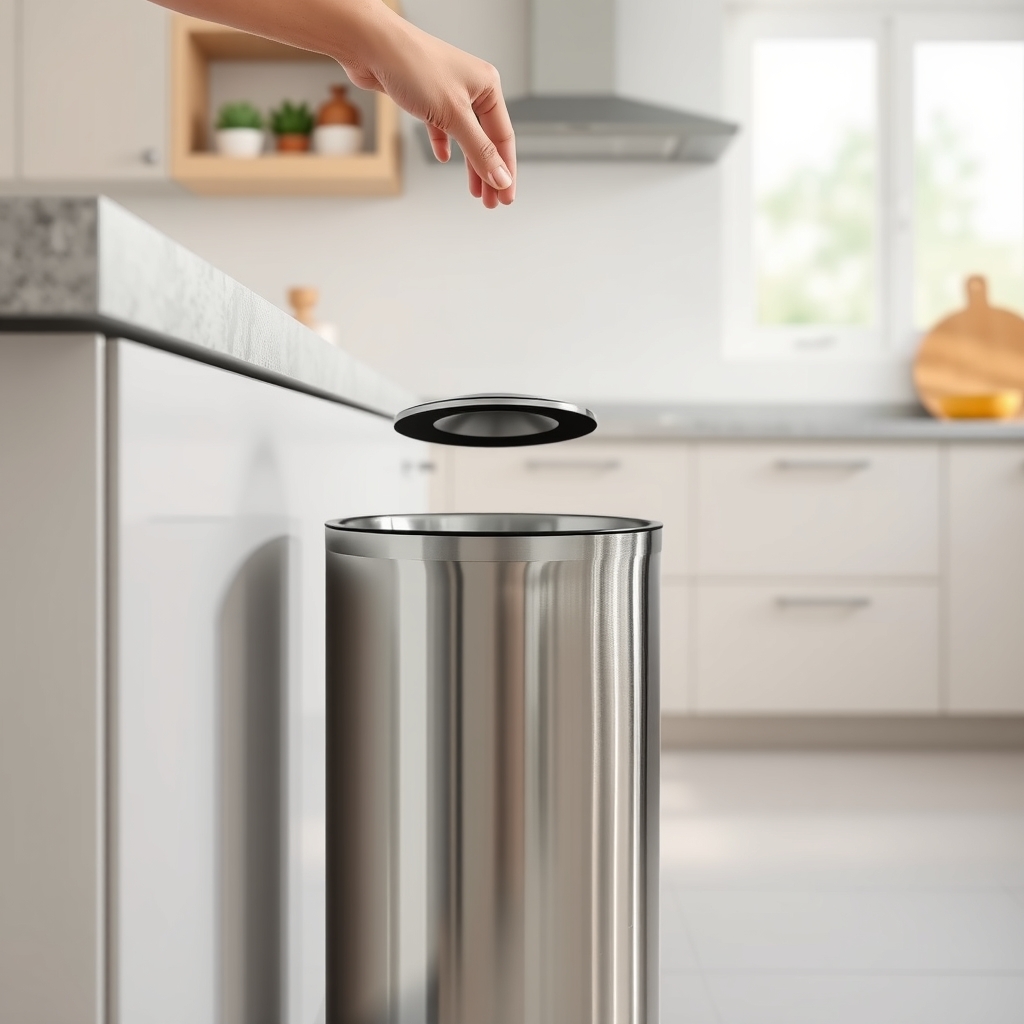
A motion-sensor trash can
The sensor opens the lid for you, so your hands never touch the can, and the lid stays closed the rest of the time. That keeps odor in and pets and flies out, which an open bin cannot do.
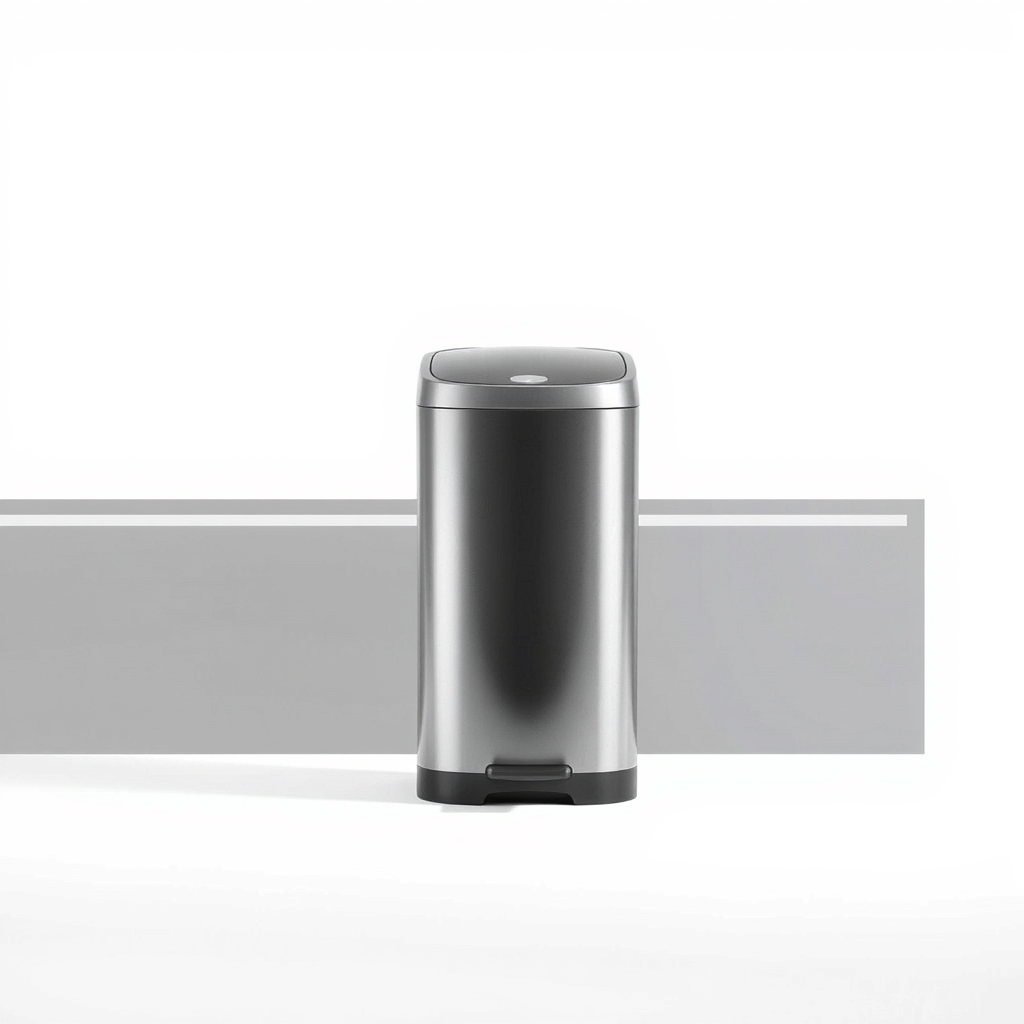
What to get: Motion-sensor kitchen trash can, 13 gallon
How long it lasts: Years, if the sensor stays clean and the power source is easy to keep up.
As an Amazon Associate I earn from qualifying purchases.
What you'll need
-
Tape measure
Check floor space and the headroom above the open lid
You have it -
Batteries or a USB charging cable
Many sensor cans use one or the other, so check what you have
You have it - Illustration

Trash bags that match the can
Buy the size the can lists, so the bag does not hang over the rim
- Our pick Illustration
Motion-sensor kitchen trash can
A 13-gallon size fits most kitchens
- Illustration
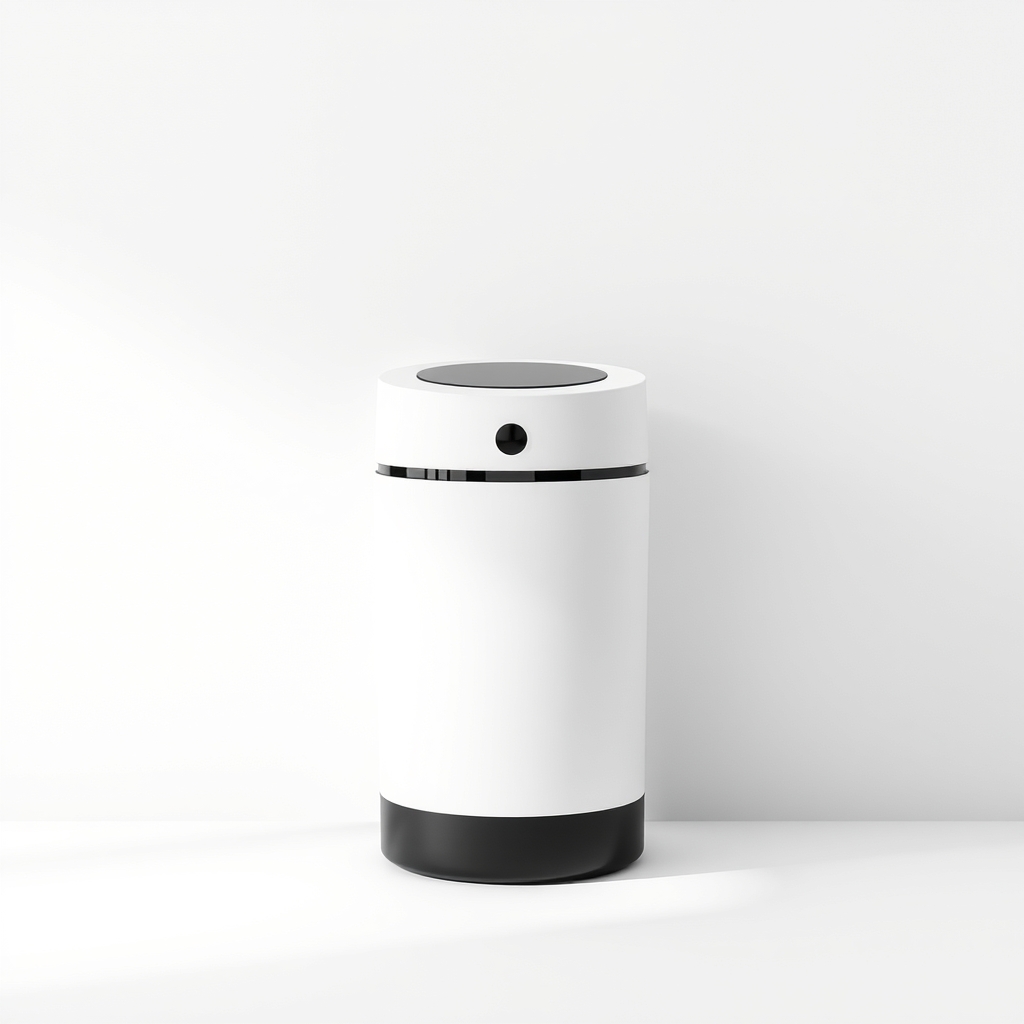
Compact battery-powered sensor can
A cheaper way to try touchless
- Illustration
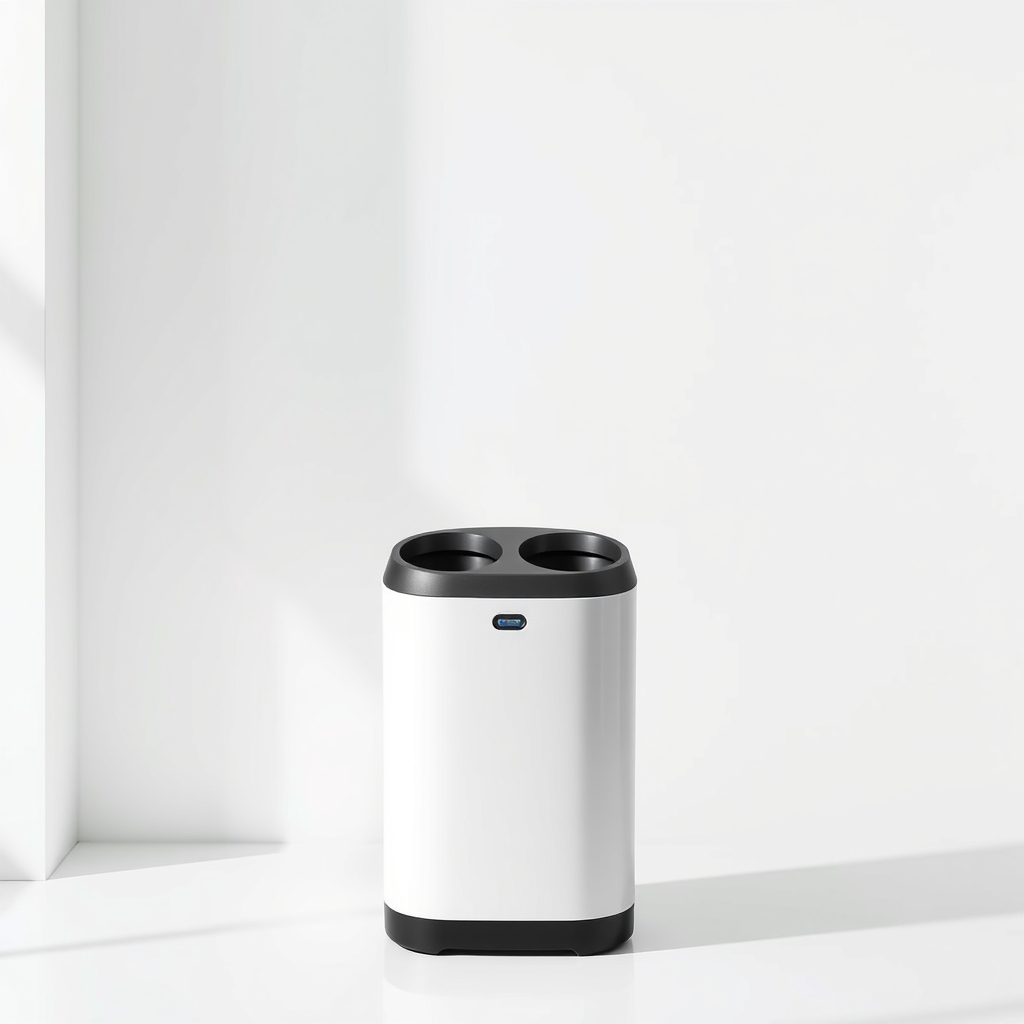
Dual-bin sensor can
Trash and recycling in one unit
Why it happens
Weak power
Sensor cans run on batteries or a rechargeable cell. Weak batteries or a low charge make the lid slow, or stop it opening at all.
A sensor in the wrong spot
If the sensor sits where your body passes, the lid pops open every time you walk by. If it faces a wall or a dark gap, it may miss your hand.
A bag over the rim
A bag that hangs over the edge can block the sensor or jam the lid, so the lid stays up or will not close.
The wrong size for the space
A can too tall for the gap under the counter, or one whose lid needs more headroom than you have, never opens fully.
Try this first (free)
Do these in order, starting with the simplest.
-
Measure the space and the headroom
Tool used: Tape measureMeasure the floor spot for width and depth, then measure the height of the lid when it is open. Many lids need more headroom than the closed can, so check against any shelf or counter above.
-
Choose the power source
Tool used: Batteries or a USB charging cableDecide if you want batteries you swap, a USB cable you charge, or a plug that needs an outlet. Pick the one you will really keep up. A spot with no outlet suits batteries or USB.
-
Match the bags to the can
Tool used: Trash bags that match the canCheck the can's capacity in gallons or liters and buy bags to match. A bag that is too big hangs over the rim, and one that is too small gets pulled inside.
IllustrationCheck price on AmazonTool for this step
Trash bags that match the can · Buy the size the can lists, so the bag does not hang over the rim
-
Set it up and test the sensor
Stand the can on a level floor with a few inches of space around it, switch to auto mode and wave a hand over the sensor several times. Move it until it opens every time but not when you walk past.
-
Fold the bag over the rim
Fold the bag edge over the rim and press it under the inner ring, so nothing blocks the sensor or the lid. Wipe the sensor eye with a dry cloth now and then.
When free fixes aren't enough
A pedal can is hands-free, but it needs your foot and clear floor space, and an open bin leaves trash exposed. If you cook with raw meat, have kids, or want the lid shut when nobody is near, a sensor can is the fix. If you only need to avoid touching a lid, a good pedal can may be enough. Know the trade: sensors need power and can misfire, so the best ones have a manual open mode and a way to turn the sensor off.
Buy the fix
Still stuck after the free fixes? These are the products we would look at.
| Pick | Product | Fixes | Who it's for | Buy |
|---|---|---|---|---|
| Best pick | Motion-sensor kitchen trash can, 13 gallon | touching a dirty lid with messy hands | Households that cook a lot, have kids or want the lid closed and the smell contained. | Check price |
| Budget pick | Compact battery-powered sensor trash can | dirty hands on a lid, in a small space | Small kitchens, and anyone who wants to try touchless before paying more. | Check price |
| Upgrade pick | Dual-bin motion-sensor trash can | sorting trash and recycling without touching a lid | Households that sort recycling and want one tidy unit. | Check price |
Motion-sensor kitchen trash can, 13 gallon
Fixes: touching a dirty lid with messy hands
Look for: A listed sensing distance and an auto/manual switch; A rechargeable cell or an easy-to-find battery type; A removable inner bucket so you can change bags without lifting the whole can; A lid that opens fully and closes softly.
- Who it's for
- Households that cook a lot, have kids or want the lid closed and the smell contained.
- Honest downside
- The gap under your counter is shorter than the open lid needs.
Compact battery-powered sensor trash can
Fixes: dirty hands on a lid, in a small space
Look for: Opens on a wave of the hand; A battery type or USB cable you can find easily; A lid you can lift by hand if the sensor fails.
- Who it's for
- Small kitchens, and anyone who wants to try touchless before paying more.
- Honest downside
- You cook for a family. A small bin fills fast and you will be changing bags all week.
Dual-bin motion-sensor trash can
Fixes: sorting trash and recycling without touching a lid
Look for: Two bins that match the bag sizes you buy; A sensor on each lid, or one you can open by hand; A width that fits your space; they are wider than a single can.
- Who it's for
- Households that sort recycling and want one tidy unit.
- Honest downside
- Floor space is short. Dual cans are wider and need more clearance.
As an Amazon Associate I earn from qualifying purchases. We don't show prices because they change, so use the button to see today's price.
How we picked: How we picked: this page is based on maker manuals, trash can buying guides, and the sensor and battery problems owners report in reviews. We do not test products by hand.
Six checks before you buy
- Power: batteries, USB or plug-in.
- Sensor: a listed distance, plus an auto/manual switch.
- Capacity: match the bag size to the can.
- Shape: rectangular cans sit flat against a wall, round cans waste corner space.
- Headroom: measure the open lid, not just the closed can.
- Finish: brushed stainless hides fingerprints better than a mirror finish.
What to skip
Cans with no manual mode
A sensor can with no off switch and no way to lift the lid by hand turns a dead battery into a closed bin you cannot use. It also opens every time someone walks past. Pick one with a manual open mode or a switch.
Frequently asked questions
Do no-touch trash cans need batteries?
Why does my sensor trash can open by itself?
Why won't my sensor trash can open or close?
Is a motion-sensor can better than a step-on can?
Related problems
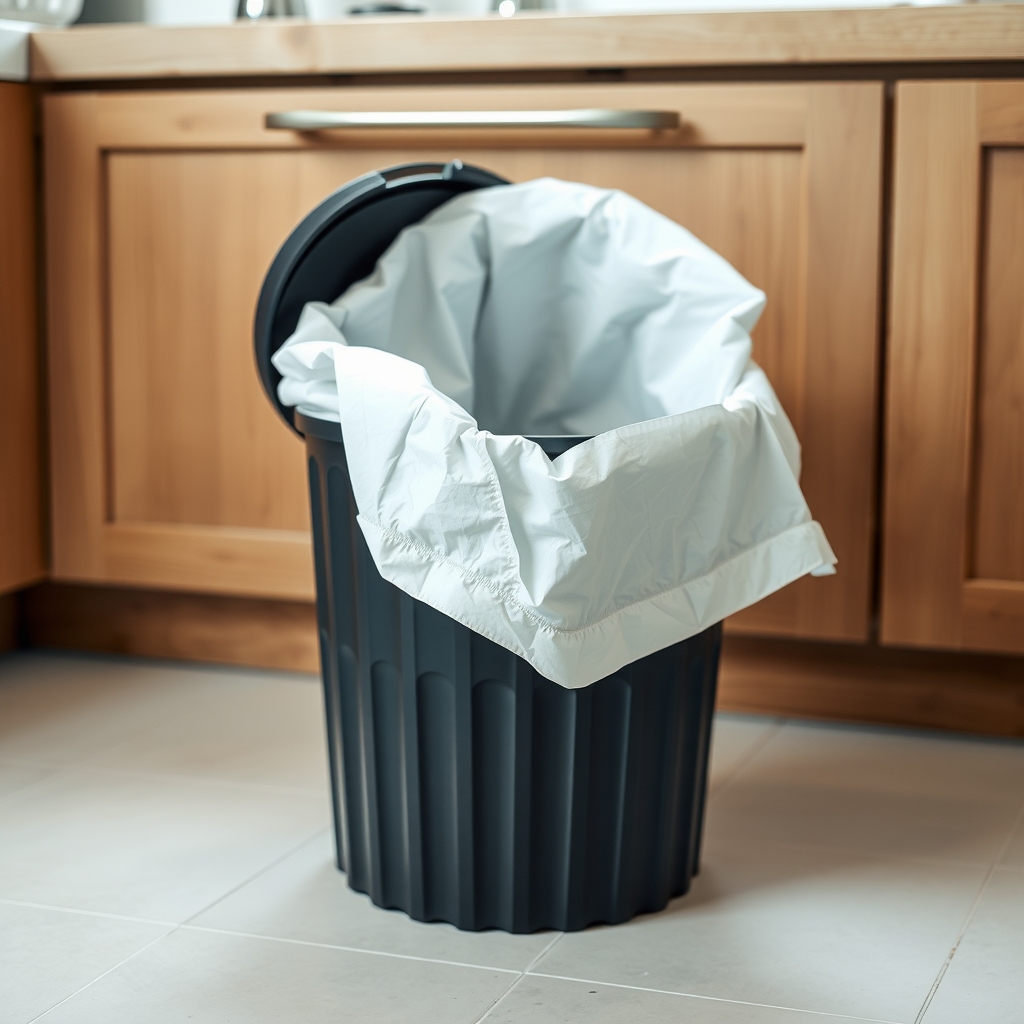 Free fix inside
Kitchen · Kitchen Trash Can
Kitchen Trash Can That Holds the Bag in Place: 3 Picks With a Grip Rim
Read the fix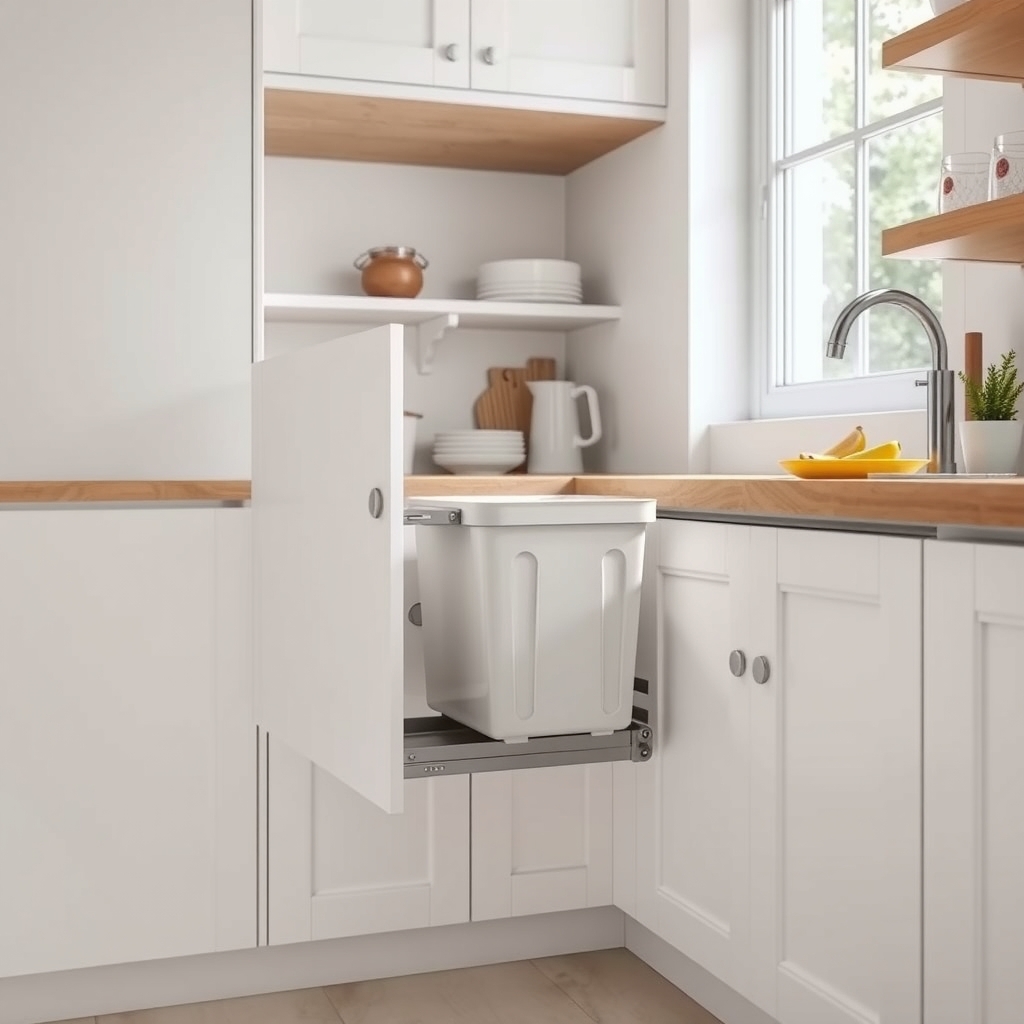 Free fix inside
Kitchen · Kitchen Trash Can
How to Hide a Trash Can in the Kitchen: 3 Setups for Any Layout
Read the fix Free fix inside
Kitchen · Kitchen Trash Can
Kitchen Trash Can Always Smells? Why It Happens and What Lasts
Read the fix Free fix inside
Kitchen · Kitchen Trash Can
Flies in the Kitchen Trash Can? Tight Lids and Habits That Stop Them
Read the fixAs an Amazon Associate I earn from qualifying purchases. Affiliate disclosure