Robot Vacuum Going in Circles? Wipe These Sensors, Check the Wheels
Dirty sensors, a hair-wrapped wheel, or a tangled side brush send a robot spinning. Wipe, untangle, and swap worn brushes to get it driving straight.
By Jamilur Rahman Updated November 5, 2026 · 7 min read
- Time
- 15 min
- Cost
- Under $20
- Difficulty
- Easy

In this guide
Quick answer
Why does a robot vacuum keep going in circles? Most often it is dirt: a dirty cliff or bumper sensor, or hair wrapped around a wheel or the side brush, so the robot thinks something is wrong or one side drags. Power it off, wipe every sensor, pull the hair out of the wheels and brushes, then restart it. Worn or tangled side brushes are cheap to replace and help keep it from spinning again.
Free fix vs. permanent fix
Wipe the sensors and clear the hair
- Power off and flip the robot over onto a towel
- Wipe each cliff, bumper, and wall sensor with a dry cloth
- Cut hair off the wheels and the side brush axle
- Spin each wheel by hand to check it moves freely
How long it lasts: Weeks to months. Hair and dust build up again, so the spinning returns if you skip the monthly clean.
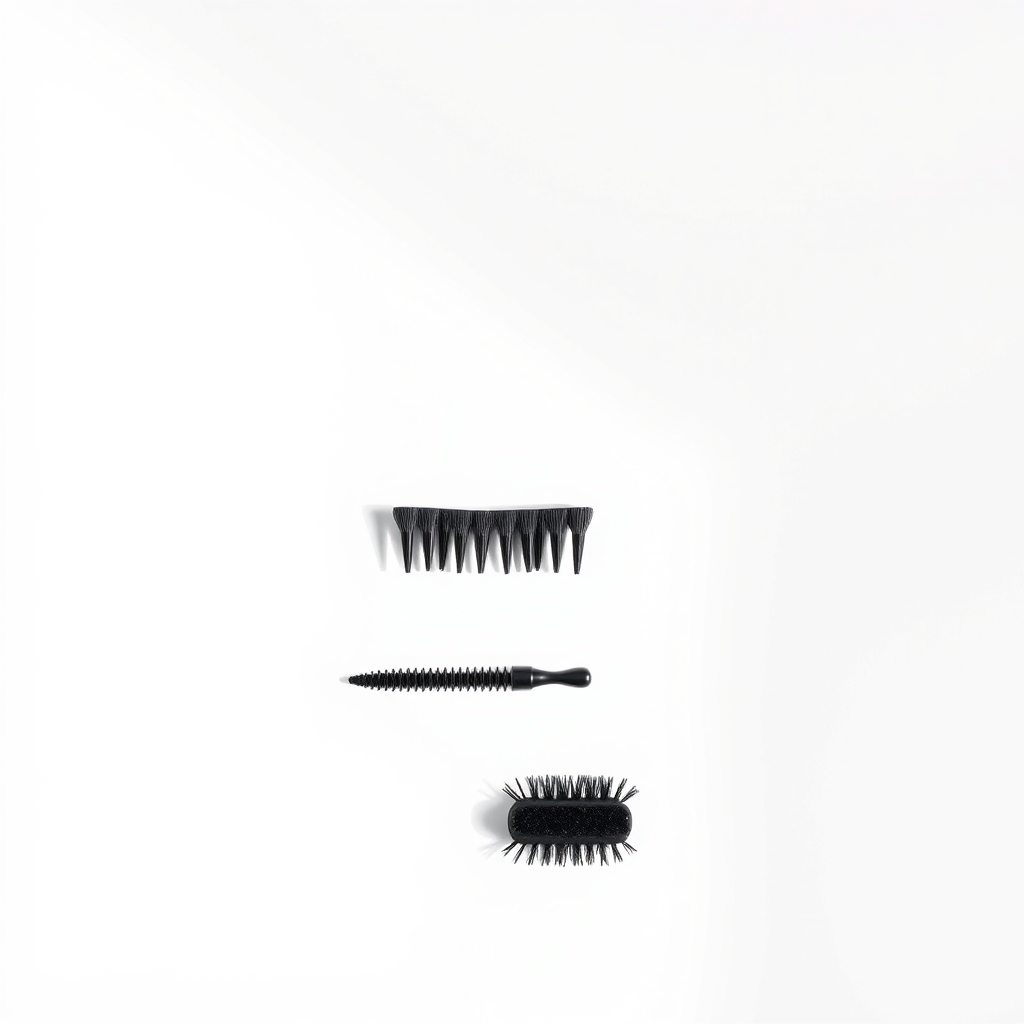
Fresh side brushes and a small cleaning kit
A bent or hair-clogged side brush can drag one side and push the robot into a loop. Worn bristles also fling dirt at the sensors. A new brush that fits your model, plus a small detail brush for upkeep, keeps both clean so the circling does not return.
What to get: Replacement side brushes and cleaning kit
How long it lasts: Several months per set of brushes, and the kit makes each monthly clean a two-minute job
As an Amazon Associate I earn from qualifying purchases.
What you'll need
-
Dry microfiber cloth
Sensors scratch and fog easily, so never spray liquid on them
You have it -
Small scissors
For hair wrapped tight around axles
You have it -
Cotton swabs
For tiny sensor windows and tight gaps
You have it - Illustration
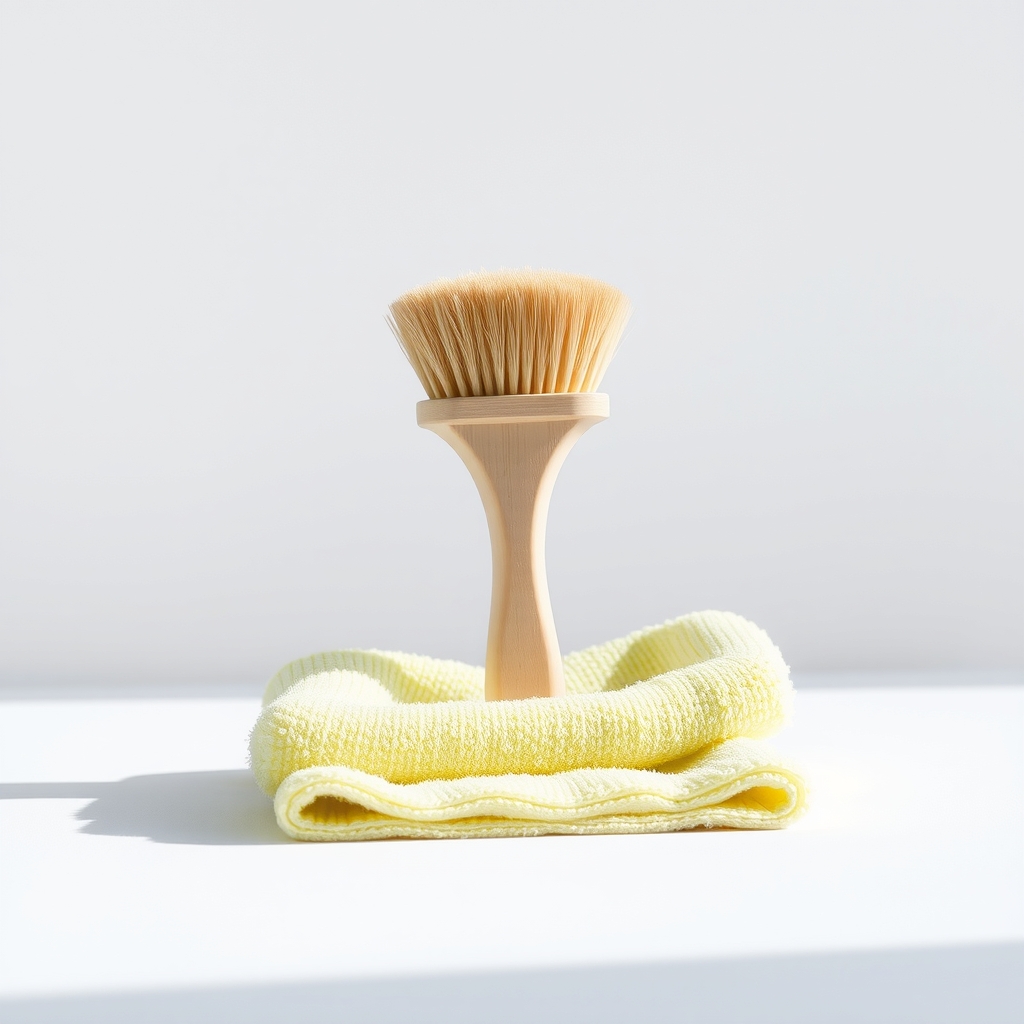
Small cleaning brush and cloth set
Soft bristles for wheel wells and sensor windows
- Our pick Illustration
Replacement side brushes and cleaning kit
Check the compatibility list for your exact model
Why it happens
Dirty cliff, bumper, or wall sensors
Robots have cliff sensors on the underside and bumper or wall sensors on the front. Dust or a film on them gives false readings, so the robot thinks it is on a ledge or has hit a wall and turns in place.
Hair wrapped around a wheel or the side brush
Hair around a drive wheel or the front caster makes one side drag, which turns the robot in a circle. A hair-wrapped side brush can pull it sideways in the same way.
A worn or bent side brush
A brush that is bent, loose, or missing bristles flicks debris badly and can catch on rugs, tugging the robot off course.
Dark rugs or shiny floors confusing the sensors
Black carpet and some dark rugs absorb infrared light, so cliff sensors read them as drops. Mirrors, glass, and glossy floors can bounce signals back and trigger the same turn.
A stuck bumper or a stale map
A bumper that stays pressed in makes the robot think it keeps hitting something. Less often, an old map or out-of-date firmware sends it spinning near a room boundary.
Try this first (free)
Do these in order, starting with the simplest.
-
Power off and flip it over
Hold the power button until it shuts down, or use the switch, so it cannot move while you work. Set it on a towel so the top does not get scratched.
-
Wipe every sensor
Tool used: Dry microfiber clothWipe the cliff sensors on the underside and the bumper and wall sensors on the front with a dry microfiber cloth. Use a cotton swab for small windows. Do not spray water or cleaner on them.
-
Clear hair from the wheels and brush
Tool used: Small scissorsPull off the side brush and cut hair from its axle. Check each drive wheel and the front caster wheel, snip the hair with scissors, and pull it out. A small brush cleans the gaps.
-
Spin the wheels and press the bumper
Tool used: Cotton swabsEach drive wheel should turn freely and spring back out. The front bumper should press in and pop back out. If either sticks, clean around it with a dry brush.
-
Replace worn brushes and restart
Tool used: Replacement side brushes and cleaning kitFit a fresh side brush if the old one is bent or thin. Place the robot on a flat, bright floor away from dark rugs and start a short run. If it still circles, power-cycle it and check for a firmware update in its app.
IllustrationCheck price on AmazonTool for this step
Replacement side brushes and cleaning kit · Check the compatibility list for your exact model
When free fixes aren't enough
If the robot still circles after you clean the sensors and clear the hair, a wheel motor may be failing or a drive wheel may be worn or stuck. Spin each drive wheel by hand. Grinding, sticking, or one wheel that does not turn needs a replacement part or service. If the robot is hot, smells burnt, or the battery looks swollen, stop using it and contact the maker. Do not charge a swollen battery. A factory reset and a new map are the next software steps.
Buy the fix
Still stuck after the free fixes? These are the products we would look at.
| Pick | Product | Fixes | Who it's for | Buy |
|---|---|---|---|---|
| Best pick | Replacement side brushes and cleaning kit | spinning caused by hair-clogged or worn side brushes, and dirt that keeps coming back | Anyone whose robot is more than a few months old, or whose brushes look bent or thin. | Check price |
| Budget pick | Small cleaning brush and microfiber cloth set | dirty sensors and hair stuck in wheel wells | Owners whose brushes are still in good shape and just need a thorough clean. | Check price |
Replacement side brushes and cleaning kit
Fixes: spinning caused by hair-clogged or worn side brushes, and dirt that keeps coming back
Look for: Made for your exact robot model, with a compatibility list; Firm, even bristles that spring back; A kit with a small cleaning brush and a hair-cutting tool.
- Who it's for
- Anyone whose robot is more than a few months old, or whose brushes look bent or thin.
- Honest downside
- Your robot has no side brush, or you do not know your model. Check the model number on the bottom first.
Small cleaning brush and microfiber cloth set
Fixes: dirty sensors and hair stuck in wheel wells
Look for: Soft bristles that will not scratch sensor windows; Lint-free microfiber; A small tip that fits tight gaps.
- Who it's for
- Owners whose brushes are still in good shape and just need a thorough clean.
- Honest downside
- Your side brushes are bent or missing bristles. Replace them.
As an Amazon Associate I earn from qualifying purchases. We don't show prices because they change, so use the button to see today's price.
How we picked: How we picked: this page is based on robot vacuum owner manuals, maintenance guides from makers, and the problems and fixes owners report in reviews. We do not test products by hand.
Which kind of circling is it?
- Spinning on the spot: a wheel is dragging, jammed, or has hair around it.
- Big loops that end where they began: a dirty sensor, a stale map, or old firmware.
- Circles near dark rugs or glossy floors: the sensors misread the surface.
- Circles only near the dock: wipe the dock contacts and check that nothing blocks its signal.
A five-minute monthly routine
Once a month, wipe the sensors, cut hair off the wheels and brush axles, and press the bumper to check it springs back. If you have pets, do it every two weeks. Replace the side brushes when the bristles lie flat or bend, which is often every few months. A short routine beats a long rescue after it starts circling.
What to skip
Spraying liquid cleaner on the sensors
Sensors are small windows over electronics. Liquid can fog the glass or leak behind it. A dry cloth or a barely damp cotton swab is enough, followed by a dry wipe.
Frequently asked questions
Why is my robot vacuum spinning in circles?
Why is my robot vacuum going in circles in one spot?
Robot vacuum keeps going in circles after I cleaned it. Is it broken?
Robot vacuum keeps spinning in place. What should I check first?
Related problems
 Free fix inside
Cleaning · Robot Vacuum Parts
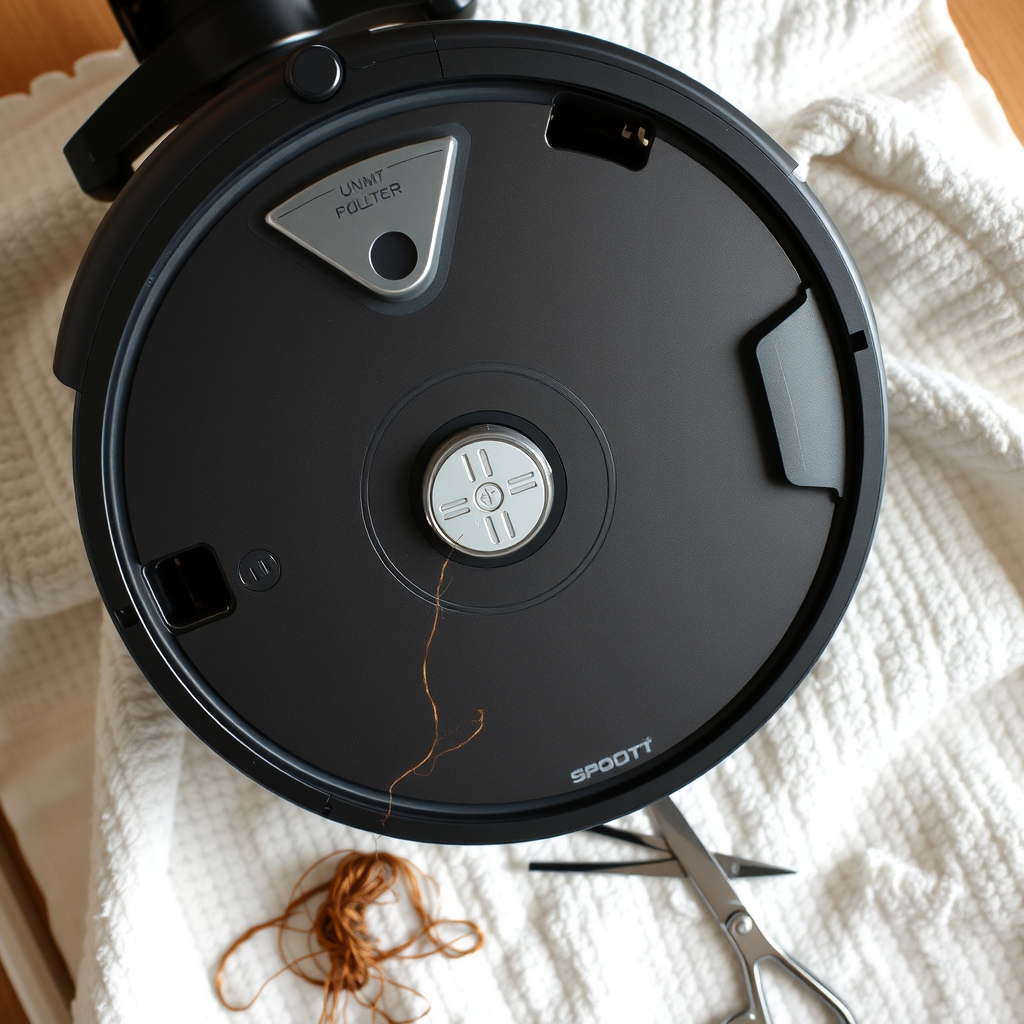
Robot Vacuum Wheel Stuck or Broken? Cleaning and Replacement Guide
Read the fix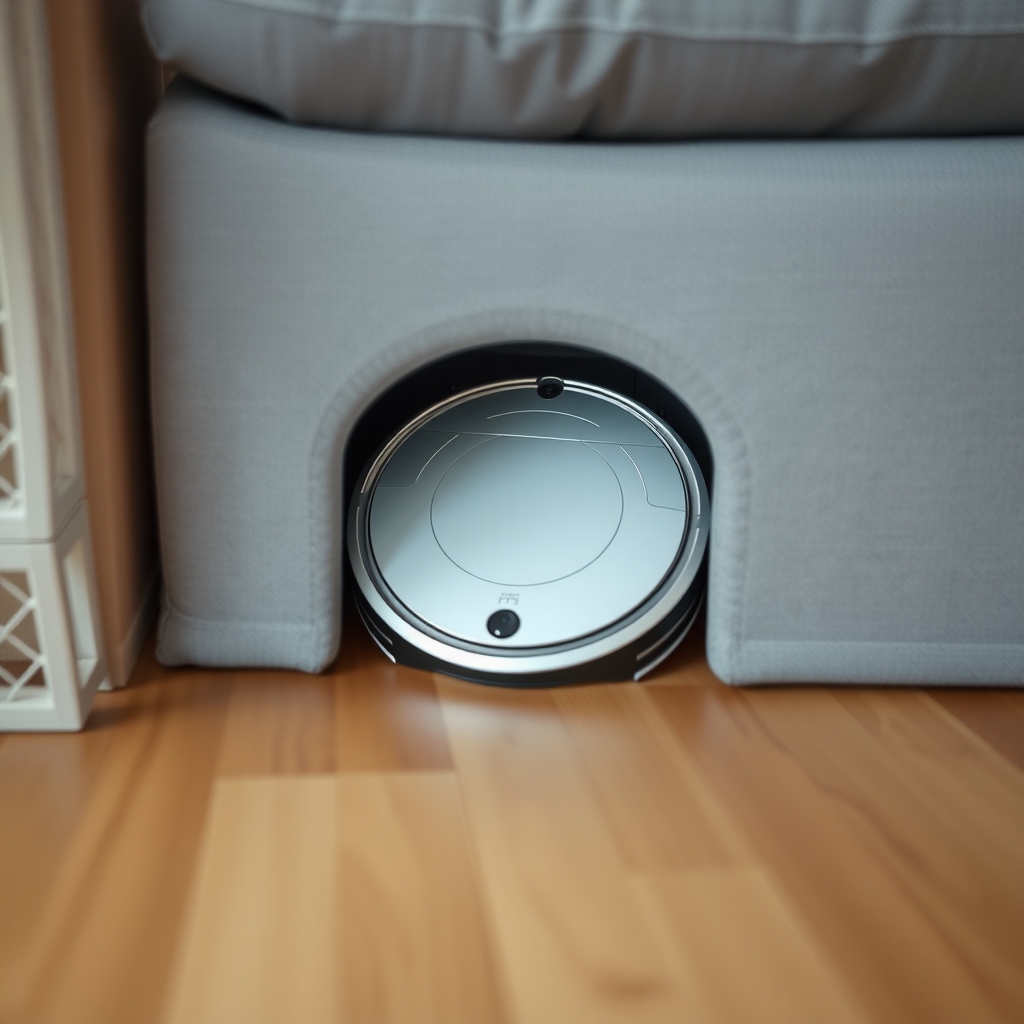 Free fix inside
Cleaning · Robot Vacuum
Robot Vacuum Stuck Under the Couch? Risers or Barriers: Which Wins
Read the fix Free fix inside
Cleaning · Robot Vacuum
Robot Vacuum Falling Down Stairs? Stop It With Boundary Strips
Read the fix Free fix inside
Cleaning · Robot Vacuum
Robot Vacuum Smells Bad? The Filter and Mop Pad Are Usual Suspects
Read the fixAs an Amazon Associate I earn from qualifying purchases. Affiliate disclosure