Ceiling Fan Clicking? Where the Click Hides and How to Silence It
A click on every spin usually means a loose screw or two parts tapping. Tighten the usual suspects; fresh screws replace any that are stripped.
By Jamilur Rahman Updated November 5, 2026 · 6 min read
- Time
- 20 min
- Cost
- Under $20
- Difficulty
- Easy
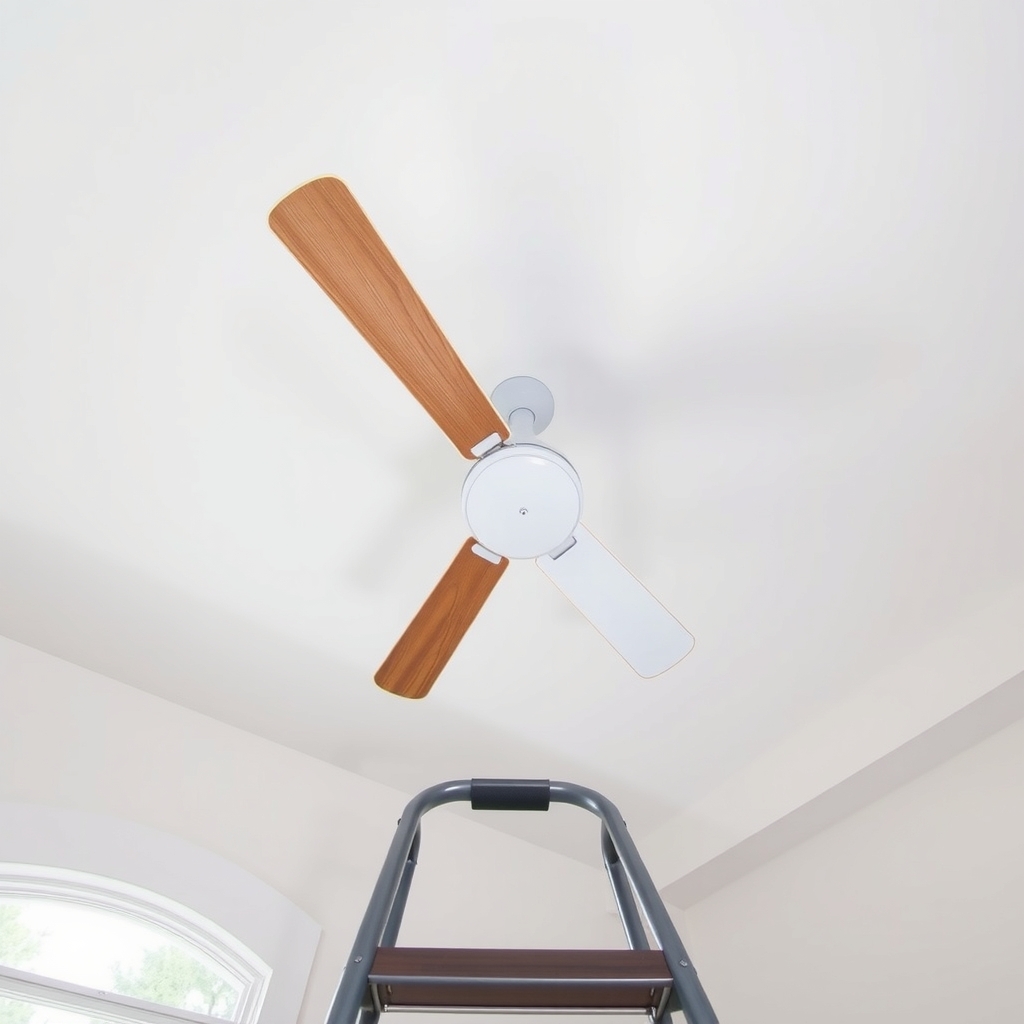
In this guide
- Quick answer
- Free vs. permanent fix
- What you'll need
- Why it happens
- Try this first (free)
- When free fixes aren't enough
- Buy the fix
- Why is my ceiling fan making a clicking noise? Match the sound to the spot
- How to stop a ceiling fan from squeaking
- How to stop a ceiling fan from rattling
- What to skip
- FAQ
- Related problems
Quick answer
How to stop a ceiling fan from clicking: the click is almost always a loose screw in the blades, blade arms, canopy or light kit. Switch the fan off, tighten each screw with a screwdriver, and the noise usually stops. If screws are stripped or missing, a matching ceiling fan hardware screw set replaces them so the fix holds.
Free fix vs. permanent fix
Tighten every screw you can reach
- Switch the fan off at the wall and wait for it to stop
- Snug the blade, blade arm, canopy and light kit screws
- Stop when each screw feels firm; do not force it
- Replace any screw that spins without gripping
How long it lasts: Often for good. Vibration can loosen screws again, so check once or twice a year.
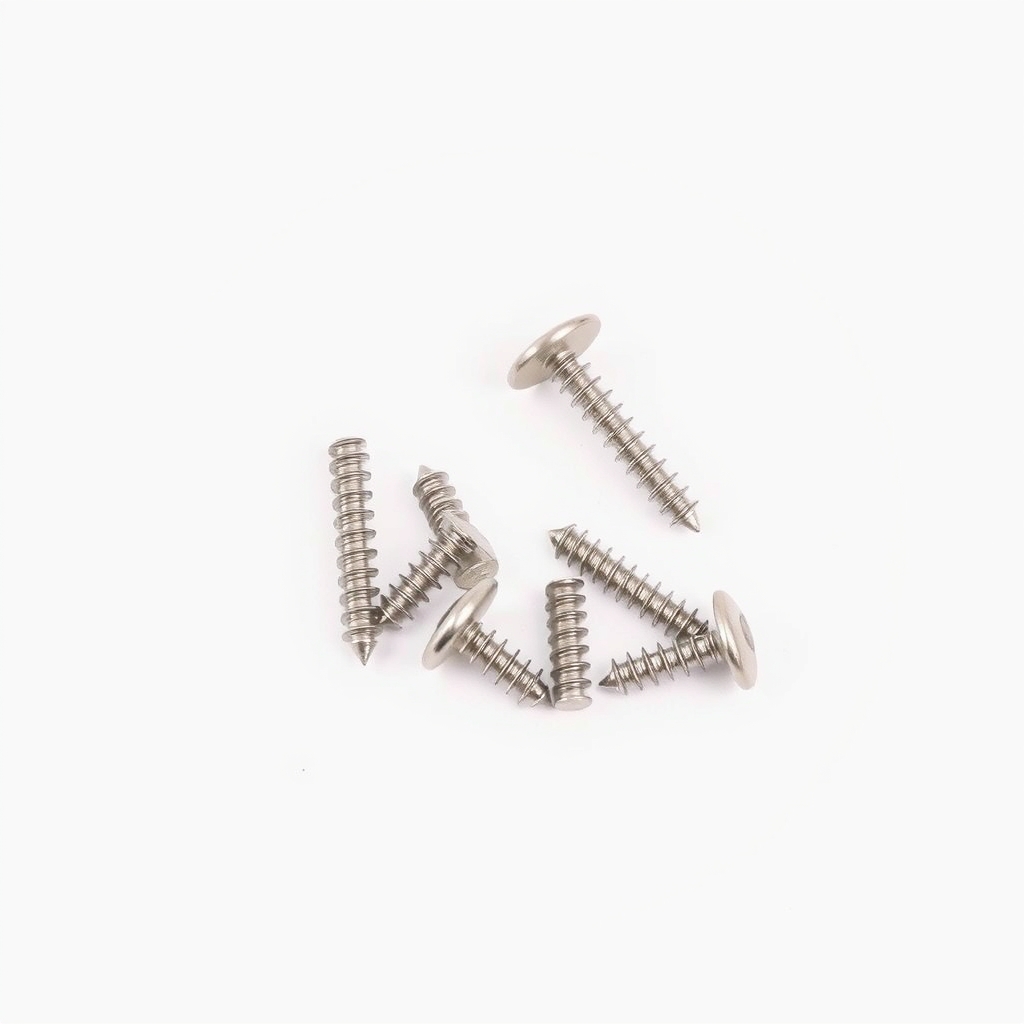
A matching ceiling fan hardware screw set
A click that returns after tightening usually means a stripped thread or a missing lock washer. Fresh screws in the right size give the threads something to bite. Most fans need only a screwdriver, so the set is for the ones that do not hold.
What to get: Ceiling fan hardware screw set
How long it lasts: Years. New screws with lock washers hold their grip where stripped ones keep working loose.
As an Amazon Associate I earn from qualifying purchases.
What you'll need
-
Screwdriver
Usually Phillips head; a few fans also use a small hex key
You have it -
Sturdy step ladder
Never stand on a chair or a box, and have someone nearby
You have it -
Dry cloth
Wipe dust off the blades while you are up there
You have it - Our pick Illustration
Ceiling fan hardware screw set
Only needed for stripped, loose-fitting or missing screws
Why it happens
Loose blade screws
Each blade is held by two or three screws into a blade arm. Vibration loosens them, and the blade starts to tap its arm once per rotation.
Loose blade arms
Each arm (sometimes called a blade iron) bolts to the motor. If one is loose, the whole assembly shifts slightly every spin.
A loose canopy or mounting bracket
The canopy is the cover at the ceiling. If its screws are loose, or the downrod set screw has worked free, the fan sways a little and ticks.
Light kit parts
Glass shades, bulbs and light kit screws tap each other as the fan vibrates. A swinging pull chain that taps a shade also sounds like a click.
Worn hardware or a warped blade
Stripped threads, missing lock washers or a slightly bent blade let parts move against each other, and the click comes back.
Try this first (free)
Do these in order, starting with the simplest.
-
1. Listen before you climb
Run the fan on low and listen from below. Decide if the click comes once per blade, near the ceiling or from the light kit. Then switch it off.
-
2. Switch it off and set up the ladder
Tool used: Sturdy step ladderTurn the fan off at the wall switch, not just the remote, and wait for the blades to stop. Set a stable ladder. Never spin the blades by hand to test.
-
3. Tighten the blade and blade-arm screws
Tool used: ScrewdriverSnug the screws that hold each blade to its arm, then the screws that attach each arm to the motor. Work across opposite blades. Firm is enough; stop when the screw stops turning easily.
-
4. Check the canopy, downrod and light kit
Tool used: ScrewdriverTighten the canopy screws, the set screws where the downrod meets the motor, and the light kit screws. Make sure glass shades are seated and bulbs are snug.
-
5. Swap stripped or missing screws
Tool used: Ceiling fan hardware screw setIf a screw spins without tightening, replace it with one of the same diameter, thread and length, plus a lock washer. A hardware screw set covers the common blade and blade-arm sizes.
IllustrationCheck price on AmazonTool for this step
Ceiling fan hardware screw set · Only needed for stripped, loose-fitting or missing screws
-
6. Wipe the blades and test
Tool used: Dry clothWipe dust off the blades, then run the fan on low, then high, and listen again. If one blade still clicks, mark it with painter's tape and recheck its screws.
When free fixes aren't enough
If every screw is snug and the click still returns, a thread may be stripped in the blade arm or motor housing, and a new screw set will not fix that. Stop using the fan if the click comes with a wobble, a grinding or humming sound, a burning smell, or if the canopy or ceiling box moves. Switch it off at the breaker and call an electrician. Never open the motor housing or touch wiring.
Buy the fix
Still stuck after the free fixes? These are the products we would look at.
Ceiling fan hardware screw set
Fixes: stripped, loose or missing screws that keep loosening
Look for: A mix of sizes, including blade and blade-arm screws; Washers or lock washers included; A diameter and thread you can match to your old screw.
- Who it's for
- Anyone whose click returned after tightening, or who found stripped or missing screws.
- Honest downside
- Every screw is firm and undamaged. The noise is coming from a bearing, the motor or a wobble, and a screw set will not help.
As an Amazon Associate I earn from qualifying purchases. We don't show prices because they change, so use the button to see today's price.
How we picked: How we picked: this page is based on ceiling fan installation and care manuals, general fan troubleshooting guides, and what owners report when a fan clicks. We do not test products by hand.
Why is my ceiling fan making a clicking noise? Match the sound to the spot
- One click per spin: a loose blade, blade arm or a slightly warped blade.
- A tick near the ceiling: the canopy, mounting bracket or downrod set screw.
- Rattle with the lights on: a glass shade, bulb or light kit screw.
- Tap when the chain swings: the pull chain hitting the light kit.
How to stop a ceiling fan from squeaking
A squeak is usually dry or worn parts rubbing: a loose blade arm, the downrod set screw or the motor bearings. Tighten the same screws first. Most modern fan motors are sealed and need no oil, so check the manual before adding any. A squeak that grows louder or comes with a burning smell means the bearings are failing, and the fan needs repair or replacing.
How to stop a ceiling fan from rattling
A rattle is looser than a click. Check the light kit glass and screws, the canopy, and every blade attachment. A fan that rattles and also wobbles may need balancing; see the related page on a wobbling fan.
What to skip
Oil sprays and padding tricks
Spraying oil into the motor housing rarely stops a click and can attract dust or harm the motor. Taping blades or wedging foam around a loose part hides the noise for a while but leaves the loose screw to get worse. Tighten it properly instead.
Frequently asked questions
Why does my ceiling fan click?
My ceiling fan keeps clicking even after I tightened everything. What next?
How to fix ceiling fan clicking noise that only happens with the lights on?
Is a clicking ceiling fan dangerous?
Related problems
 Free fix inside
Cleaning · Ceiling Fan
Ceiling Fan Wobbling? Balance It With a Kit and Tighten 3 Screws
Read the fix Free fix inside
Cleaning · Ceiling Fan
Ceiling Fan Light Flickering? The Bulbs Made for Fans
Read the fix Free fix inside
Cleaning · Ceiling Fan
Ceiling Fan Pull Chain Broke? Swap the Chain Without Touching Wires
Read the fix Free fix inside
Cleaning · Ceiling Fan
Ceiling Fan Too Big for the Room? How to Size It Right
Read the fixAs an Amazon Associate I earn from qualifying purchases. Affiliate disclosure