Humidifier Making Everything Wet? How to Dial It In
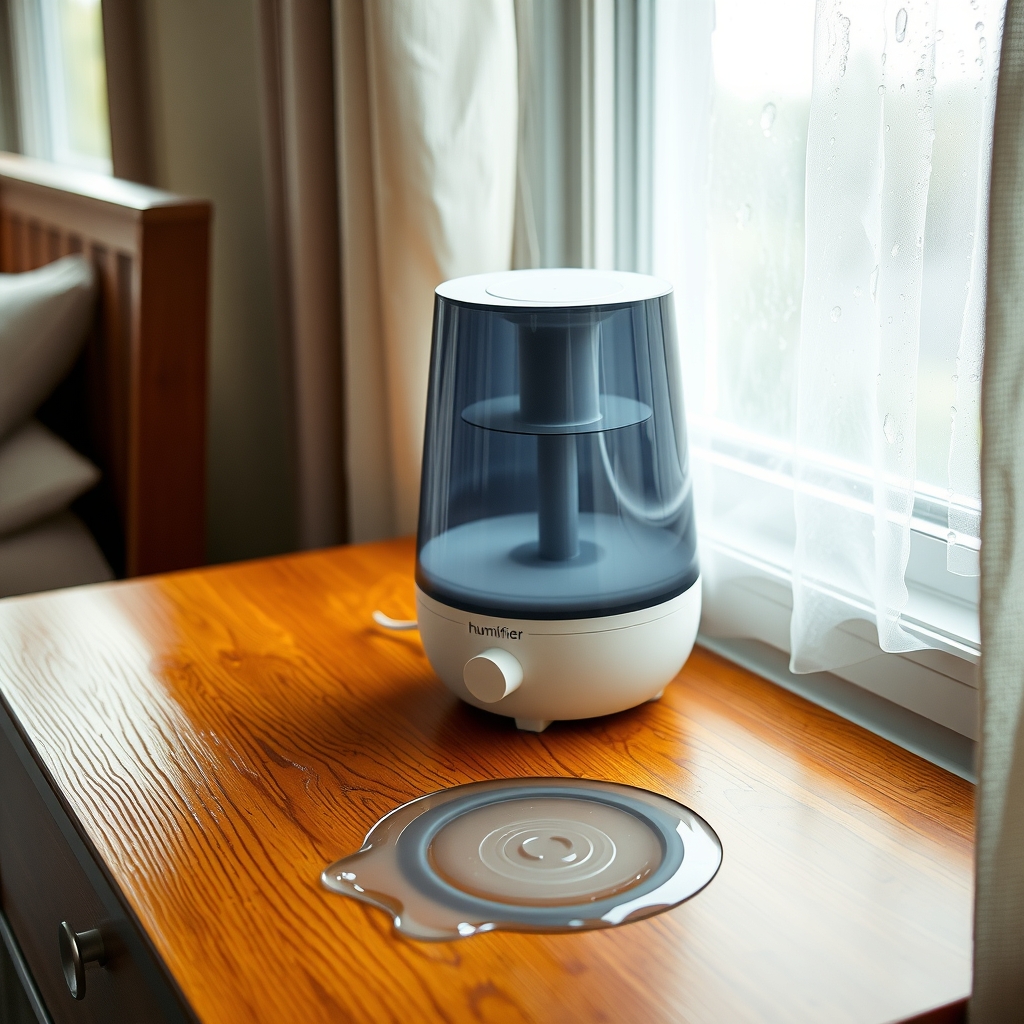
Fogged windows and damp furniture mean the air has too much moisture. Turn the output down, move the unit, and use a hygrometer to hold 30 to 50 percent.
By Jamilur Rahman Updated November 5, 2026 · 6 min read
- Time
- 10 min
- Cost
- Under $20
- Difficulty
- Easy
In this guide
Quick answer
To stop a humidifier from making everything wet, lower the mist setting, move the unit away from walls and furniture, and run it only until the room reaches about 30 to 50 percent humidity. That is the free fix. A digital hygrometer shows the real level so you stop guessing, and a plug-in humidity controller can shut the humidifier off for you.
Free fix vs. permanent fix
Turn it down and move it
- Drop the mist setting to low or medium
- Move the unit a few feet from walls, bedding and furniture
- Set it on a waterproof tray at table height
- Wipe window condensation each morning
How long it lasts: As long as you remember to adjust it. Weather changes, and so does the right setting.
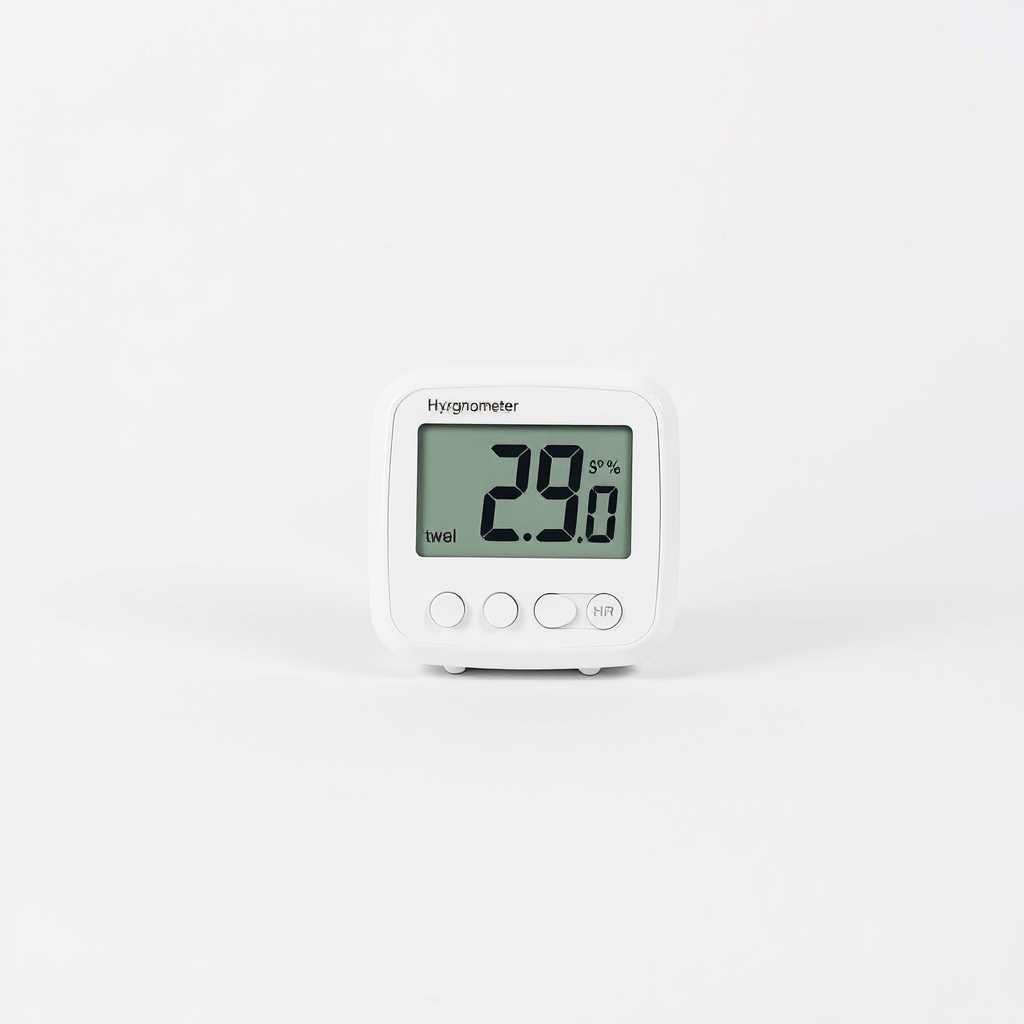
A digital hygrometer
Most humidifiers cannot read the whole room well. A hygrometer shows when you cross 50 percent, which is when windows fog and damp spots begin. It does not turn the humidifier down for you, but it makes the right setting obvious.
What to get: Digital hygrometer (room humidity monitor)
How long it lasts: Years. It shows the real humidity in seconds, so you set the humidifier by number, not by guess.
As an Amazon Associate I earn from qualifying purchases.
What you'll need
-
Towels
To wipe wet sills and floors
You have it -
Waterproof tray or low table
Keeps mist and drips off wood and carpet
Free - Our pick Illustration
Digital hygrometer
Shows the real humidity in the room
- Illustration
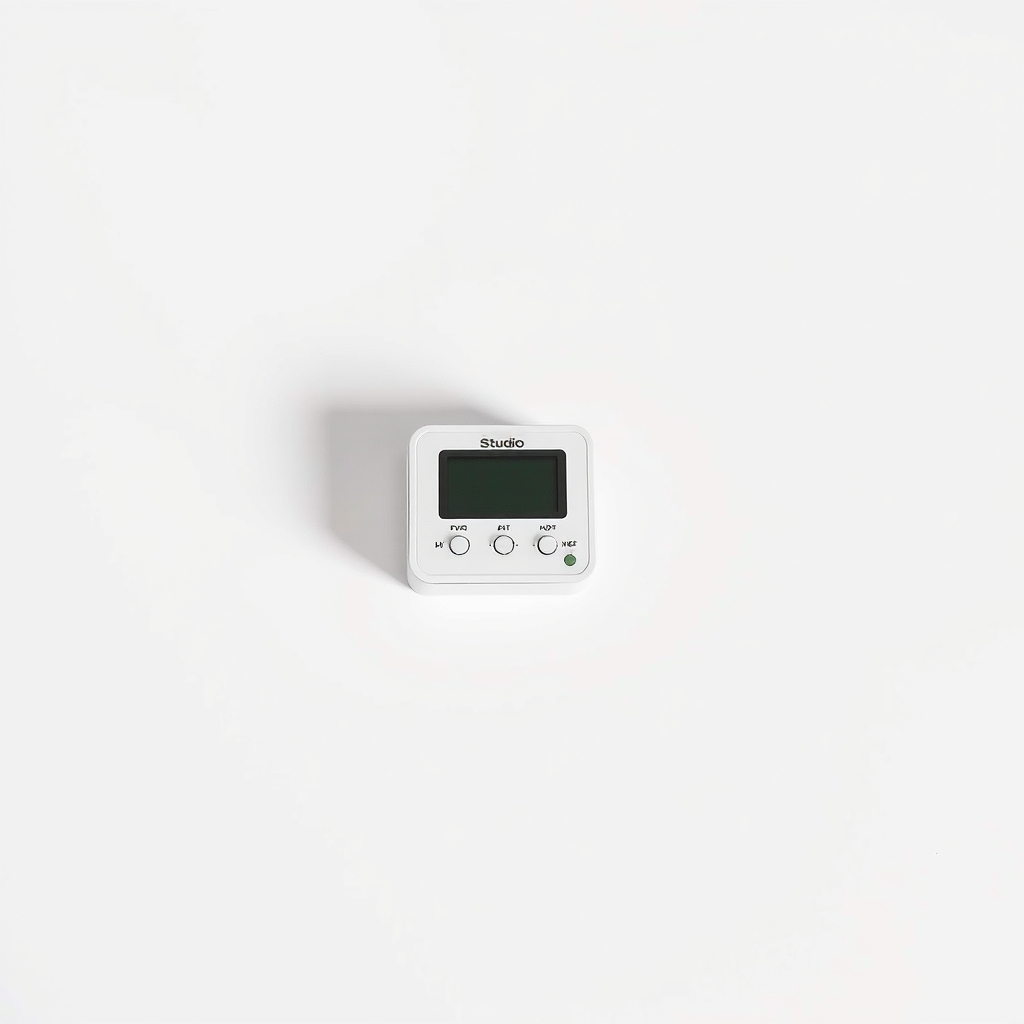
Plug-in humidity controller
Shuts the humidifier off at your target
Why it happens
The output is set too high for the room
A humidifier on its highest setting in a small, closed room can push humidity well past 50 percent in a few hours. The extra moisture ends up on cold surfaces.
The unit is too big for the room
A large console unit in a small bedroom keeps adding moisture long after the room is comfortable. A smaller unit or a lower setting fits better.
Cold windows and walls
Warm, moist air that touches cold glass condenses into water. The colder it is outside, the lower the humidity can be before windows start to fog.
Poor placement
A humidifier in a corner, against a wall or on a dresser puts the mist on nearby surfaces before it can mix into the room. Cool-mist ultrasonic units can leave a wet ring on wood.
A built-in humidistat that reads wrong
The sensor sits right next to the mist, so it can read high or low. The unit then runs longer than the room needs.
Try this first (free)
Do these in order, starting with the simplest.
-
Measure before you change anything
Tool used: Digital hygrometerPut a hygrometer on a shelf at chest height, across the room from the humidifier. Wait 15 minutes. Aim for 30 to 50 percent. Above 50 percent is too humid, and above 60 percent dust mites and mold grow more easily.
IllustrationCheck price on AmazonTool for this step
Digital hygrometer · Shows the real humidity in the room
-
Turn the mist output down
Use the low or medium setting. Run the unit for a few hours, not all day and all night. In very cold weather, aim for the low end, because windows fog at lower humidity when it is cold outside.
-
Move it to a better spot
Tool used: Waterproof tray or low tableSet it on a waterproof tray or table about 2 to 3 feet off the floor, with open space around it. Keep it away from walls, bedding, electronics and wood floors, and aim the mist toward the middle of the room. Check the manual for the clearance it asks for.
-
Use auto mode or a shorter run time
If the unit has an auto setting, set it to about 40 to 45 percent. If not, run it for a few hours before bed and shut it off. Check the hygrometer in the morning and adjust.
-
Wipe wet surfaces and air the room
Tool used: TowelsWipe window frames and sills with a towel each morning, since standing water feeds mold. Crack a door or window for a few minutes if the room is small and closed.
When free fixes aren't enough
If humidity still creeps above 50 percent with the output turned down, the humidifier is too large for the room or the room is very small and tight. A smaller unit, or one with a built-in humidistat, is the lasting answer. If you find black or green spots on walls, ceilings or sills, wipe small areas with detergent and water. If the mold covers more than about 10 square feet, call a professional. A plug-in controller can do the shut-off for you, but it only works with humidifiers that restart when power returns.
Buy the fix
Still stuck after the free fixes? These are the products we would look at.
| Pick | Product | Fixes | Who it's for | Buy |
|---|---|---|---|---|
| Best pick | Digital hygrometer (room humidity monitor) | guessing the humidity, so the room swings too wet or too dry | Anyone who runs a humidifier, especially in a bedroom or a nursery. | Check price |
| Upgrade pick | Plug-in humidity controller | forgetting to switch the humidifier off, so the room overshoots | Owners of a humidifier with no automatic shut-off that turns on when it is plugged in. | Check price |
Digital hygrometer (room humidity monitor)
Fixes: guessing the humidity, so the room swings too wet or too dry
Look for: A clear readout of humidity in whole percent; Temperature on the same screen; Min and max memory to see overnight swings; A backlight or large digits for reading at night.
- Who it's for
- Anyone who runs a humidifier, especially in a bedroom or a nursery.
- Honest downside
- Your humidifier already has a reliable humidistat and you check it against a second reading.
Plug-in humidity controller
Fixes: forgetting to switch the humidifier off, so the room overshoots
Look for: An adjustable humidity target; A sensor that reads the room, not just the outlet; A rating above your humidifier's wattage.
- Who it's for
- Owners of a humidifier with no automatic shut-off that turns on when it is plugged in.
- Honest downside
- Your humidifier needs a button press to restart after a power cut. It will not come back on by itself.
As an Amazon Associate I earn from qualifying purchases. We don't show prices because they change, so use the button to see today's price.
How we picked: How we picked: this page is based on humidifier owner manuals, indoor humidity guidance and the problems and fixes people report in owner reviews. We do not test products by hand.
How much humidity is right? A quick guide
- Below 30 percent: the air feels dry, and skin and throats can too. Run the humidifier.
- 30 to 50 percent: the target for most homes. Stop adding moisture.
- 50 to 60 percent: windows may fog. Turn the output down.
- Above 60 percent: mold and dust mites thrive. Shut the humidifier off and ventilate.
What to skip
What to skip
Skip running the humidifier on maximum all night 'to be safe', and skip a second humidifier. A large unit on high in a small closed bedroom is the usual reason windows run with water. The humidity number should decide, not the setting on the dial.
Frequently asked questions
Why is my humidifier putting out too much moisture?
Humidifier too much steam: is it safe?
What humidity should my home be?
Why are my windows wet in the morning with the humidifier on?
Humidifier too high or too much moisture: is it bad for you?
Related problems
 Free fix inside
Air & Temperature · Humidifier
Humidifier Too Big for the Room? How to Size It Right
Read the fix Free fix inside
Air & Temperature · Humidifier
Humidifier Not Producing Mist? 5 Quick Fixes Before You Toss It
Read the fix Free fix inside
Air & Temperature · Humidifier
Noisy Humidifier? Quiet It Down or Pick a Quieter One
Read the fix Free fix inside
Air & Temperature · Humidifier Leak
Humidifier Leaking? Check the Tank Cap and Gasket First
Read the fixAs an Amazon Associate I earn from qualifying purchases. Affiliate disclosure