Someone Keeps Changing the Thermostat? Lock Boxes That Work
A tug-of-war over the thermostat wastes energy and starts arguments. Lock the settings first, then add a locking cover where the lock is not enough.
By Jamilur Rahman Updated November 5, 2026 · 7 min read
- Time
- 15 min
- Cost
- $20-$50
- Difficulty
- Easy
In this guide
Quick answer
Thermostats change for three reasons: a person adjusts them, a schedule or smart feature overrides your setting, or the thermostat misreads the room. Turn on Hold, set a temperature range and use the built-in lock or a PIN if yours has one. If it has no lock, or someone gets around it, a clear locking cover is the fix that stops the changes.
Free fix vs. permanent fix
Hold, limits and the built-in lock
- Set Hold, or turn off the schedule, so it stays put
- Set a minimum and maximum if the menu allows it
- Switch on the keypad lock or a PIN, as the manual says
- Agree on one temperature with everyone and write it down
How long it lasts: Often for good, if your thermostat has a keypad lock or PIN. Basic dial models have none, and a code only helps while it stays private.
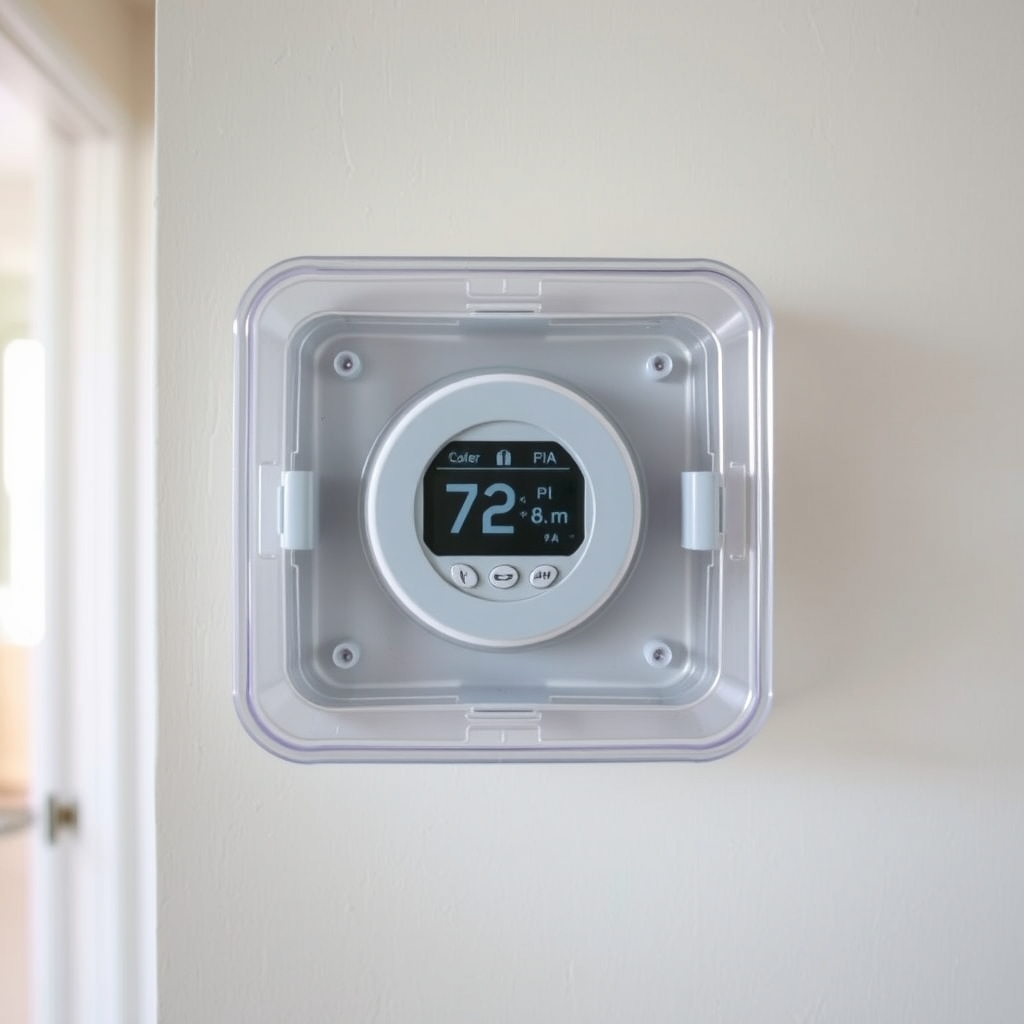
A locking thermostat cover
A clear box with a key or code lock covers the controls but lets you read the display. It works on basic thermostats that have no lock, and it stops casual fiddling for good. Size and ventilation matter, so measure first.
What to get: Locking thermostat cover (clear box)
How long it lasts: As long as it stays on the wall. It blocks the buttons or dial on any thermostat.
As an Amazon Associate I earn from qualifying purchases.
What you'll need
-
Thermostat manual or model number
Search it online for the Hold and lock steps
You have it -
Tape measure
Width, height and how far it sticks out from the wall
You have it -
Small screwdriver
To mount the cover
You have it - Illustration
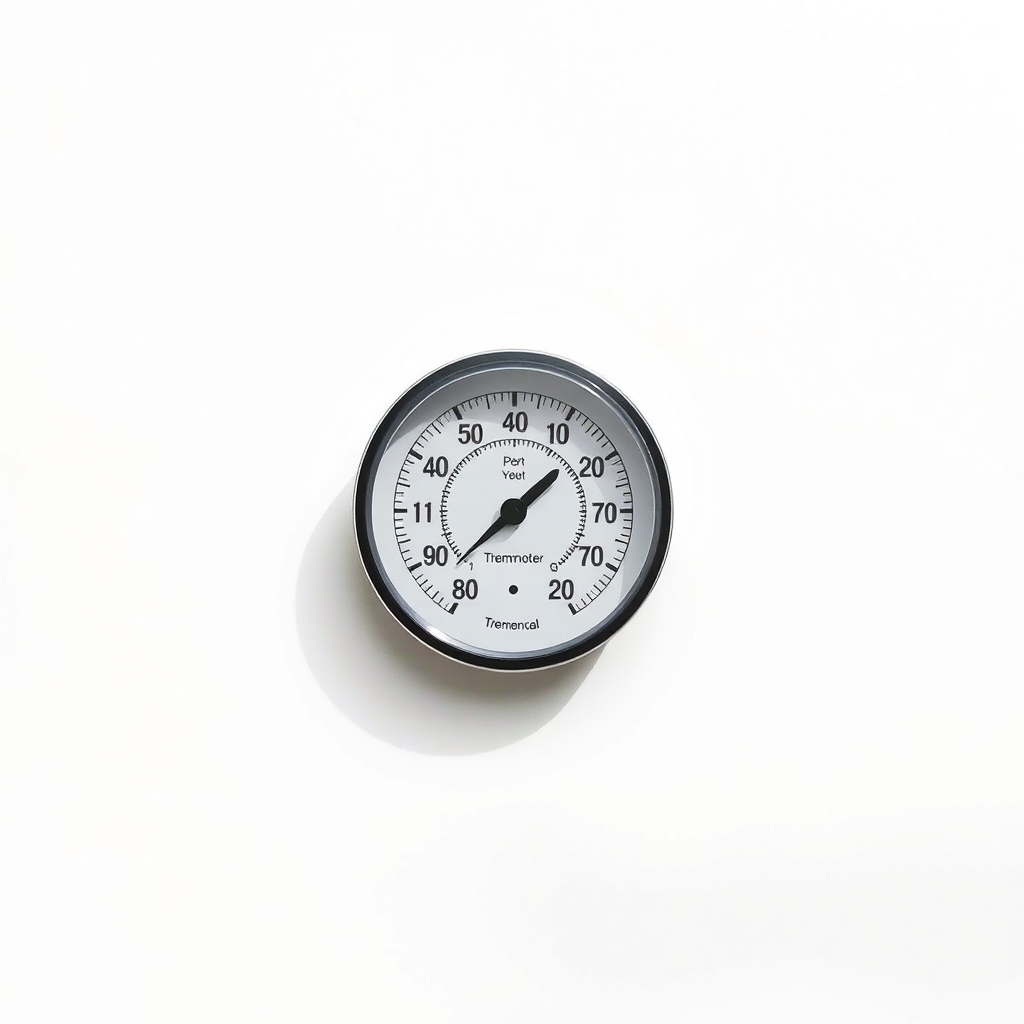
Indoor thermometer
Checks whether the thermostat reads the room right
- Our pick Illustration
Locking thermostat cover
Measure your thermostat first
Why it happens
A person adjusting it
Kids, roommates, guests and coworkers all have different ideas of comfortable, and each fix undoes the last.
A schedule, Away mode or learning feature
Programmable and smart thermostats change the temperature on their own. A schedule or auto-schedule can reset your setting without anyone touching the wall.
A thermostat that misreads the room
Sun on the wall, a draft, a nearby vent, or a lamp or TV can fool the sensor. The system then runs when it should not, and the temperature seems to wander.
Weak batteries or a glitch
Low batteries can make the display reset or drop its settings. If yours takes batteries, change them about once a year.
Try this first (free)
Do these in order, starting with the simplest.
-
1. Work out who or what is changing it
Write down the setting each morning for three days. If it changes when nobody has been near it, the schedule, Away mode or a glitch is the cause. If it changes during the day, it is a person.
-
2. Set a hold
Tool used: Thermostat manual or model numberOn a programmable model, use Hold or Permanent Hold, or clear the schedule. On a smart thermostat, turn off auto-schedule and auto-away. The manual or model number tells you where.
-
3. Limit the range
Many models let you set a minimum and a maximum, so no one can swing it more than a few degrees. Look for Range, Limits or Lock in the menu.
-
4. Lock the keypad
Many programmable and smart models have a keypad lock or PIN. Pick a code that is not easy to guess, and share it with as few people as you can.
-
5. Check the reading
Tool used: Indoor thermometerMove any lamp or heat source away from the thermostat, and look for sun, drafts or a vent nearby. Put an indoor thermometer on a shelf nearby for a day. If the two read several degrees apart, the thermostat is misplaced or off.
IllustrationCheck price on AmazonTool for this step
Indoor thermometer · Checks whether the thermostat reads the room right
-
6. Cover the controls
Tool used: Locking thermostat coverIf there is no lock, or the code is easy to get around, fit a clear lock box over the thermostat. Measure first, mount it as the instructions say, and keep the key where you can find it.
IllustrationCheck price on AmazonTool for this step
Locking thermostat cover · Measure your thermostat first
When free fixes aren't enough
A built-in lock only works on a thermostat that has one, and a PIN is only as private as the people who know it. Older dial and basic digital models often have no lock at all. If the setting still moves after the free steps, or you manage a shared space such as a rental, office or shop, a locking cover is the fix. It keeps hands off the dial or buttons while you can still read the temperature. It does not help if a schedule is the culprit, so do the hold step first.
Buy the fix
Still stuck after the free fixes? These are the products we would look at.
| Pick | Product | Fixes | Who it's for | Buy |
|---|---|---|---|---|
| Best pick | Locking thermostat cover (clear box) | people changing the settings on a thermostat that has no lock | Shared homes, rentals, offices, shops, and houses with kids or teens who keep adjusting the heat. | Check price |
| Upgrade pick | 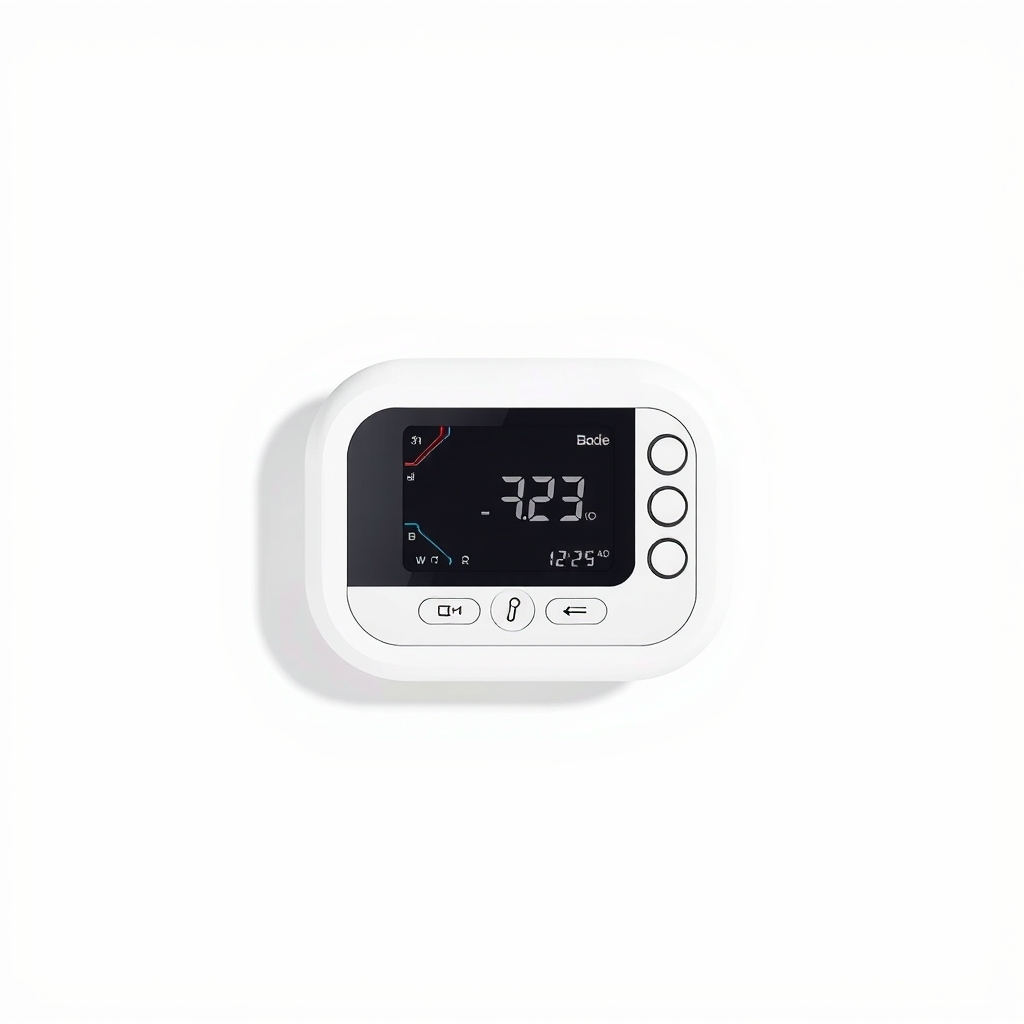 Programmable or smart thermostat with keypad lock and temperature limits | an old basic thermostat with no lock and no limits | People whose thermostat is old and who want built-in control over limits and schedule. | Check price |
Locking thermostat cover (clear box)
Fixes: people changing the settings on a thermostat that has no lock
Look for: A clear front, so you can read the display; A key or combination lock that you control; Ventilation holes, so the thermostat reads room air; Interior size listed, so you can match it to your measurements.
- Who it's for
- Shared homes, rentals, offices, shops, and houses with kids or teens who keep adjusting the heat.
- Honest downside
- Your thermostat has a PIN lock and range limits that you already use, or you need to adjust it often yourself.
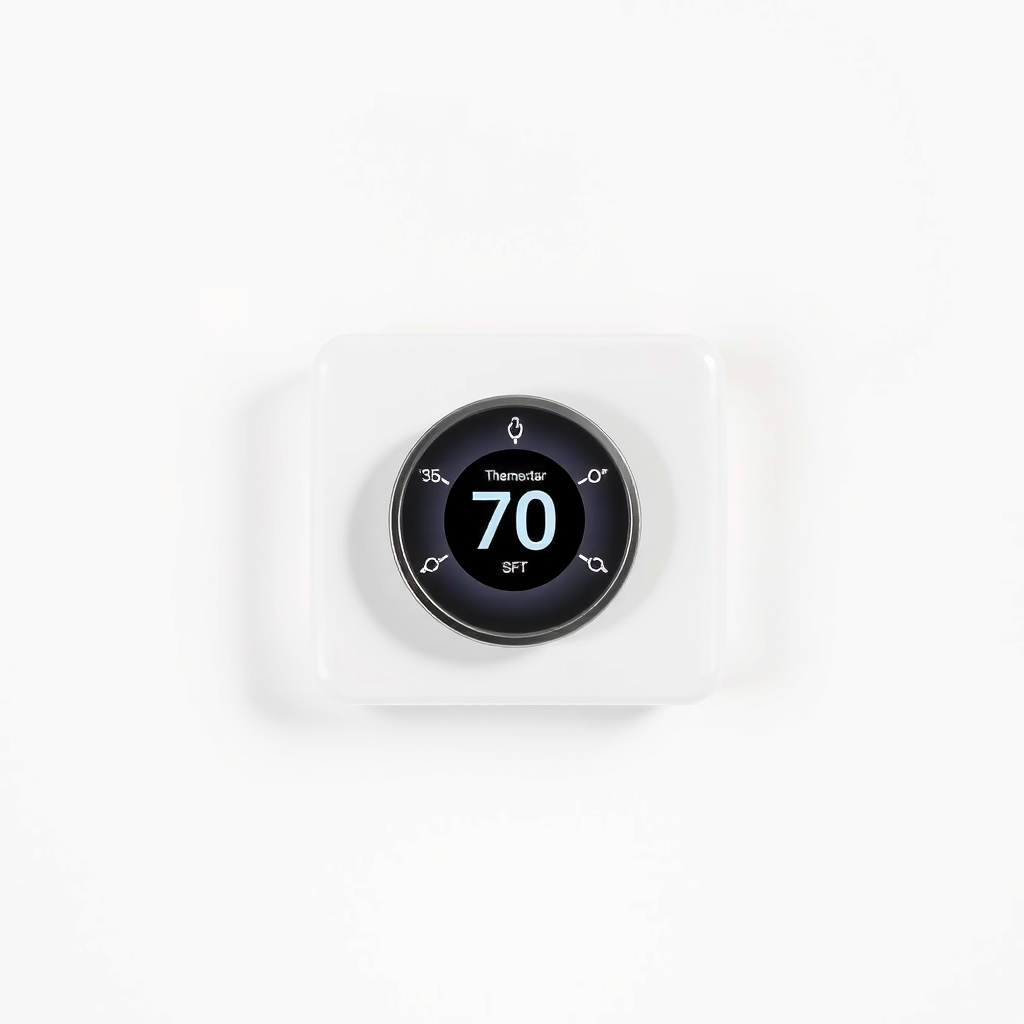
Programmable or smart thermostat with keypad lock and temperature limits
Fixes: an old basic thermostat with no lock and no limits
Look for: A keypad lock or PIN; Adjustable minimum and maximum temperatures; Works with your heating and cooling system, so check the wiring and voltage; An easy-to-read display.
- Who it's for
- People whose thermostat is old and who want built-in control over limits and schedule.
- Honest downside
- You rent, or you have line-voltage baseboard heat and are unsure of the wiring. Ask your landlord or a pro before you swap one.
As an Amazon Associate I earn from qualifying purchases. We don't show prices because they change, so use the button to see today's price.
How we picked: How we picked: this page is based on thermostat maker manuals, home energy guidance on setbacks and schedules, and the fixes owners report in reviews of locking covers. We do not test products by hand.
Measure before you buy
- Width and height of the thermostat, in inches.
- How far it sticks out from the wall. Smart and round models are deeper.
- Pick a cover with an inside size a little larger than all three numbers.
- Make sure it has vent holes, or the thermostat reads trapped air.
Keep everyone safe
Choose a setting everyone can live with. In freezing weather, keep it at 55°F or higher so pipes do not freeze, and do not lock the temperature so hot or cold that babies, older adults or anyone with a health condition are at risk. Keep a spare key. Never open a thermostat on a line-voltage circuit, like some baseboard heaters, because it carries household voltage.
What to skip
Tape, boxes with no vents and pulled batteries
Tape peels and leaves residue. A sealed box traps air around the sensor, so it reads wrong and the system cycles badly. Pulling the batteries can reset the settings or stop the system altogether.
Frequently asked questions
Why does my thermostat keep changing the temperature by itself?
How do I keep my thermostat at a constant temperature?
Can I lock a thermostat that has no lock?
Is a lock box okay in a rental?
Related problems
As an Amazon Associate I earn from qualifying purchases. Affiliate disclosure